
Create Focused Study With Me Videos with AI
Medeo’s AI Study With Me Video Generator helps students, creators, and productivity enthusiasts build structured, calming study videos that improve focus and consistency. Instead of filming long study sessions or manually editing timers and scenes, you can instantly generate aesthetic, distraction-free videos that simulate a real study environment. Whether you’re creating Pomodoro sessions, long-form YouTube study streams, or short productivity clips for TikTok and Reels, the AI automatically adds timers, ambient sounds, minimal visuals, and smooth pacing.
Powered by world-class AI models


What Is an AI Study With Me Video Generator?
An AI Study With Me Video Generator is a tool that creates structured study videos designed to improve concentration and productivity. Using artificial intelligence, it generates videos with built-in timers (such as Pomodoro intervals), calming visuals, ambient sounds, and minimal distractions. These videos simulate a shared study environment, helping users stay accountable, focused, and motivated for longer periods of time. They are widely used for YouTube study channels, productivity content, and personal focus sessions.

From Unstructured Study Time to Focus-Driven Video Experience
See how AI transforms simple study sessions into calming, structured productivity videos
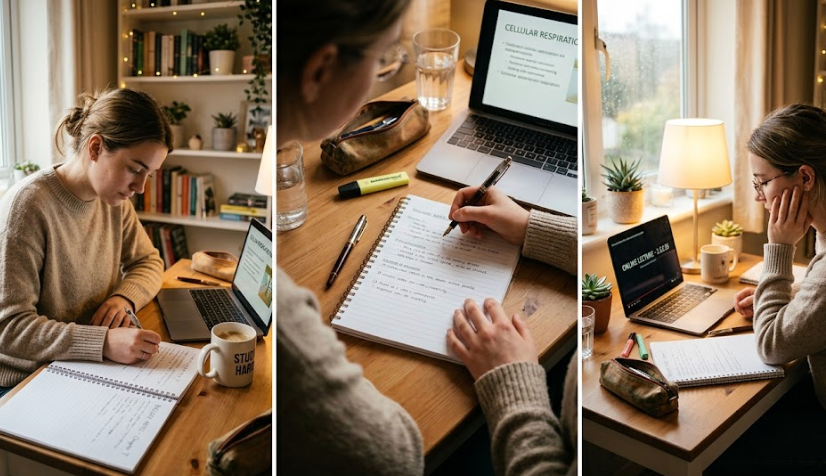
Before
A random study session without structure, timing, or visual environment to support focus.

After
A well-structured study video with Pomodoro timers, ambient sound, and aesthetic visuals.
Before
A random study session without structure, timing, or visual environment to support focus.
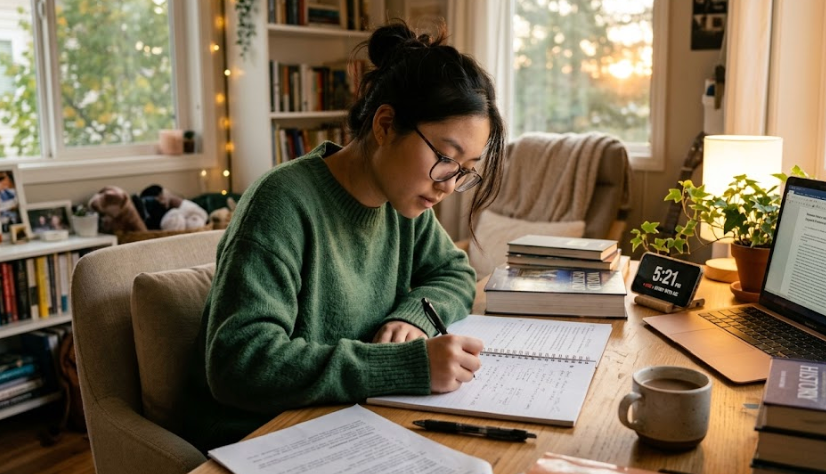
After
A well-structured study video with Pomodoro timers, ambient sound, and aesthetic visuals.
Why Use an AI Study With Me Video Generator?
Create effective, calming study videos that boost focus and engagement.
Improve Focus and Productivity
Structured study sessions with timers and visual cues help reduce distractions and maintain concentration.
Built-in Pomodoro System
Automatically generate study sessions with work and break intervals to improve efficiency.
Aesthetic Study Environment
Create visually pleasing scenes like cozy desks, libraries, or minimal setups that enhance motivation.
Perfect for Content Creators
Produce long-form YouTube videos or short-form clips for TikTok and Reels in the productivity niche.
Ambient Sound for Deep Focus
Add calming audio such as rain, white noise, or soft music to support concentration.
No Filming or Editing Needed
Create high-quality study videos without recording yourself or using editing software.
Powerful Study With Me Video Features
Everything you need to create engaging and effective study videos.
Pomodoro Timer Generator
Create structured study sessions with customizable work and break intervals.
Aesthetic Study Scenes
Generate environments such as cozy desks, minimalist setups, or library spaces.
Ambient Sound Library
Add focus-enhancing audio like rain sounds, white noise, or calm background music.
Minimal Distraction Design
Use clean visuals and layouts that help maintain focus without overstimulation.
Session Labels & Motivational Text
Display timers, goals, or subtle motivational cues to guide study sessions.
Flexible Video Formats
Export both long-form videos for YouTube and short clips for social platforms.
How to Create a Study With Me Video with AI?
Step 1
Choose Your Study Format
Select between Pomodoro sessions, long focus sessions, or short productivity clips depending on your goal.
Step 2
Customize Environment and Audio
Pick a visual environment such as a cozy desk or minimal setup and choose ambient sounds that suit your focus style.
Step 3
AI Generates the Video
The AI automatically creates a structured study video with timers, visuals, and audio.
Step 4
Export and Use or Share
Download your video for personal use or upload it to YouTube, TikTok, or other platforms.