
Create Fun & Viral Super Mario Videos with AI
Medeo’s AI Super Mario Video Generator helps gamers, creators, and retro enthusiasts turn gameplay into engaging, nostalgic, and viral-ready videos. Whether you're showcasing speedruns, funny fails, level completions, or classic Mario moments, the AI automatically detects highlights and transforms them into structured video content.
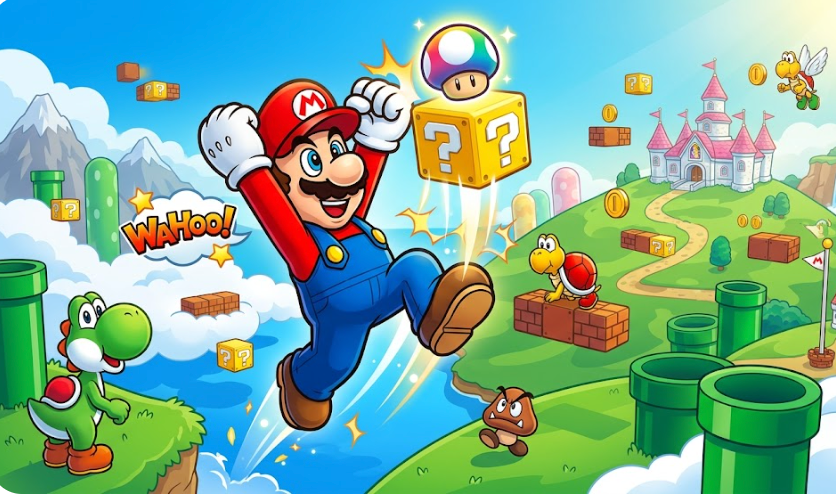
Powered by world-class AI models


What Is an AI Super Mario Video Generator?
An AI Super Mario Video Generator is a tool that converts gameplay footage into structured and engaging video content. Using artificial intelligence, it detects key moments such as level completions, jumps, fails, speedrun highlights, and power-up sequences, then edits them into a cohesive video with captions, music, and visual effects. These videos are designed to be entertaining, fast-paced, and optimized for both nostalgic appeal and modern social media engagement.

From Raw Mario Gameplay to Engaging Video Content
See how AI transforms gameplay clips into fun, structured, and shareable videos
Before
Unedited Mario gameplay footage with no highlights, pacing, or storytelling.
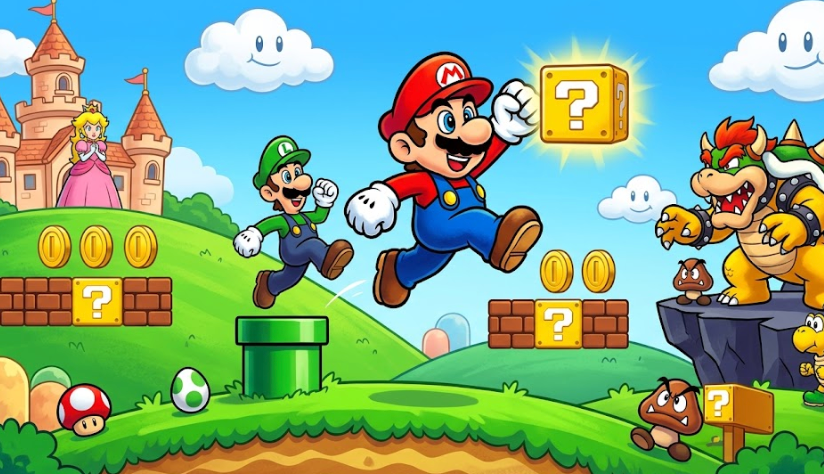
After
A polished video with key moments, captions, sound effects, and engaging pacing.
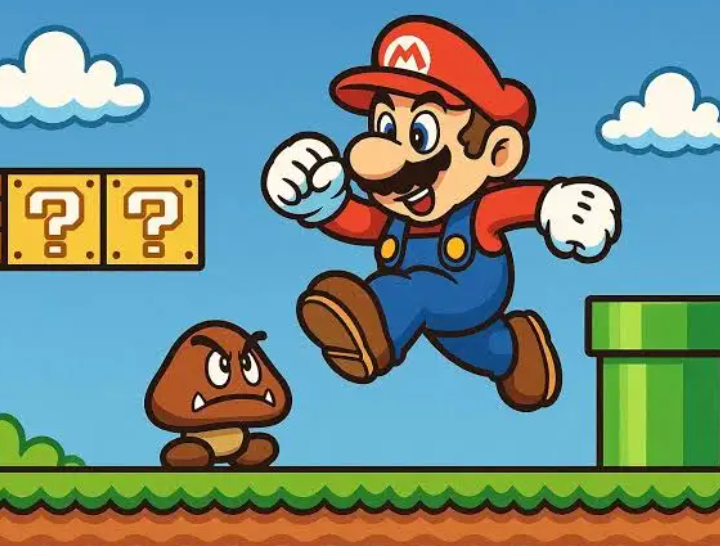
Before
Unedited Mario gameplay footage with no highlights, pacing, or storytelling.
After
A polished video with key moments, captions, sound effects, and engaging pacing.
Why Use an AI Super Mario Video Generator?
Create fun, nostalgic, and highly engaging Mario videos that attract viewers and drive interaction.
Automatic Highlight Detection
AI identifies key gameplay moments such as jumps, fails, speedrun highlights, and boss fights automatically.
Perfect for Retro & Modern Content
Create videos from both classic Mario games and modern titles with consistent quality.
Engaging & Fun Editing Style
Add captions, sound effects, and playful transitions that match the Mario aesthetic.
Optimized for Viral Content
Produce short-form videos designed for TikTok, Instagram Reels, and YouTube Shorts.
Save Time on Editing
Turn long gameplay recordings into engaging videos in minutes with AI automation.
No Editing Skills Required
AI handles cutting, pacing, captions, and effects automatically.
Powerful Super Mario Video Features
Everything you need to create entertaining and nostalgic Mario gameplay videos.
Advanced Highlight Detection
Automatically detect important moments such as level completions, near misses, boss fights, and speedrun highlights. The AI prioritizes moments that are visually interesting or emotionally engaging to maximize viewer retention.
Dynamic Captions & Meme Text
Generate context-aware captions that highlight key moments, reactions, or humor. Add meme-style overlays to emphasize fails, wins, or surprising gameplay events.
Retro Sound Effects & Music Sync
Enhance videos with classic-style sound effects or upbeat music that syncs with gameplay pacing, making videos more immersive and nostalgic.
Fast-Paced Editing & Transitions
Apply smooth cuts, zoom-ins, and playful transitions to maintain high energy and keep viewers engaged throughout the video.
Multi-Clip Compilation Builder
Combine clips from multiple levels or sessions into a cohesive montage video that tells a complete story or highlights your best gameplay moments.
Multi-Format Export for All Platforms
Export videos in vertical, horizontal, or square formats optimized for TikTok, YouTube, Shorts, and Instagram Reels.
How to Create a Super Mario Video with AI?
Step 1
Upload Your Gameplay Footage
Start by uploading your Super Mario gameplay clips, whether they are speedruns, full levels, or highlight moments. You can upload multiple clips to create a compilation or focus on a single session.
Step 2
Select Your Video Style
Choose a style that fits your content goals, such as funny moments, speedrun highlights, cinematic edits, or retro-themed videos. This step allows the AI to tailor pacing, captions, and effects accordingly.
Step 3
AI Processes and Edits the Video
The AI analyzes your footage to detect key moments, trims unnecessary segments, adds captions, synchronizes music, and applies transitions. It ensures the final video is engaging, structured, and visually appealing.
Step 4
Review, Export, and Share
Preview your generated video, make any optional adjustments, and export it in your desired format. You can then upload it directly to YouTube, TikTok, or other social platforms to share with your audience.