
Create Heartfelt Teacher’s Day Videos with AI
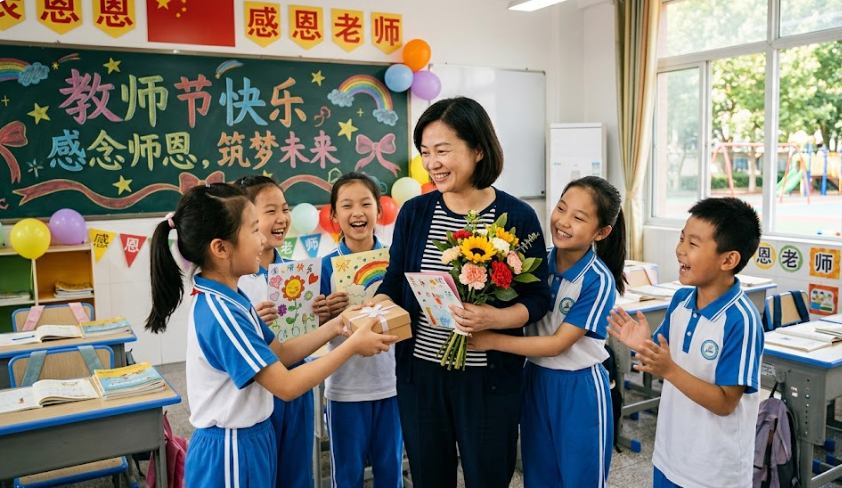
Medeo’s AI Teacher's Day Video Generator helps students, schools, and organizations create meaningful and memorable appreciation videos for teachers. Whether you're making a thank-you message, tribute video, class memory montage, or celebration clip, the AI transforms your photos, messages, and ideas into a polished video with music, captions, and storytelling.
Powered by world-class AI models


What Is an AI Teacher's Day Video Generator?
An AI Teacher's Day Video Generator is a tool that converts messages, photos, and memories into appreciation videos. Using artificial intelligence, it structures your content into a narrative, adds transitions, captions, and music, and creates a cohesive video that celebrates teachers and their contributions.

From Simple Messages to Heartfelt Tribute Videos
See how AI transforms appreciation messages into emotional video stories
Before
Text messages or scattered photos with no structure or presentation.
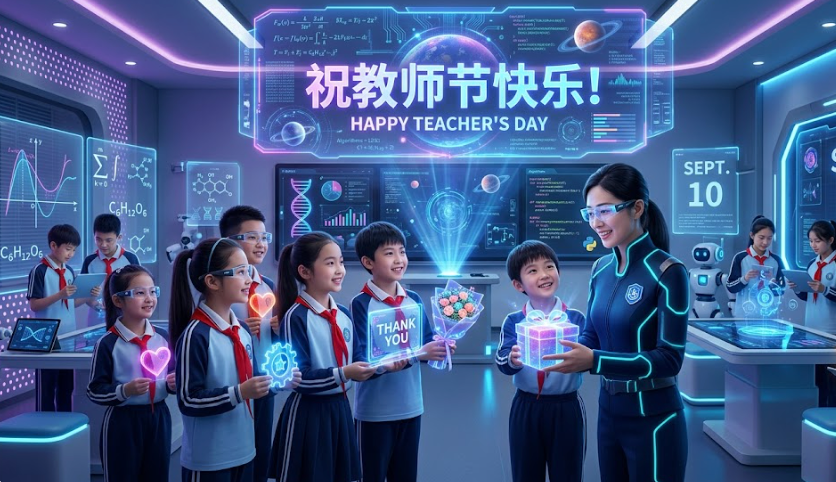
After
A polished tribute video with music, captions, and meaningful storytelling.
Before
Text messages or scattered photos with no structure or presentation.
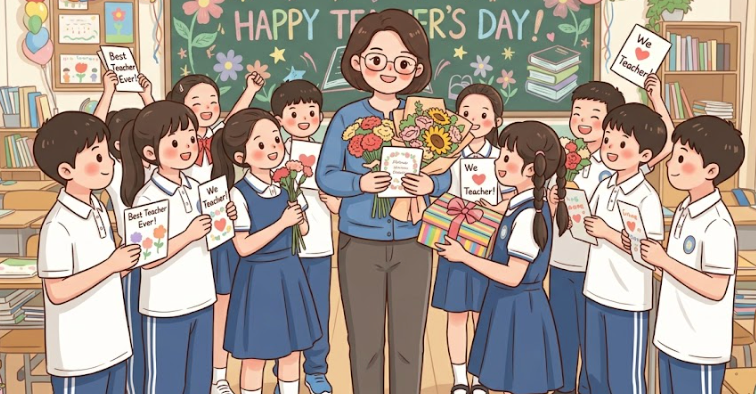
After
A polished tribute video with music, captions, and meaningful storytelling.
Why Use an AI Teacher's Day Video Generator?
Create meaningful, emotional videos that celebrate and appreciate teachers.
Express Gratitude Creatively
Turn simple thank-you messages into heartfelt video tributes that leave a lasting impression.
Perfect for School Celebrations
Create videos for classroom events, school assemblies, and social media posts.
Combine Photos, Text, and Music
Bring together memories, messages, and visuals into a cohesive story.
Emotional Storytelling
Use music and pacing to create meaningful and memorable experiences.
Easy to Use
Generate videos automatically without editing or design skills.
Quick Video Creation
Create beautiful appreciation videos in minutes using AI automation.
Powerful Teacher’s Day Video Features
Everything you need to create meaningful Teacher’s Day appreciation videos.
Photo & Memory Integration
Upload photos from class activities, events, or personal memories to create a visually rich tribute video.
Personalized Messages & Captions
Add heartfelt messages, quotes, and captions that express gratitude and appreciation for teachers.
Emotional Music & Soundtracks
Enhance your video with background music that creates a warm, emotional atmosphere.
Smooth Transitions & Effects
Apply elegant transitions and visual effects to make your video feel polished and professional.
Voiceover Support
Add narration or AI-generated voiceovers to deliver personal messages in a more expressive way.
Multi-Platform Export
Export videos optimized for presentations, social media, and sharing with teachers and classmates.
How to Create a Teacher’s Day Video with AI?
Step 1
Upload Photos and Messages
Add photos, memories, and thank-you messages you want to include in your video.
Step 2
Choose Style and Mood
Select a theme such as heartfelt, celebratory, or fun, and choose music and visual style.
Step 3
AI Generates the Video
The AI organizes your content, adds transitions, captions, and music, and creates a cohesive appreciation video.
Step 4
Preview, Export, and Share
Review your video, make adjustments if needed, and share it during Teacher’s Day celebrations or online.