
Turn your Sims gameplay into engaging story-driven videos
Create engaging Sims videos using AI. Medeo helps you transform gameplay clips, family stories, builds, and challenges into structured videos with storytelling, smooth editing, and social-ready formats.

Powered by world-class AI models


What is a Sims Video Generator?
A Sims Video Generator is an AI-powered tool that turns Sims gameplay, builds, and stories into engaging video content. It helps organize clips, highlight key moments, and structure narratives such as family stories, challenges, and builds. Medeo makes it easy for players and creators to produce high-quality Sims videos for YouTube, TikTok, and social media.

From Sims Gameplay to Story-Driven Videos — Instantly
Turn your Sims families, builds, and moments into engaging videos with AI.
Before
Raw Sims gameplay clips or screenshots.
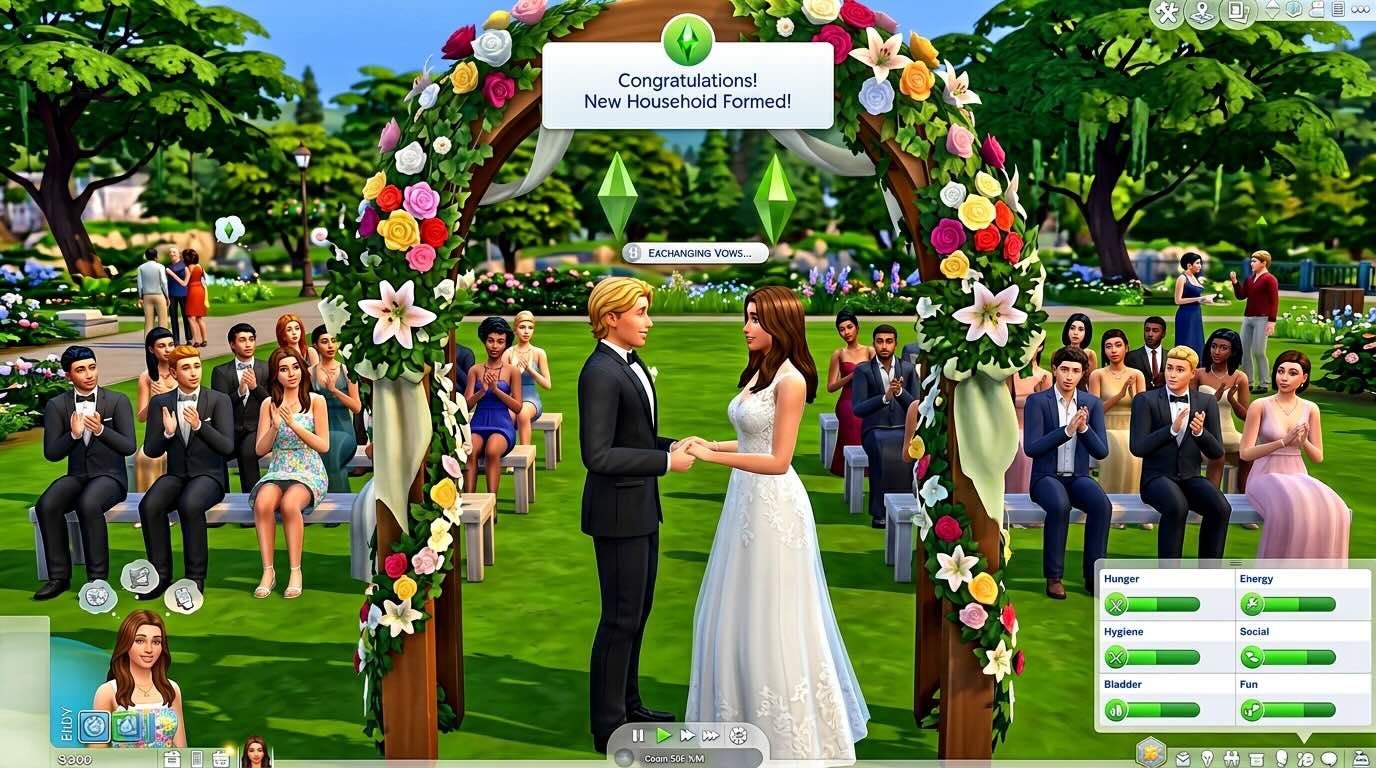
After
A polished Sims video with storytelling, scenes, effects, and clear narrative flow.
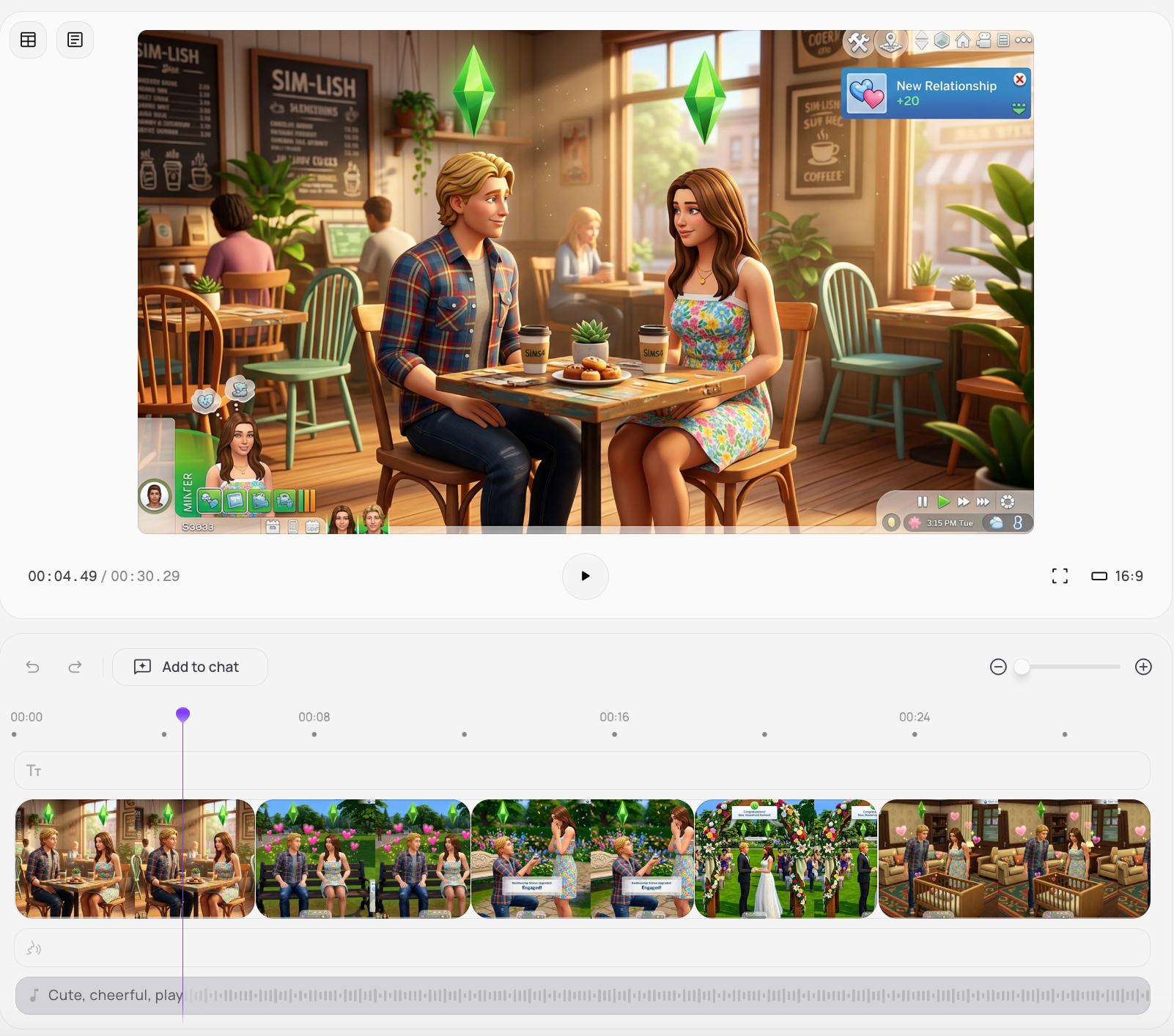
Before
Raw Sims gameplay clips or screenshots.
After
A polished Sims video with storytelling, scenes, effects, and clear narrative flow.
Why Choose Medeo’s Sims Video Generator?
Create engaging Sims videos with AI-powered storytelling and editing tools.
Automated Storytelling
AI identifies key moments and stitches them into a coherent Sims narrative.
Rich Customization
Customize camera focus, scenes, captions, and mood to match your Sims story.
Voice and Music Integration
Add voiceovers, dialogue, and music to enhance storytelling and immersion.
Seamless AI Editing
Automatically handle cuts, transitions, and pacing for a polished video.
Multi-Platform Export
Export videos optimized for YouTube, TikTok, Instagram, and more.
Time-Saving Workflow
Reduce hours of editing into minutes so you can focus on gameplay and creativity.
Best Use Cases for Sims Videos
Create Sims videos for storytelling, challenges, builds, and social content.
Episode Series Creation
Produce ongoing episodic content of your Sims families with intros, outros, and narrative arcs.
Challenge and Legacy Runs
Document Sims challenges and legacy family progress with engaging milestone-based videos.
Build Tours and Showcases
Create detailed video tours of your builds, lots, and interior designs.
Tutorials and Guides
Generate clear video guides for gameplay mechanics, mods, and building techniques.
Social Media Shorts
Create funny, dramatic, or wholesome short clips for TikTok and YouTube Shorts.
Personal Story Arcs
Turn your Sims family stories into emotional or dramatic narrative videos.
How to Create a Sims Video with Medeo?
Step 1
Upload or Describe Your Content
Add gameplay clips, screenshots, or describe your Sims video idea.
Step 2
AI Builds the Story
Medeo selects key moments and organizes them into a structured narrative.
Step 3
Customize Your Video
Adjust scenes, captions, pacing, and audio to match your style.
Step 4
Export and Share
Download your video and publish it on YouTube, TikTok, or other platforms.