
Create Stunning Time Lapse Videos with AI
Medeo’s AI Time Lapse Video Generator helps you transform long recordings into visually engaging fast-motion videos that capture the passage of time in seconds. Whether you're showcasing sunsets, cityscapes, construction progress, study sessions, or creative processes, the AI compresses hours of footage into smooth, dynamic clips. Instead of manually speeding up videos and adjusting frames, the tool automatically optimizes motion, removes unnecessary segments, and enhances visual continuity.

Powered by world-class AI models


What Is an AI Time Lapse Video Generator?
An AI Time Lapse Video Generator is a tool that converts long-duration video into a fast-motion sequence. Using artificial intelligence, it accelerates playback, optimizes frame selection, and ensures smooth transitions to create a visually coherent time-lapse. This allows users to showcase gradual changes, processes, or events in a short and engaging format without losing important details.

From Long Footage to Dynamic Time Lapse Video
See how AI compresses hours of content into a smooth, engaging video
Before
Long, slow video footage that is difficult to watch in real time.
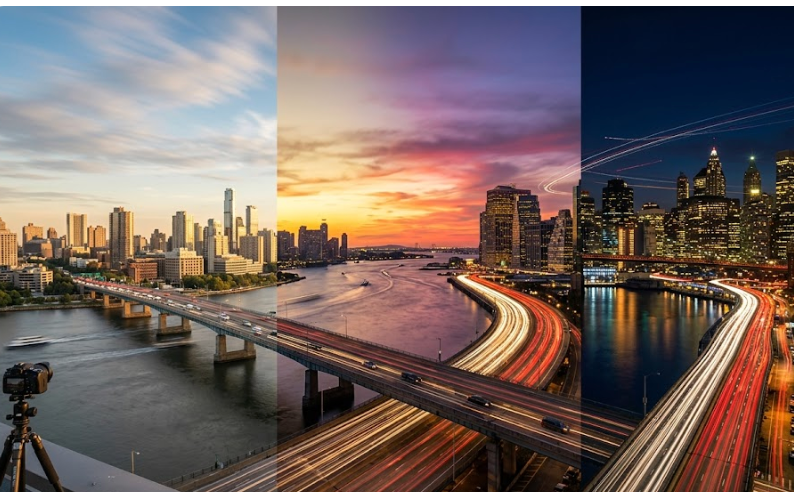
After
A fast-paced time-lapse video that highlights key changes and moments.
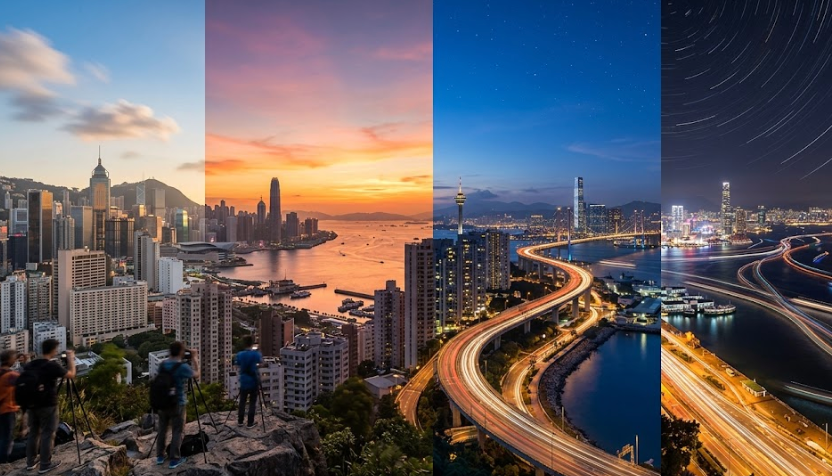
Before
Long, slow video footage that is difficult to watch in real time.
After
A fast-paced time-lapse video that highlights key changes and moments.
Why Use an AI Time Lapse Video Generator?
Create engaging fast-motion videos that highlight change, progress, and transformation.
Compress Hours into Seconds
Turn long recordings into short, engaging videos that highlight key changes and events.
Smooth Motion Optimization
AI ensures smooth playback by selecting optimal frames and reducing visual jitter.
Perfect for Storytelling
Show processes like building, travel, or creative work in a visually compelling way.
Ideal for Social Media Content
Create fast-paced videos optimized for TikTok, Instagram Reels, and YouTube Shorts.
Save Editing Time
Automatically generate time-lapse videos without manual speed adjustments or trimming.
No Technical Skills Required
AI handles speed control, frame selection, and smoothing automatically.
Powerful Time Lapse Video Features
Everything you need to create smooth and engaging time-lapse videos.
Speed Adjustment Control
Adjust playback speed to create subtle or extreme time-lapse effects.
Smart Frame Selection
Automatically select key frames to ensure smooth and meaningful playback.
Motion Smoothing
Reduce jitter and create fluid transitions between frames.
Visual Enhancement
Improve lighting, colors, and clarity for a more polished video.
Captions & Highlights
Add text overlays to explain processes or emphasize key moments.
Multi-Platform Export
Export videos optimized for social media, presentations, or professional use.
How to Create a Time Lapse Video with AI?
Step 1
Upload Long Footage
Upload the video you want to convert into a time-lapse, such as hours of recording.
Step 2
Choose Speed Settings
Select how fast you want the video to play and adjust smoothing or enhancement options.
Step 3
AI Processes the Video
The AI compresses the footage, selects frames, and ensures smooth motion automatically.
Step 4
Export and Share
Download your time-lapse video and share it on social media or use it in projects.