
Turn pixel stories into emotional video narratives
Create Undertale-inspired videos with AI. Medeo helps you transform fan stories, character interactions, and game-inspired scenes into emotional, story-driven videos with pixel-style visuals and immersive audio.
Powered by world-class AI models


What is an Undertale Video Generator?
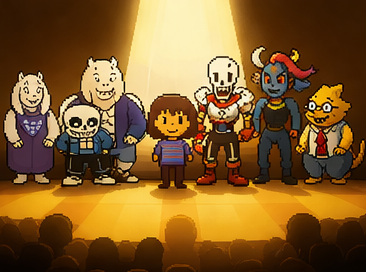
An Undertale Video Generator is an AI-powered tool that creates narrative-driven videos inspired by Undertale. It focuses on character dialogue, emotional storytelling, and pixel-style visuals, helping creators produce engaging fan content without complex editing or animation.

From Ideas to Undertale Story Videos
Turn simple concepts into emotional narrative experiences.
Before
Unstructured clips
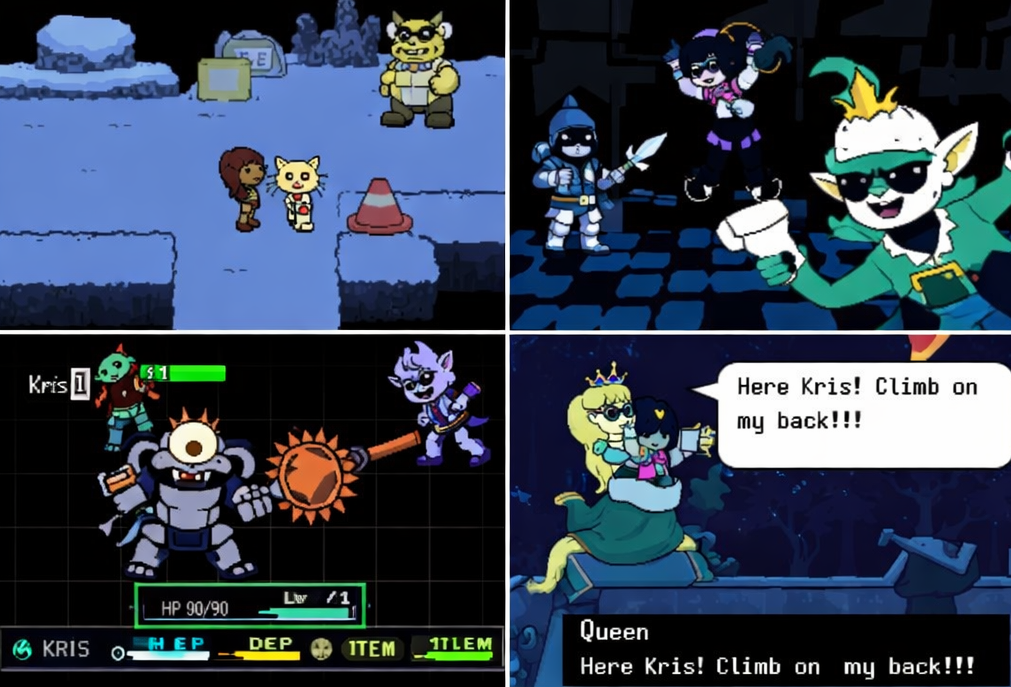
After
A story-driven Undertale-style video with emotional pacing, and immersive scenes.
Before
Unstructured clips
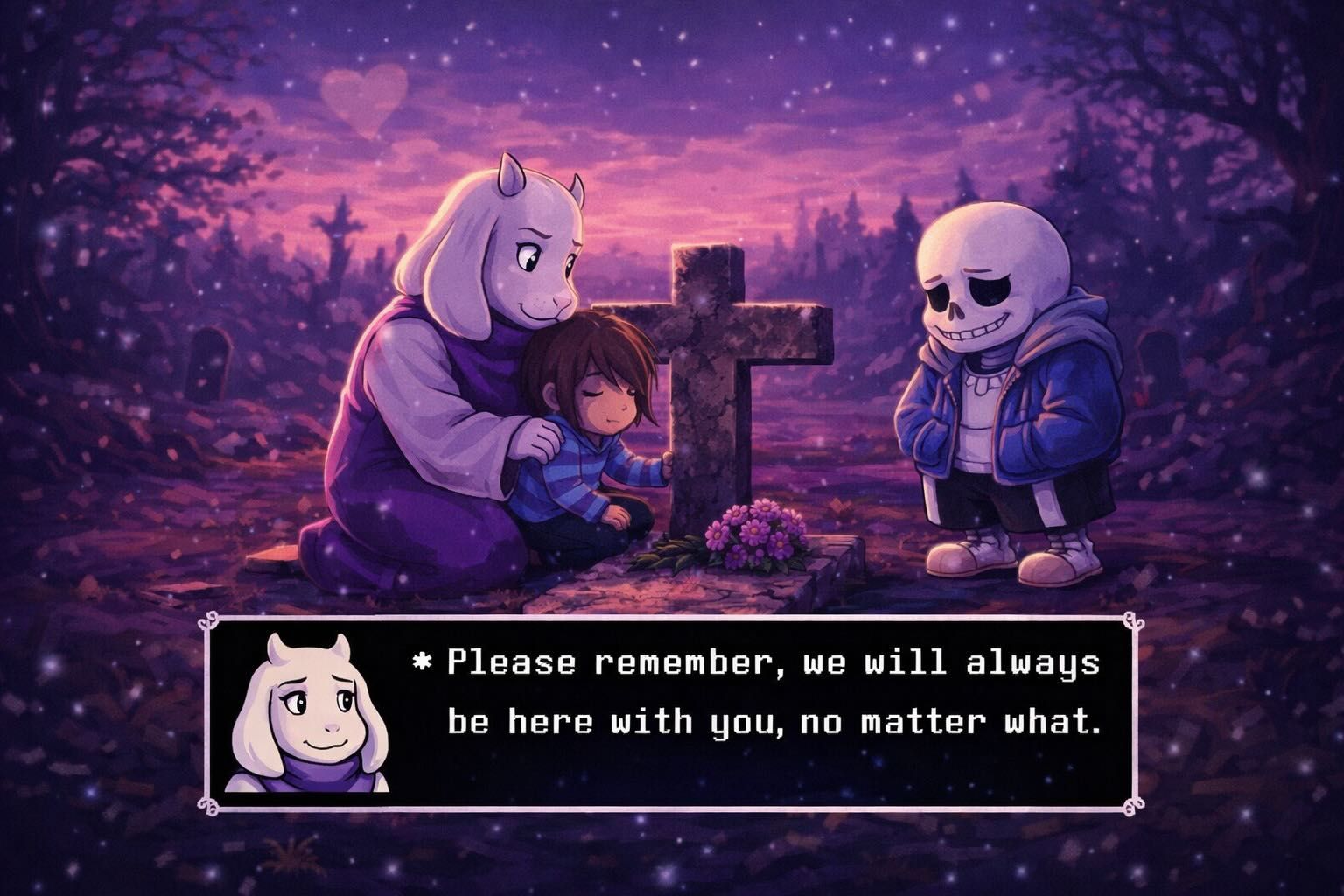
After
A story-driven Undertale-style video with emotional pacing, and immersive scenes.
Why Choose Medeo’s Undertale Video Generator?
Create emotional, story-driven pixel videos with AI.
Custom Character Dialogues
Generate unique conversations that match character personalities.
Rich Scene Customization
Build scenes inspired by Undertale environments and settings.
AI-Powered Storytelling
Structure narratives with emotional pacing and coherence.
Intuitive Interface
Create videos easily without advanced editing skills.
High-Quality Exports
Export polished videos ready for sharing and publishing.
Dynamic Music & SFX
Enhance emotional impact with game-style audio and sound effects.
Best Use Cases for Undertale Videos
Create story-driven, character-focused, and fan content.
Fan-Made Story Arcs
Create original Undertale stories and alternate timelines.
Character Interaction Videos
Showcase emotional or humorous interactions between characters.
Undertale Explainer Videos
Explain lore, backstories, and game mechanics in engaging formats.
Social Media Shorts
Create short, shareable Undertale-themed video clips.
Personalized Greeting Videos
Design custom messages featuring Undertale-style characters.
Role-Playing Prompts
Generate scenarios for role-playing and storytelling content.
How to Create an Undertale Video with Medeo?
Step 1
Enter Your Story Idea
Start with a character, scene, or storyline concept.
Step 2
Generate the Video
AI builds dialogue, scenes, and narrative structure.
Step 3
Customize Your Video
Adjust characters, pacing, and emotional tone.
Step 4
Export and Share
Download and publish your video on social platforms.