
Turn fast-paced combat into cinematic sci-fi videos
Create dynamic Warframe gameplay videos with AI. Medeo helps you transform raw footage into high-speed montages, build guides, and cinematic edits with smooth transitions, synced music, and immersive sci-fi visuals.
Powered by world-class AI models


What is a Warframe Video Generator?
A Warframe Video Generator is an AI-powered tool that automatically edits gameplay footage into engaging videos. It detects key combat moments, ability combos, and mission highlights, then structures them into montages, guides, or cinematic clips. Medeo makes it easy to create high-quality Warframe content without manual editing.

From Raw Gameplay to Cinematic Warframe Videos
Transform chaotic combat into polished, high-energy video content.
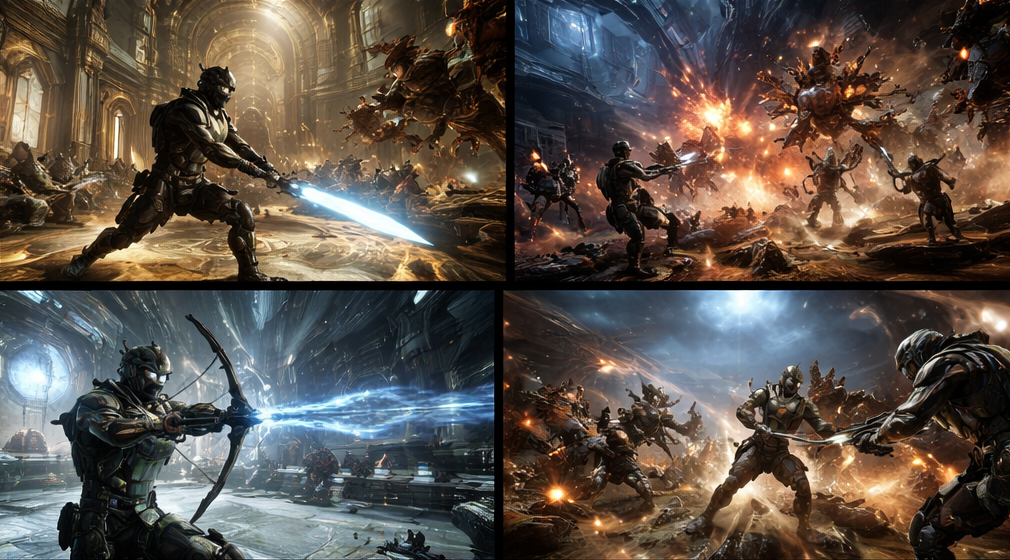
Before
Unedited gameplay clips with no structure, pacing, or visual enhancement.
After
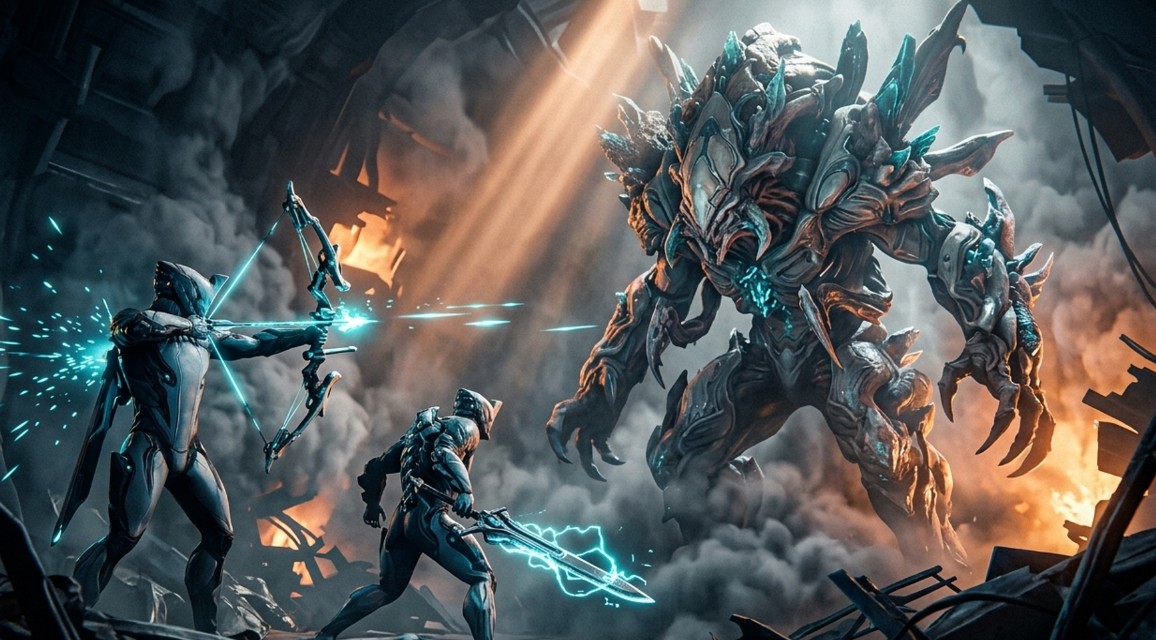
A cinematic Warframe video with fast cuts, ability effects, and music-synced action.
Before
Unedited gameplay clips with no structure, pacing, or visual enhancement.
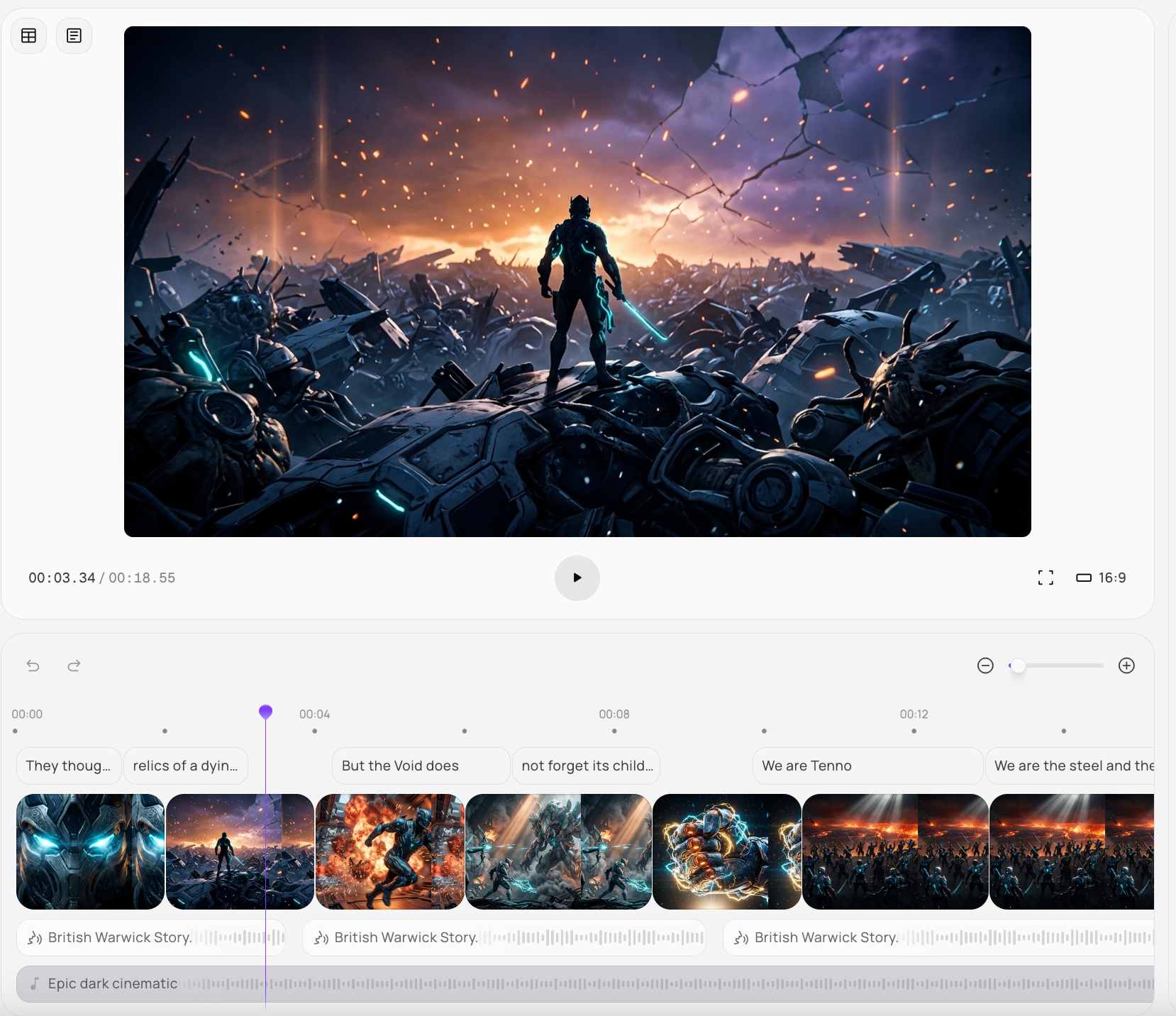
After
A cinematic Warframe video with fast cuts, ability effects, and music-synced action.
Why Choose Medeo’s Warframe Video Generator?
Create fast-paced sci-fi gameplay videos with AI automation.
Automated Editing
Identify and cut key gameplay moments without manual effort.
Warframe-Themed Effects
Enhance visuals with sci-fi effects inspired by abilities and combat.
Dynamic Music Sync
Automatically sync edits with music for high-impact pacing.
Voiceover & Narration
Add commentary or AI voiceovers for guides and explanations.
Customizable Templates
Choose templates for montages, guides, or cinematic edits.
Fast Rendering
Export high-quality videos quickly for instant sharing.
Best Use Cases for Warframe Videos
Create gameplay, guide, and cinematic content for Warframe.
Epic Gameplay Montages
Showcase ability combos, fast movement, and combat highlights in dynamic edits.
Comprehensive Build Guides
Create step-by-step guides for Warframes, weapons, and loadouts.
Lore & Explainer Videos
Break down factions, quests, and the Warframe universe with visuals.
Cinematic Trailers
Produce dramatic trailers featuring your Tenno and favorite Warframes.
Event & Update Overviews
Summarize new updates, Prime releases, and seasonal events.
Squad & Co-op Highlights
Capture team gameplay, coordination, and fun co-op moments.
How to Create a Warframe Video with Medeo?
Step 1
Upload Your Gameplay
Add your Warframe clips or recordings.
Step 2
Generate the Video
AI analyzes footage and builds a fast-paced edit.
Step 3
Customize Your Video
Adjust effects, pacing, captions, and audio.
Step 4
Export and Share
Download and publish your video on social platforms.