
Turn Webinars into High-Performing Clips with AI
Medeo’s AI Webinar to Clips Generator helps marketers, educators, and content teams transform long webinar recordings into short, engaging video clips optimized for social media. Instead of letting valuable webinar content go underutilized, the AI automatically detects key insights, highlights, and impactful moments, then converts them into polished clips with captions, dynamic framing, and optimized pacing.
Powered by world-class AI models


What Is an AI Webinar to Clips Generator?
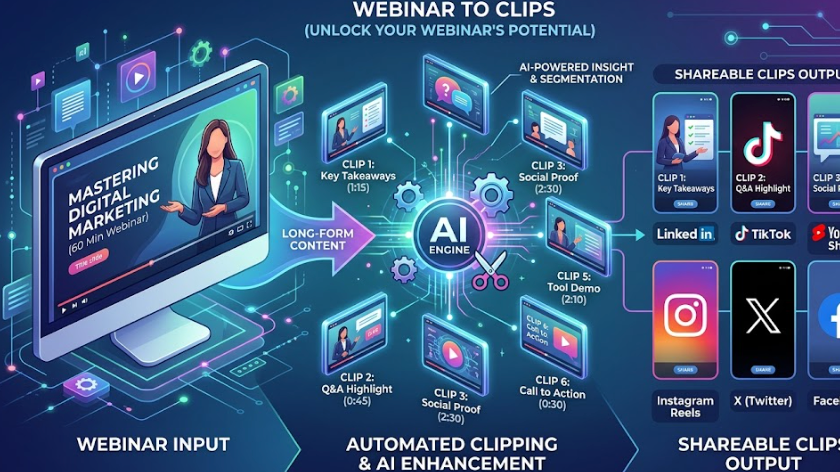
An AI Webinar to Clips Generator is a tool that converts long webinar recordings into short, engaging video clips. Using artificial intelligence, it analyzes speech, key topics, and engagement signals to identify highlight moments, then edits them into ready-to-share clips with captions, structured pacing, and optimized layouts for social media.

From Long Webinar to Engaging Short Clips
See how AI extracts insights and transforms them into shareable content
Before
Long webinar recordings with valuable insights but low post-event engagement.
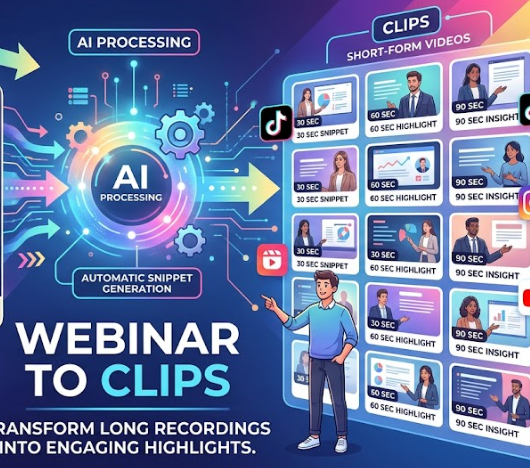
After
Multiple short clips with highlights, captions, and optimized formats for social media.
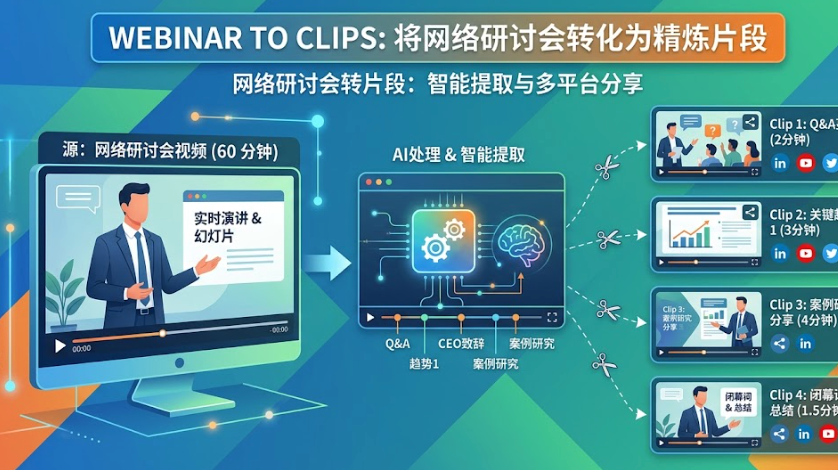
Before
Long webinar recordings with valuable insights but low post-event engagement.
After
Multiple short clips with highlights, captions, and optimized formats for social media.
Why Use an AI Webinar to Clips Generator?
Repurpose webinar content efficiently and extend its value across multiple channels.
Maximize Webinar ROI
Turn one webinar into multiple pieces of content to extend its reach and impact.
Automatic Highlight Extraction
AI identifies the most valuable insights, quotes, and moments from your webinar.
Perfect for Social Media Content
Create clips optimized for TikTok, Instagram Reels, and YouTube Shorts.
Increase Engagement & Reach
Short-form clips are more likely to be watched, shared, and discovered.
Save Time on Editing
Automatically generate clips without manually reviewing or editing long recordings.
Scale Content Production
Produce multiple clips from each webinar to maintain consistent content output.
Powerful Webinar Clip Generation Features
Everything you need to turn webinars into engaging short-form video content.
AI Highlight Detection Engine
Analyze webinar transcripts, speech patterns, and audience engagement signals to identify the most impactful moments worth turning into clips.
Auto Captions & Subtitles
Generate accurate captions that improve accessibility and retention, especially for viewers watching without sound.
Smart Speaker Framing
Automatically detect speakers and adjust framing to keep them centered in vertical or square formats, ensuring a professional presentation.
Hook Optimization & Clip Structuring
Structure clips with strong opening hooks, concise messaging, and clear endings to maximize viewer retention and performance.
Batch Clip Generation
Generate multiple clips from a single webinar session, enabling efficient content repurposing for marketing campaigns.
Platform-Optimized Export
Export clips in vertical (9:16), square (1:1), or horizontal (16:9) formats optimized for different platforms.
How to Turn a Webinar into Clips with AI?
Step 1
Upload Your Webinar Recording
Upload your webinar video file, including full sessions, panel discussions, or presentations.
Step 2
Choose Clip Settings
Select clip length, format, and style preferences such as captions, speaker framing, and pacing.
Step 3
AI Extracts and Edits Clips
The AI analyzes your webinar, identifies key insights, extracts clips, adds captions, and formats them for social media automatically.
Step 4
Review, Export, and Share
Preview generated clips, make adjustments if needed, and export them to publish on TikTok, YouTube Shorts, LinkedIn, or other platforms.