
Create Engaging YouTube Outro Videos That Boost Subscribers
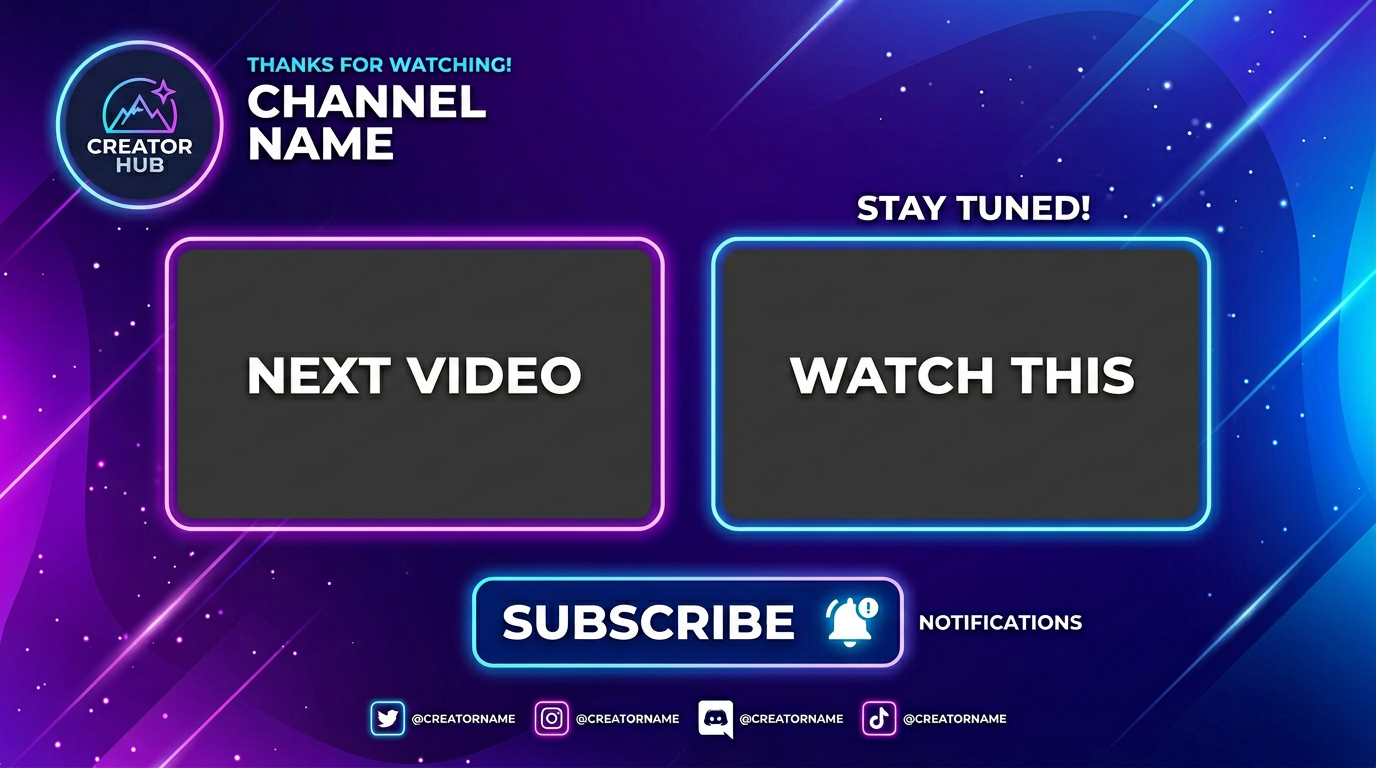
Medeo’s AI YouTube Outro Video Generator helps creators, YouTubers, and brands create professional outro videos that keep viewers engaged and drive action. Instead of ending videos abruptly, you can generate visually appealing outro sequences with subscribe prompts, video recommendations, branding elements, and smooth transitions.
Powered by world-class AI models


What Is an AI YouTube Outro Video Generator?
An AI YouTube Outro Video Generator is a tool that creates animated end screens and outro sequences for YouTube videos. It uses artificial intelligence to design layouts that include subscribe buttons, recommended video slots, channel branding, and calls-to-action. These outros are optimized to keep viewers engaged after the main content ends, helping increase watch time, click-through rates, and subscriber growth.

From Basic Ending to High-Converting YouTube Outro
See how AI transforms your video ending into a professional outro screen
Before
A simple or abrupt video ending with no clear call-to-action.
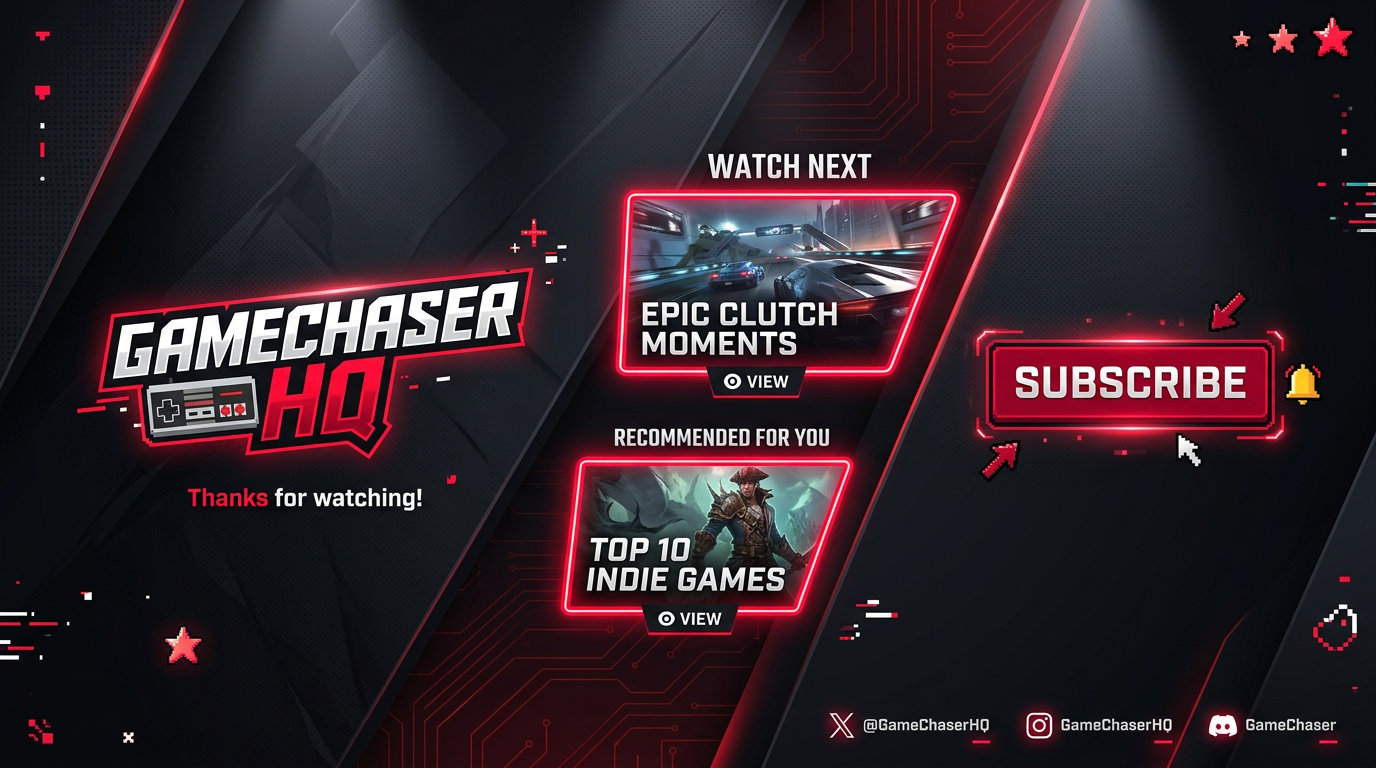
After
A polished YouTube outro with subscribe prompts, video suggestions, and branding.

Before
A simple or abrupt video ending with no clear call-to-action.
After
A polished YouTube outro with subscribe prompts, video suggestions, and branding.
Why Use an AI YouTube Outro Video Generator?
Create high-performing YouTube outros that drive engagement and channel growth.
Increase Subscribers
Encourage viewers to subscribe with clear and engaging call-to-action visuals.
Boost Watch Time
Promote additional videos to keep viewers on your channel longer.
Professional Channel Branding
Add logos, colors, and consistent branding across all video outros.
Optimized End Screen Layouts
Create YouTube-friendly layouts with space for recommended videos.
Fast and Easy Creation
Generate outro videos in minutes without editing software.
No Design Skills Required
AI handles animations, layout, and transitions automatically.
Powerful YouTube Outro Video Features
Everything you need to create effective YouTube outro and end screen videos.
End Screen Templates
Use pre-built layouts optimized for YouTube end screens and recommendations.
Subscribe & CTA Prompts
Add subscribe buttons, calls-to-action, and engagement prompts.
Branding Elements
Include logos, colors, and channel identity in your outro.
Animations & Transitions
Enhance your outro with smooth transitions and motion effects.
Background Music
Add music to maintain viewer engagement at the end of videos.
Multi-Platform Export
Export outro clips for YouTube and other video platforms.
How to Create a YouTube Outro Video with AI?
Step 1
Input Channel or Branding Info
Add your channel name, logo, colors, and preferred messaging for the outro.
Step 2
Choose Outro Style
Select a layout with space for subscribe buttons, video thumbnails, and CTAs.
Step 3
AI Generates Outro Video
The AI creates an animated outro with branding, transitions, and engagement prompts.
Step 4
Export and Add to Videos
Download and attach the outro to your YouTube videos before publishing.