
Create TV Show Style Videos in Minutes
Turn your ideas into cinematic, episodic videos using a structured AI video template designed for storytelling, short drama, and series content across TikTok, Instagram Reels, and YouTube Shorts.


What Is the TV Show Video Template
The TV Show Video Template is an AI-powered storytelling framework designed to turn simple ideas into cinematic, episodic content. It structures your video like a real TV show—starting with a hook, building tension through scenes, and ending with a payoff or cliffhanger. Instead of manually scripting and editing, this template automates pacing, scene transitions, and narrative flow, making it easy to create binge-worthy short-form series content optimized for TikTok, Instagram Reels, and YouTube Shorts.

Why Use This TV Show Template
The TV Show Video Template helps creators produce high-quality storytelling content faster by using a structured narrative system that improves retention and engagement.
Fast Story-Based Video Creation
Create cinematic storytelling videos in minutes without writing full scripts or editing manually.
No Filming or Editing Needed
The AI handles scene building, pacing, and transitions automatically.
Turn Ideas Into Episodes
Convert simple concepts into structured short episodes with clear narrative flow.
Build Consistent Series Content
Create multiple episodes using the same storytelling format.
Higher Watch Time
Story-driven content encourages viewers to stay longer and watch multiple episodes.
Scale Content Easily
Generate multiple story variations quickly for consistent posting.
Who Should Use This Template
The TV show video template is ideal for creators who want to build story-driven short-form content or episodic series.
Storytelling Creators
Create short dramas, narratives, and episodic content.
Marketers
Use storytelling to promote products or ideas in engaging formats.
Faceless Channels
Produce series content without filming or appearing on camera.
Beginners
Start creating cinematic content without editing experience.
How to Use the TV Show Template
Create story-driven videos in minutes using a structured episodic format.
Step 1
Choose the Template
Start with the TV show template designed for storytelling.
Step 2
Add Your Story Idea
Input a concept, script, or scenario.
Step 3
Generate and Share
The AI creates a complete video ready for publishing.
Explore More Templates
Discover other structured video templates for different creative formats.
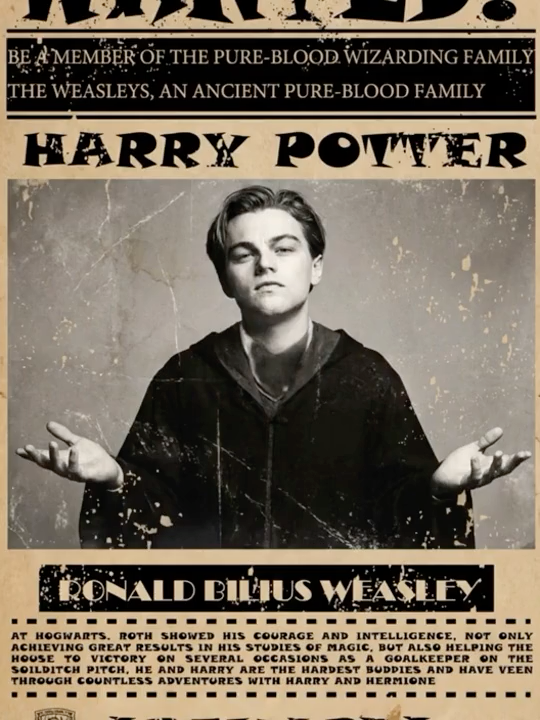
Wizard Wanted Poster
You! For using magic on Muggles! You! Are! Wanted!

Guided Home Tour
A high-energy, MrBeast-style property tour where your uploaded host reacts with jaw-dropping expressions, bed-diving stunts, and kitchen-island slides — six rapid-fire shots that turn any luxury listing into a viral vertical reel.
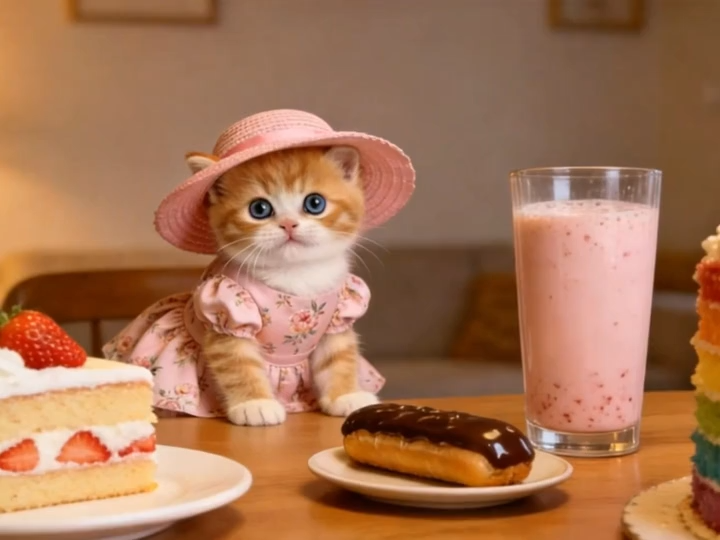
Mukbang Vlog
Let's make a pet mukbang vlog!
Frequently Asked Questions About TV Show Videos
Everything you need to know about creating storytelling videos with AI templates