
Create Engaging Educational Videos
Medeo’s AI Educational Video Maker transforms your lessons, lectures, or training materials into dynamic, professional-quality videos. Add subtitles, visuals, and animations automatically—create educational content without filming, editing, or technical skills.
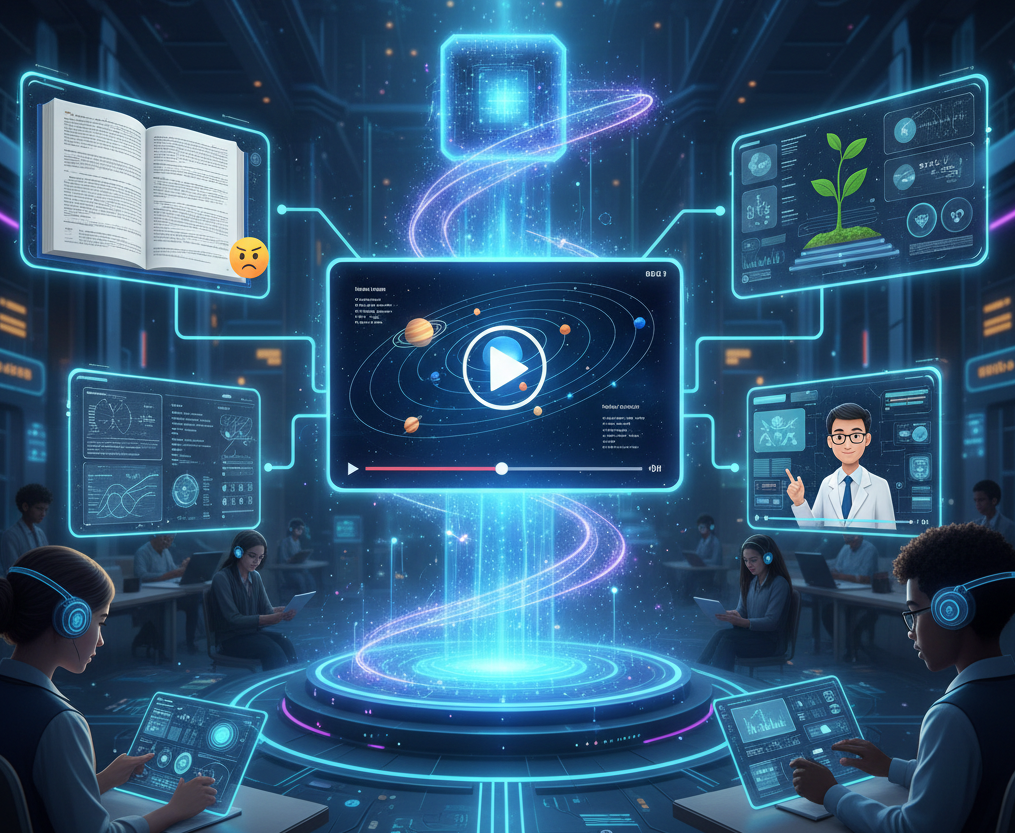
What is an Educational Video Generator?
An Educational Video Generator is an AI-powered tool that automates the creation of professional instructional content from raw information. By leveraging advanced machine learning, the generator analyzes your educational text or files to identify key concepts and assembles them into a structured visual narrative with synchronized audio and graphics. This technology enables educators to produce high-quality learning videos in seconds, eliminating the need for manual video editing or expensive production studios.
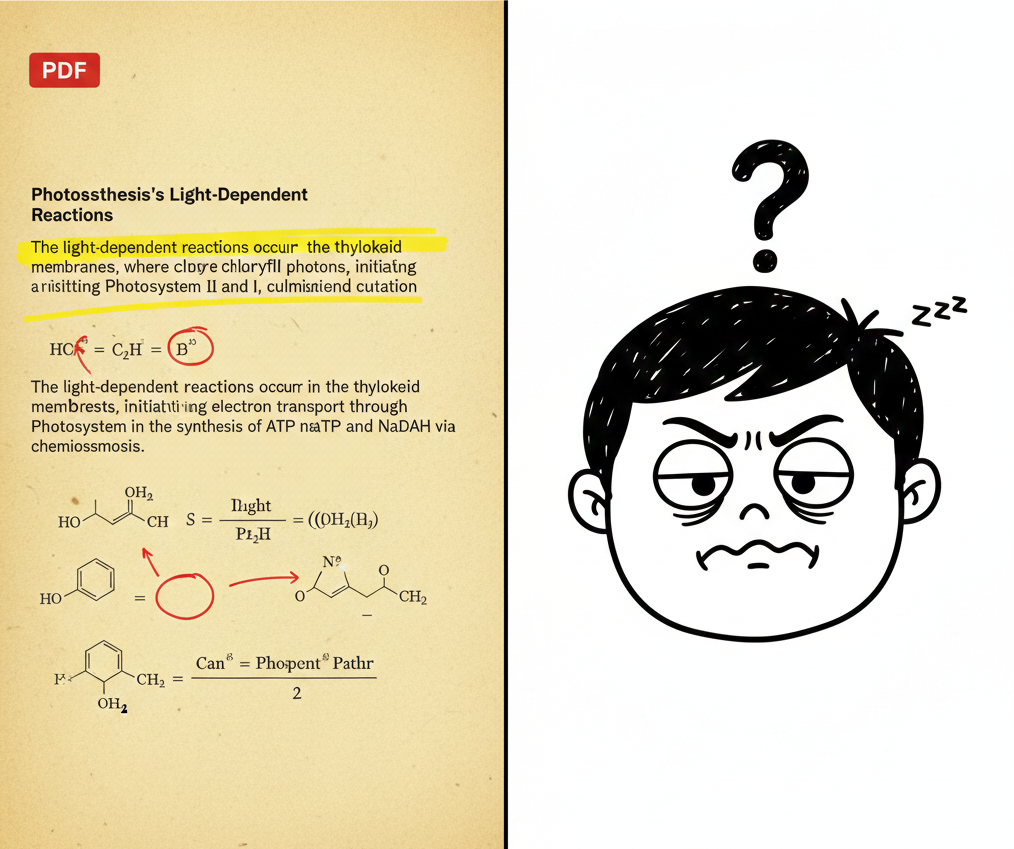
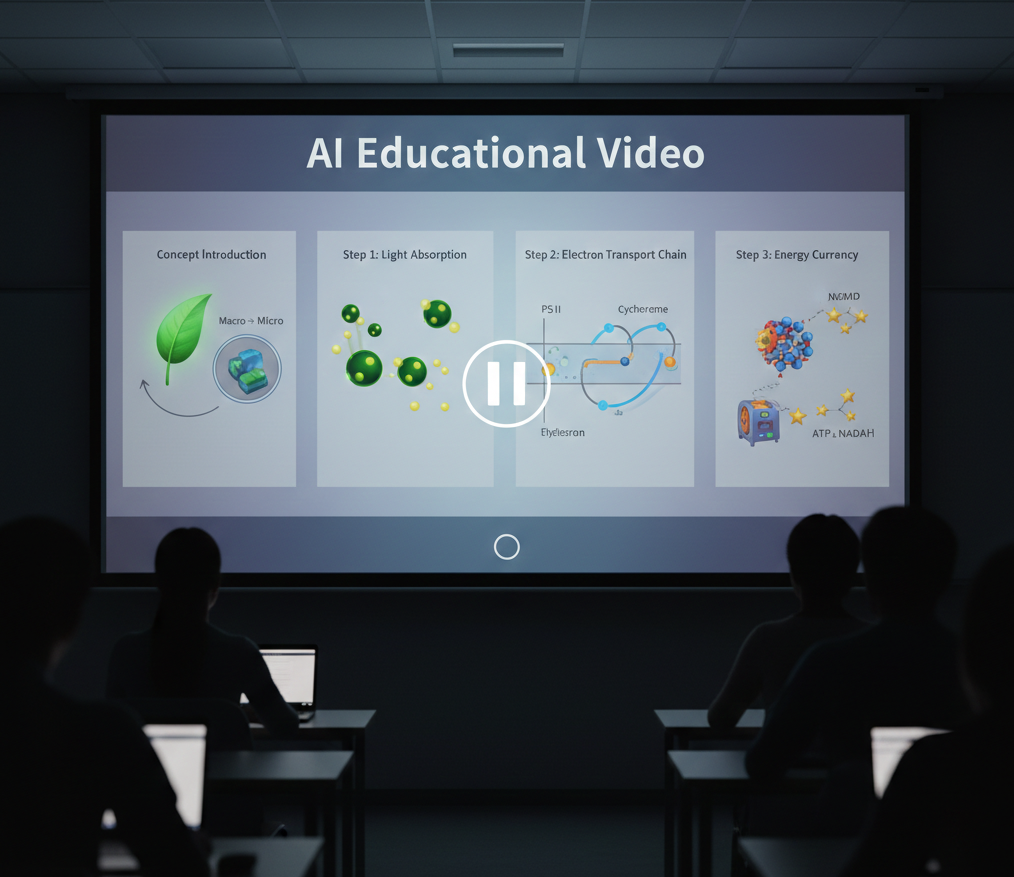
From Dry Text to Educational Video - In Seconds
Watch your curriculum come alive with AI-powered visual explanation
Before
A dense academic PDF
After
A polished, professionally edited educational video
Before
A dense academic PDF
After
A polished, professionally edited educational video
Why Choose Medeo’s AI Educational Video Maker?
The most efficient way to scale your teaching and engage students effectively.
Lightning-Fast Lesson Creation
Transform lessons, lectures, or training materials into engaging videos in minutes. No cameras, actors, or editing skills required.
Improved Knowledge Retention
Automatically add animations, images, and subtitles to make your educational content visually compelling and easy to follow.
No Editing Skills Required
Perfect for online courses, classroom lessons, or professional training materials—adaptable to any teaching or learning scenario.
Social Media Ready Formats
Instantly export lessons in optimized dimensions for YouTube, TikTok Education, and Learning Management Systems (LMS).
AI-Powered Visual Aids
The tool intelligently generates charts, diagrams, and relevant scenes to illustrate difficult concepts automatically.
Consistent Branding & Quality
Ensure your educational series has a professional and uniform look across every lesson with studio-grade rendering.
Perfect for Every Content Creator
Tailor your instructional content for any classroom or professional training scenario.
Language Learning Visuals
Use AI-generated scenes to provide visual context for vocabulary and grammar, making language acquisition more intuitive.
Online Course Material
Quickly craft polished video lessons for platforms like Udemy or Coursera to build your personal brand as an educator.
School Classroom Presentations
Transform traditional lectures into dynamic videos that can be played in class to capture students' attention.
Corporate Training Modules
Produce professional videos to onboard employees or explain company policies in an engaging and easy-to-digest format.
TikTok & Instagram Learning Shorts
Generate trendy, bite-sized educational clips with viral transitions to teach quick tips and facts to a younger audience.
YouTube Educational Channels
Create long-form explainer videos that break down complex topics for your subscribers and global learners.
How to create AI Educational Video?
Step 1
Step 1: Input Your Content
Start by uploading your lesson notes, slides, or training materials. Paste text, type directly, or import from documents. Use [brackets] to highlight key terms or visuals for the AI.
Step 2
Step 2: Pick Your Teaching Style
Choose how you want to present: whiteboard animations, slide-based lessons, or visual demonstrations. Select from AI voices or record your own for a personal touch.
Step 3
Step 3: Customize Learning Experience
Adjust the pacing, emphasize important points, and refine visuals. Add quizzes, highlights, or interactive elements to boost engagement and retention.
Step 4
Step 4: Generate & Share
Click generate to create your educational video in minutes. Download it or share instantly across LMS platforms, classrooms, or social media channels.
FAQs
Do I need editing skills to use Medeo?
No. The AI handles narration, visuals, and timing. Just upload content, pick a style, and customize—no filming or video editing required.
What types of videos can I create?
Medeo supports whiteboard explainers, slide-based lectures, animated training modules, and short learning videos for platforms like YouTube or TikTok.
Can I upload my own teaching materials?
Yes. You can import notes, PPTs, or documents, and our AI will turn them into videos with visuals, narration, and captions for online courses or classroom use.
What is Medeo’s AI Educational Video Maker?
It’s a tool that converts lesson notes, slides, or training materials into professional educational videos—perfect for teachers, trainers, and online course creators.