
Create Viral Subway Surfers Videos
Medeo’s Subway Surfers Video Generator lets you transform your videos with trending Subway Surfers gameplay backgrounds. Add captions, music, and effects automatically to create scroll-stopping, shareable content for TikTok, Instagram, and YouTube Shorts—no complex video editing needed.
What Is a Subway Surfers Video Generator?
A Subway Surfers Video Generator is an AI tool that transforms text prompts into stylized, fast-paced gameplay-style videos. Using motion animation, 3D runner path generation, and dynamic obstacle logic, it automatically creates the iconic Subway Surfers–style chase scenes—without needing a game emulator or screen recording.
From Simple Prompt to Subway Surfers–Style Gameplay — Instantly
Turn any idea into a fast-paced AI running animation
Before
A short idea or text prompt
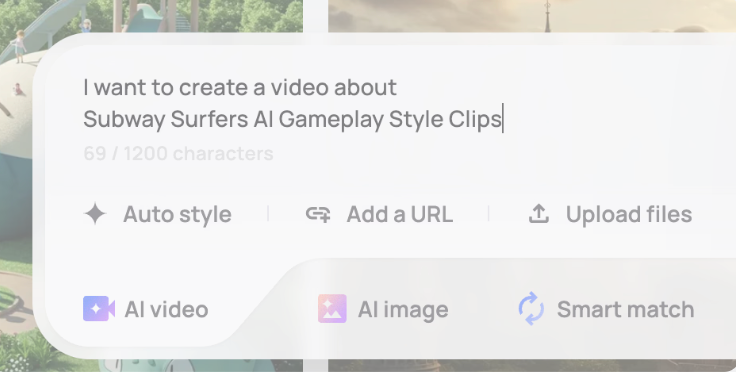
After
A full Subway Surfers–style chase clip with characters & obstacles
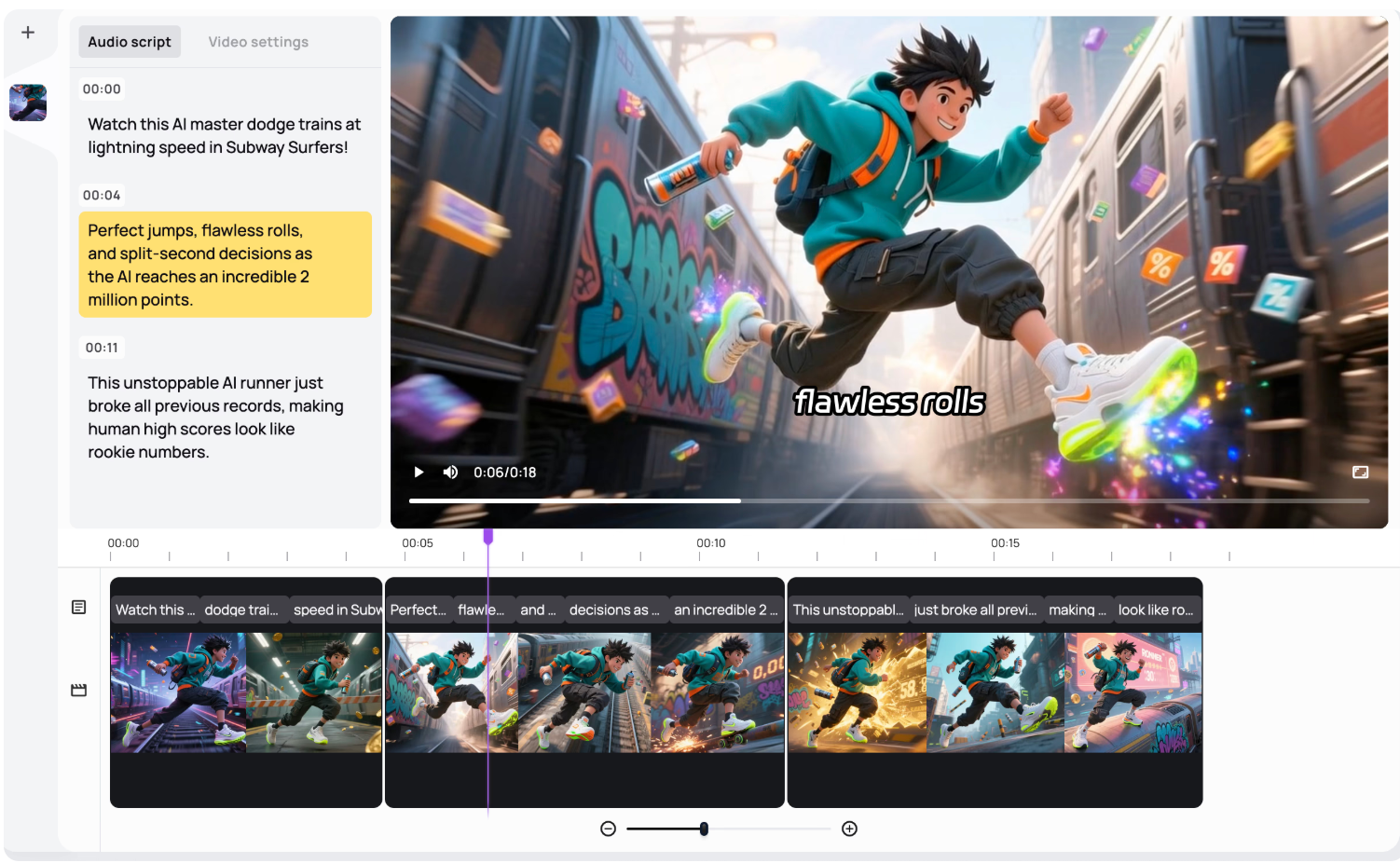
Before
A short idea or text prompt
After
A full Subway Surfers–style chase clip with characters & obstacles
Why Choose Medeo’s Subway Surfers Video Generator?
The fastest way to create Subway Surfers–style videos
Quick Viral Creation
Turn your clips into viral Subway Surfers videos in minutes. Overlay trending gameplay footage, add captions, music, and effects—perfect for social media, TikTok, Instagram Reels, and YouTube Shorts without any filming or video editing skills.
Trending Game Footage
Choose popular Subway Surfers characters, locations, and gameplay styles to match your content’s vibe and catch social media trends.
Social Media Ready
Optimized for vertical video and short-form content, perfect for TikTok, Instagram Reels, and YouTube Shorts.
Instant Endless Clips
Generate smooth, fast-paced runner animations in seconds—no editing required.
Dynamic Obstacles
AI auto-generates trains, barriers, tunnels, power-ups, hoverboards, and more.
Smooth Camera Motion
Cinematic POV, third-person chase, and drone-style camera angles included.
Generate Subway Surfers Background Videos
From gaming channels to meme creators—endless video possibilities
Hoverboard & Power-Up Clips
Add hoverboards, coin magnets, boots, or jetpacks to level up your scene.
AI Police Chase Videos
Create dramatic chase sequences like real Subway Surfers gameplay.
AI Runner Clips
Generate classic endless running animations with smooth obstacle dodging.
Customize & Export
Adjust overlay position, size, and transparency. Add captions, music, or effects. Export in high quality ready to share on TikTok, Instagram, or YouTube.
Add Your Content
Upload a video or record directly in the tool. Medeo overlays your content seamlessly onto the gameplay footage for a viral background effect.
Choose Gameplay Style
Select from our library of pre-recorded Subway Surfers gameplay clips. Customize character, location, and intensity to match your video’s mood.
How to Create Subway Surfers Videos?
Step 1
Step 1 :Pick Gameplay Style
Select your favorite character, location, and gameplay intensity from the pre-recorded library.
Step 2
Step 2 :Upload or Record Content
Upload your video or record directly in the tool for overlaying on the gameplay background.
Step 3
Step 3 :Customize Your Video
Adjust position, size, transparency, captions, music, and visual effects to enhance engagement.
Step 4
Step 4 :Generate & Share
Click “Generate” and get a ready-to-publish video. Share instantly on TikTok, Instagram Reels, or YouTube Shorts.
FAQs
Is this tool optimized for social media?
Absolutely. Videos are vertical, short-form, and ready for TikTok, Instagram Reels, and YouTube Shorts—perfect for viral content.
Can I customize the gameplay and effects?
Yes! Pick characters, locations, gameplay intensity, overlay position, size, transparency, and add captions or music for full control.