

Turn Markdown Documentation into Videos with AI
Markdown to Video on Medeo helps developers, creators, and teams transform markdown files into clear, structured videos. Convert technical documentation, tutorials, and written guides into watchable videos, then refine them through Medeo’s chat-based editing workflow.
Keywords
Turn Markdown Files into Structured Video Content
Markdown to Video on Medeo helps developers and creators transform structured markdown content into videos that are easier to understand and share.
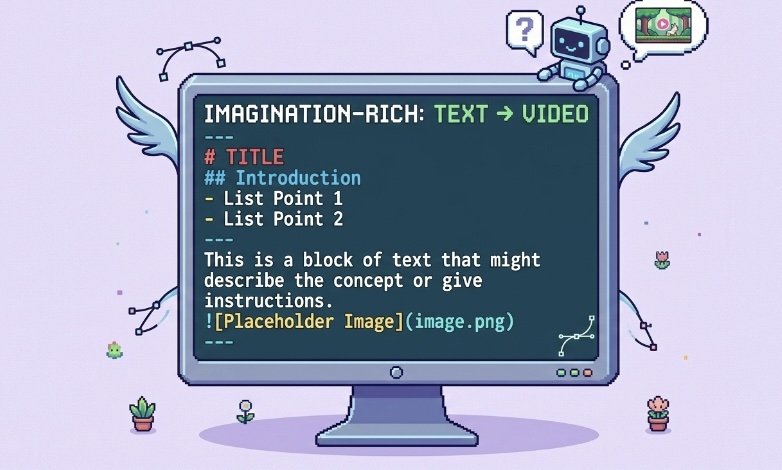
Fast Repurposing
Convert Markdown Documents into Video
Markdown to Video allows you to turn markdown documentation, guides, and scripts into videos quickly. Instead of manually rebuilding content for video, Medeo uses the existing markdown structure as the foundation.
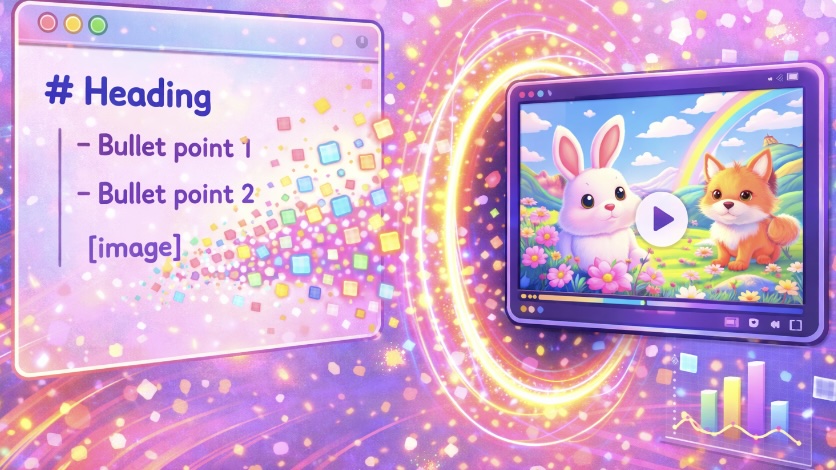
Documentation Workflow
Transform Technical Documentation into Videos
With Markdown to Video on Medeo, teams can convert technical documentation into video explanations. This helps make complex information easier to understand for wider audiences.
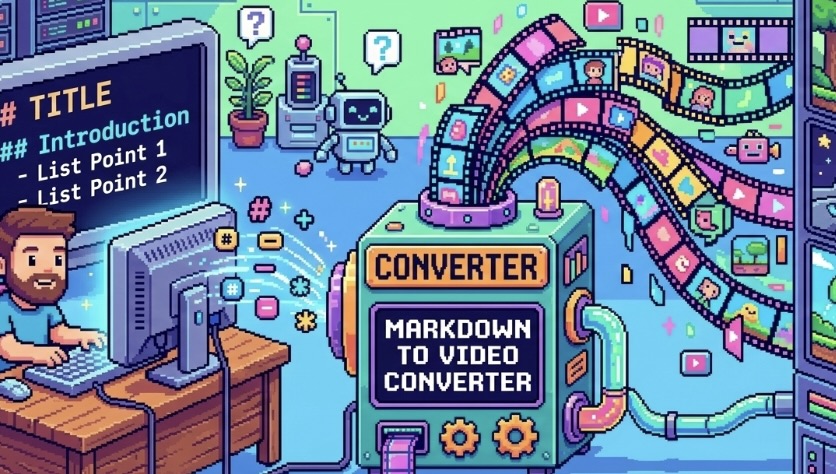
Chat Editing
Refine Tutorials with Chat-Based Editing
After generating a video draft, Medeo allows you to refine structure, pacing, and clarity through chat-based editing instead of traditional timeline editing tools.
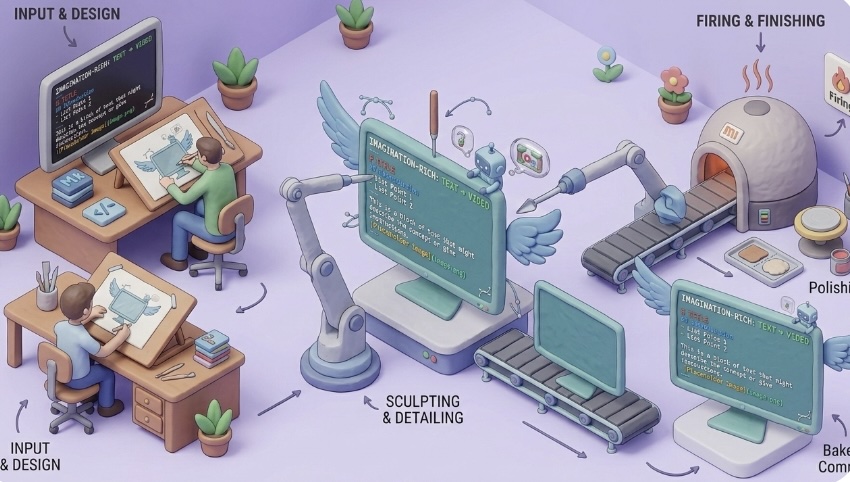
Multi-Scene Output
Turn Markdown Sections into Video Scenes
Markdown headings, lists, and sections can automatically become structured scenes in your video, helping present documentation in a clearer step-by-step format.
Built for Distribution
Export Documentation Videos for Multiple Platforms
Videos generated from markdown content can be exported from Medeo in formats suitable for learning platforms, developer communities, and social media.
How to Convert Markdown to Video with Medeo
Turning markdown documentation into video on Medeo is simple and does not require video editing experience.
Step 1
Step 1: Paste Your Markdown Content
Start by copying markdown documentation, tutorials, or scripts and paste them into Medeo.
Step 2
Step 2: Generate a Video Draft
Medeo analyzes the markdown structure and creates a structured video draft from the content.
Step 3
Step 3: Refine Through Chat Editing
Use chat-based editing to improve clarity, adjust pacing, and refine how the markdown content appears in video form.
Step 4
Step 4: Export and Share
Export your markdown-based video in the format that fits your platform or audience.
Why Creators Use Medeo for Markdown Videos
Make Documentation Easier to Understand
Markdown documentation can be dense, and video can help explain it more clearly.
Reuse Existing Technical Content
Markdown to Video lets teams reuse documentation instead of rewriting content specifically for video.
Great for Tutorials and Developer Guides
Technical tutorials and coding guides written in markdown can easily become educational videos.
Chat-Based Editing Instead of Complex Tools
Creators can refine videos using natural language instructions instead of complex editing software.
Voiceover and Subtitle Support
Medeo includes AI voices and visual track controls to support narration and subtitles.
Flexible Export Formats
Videos generated from markdown can be exported in formats like 9:16, 16:9, 1:1, and 4:3.
Examples Created with the Markdown to Video AI Generator
Use Markdown to Video on Medeo to turn documentation, developer guides, and tutorial content into videos.

Yarn Animation
Super fun yarn stop-motion animation that can introduce your product!

Sweet Dreams
Generate a video of a cute pet sleeping soundly, dreaming about indulging in all kinds of delicious treats.

Keyboard Typing
Let’s design your keyboard ASMR video. Choose a material for the keycaps and a duration, and I’ll handle the rest.