

Turn Notion Notes into Videos with Medeo
Notion to Video on Medeo helps creators and teams transform documentation, tutorials, and knowledge pages into clear videos in minutes. Paste your Notion content, generate a structured video draft, and refine it using Medeo’s chat-based editing workflow without needing a traditional video timeline.
Keywords
Turn Notion Pages into Structured Video Content
Notion to Video is part of Medeo’s content repurposing workflow, helping creators turn written notes and documentation into videos that are easier to watch and share.
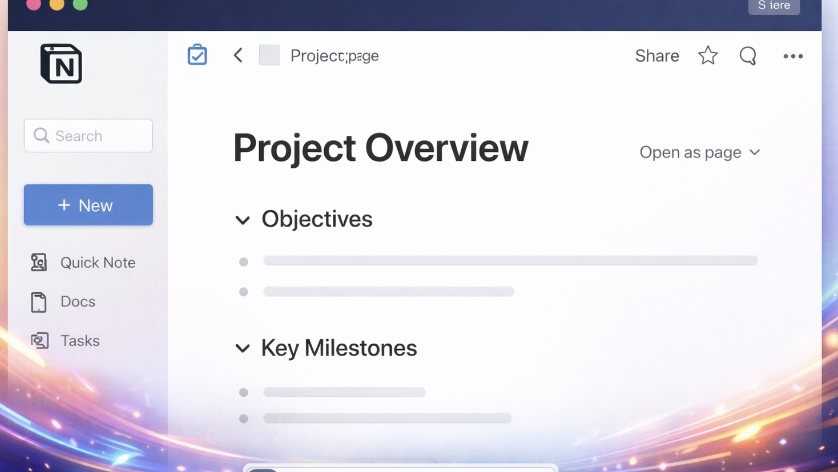
Fast Repurposing
Convert Notion Notes into Video in Minutes
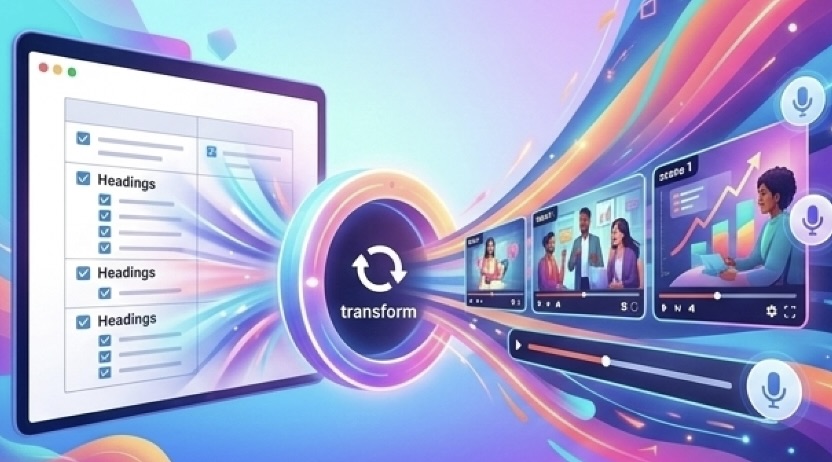
The Notion to Video AI video generator on Medeo allows you to transform structured notes, documentation, and outlines into short videos without starting from scratch. Instead of rewriting content for video, you can reuse the structure already present in your Notion pages.
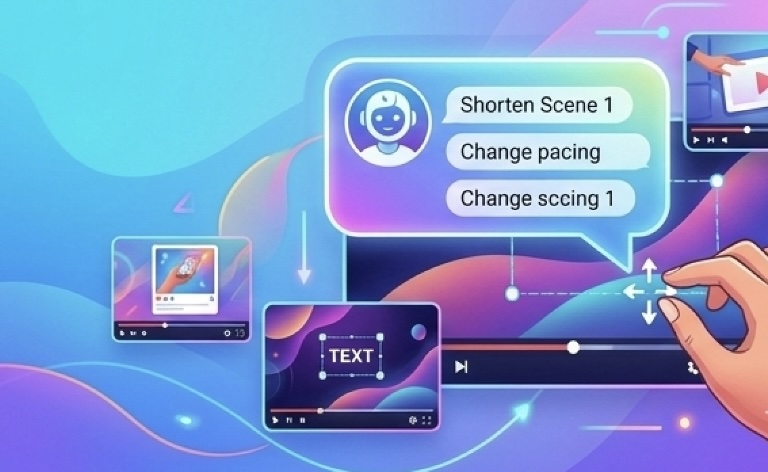
Creator Workflow
Reuse Knowledge Base Content as Video
With the Notion to Video AI video generator, creators and teams can turn documentation, guides, and internal knowledge pages into videos for tutorials, onboarding, or educational content.
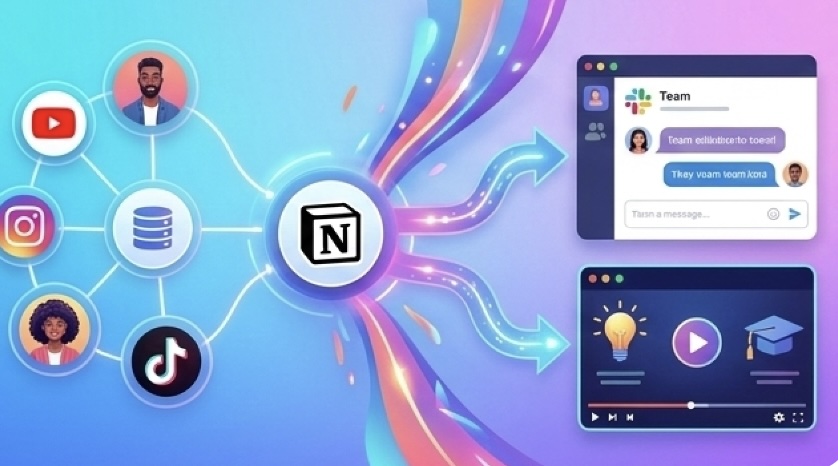
Chat Editing
Refine Notion Content with Chat-Based Editing
Medeo’s chat-based editing allows you to modify structure, shorten sections, or adjust visuals simply by typing instructions. This makes it easier to adapt long Notion documents into clearer video presentations.
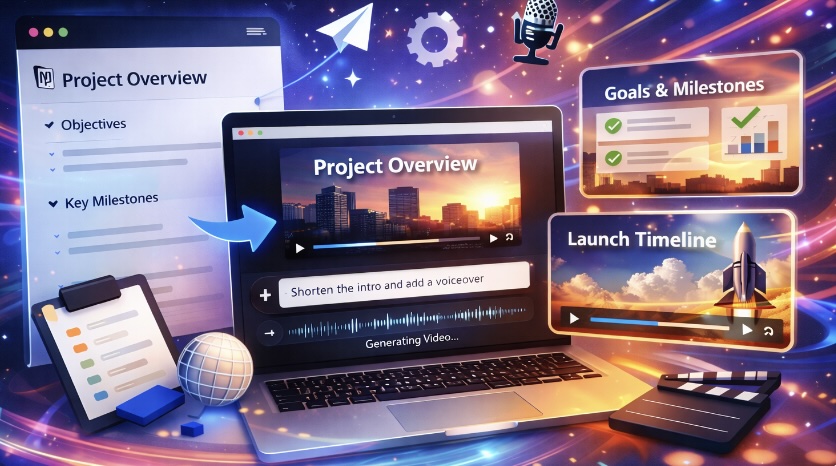
Multi-Scene Output
Turn Long Notion Documents into Multi-Scene Videos
Many Notion pages include multiple sections and key points. Medeo’s Notion to Video workflow can transform those sections into structured scenes, making the content easier to follow in video format.
Built for Distribution
Export Notion-Based Videos for Multiple Platforms
Videos generated from Notion content can be exported from Medeo in formats suitable for social media, presentations, and educational platforms.
How to Convert Notion Content with the Notion to Video AI Generator
Turning Notion notes into videos on Medeo is straightforward and does not require prior video editing experience.
Step 1
Step 1: Copy Your Notion Content
Start by copying notes, documentation, or tutorial content from your Notion workspace. Structured pages with headings or bullet points work especially well.
Step 2
Step 2: Generate Your First Video Draft
Paste the content into Medeo and use the Notion to Video AI video generator to produce a structured first draft based on your text.
Step 3
Step 3: Refine Through Chat-Based Editing
Adjust pacing, shorten sections, or clarify messaging through Medeo’s chat editing workflow to make the video easier to follow.
Step 4
Step 4: Export and Share
Once your video is ready, export it in the format that fits your platform, such as social media, learning platforms, or presentations.
Why Creators Use Medeo for Notion Content Videos
Turn Documentation into Watchable Content
Notion pages often contain valuable information but can be difficult to consume quickly. Medeo helps turn that written knowledge into clearer video explanations.
Repurpose Existing Notes Instead of Rewriting
The Notion to Video AI video generator allows you to reuse your existing notes instead of rewriting content specifically for video production.
Useful for Tutorials and Onboarding
Notion documentation can easily become tutorial videos, onboarding guides, or training material when converted through Medeo.
Chat-Based Editing Instead of Complex Tools
Medeo lets you refine videos using natural language instructions, making it easier for non-editors to create polished content.
Voiceover and Subtitle Support
AI voices and visual track controls can help add narration and subtitles to videos generated from Notion content.
Flexible Export Formats
Videos created from Notion content can be exported in multiple aspect ratios including 9:16, 16:9, 1:1, and 4:3.
Examples Created with the Notion to Video AI Generator
Use Notion to Video on Medeo to transform tutorials, documentation, and knowledge pages into videos for social media, learning platforms, and internal communication.
Product Explainer Film
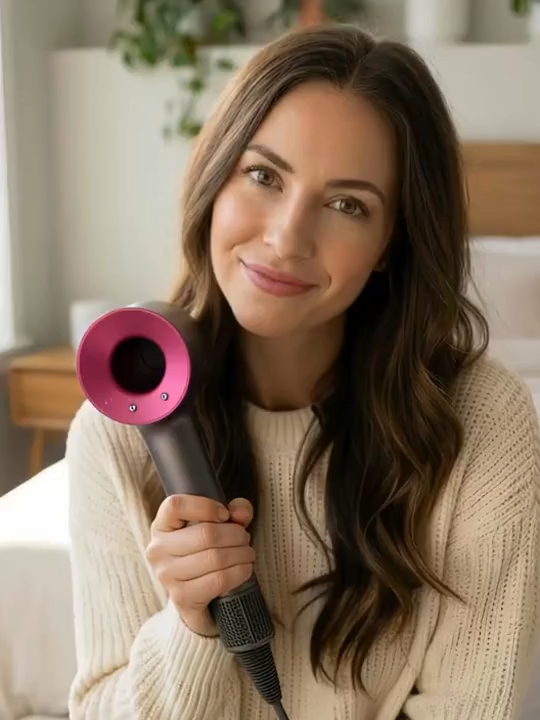
Generate a clean, high-end product showcase that keeps the product and presenter perfectly consistent across shots.
PPT Video
Create a PPT-style explainer video based on the reference materials, content outline, and visual style you provided.

Make a Song
Make a song and match it with pictures to form an attractive music video. You can spefic your lyrics.