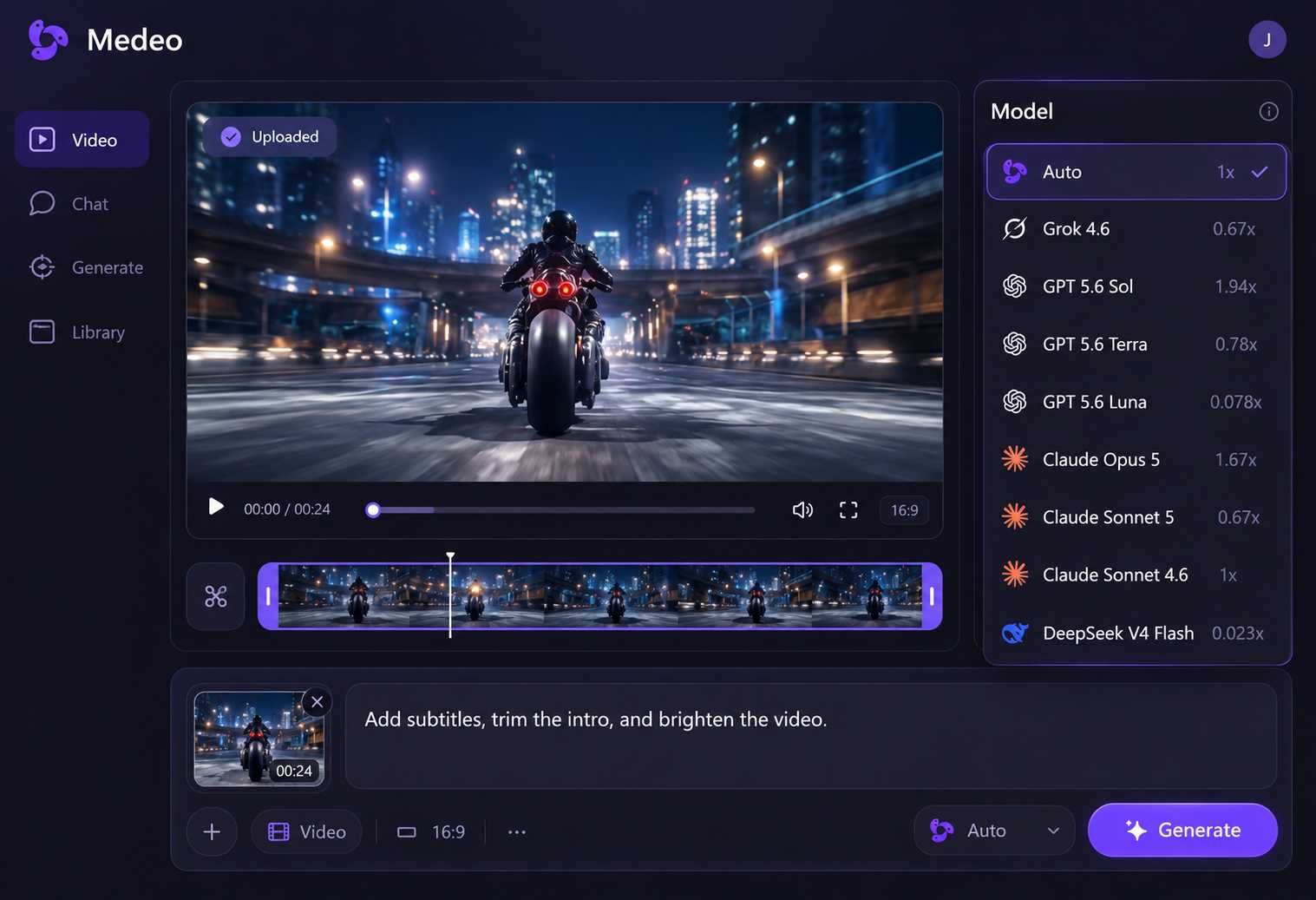
Generate Scroll-Stopping Thumbnails From Any Video With AI
Upload a video to Medeo's AI thumbnail generator and let the AI analyze every frame to find the most visually compelling moments. Get multiple thumbnail options extracted directly from your footage, perfectly framed and ready to use as cover images for YouTube, TikTok, Instagram, or any platform.
Key Capabilities
What Makes Medeo's AI Thumbnail Generator Different
Medeo's AI thumbnail generator is built into an all-in-one video creation platform. Instead of designing thumbnails from scratch or using generic templates, you get cover images pulled directly from your own video content.

Smart Frame Analysis
AI Picks the Best Moments From Your Video
Medeo's AI thumbnail generator scans your entire video and identifies frames with strong visual impact, clear faces, dynamic composition, good lighting, and expressive moments. Instead of scrubbing through footage manually, you get a curated selection of high-quality thumbnail candidates.

Multiple Options
Several Thumbnail Choices From a Single Video
Upload one video and the AI thumbnail generator returns multiple thumbnail options. Each option highlights a different moment or angle from your footage so you can choose the cover image that best represents your content.

No Template Dependency
Real Frames From Your Content, Not Generic Stock Art
Most thumbnail tools generate images from prompts or templates. Medeo's AI thumbnail generator extracts real frames from your video, ensuring your thumbnail reflects the actual content and improves viewer trust and click-through rates.

Chat-Based Refinement
Ask the AI to Find Exactly What You Need
Use Medeo's chat interface to guide the AI thumbnail generator. Type requests like "find a frame where the person is smiling" or "show a wide shot with the product visible" and the AI searches your footage for matching moments.

Platform-Ready Output
Thumbnails Sized for Every Platform Automatically
The AI thumbnail generator exports images pre-sized for YouTube (1280x720), Instagram (1080x1080), TikTok (1080x1920), and custom dimensions. No manual cropping or resizing required.
How to Create Thumbnails With the AI Thumbnail Generator
No design tools, no Photoshop, no templates. Just upload a video and let the AI do the work.
Step 1
Upload Your Video
Upload any video file to Medeo. The AI thumbnail generator supports all standard formats and analyzes the entire video regardless of length.
Step 2
AI Extracts the Best Frames
Medeo scans your video for strong visual moments including sharp focus, expressive faces, good lighting, and dynamic composition.
Step 3
Refine With Chat-Based Editing
Guide the AI by typing instructions such as "find a close-up of the product" or "show frames from the last part of the video."
Step 4
Download and Use
Select your preferred thumbnail, choose the platform size, and download a ready-to-use image for YouTube, TikTok, Instagram, or other platforms.
Why Creators Use Medeo for AI Thumbnail Generation
Medeo helps creators extract the most compelling visual moments from their videos and turn them into effective cover images.
Seconds Instead of Hours
Instead of scrubbing through a timeline manually, Medeo analyzes the full video and surfaces the best thumbnail options instantly.
Chat-Based Direction for Precision
Guide thumbnail extraction through natural conversation by describing the type of frame you want.
Consistent Visual Quality
The AI applies the same visual analysis standards across all videos, ensuring strong thumbnails every time.
Authentic Video Representation
Thumbnails come directly from your video frames, giving viewers an honest preview of the content.
Integrated With Medeo Workflow
Generate thumbnails from the same project where your video was created without exporting or switching tools.
Every Platform, Every Size
Export thumbnails optimized for YouTube, TikTok, Instagram, and other platforms with automatic resizing.
Examples Created With the AI Thumbnail Generator
See how creators extract high-performing cover images from YouTube videos, TikTok clips, marketing content, and product demos.
AI Thumbnail Generator - FAQs
Common questions about generating thumbnails from video using Medeo.