
Turn Product Descriptions into Demo Videos with Medeo
Product Description to Video on Medeo helps e-commerce teams, marketers, and creators transform written product descriptions into engaging product demo videos in minutes. Paste your product text, generate a structured video draft, and refine it using Medeo’s chat-based editing workflow without relying on traditional editing timelines.
Keywords
Turn Product Copy into Structured Product Videos
Product Description to Video is part of Medeo’s marketing workflow, helping teams convert product descriptions into videos that are easier to watch, understand, and share across e-commerce and advertising platforms.

Fast Repurposing
Convert Product Descriptions into Video in Minutes
Product Description to Video on Medeo allows you to transform written product descriptions into video drafts quickly. Instead of writing scripts from scratch, your existing product copy becomes the foundation for a demo video.

E-commerce Workflow
Create Product Demo Videos from Text
With Medeo’s AI product video generator workflow, e-commerce teams can convert product descriptions into demo videos suitable for product pages, marketplaces, and social ads.

Chat Editing
Refine Product Messaging with Chat-Based Editing
Medeo allows you to refine the structure, tone, and pacing of your product video through chat-based editing. This makes it easier to transform marketing copy into a compelling video format.
Multi-Scene Output
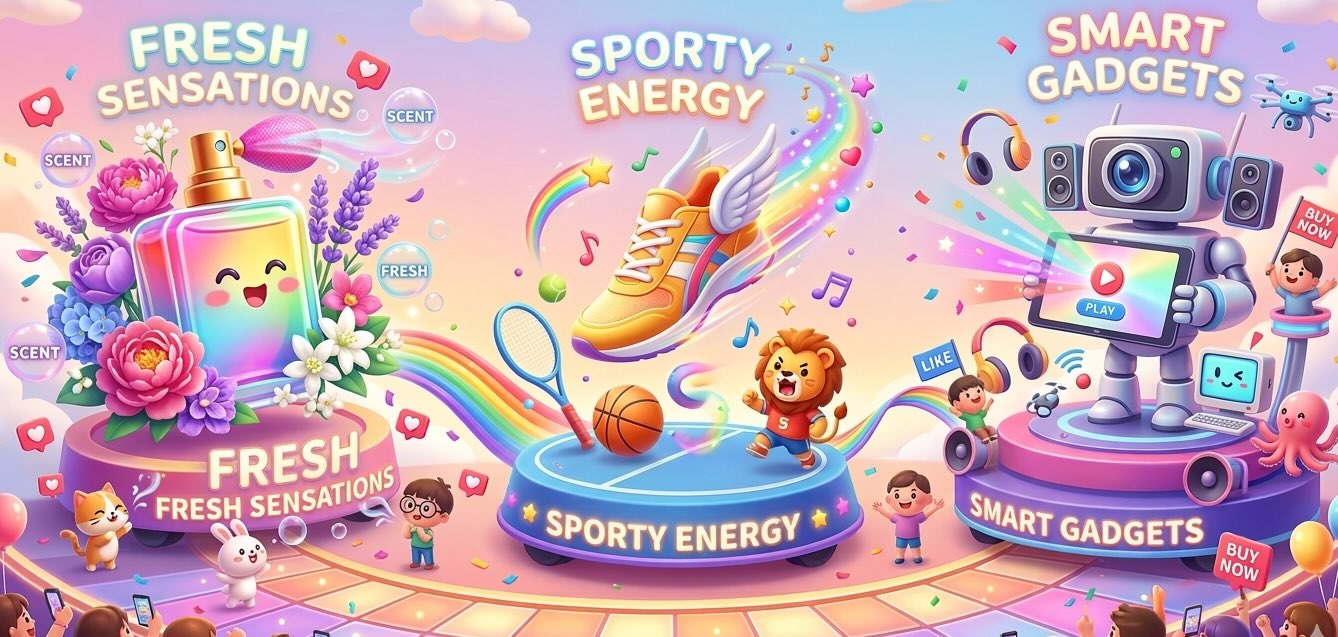
Turn Product Features into Video Scenes
Product benefits, specifications, and feature highlights can automatically become scenes in your video, helping present product information in a clearer and more visual format.

Built for Distribution
Export Product Videos for Multiple Platforms
Videos generated from product descriptions can be exported in formats suitable for e-commerce listings, product pages, social media ads, and marketing campaigns.
How to Convert Product Descriptions with the Product Description to Video AI Generator
Turning product descriptions into videos on Medeo is simple and does not require previous video editing experience.
Step 1
Step 1: Paste Your Product Description
Start by copying the product description from your e-commerce listing, product page, or catalog and paste it into Medeo.
Step 2
Step 2: Generate a Video Draft
Medeo analyzes the product text and generates a structured product demo video draft.
Step 3
Step 3: Refine Through Chat Editing
Use Medeo’s chat-based editing to highlight product benefits, improve clarity, and adapt the video for marketing or product promotion.
Step 4
Step 4: Export and Publish
Export the final product video in the format that fits your platform, such as social media ads, product pages, or marketplace listings.
Why Teams Use Medeo for Product Demo Videos
Product Description to Video helps teams transform product text into engaging demo videos that improve product communication and marketing performance.
Turn Product Copy into Visual Demonstrations
Written product descriptions can quickly become visual demo videos that showcase features and benefits more clearly.
Faster Video Creation for E-commerce
E-commerce teams can create product videos without building scripts or editing videos manually.
Clear Storytelling from Product Features
Product features and specifications naturally translate into scenes that explain the product step by step.
Chat-Based Editing Instead of Complex Tools
Users can refine product videos using natural language instructions instead of traditional editing software.
Voiceover and Subtitle Support
Medeo includes AI voices and visual track controls to support narration and subtitles in product demo videos.
Flexible Export Formats
Videos generated from product descriptions can be exported in formats such as 9:16, 16:9, 1:1, and 4:3.
Examples Created with the Product Description to Video AI Generator
Use Product Description to Video on Medeo to turn e-commerce product descriptions, catalog listings, and product marketing text into videos for product pages, ads, and social media.

2D Animation
Turn your travel mishaps into a punchy, over-the-top 2D stickman comedy by uploading your story or theme.

Brand Pop-Up
Open a branded envelope, and products of the brand pop out of it.

Magical Train
Please select your favorite ideal carriage!

Eating with IP
In this video, you can eat together with the IP characters and enjoy special IP-themed delicacies.
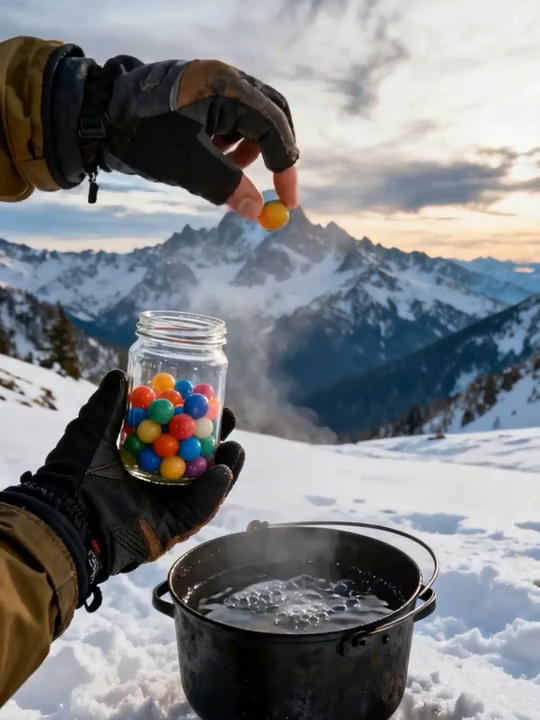
Food Ball
During special times, you take out a concentrated food ball. What are you going to eat?

Clay Animation
Create an ultra-fun minimalist clay stop-motion in Wes Anderson style, that unfolds your story gently and beautifully!

Love in Minecraft
Generate a romantic confession video exclusive to you in the style of Minecraft!

Brand Film
Vertical-Screen Brand Ad Template
Product Description to Video AI Generator – FAQs
These frequently asked questions explain how to convert product descriptions into demo videos using Medeo’s AI-powered video creation workflow.