Sora 2 Image to Video: Animate Any Picture with AI
Upload a photo, product shot, AI artwork, or reference image, then describe the motion you want. Medeo helps you create Sora 2 videos with cinematic camera movement, realistic scene behavior, and synchronized audio in one creative workspace.


What Is Sora 2?
Sora 2 is OpenAI's video generation model for creating detailed, dynamic videos from text prompts or images. It is designed for more realistic motion, stronger prompt control, and synchronized audio output.
What the Sora 2 Model Can Create
Use Sora 2 for cinematic clips, product reveals, social videos, concept art animation, portrait motion, story scenes, and image-to-video experiments. In Medeo, you can begin with a prompt or upload an image, then shape the result with instructions for motion, camera movement, lighting, mood, and sound.
Create Videos with Sora 2 in Medeo
Move from a still image or written idea to a usable AI video without switching tools. Medeo gives you a prompt-first workspace for generation, review, refinement, and export.
Generate Videos from Text Prompts
Describe the scene you want to create, including the subject, action, camera movement, mood, lighting, and sound. Sora 2 can turn natural language into dynamic video clips, making it useful for quick concepts, social content, ad ideas, and cinematic visual tests.
Turn Images into Cinematic Videos
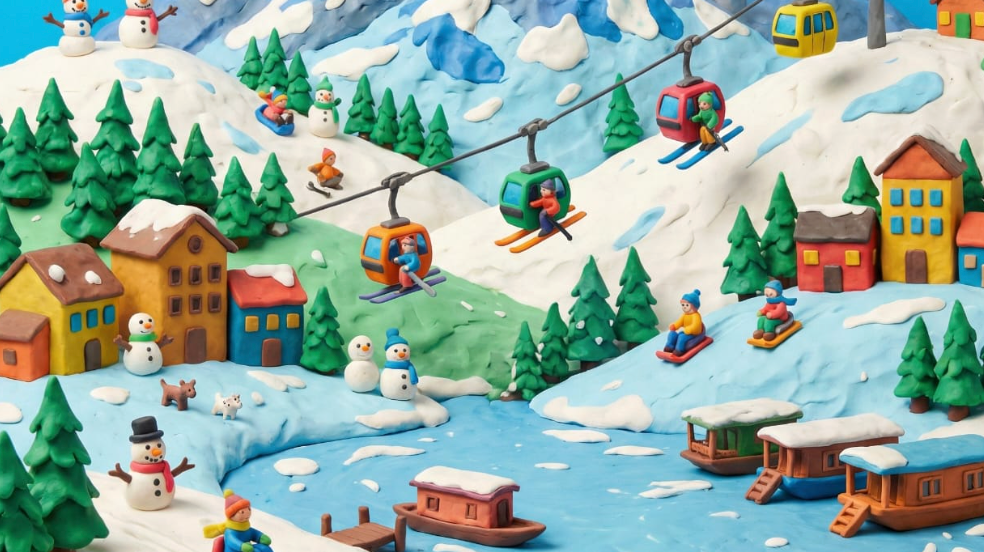
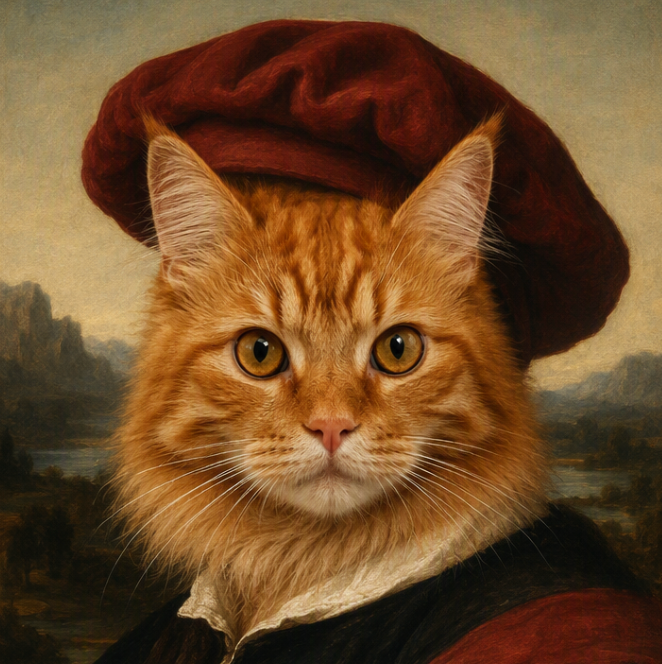
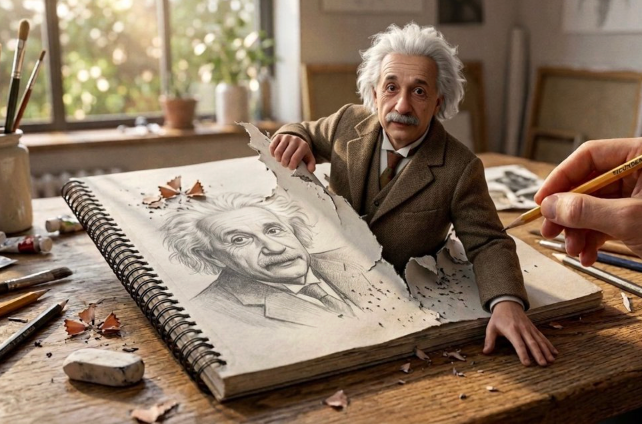
Upload a portrait, product image, illustration, landscape, or AI-generated artwork and describe how it should move. Medeo helps turn static pictures into Sora 2 image-to-video outputs with camera motion, scene atmosphere, and natural visual transitions.
Create with Synced Audio
Sora 2 supports video generation with audio output, so your prompt can guide ambient sound, movement effects, dialogue direction, or atmosphere. This is especially helpful when a clip needs to feel complete without separate sound design.
Compare Sora 2 with Other Models
Sora 2 is one option inside a broader AI video workflow. Use Medeo to compare model behavior, test the same prompt across different engines, and choose the result that best fits your creative direction, format, and delivery needs.
Bring More Control to AI Video Creation
Good Sora 2 prompts do more than name a subject. They direct motion, continuity, camera behavior, sound, and the details that should stay consistent from frame to frame.
Guide Physics-Aware Motion
Ask for motion that respects weight, speed, balance, and environment. Whether you are animating hair in the wind, a product rotation, ocean waves, or a character movement, clear physical cues help the model produce more believable action.
Control Camera Movement
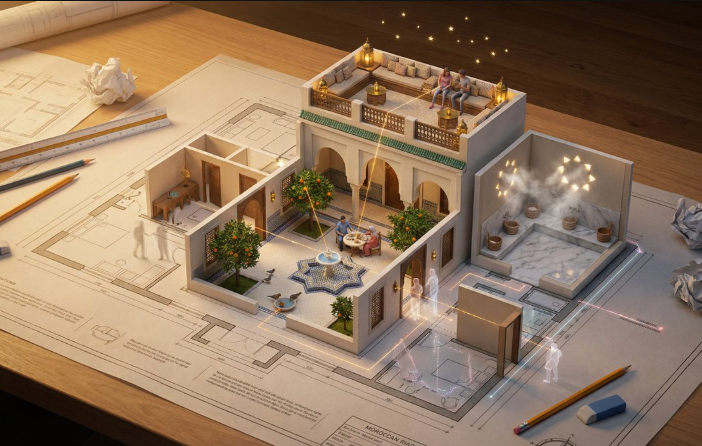
Use prompt language such as slow dolly in, handheld tracking shot, soft orbit, wide establishing shot, or cinematic push-in. Camera direction gives the generated video a stronger sense of intention and helps a simple scene feel produced.
Preserve Image Identity and Style
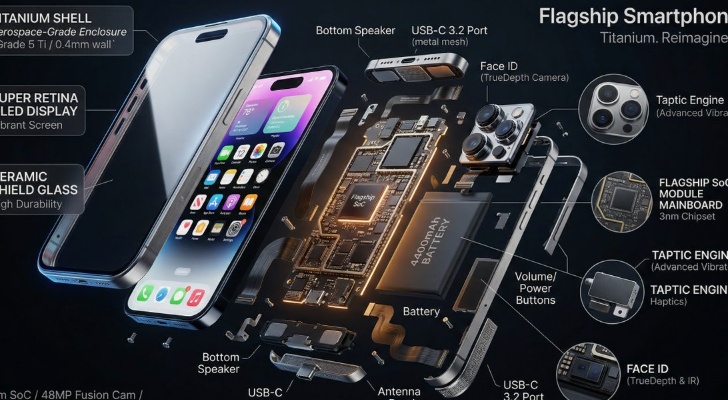
When you start from an image, include what must remain unchanged: face identity, product shape, artwork style, clothing, color palette, logo placement, or composition. This makes image-to-video generation more useful for real creative assets.
Shape the Sound of the Scene
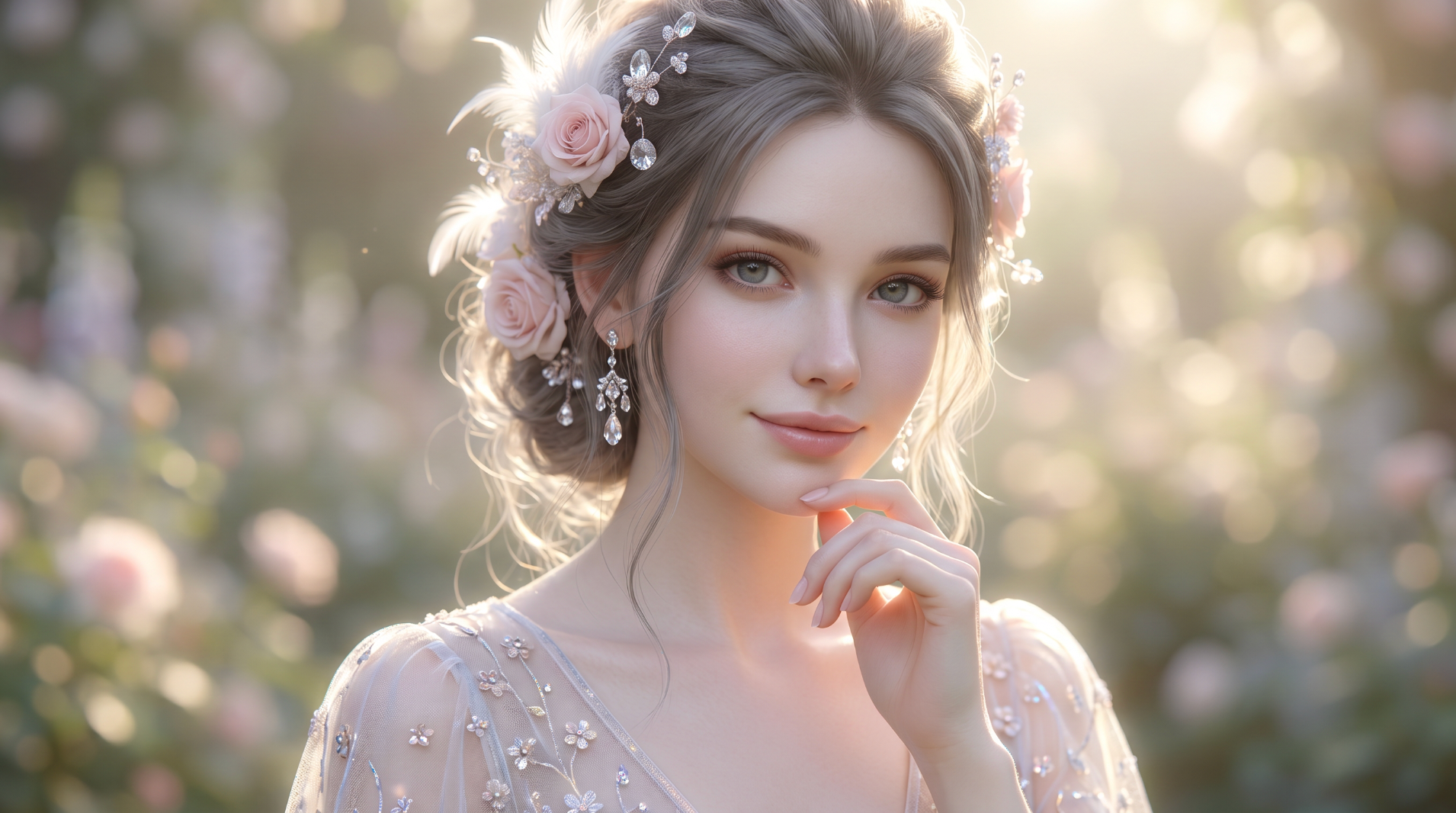
Add audio cues when sound matters: quiet room tone, ocean ambience, footsteps, city traffic, soft mechanical hum, or short dialogue. Audio direction helps the final Sora 2 video feel more complete and ready for social or campaign use.
Use Sora 2 Across Creative Workflows
Sora 2 can support fast idea testing and more structured production work. Start with the audience, channel, and source asset, then create the video format that fits the job.
Social Videos for TikTok, Reels, and Shorts
Turn still images, AI art, and short concepts into motion-first clips for vertical feeds. Prompt for quick hooks, close-up motion, camera energy, and a clear visual payoff so the video feels native to social platforms.
Product Ads and Commercial Concepts
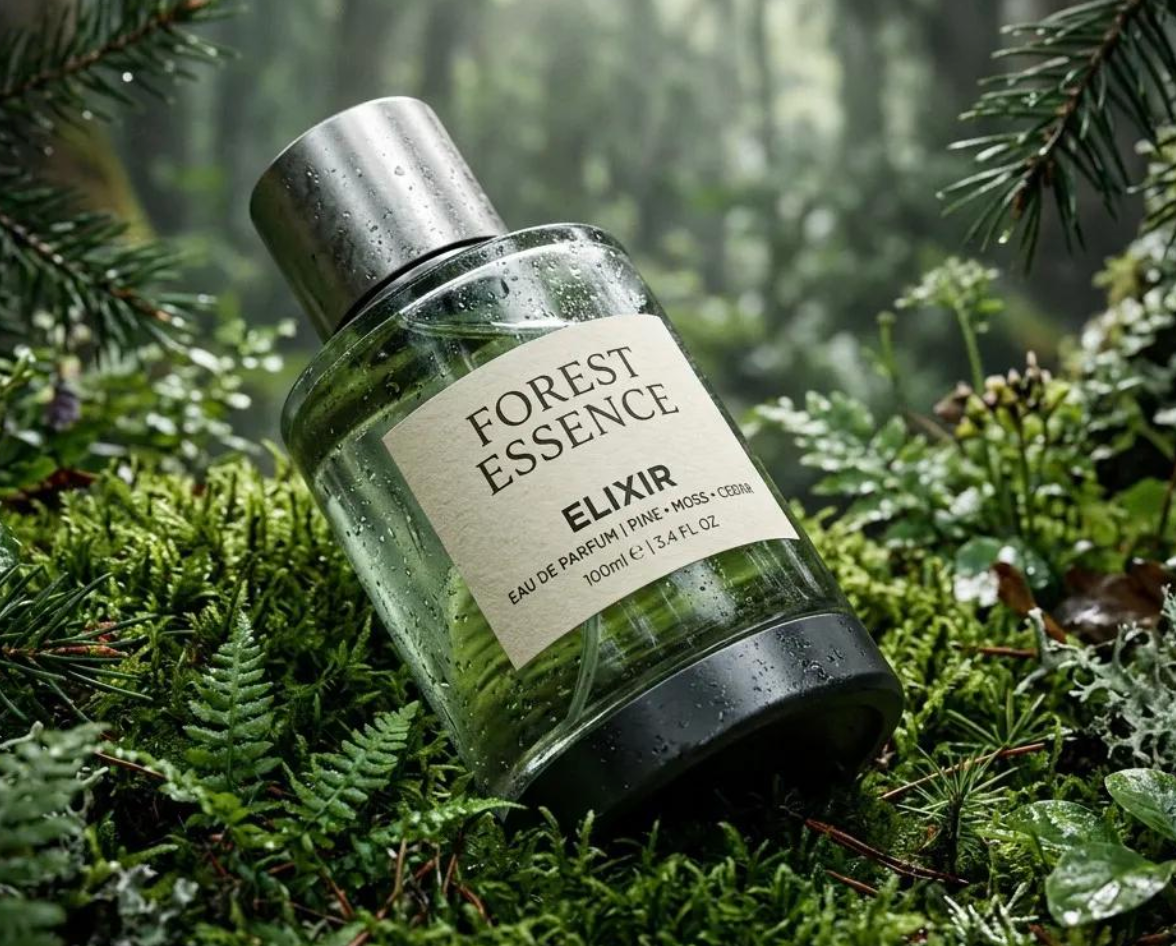
Animate product images into polished reveals, lifestyle shots, orbiting camera moves, and campaign previews. Sora 2 can help teams test ad directions before investing in studio production, props, or manual editing.
Concept Art and Story Scenes
Bring illustrated worlds, character art, and storyboard frames to life with controlled camera movement and atmospheric sound. This helps directors, game teams, agencies, and creators communicate the feeling of a scene faster than static images alone.
Photo Animation and Visual Experiments
Add subtle motion to portraits, landscapes, architecture, interiors, and editorial photos. Keep the original composition while introducing breathing motion, moving light, natural ambience, or cinematic depth.
How to Use Sora 2 on Medeo
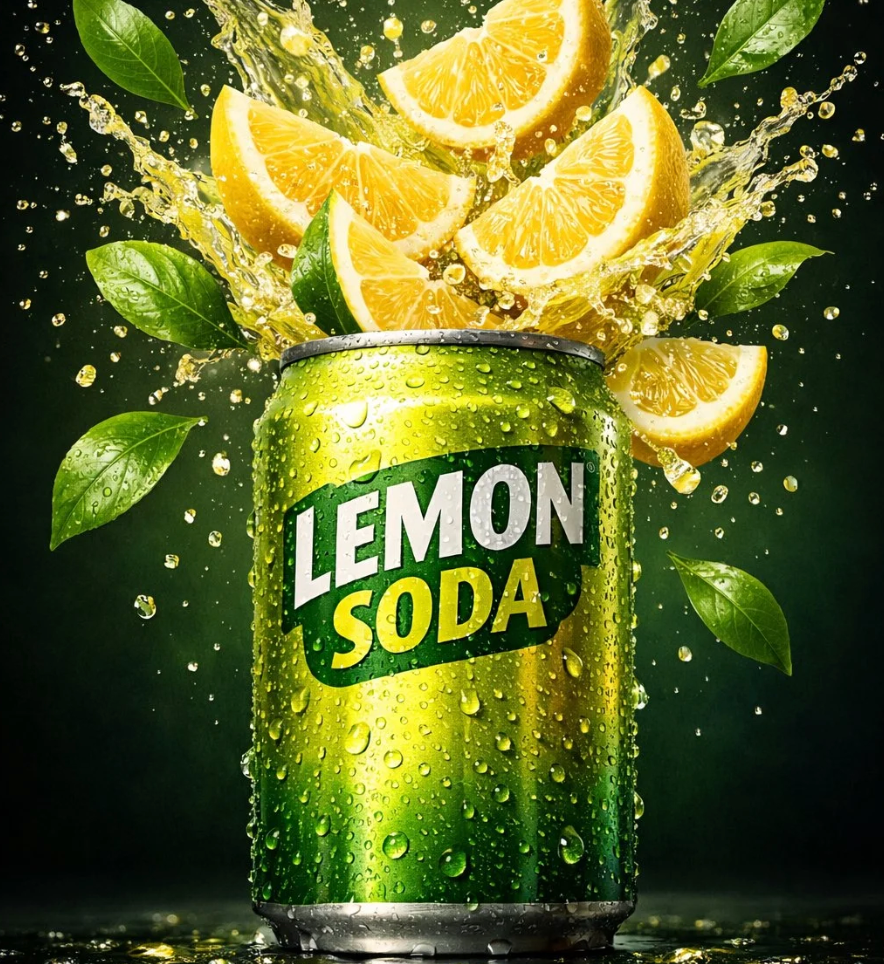
You do not need a complex production setup. Start with a prompt or image, describe the movement clearly, then refine the result until it matches your creative goal.
Step 1
Upload an Image or Enter a Prompt
Start from a photo, product image, illustration, AI artwork, or a written scene idea. Use a clear source image when you want the final video to preserve a specific subject or visual style.
Step 2
Describe the Motion and Camera
Write what should happen in the clip. Include subject action, camera movement, lighting, mood, audio cues, and anything that must stay unchanged from the source image.
Step 3
Generate and Review
Create your first Sora 2 video and check motion quality, subject consistency, framing, sound, and pacing. If the result is close, use focused follow-up instructions instead of starting over.
Step 4
Export or Continue Creating
Download the finished video for social posts, ads, presentations, or creative review, or keep building in Medeo with more scenes, edits, music, captions, and related AI models.
How to Write Better Sora 2 Prompts
The best Sora 2 prompt gives the model a complete directing note. Describe the subject, motion, camera, atmosphere, sound, and consistency requirements instead of relying on style adjectives alone.
Use a Simple Prompt Formula
Try this structure: subject plus action plus camera plus lighting plus audio plus consistency. For example: Upload a product image, then prompt: slow 360-degree orbit, soft studio light glints, clean background bokeh, premium commercial pacing, no text overlays, preserve product shape and logo placement.
Be Specific About Motion
Avoid vague prompts like make it move. Instead, name the movement: hair drifting in a breeze, camera pulling back, clouds moving slowly, character breathing gently, water rippling, or product rotating from left to right. Specific movement cues usually create stronger image-to-video results.
Protect the Details That Matter
If you upload a reference image, tell Medeo what should stay unchanged: identity, pose, outfit, product shape, illustration style, color palette, composition, or background. This is especially important for branded assets, portraits, product ads, and character art.
Add Sound Only When It Helps
Sora 2 can output audio, but sound should serve the scene. Add cues such as ocean ambience, city traffic, soft footsteps, mechanical hum, fabric movement, or brief dialogue when audio improves the final video. For silent social loops, specify no dialogue or ambient sound only.
Sora 2 Compared with Other AI Video Models
The right model depends on your brief. Test the same prompt across models and compare motion, prompt following, audio, consistency, visual style, speed, and output format.
Sora 2 vs Veo 3.1
Compare Sora 2 and Veo 3.1 when realism, camera quality, and audio matter. Sora 2 is strongly associated with physically aware video and synced audio, while Veo-style workflows are often tested for high visual realism and cinematic polish. Run the same source image and prompt before choosing.
Sora 2 vs Kling
Use Sora 2 when the prompt depends on audio, world behavior, or cinematic scene movement. Test Kling when you need strong character motion, longer-form visual continuity, or highly controlled image-to-video animation. The better choice depends on the specific subject and motion.
Sora 2 vs Seedance
Sora 2 can be a strong option for richly described scenes with audio, while Seedance is often useful for fast iteration and broad video generation workflows. Use Medeo to compare speed, motion quality, and publish-ready output rather than assuming one model wins every brief.
Sora 2 vs Hailuo AI
Compare Sora 2 with Hailuo AI for expressive motion, stylized prompts, and unusual scene ideas. Sora 2 may fit cinematic, audio-aware generation, while Hailuo can be useful when you want fast visual exploration and lively motion from concise prompts.
Detailed Comparison Chart
Compare Sora 2 with other AI video models using the same input image, prompt, aspect ratio, and intended use. Model specifications and availability can change over time.
| Model | Developer | Supported Inputs | Output | Best For | Primary Access |
|---|---|---|---|---|---|
| Sora 2 | OpenAI | Text and image | Video and audio | Cinematic generation, image to video, synced audio, realistic scene behavior | OpenAI-supported surfaces and creative platforms such as Medeo, depending on availability |
| Veo 3.1 | Google DeepMind | Text, image, and supported references | Video and audio, depending on product surface | High-realism cinematic video, camera control, campaign-quality visual concepts | Google products, API access, and supported platforms such as Medeo |
| Kling | Kuaishou | Text and image | Video | Character motion, image animation, dynamic social clips, controlled visual movement | Kling products and supported creative platforms such as Medeo |
| Seedance 2.0 | ByteDance | Text and image | Video | Fast creative iteration, social content, broad prompt-to-video and image-to-video workflows | ByteDance ecosystem and supported platforms such as Medeo |
Frequently Asked Questions About Sora 2
These answers cover common questions about Sora 2 image-to-video generation, prompts, audio, commercial use, and how the model fits into Medeo.
See Why Creators Choose Medeo
Creators use Medeo to move from isolated generations to a connected workflow for images, video, sound, captions, and model comparison.
"Medeo makes it easy to test Sora 2 prompts without turning the process into a technical project. I can upload an image, describe the shot, and compare the result quickly."
Emily Parker
Video Content Creator
"For campaign concepts, the biggest benefit is speed. We can turn still visuals into short video directions before committing budget to a full shoot."
Daniel Foster
Creative Director
"The prompt workflow helps our team think like directors. We specify the motion, camera, sound, and details to preserve, then iterate from there."
Sophia Kim
Marketing Designer
"Medeo makes it easy to test Sora 2 prompts without turning the process into a technical project. I can upload an image, describe the shot, and compare the result quickly."
Emily Parker
Video Content Creator
"For campaign concepts, the biggest benefit is speed. We can turn still visuals into short video directions before committing budget to a full shoot."
Daniel Foster
Creative Director
"The prompt workflow helps our team think like directors. We specify the motion, camera, sound, and details to preserve, then iterate from there."
Sophia Kim
Marketing Designer
"I use Medeo when I want one place for model testing. Sora 2 is great for certain scenes, and having other video models nearby keeps the workflow flexible."
Ryan Mitchell
AI Filmmaker
"Product images feel much more useful when we can animate them into ad concepts. Medeo reduces the gap between a static asset and a moving campaign idea."
Olivia Bennett
Brand Strategist
"The image-to-video workflow is approachable enough for non-editors but still specific enough for creative teams that care about camera movement and pacing."
Michael Chen
Product Designer
"I use Medeo when I want one place for model testing. Sora 2 is great for certain scenes, and having other video models nearby keeps the workflow flexible."
Ryan Mitchell
AI Filmmaker
"Product images feel much more useful when we can animate them into ad concepts. Medeo reduces the gap between a static asset and a moving campaign idea."
Olivia Bennett
Brand Strategist
"The image-to-video workflow is approachable enough for non-editors but still specific enough for creative teams that care about camera movement and pacing."
Michael Chen
Product Designer
Explore More AI Video Models and Creative Tools
Different prompts benefit from different models. Explore more options in Medeo, compare outputs, and choose the route that best fits your scene, channel, and creative direction.

Learn More About Sora 2 and AI Video Creation
Build a stronger video workflow with guides for Sora 2 prompts, image-to-video generation, model comparison, and short-form AI video production.