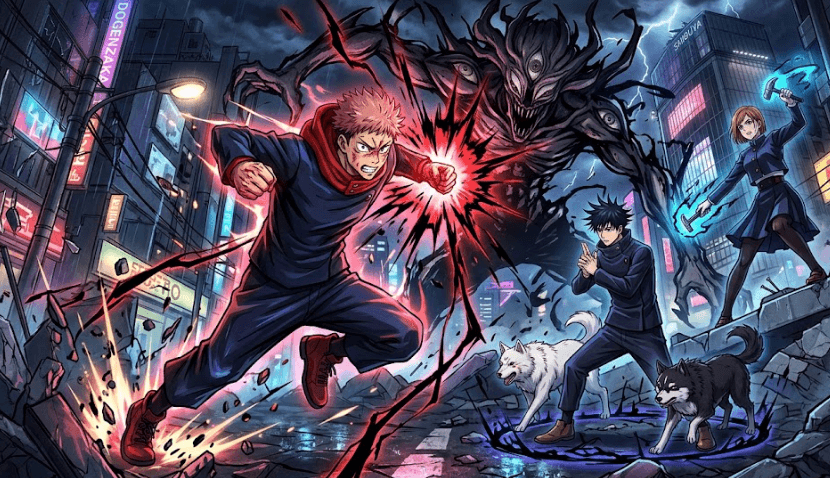
Create Epic Jujutsu Kaisen Anime Edits with AI
Medeo’s AI Jujutsu Kaisen Video Generator helps anime fans and creators turn intense anime scenes into cinematic, high-impact videos. Whether you're creating Gojo Satoru moments, Sukuna battles, domain expansions, or emotional character arcs, you can describe the edit you want and refine it with the AI. With anime-style effects, fast-paced cuts, cinematic slow motion, and music sync, you can create viral Jujutsu Kaisen videos for TikTok, YouTube Shorts, and fan edits without manual editing.
Powered by world-class AI models


What Is an AI Jujutsu Kaisen Video Generator for Anime Edits, Gojo Clips & Domain Expansion Videos?
An AI Jujutsu Kaisen video generator is a tool that converts anime clips or ideas into cinematic anime edits. Using artificial intelligence, it detects key moments such as fight scenes, domain expansions, character reveals, and emotional moments, then edits them into a cohesive video with effects, captions, and music. These videos are optimized for TikTok, YouTube Shorts, and viral anime content.
From Raw Anime Clips to Viral Jujutsu Kaisen Edit
See how AI transforms scenes into cinematic anime edits with effects and music
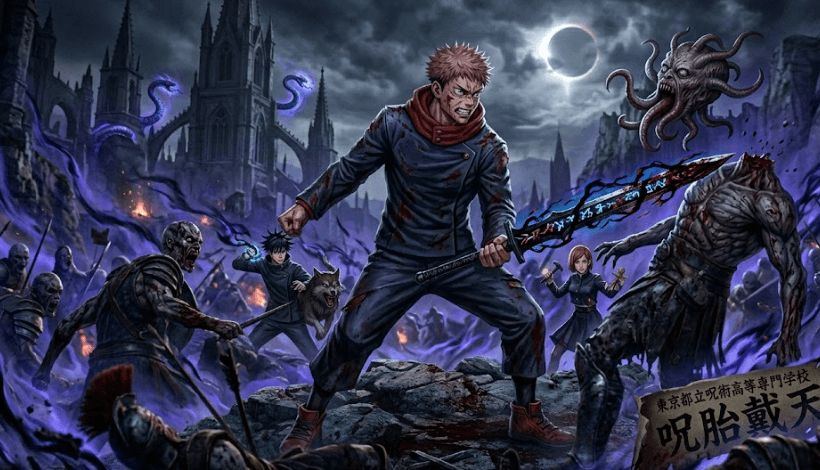
Before
Unedited anime clips with scattered scenes, inconsistent pacing, and no editing effects.
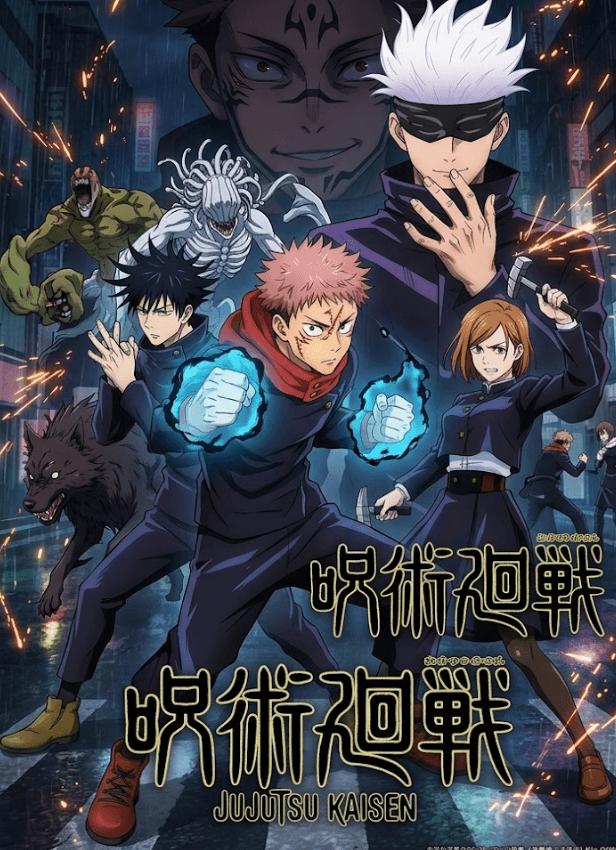
After
A polished Jujutsu Kaisen video with fight highlights, domain expansions, captions, and cinematic flow.
Why Use an AI Jujutsu Kaisen Video Generator for Anime Fight Edits & Viral Shorts?
Create viral-ready anime edits that highlight combat, characters, and cinematic storytelling.
Jujutsu Kaisen Fight Scene Edits
Describe the battles, domain expansions, cursed techniques, and key anime moments you want in the edit.
Anime Edit Style with Music Sync & Effects
Create fast-paced anime edits with beat sync, transitions, glow effects, and cinematic motion.
Perfect for TikTok, YouTube Shorts & Anime Edits
Generate videos optimized for short-form platforms and viral anime content.
Highlight Gojo, Sukuna & Iconic Moments
Showcase powerful characters, iconic scenes, and emotional moments with better pacing.
Save Time Creating Anime Edits
Turn raw anime clips into polished edits in minutes using AI automation.
No Editing Skills Needed for Anime Videos
AI handles cutting, transitions, captions, and music synchronization automatically.
Powerful AI Jujutsu Kaisen Video Generator Features for Anime Edits
Everything you need to create high-quality Jujutsu Kaisen edits, fight videos, and viral anime clips.
Jujutsu Kaisen Fight & Domain Expansion Detection
Automatically detect combat scenes, domain expansions, cursed techniques, and high-impact anime moments.
Slow Motion & Impact Replay Effects
Highlight key attacks, domain activations, and finishing moves with cinematic slow motion.
Anime Captions & Viral Callouts
Add captions such as 'Domain Expansion', 'Limitless', or 'King of Curses' to boost engagement.
Beat Sync & Anime Music Integration
Sync cuts, transitions, and effects with music beats for viral anime edits.
Multi-Clip Anime Edit Builder
Combine multiple scenes into cohesive edits, character compilations, or story montages.
Export Anime Videos for TikTok, YouTube & Shorts
Export videos optimized for vertical and horizontal formats across platforms.
How to Use an AI Jujutsu Kaisen Video Generator to Create Viral Anime Edits?
Step 1
Upload Your Jujutsu Kaisen Clips
Upload anime clips including fights, character moments, and domain expansion scenes.
Step 2
Choose Anime Edit Style
Select styles such as fast-paced edit, cinematic montage, or character highlight video.
Step 3
AI Generates Jujutsu Kaisen Video Automatically
The AI detects key moments, syncs music, adds effects, captions, and builds a polished anime edit.
Step 4
Preview, Export, and Share Your Anime Video
Review your video and publish it on TikTok, YouTube, or Shorts.
Explore an original supernatural anime scene
For a Jujutsu Kaisen fan project, describe the mood and visual language you enjoy, then develop an original situation. Give your fan creation its own character, setting, and dramatic question.
An empty station encounter
Try an original student sorcerer waiting on a deserted platform as the lights begin to flicker. Describe sharp shadows, cool colors, and a tense pause before the reveal, giving the scene a readable setup instead of opening with unexplained action.
A power with a visual rule
Invent an ability built around folding paper or shifting reflections and explain what triggers it. Keep the visual rule simple enough that viewers can recognize the setup and consequence, rather than treating every burst of energy as a different power.
A rival’s quiet arrival
Introduce an original rival through a changed atmosphere, a small gesture, and a restrained line of dialogue. Describe the clothing and silhouette yourself, making the personality clear through behavior instead of relying on recognition of an existing character.
The aftermath of a choice
Build a fan-made scene around the quiet moment after a confrontation, with an abandoned object suggesting what happened. This gives you room for an emotional edit where posture, setting, and narration carry the story without a continuous fight sequence.
Make supernatural action understandable before adding spectacle
A strong fan edit needs a clear relationship between the character, the threat, and the response. Use visual directions that help the audience follow that relationship.
Establish the space
Describe where the original character stands and where the threat is located before requesting movement. A recognizable doorway, platform edge, or courtyard feature gives the viewer a reference point when the scene changes angle or intensity.
Choose one visual motif
Use a repeated element such as ink-like shadows, fractured glass shapes, or a violet glow to connect the scenes. Explain when it appears and what it means, keeping it consistent with the original power you have described.
Let the reaction carry weight
After a major action, include a moment that shows its effect on the character or environment. A brief visual consequence makes the sequence feel connected, while another unrelated attack can obscure what the previous moment was meant to accomplish.
Write a brief that separates your concept from canon
Tell Medeo that the video is an original fan creation and describe the style in concrete terms. Focus on the story you want to tell rather than assuming an episode or scene is already available.
Step 1
Define the original premise
Write a sentence naming your character, the unusual situation, and the choice they face. If your narration discusses Jujutsu Kaisen itself, distinguish your interpretation or imagined scenario from events you are describing as part of the source story.
Step 2
Supply the visual references
Upload your own character art or reference material you are entitled to use, then identify the design details you want emphasized. Describe line quality, color, lighting, and composition so the intended anime style is understandable from the brief.
Step 3
Review the story beat
Check that the finished sequence delivers the premise and labels the imagined scenario clearly in its narration where needed. For a vertical fan edit, make sure the key gesture or supernatural effect remains visible alongside the captions.