Transform Game Streams into Viral Gaming Clips with AI
Auto generate voiceover and subtitles from your game streams to create engaging short videos. AI analyzes your gameplay and adds esports-style commentary automatically.

Powered by world-class AI models


What is AI Gaming Clip Generator?
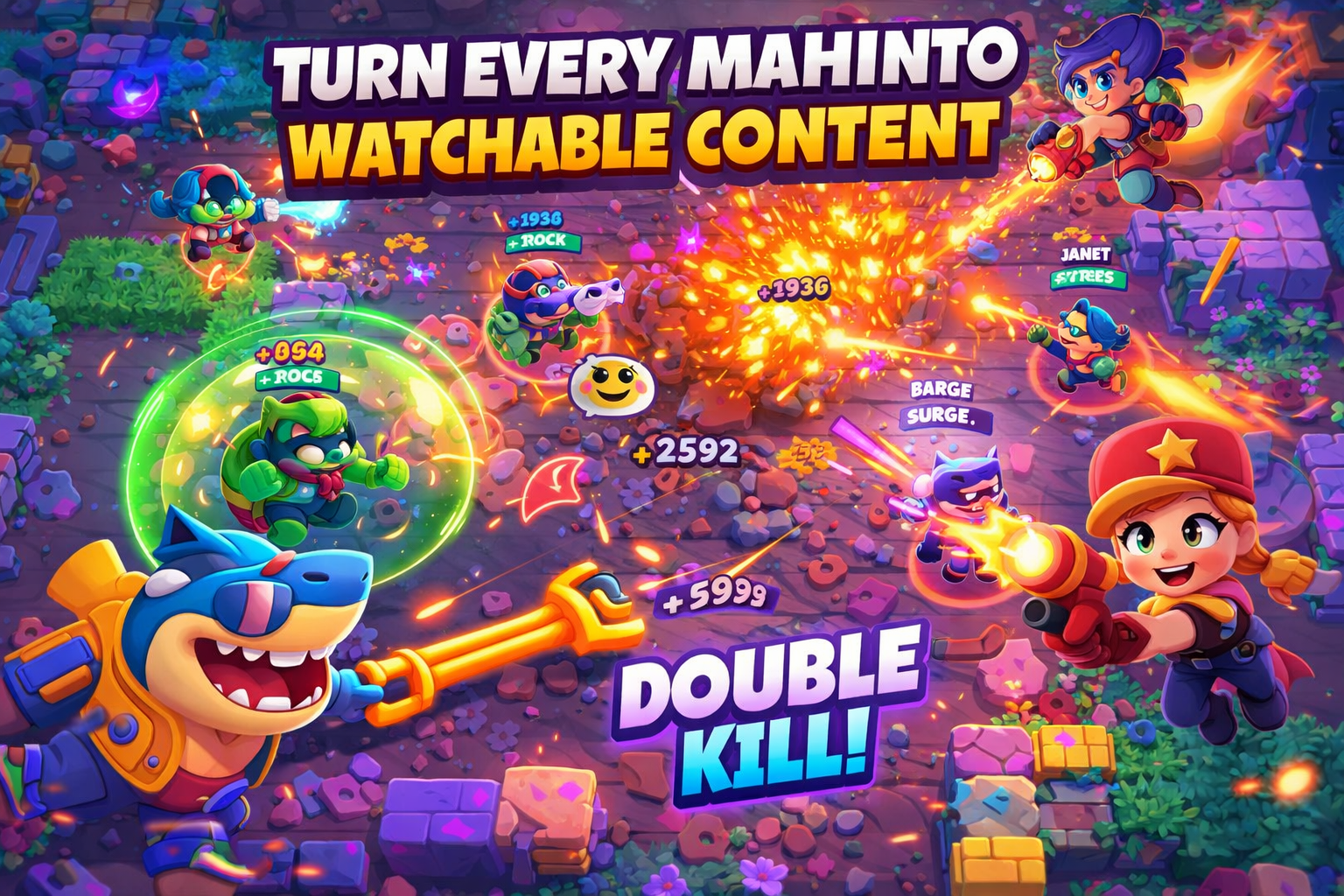
The Game Stream to Short tool is an AI-powered video editor that transforms your lengthy game streams into engaging, shareable short-form content. It automatically analyzes your gameplay, generates exciting commentary, and creates a polished video ready for social media platforms like TikTok, Instagram Reels, and YouTube Shorts.
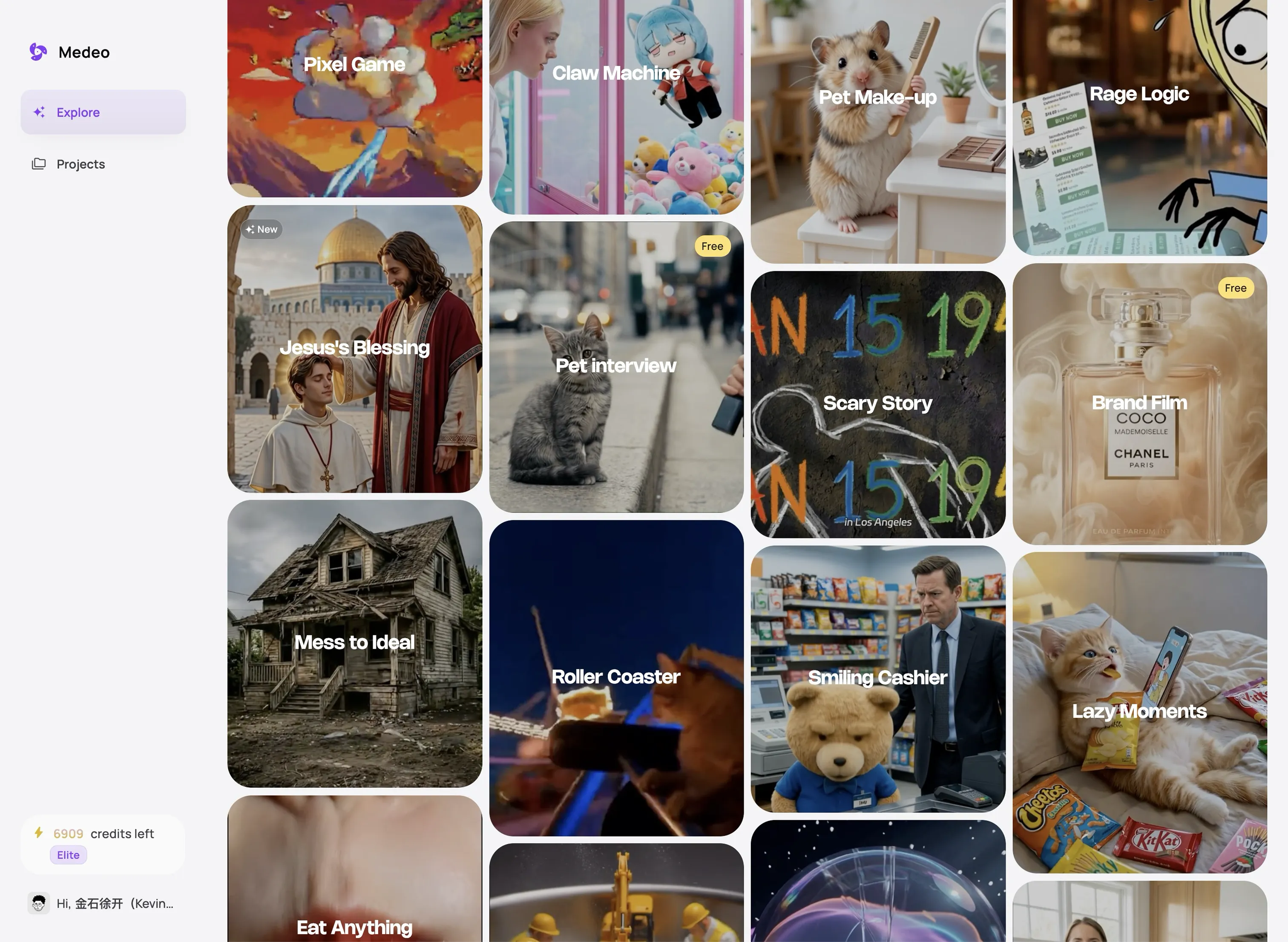
From Stream to Viral Clip
Watch how AI transforms your gameplay into engaging short-form content
Before
Full Game Stream

After
AI Gaming Clip

Why Choose AI Gaming Clips?
Turn hours of gameplay into viral moments with professional AI commentary
Instant Highlight Detection
AI automatically finds the most exciting moments in your gameplay—pentakills, clutches, epic plays, and more. No manual scrubbing through hours of footage.
Professional Esports Commentary
AI generates high-energy commentary mimicking professional esports casters. Adds excitement and context to your best plays automatically.
Multi-Game Support
Works with esports titles, battle royales, MMORPGs, speedruns, and casual games. From Valorant to Minecraft, we've got you covered.
Customizable AI Voices
Choose from multiple AI voice styles or adjust tone and energy levels. Make the commentary match your personal brand and gaming style.
Multi-Language Commentary
Generate commentary in 10+ languages. Reach international gaming audiences and expand your viewership globally with localized content.
Time-Saving Automation
What takes hours manually takes minutes with AI. Spend more time gaming and less time editing. Perfect for daily content creators.
Perfect for Every Gamer
From casual players to pro gamers—create viral clips from any gaming content
Competitive Esports Highlights
Capture your best ranked plays, tournament moments, and competitive clutches. Perfect for League, Valorant, CS:GO, and Dota 2 players showcasing their skills.
Battle Royale Victories
Transform your Fortnite, Apex Legends, or Warzone wins into shareable clips. AI identifies final kills, squad wipes, and victory moments automatically.
Multiplayer Moments
Extract funny moments, team coordination, and epic teamwork from multiplayer sessions. Great for Among Us, Minecraft, or Fall Guys content creators.
Speedrun Highlights
Showcase your speedrunning achievements and personal bests. AI captures the most intense moments and route optimizations from your runs.
Stream Growth Content
Turn long Twitch or YouTube streams into viral TikTok and Instagram clips. Drive traffic back to your full streams and grow your audience exponentially.
Gaming Montages
Create epic gaming montages from hours of footage. AI selects the best plays and adds professional commentary for a polished final product.
Transform Your Game Streams into Viral Shorts in 4 Easy Steps
Step 1
Share Your Viral Clips
Download your polished gaming clips or schedule direct posts to TikTok, Instagram Reels, and YouTube Shorts. Watch your audience grow as AI-enhanced content attracts new viewers to your gaming channel.
Step 2
Customize and Fine-Tune
Review the AI-generated clips and commentary. Adjust the tone, voice style, and subtitle appearance. Choose your preferred clip length (15-60s) and select which highlights to keep for maximum viral potential.
Step 3
Let AI Analyze and Generate
Our advanced AI analyzes your gameplay, identifying key moments and exciting action. It then generates an engaging voiceover commentary, mimicking the style of professional esports casters with high energy and context-aware insights.
Step 4
Upload Your Stream
Start by uploading your game stream video file or pasting a YouTube link of your stream. Our tool supports various video formats and can process streams of different lengths, from short sessions to marathon streams.