Bring Words to Life with AI Kinetic Typography Videos
Create stunning kinetic typography videos with AI, fast and easy. Transform text into dynamic animations effortlessly.

Powered by world-class AI models


What is an AI Kinetic Typography Video Generator?
Kinetic typography is a captivating animation technique that brings text to life. It uses motion to express ideas and evoke emotions, making text a dynamic visual element. Our AI Kinetic Typography Video Generator simplifies this complex process, allowing you to create professional-grade animated text videos without extensive design experience or software.
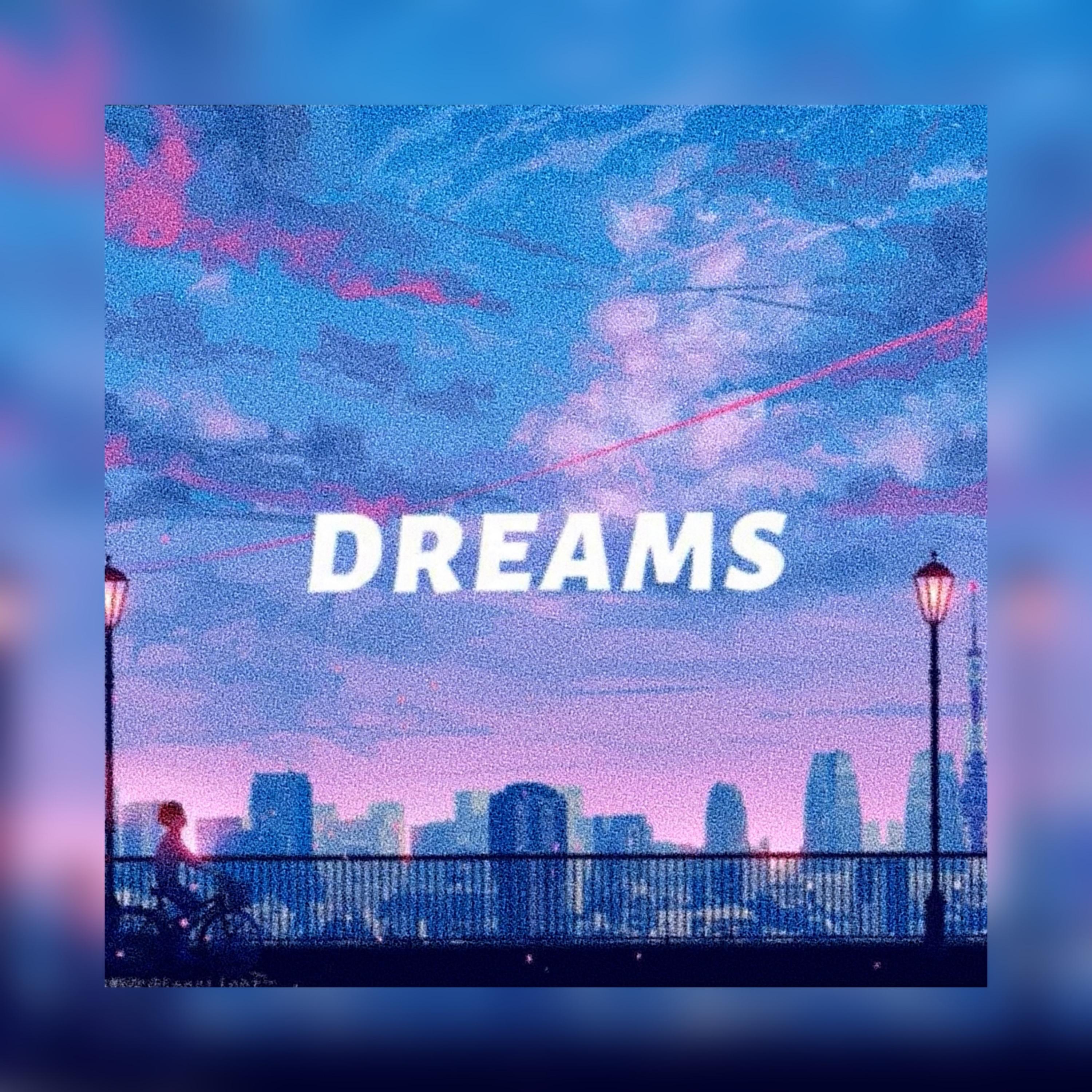
From Static Text to Dynamic Kinetic Typography — In Seconds
Watch simple words turn into expressive animated text with AI motion design
Before
Plain text on screen

After
Dynamic kinetic typography video

Why Choose Medeo’s AI Kinetic Typography Generator?
The fastest way to create professional animated text videos
AI-Powered Automation
Leverage artificial intelligence to automatically animate your text, saving hours of manual work.
Stunning Visuals
Produce visually striking kinetic typography videos that grab attention and convey your message effectively.
Boost Engagement & Reach
Dynamic text animations are highly engaging, leading to better viewer retention and shareability across platforms.
Customization Fingertips
Fine-tune fonts, colors, animations, and timing to perfectly match your brand and message.
Rapid Content Creation
Generate high-quality videos in minutes, not hours or days, accelerating your content production.
Smart Motion
AI automatically syncs text movement with pacing, emphasis, and structure for natural, expressive typography animations.
Perfect for Every Content Creator
From social media clips to marketing videos—endless text animation use cases
Social Media Content
Generate scroll-stopping B-roll optimized for TikTok, Instagram Reels, and YouTube Shorts.
Marketing & Promotions
Produce engaging ad creatives, product highlight videos, and promotional content that clearly communicates your value proposition.
Educational & Explainer Videos
Simplify complex information and keep viewers focused with dynamic text animations in educational tutorials and explainer videos.
Presentations & Pitch Decks
Turn static slides into animated presentations that impress clients, investors, and stakeholders.
Presentations & Slides
Upgrade static presentation text into dynamic video segments that capture attention.
Marketing & Advertising
Transform marketing scripts into compelling video ads, product promos, and social media content.
How to Create a Kinetic Typography Video with AI
Turn text, quotes, scripts, lyrics, or promotional copy into a kinetic typography video with motion, timing, style control, and social-ready formatting
Step 1
Enter Your Text
Start with a quote, script, lyric, slogan, headline, promotional message, or any text you want to animate into a kinetic typography video.
Step 2
Choose the Visual Style
Select the animation direction, font style, color palette, and motion intensity that best fit your brand, tone, or platform.
Step 3
Generate the Typography Video
Medeo turns the text into a structured kinetic typography video with animated words, pacing, transitions, and visual rhythm designed for stronger engagement.
Step 4
Refine and Export
Adjust timing, music, effects, and background visuals, then export the finished video for TikTok, Reels, Shorts, ads, presentations, or other channels.
Kinetic Typography Video Generator FAQs
Answers about AI kinetic typography, animated text videos, motion-based typography, and creating text-first videos for TikTok, Reels, Shorts, ads, and presentations