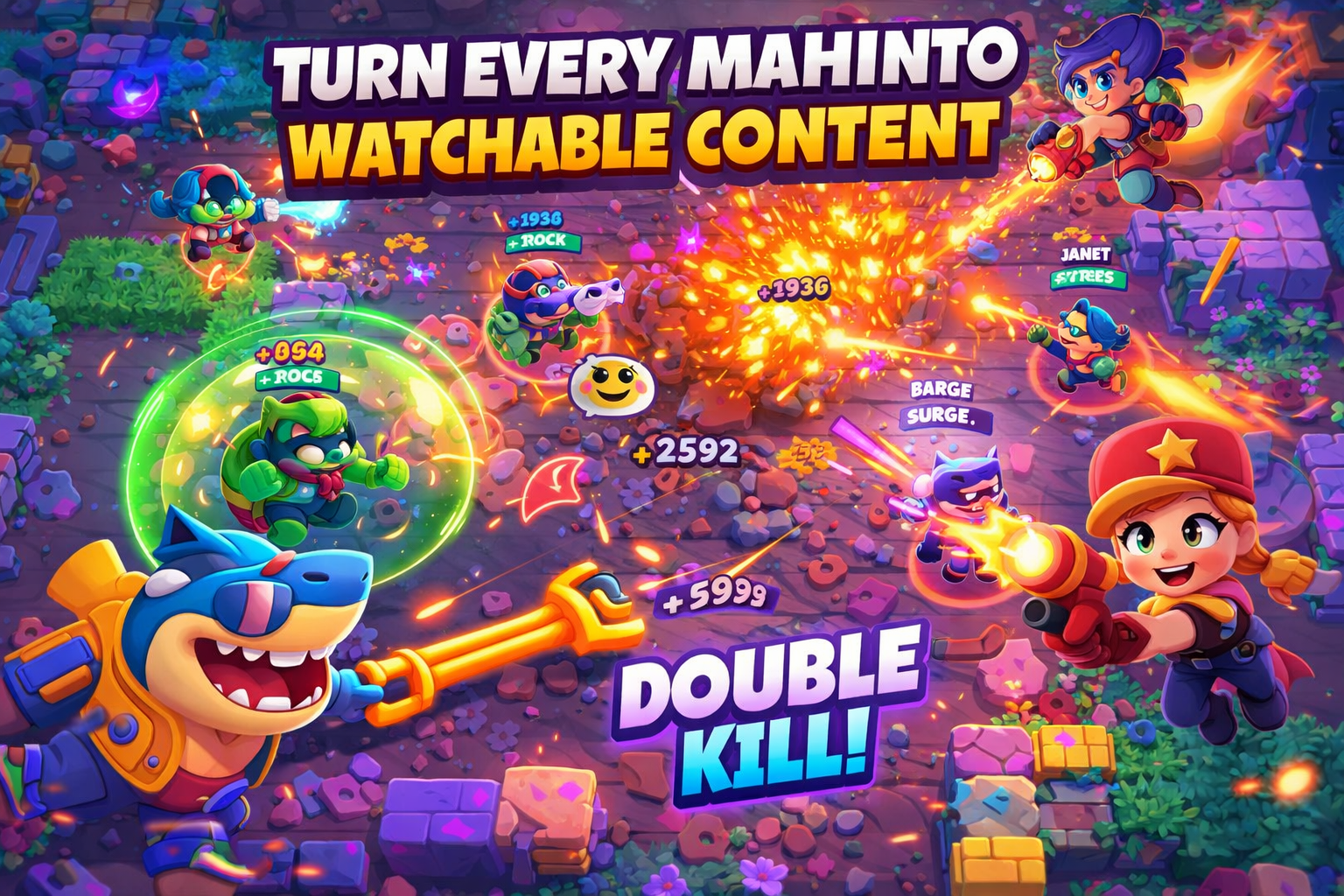
Create Fan Edit Videos with AI
Use Medeo’s Fan Edit Video Generator to turn prompts, clips, and fandom ideas into fan edit videos with transitions, text overlays, music-driven pacing, and short-form formatting for TikTok, Reels, Shorts, and fan-made edit channels.

Powered by world-class AI models


What Is a Fan Edit Video Generator?
A Fan Edit Video Generator is an AI tool that helps creators make fan edit videos from prompts, clips, images, and fandom concepts. It is designed for celebrity edits, anime edits, ship edits, character montages, music-driven edits, and short-form fandom content that looks more polished without requiring a traditional manual editing workflow.

From Raw Clips to Fan Edit Videos
See how a fan edit video generator transforms simple clips, images, and fandom references into polished short-form edits with stronger pacing, mood, and visual structure.
Before
Unedited clips, screenshots, or scenes without pacing, transitions, or a clear emotional arc.

After
A polished fan edit video with tighter structure, stronger mood, and platform-ready visual rhythm.
Why Use Medeo’s Fan Edit Video Generator?
Create fan edits faster with AI-assisted pacing, visual structure, and short-form formatting for fandom content that feels more polished and shareable.
Ship and Character Edits
Create fan edit videos around pairings, favorite characters, iconic scenes, or relationship dynamics across different fandoms and styles.
Cinematic Visual Rhythm
Give your fan edit video a stronger sense of pacing with transitions, scene emphasis, dramatic cuts, and more watchable short-form flow.
Music-Driven Edit Style
Shape fan edits around mood, tempo, and emotional direction so the final video feels closer to the kind of content fans share on Reels, Shorts, and TikTok.
Text and Mood Overlays
Add stylized text, phrases, and emotional framing to make fan edits feel more expressive, memorable, and fandom-specific.
Faster Creation Workflow
Generate fan edit videos much faster than building every scene by hand, which helps creators test more fan edit ideas in less time.
AI-Assisted Scene Assembly
Use AI to organize clips, visual references, and fandom concepts into a more coherent fan edit video structure without starting from a blank timeline.
Fan Edit Ideas for Every Fandom
Use a fan edit video generator for celebrity edits, anime edits, character edits, music fandoms, athlete edits, and fan-made edit channels.
Celebrity and Ship Edits
Create fan edits around celebrity moments, rumored pairings, relationship storylines, or iconic fan-favorite chemistry in short-form edit formats.
TV and Movie Character Edits
Make fan edit videos for fictional characters, dramatic arcs, emotional scenes, rivalries, and romantic pairings from shows and films.
Music Artist Fan Content
Turn artist visuals, concert moods, aesthetic references, and fandom energy into short fan edits designed for music-centered fan communities.
Book and Story Character Edits
Visualize imagined casts, favorite scenes, and emotional character dynamics from books, fandom discussions, and reader communities.
Gaming and Anime Edits
Build fan edit videos for anime characters, game scenes, ships, battles, and emotionally charged moments that work well in short-form video culture.
Sports and Athlete Fan Edits
Create athlete edits, highlight-style fan videos, and dramatic sports montages with stronger pacing and more emotional presentation.
How to Make Fan Video Edits with Medeo
Go from fandom idea to finished fan edit video in a simple AI-assisted workflow.
Step 1
Start with Your Fan Edit Idea
Describe the characters, celebrity moments, ship dynamic, fandom mood, or scene style you want your fan edit video to capture.
Step 2
Set the Style and Energy
Choose the emotional direction, visual intensity, and music-led pacing so the edit fits the kind of fan content you want to share.
Step 3
Generate the Fan Edit Video
Let AI assemble scenes, transitions, overlays, and rhythm into a fan edit video that feels more polished and structured.
Step 4
Refine and Publish
Adjust timing or visual emphasis, then export for TikTok, Reels, Shorts, or your fan-made edit channel.
Fan Edit Video Generator FAQs
Learn how to make fan video edits, explore fan edit ideas, and create fan content for social platforms and fan-made edit channels.