

Turn Any Mind Map Into a Professional Video With AI
Upload a mind map screenshot, image, or describe your mind map structure in text, and Medeo's mindmap to video AI video generator transforms it into a narrated, animated video with smooth transitions between topics. Get a social-ready or presentation-quality video in minutes without touching a timeline or editing tool.
Key Capabilities
What Makes Medeo's Mindmap to Video AI Video Generator Different
Medeo's mindmap to video feature is built into an all-in-one AI video platform that reads your mind map structure and produces a fully narrated, multi-scene video, no separate tools or manual editing required.
Automatic Structure Recognition
Your Mind Map Becomes a Video Storyboard Instantly
Medeo's mindmap to video AI video generator reads the hierarchy of your mind map, central topic, branches, and sub-branches, and converts each node into a distinct video scene. The AI preserves your original structure so the video flows logically from one idea to the next, just like your mind map.
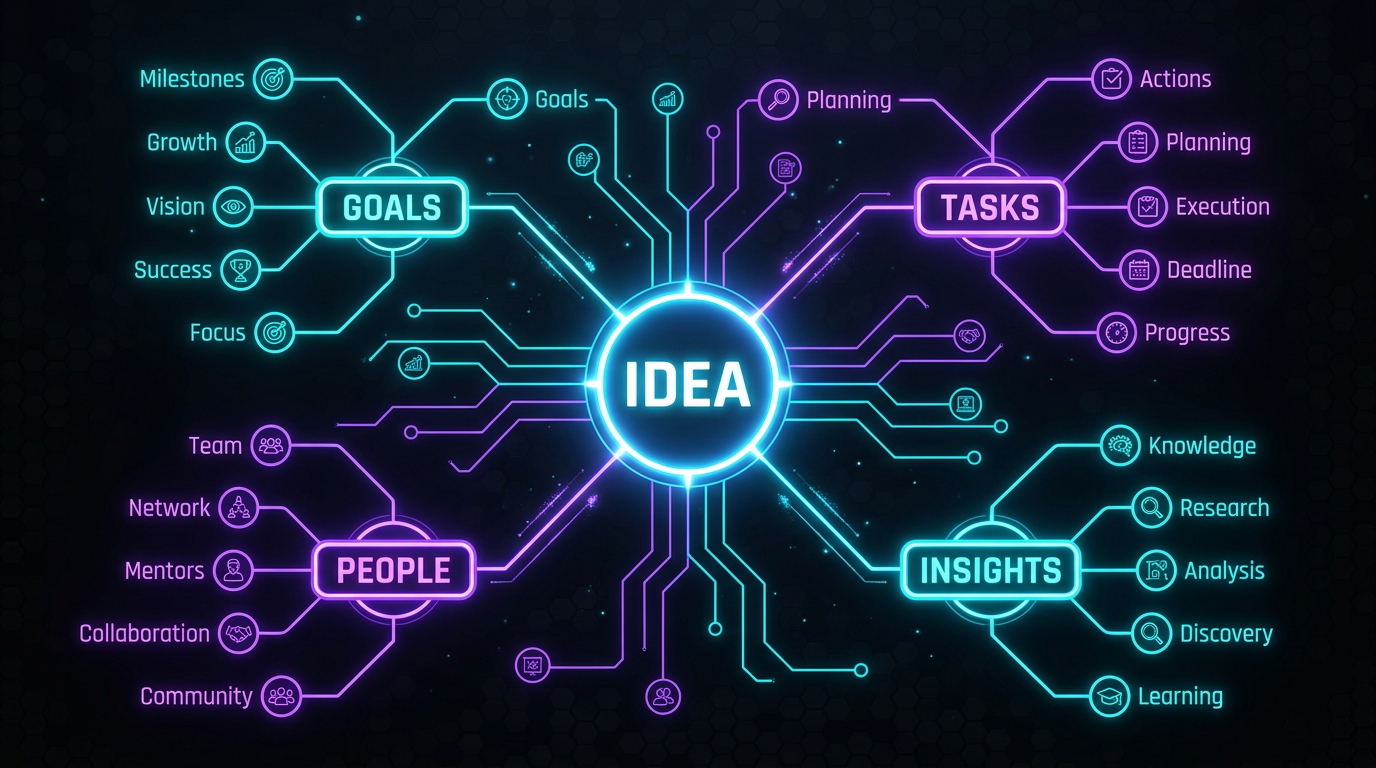
AI Narration
Every Branch Gets a Clear, Professional Voiceover
When you convert a mind map to video with Medeo, the platform automatically generates narration for each section. Choose from built-in AI voices or let the mindmap to video AI video generator pick a tone that matches your content, whether it's a business presentation or an educational explainer.
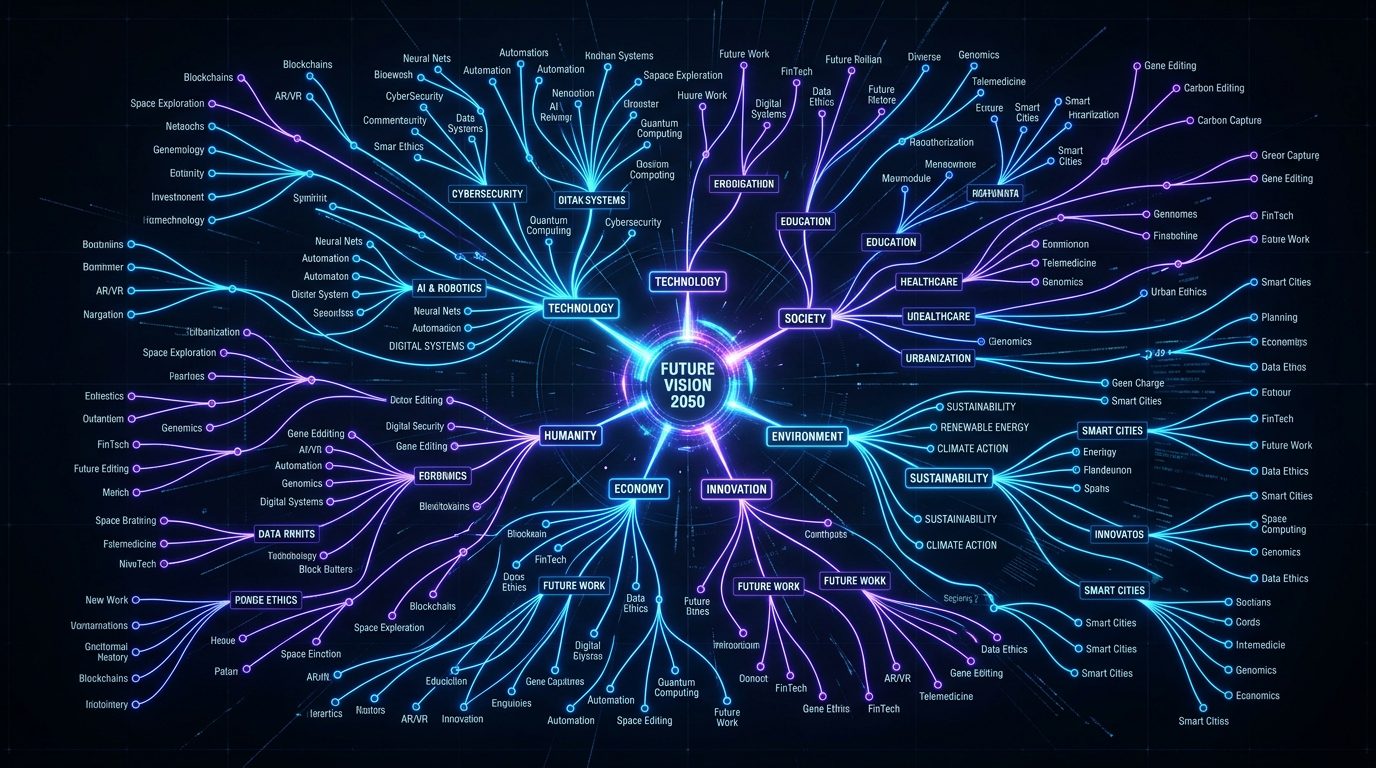
Visual Consistency
Cohesive Design Across Every Scene
Medeo's mindmap to video AI video generator maintains a consistent visual style throughout the entire output. Colors, fonts, transitions, and motion graphics stay unified from the first branch to the last, giving your mind map video a polished, professional look.

Chat-Based Refinement
Adjust Your Video by Typing, Not Editing
After generating your mind map video on Medeo, you can refine it through natural language. Type instructions like "make the intro shorter" or "change the background color of section three" and the mindmap to video AI video generator applies the changes automatically.

Flexible Input
Screenshot, Image, or Text — Any Format Works
The mindmap to video feature on Medeo accepts mind map screenshots, exported images from tools like XMind or Miro, or plain text descriptions of your mind map structure. Medeo's AI reads any input format and builds a complete video from it.
How to Create Videos With the Mindmap to Video AI Video Generator
No video editing experience needed. If you can make a mind map, you can make a video.
Step 1
Upload Your Mind Map
Drop a mind map image, screenshot, or paste a text outline into Medeo. The mindmap to video AI video generator accepts exports from tools like XMind, MindMeister, Miro, Canva, or even a simple hand-drawn sketch.
Step 2
Generate Your Video
Medeo analyzes your mind map structure and automatically creates a multi-scene video. Each branch becomes a narrated scene with animations, transitions, and relevant visuals.
Step 3
Refine With Chat-Based Editing
Use Medeo's chat interface to make adjustments. Change narration speed, reorder scenes, swap visuals, or update text. The mindmap to video AI video generator updates your video instantly.
Step 4
Export and Share
Download your finished video in the format you need, including 16:9 for presentations, 9:16 for TikTok and Reels, or 1:1 for social media feeds.
Why Creators Use Medeo for Mindmap to Video
Medeo helps creators transform structured ideas into engaging videos without manual editing or slide building.
Minutes, Not Hours
Traditional mind map presentations require creating slides, recording voiceover, and editing video. Medeo converts a mind map into a finished video in minutes.
Chat-Based Control Over Every Detail
Refine your video through natural conversation. Describe the change you want and the AI updates the video automatically.
Multi-Scene Videos That Follow Your Logic
Central topics become intros, main branches become sections, and sub-branches become supporting scenes.
Presentation-Quality Output
Every video includes smooth transitions, consistent typography, balanced color palettes, and professional motion graphics.
Built-In Voiceover and Background Music
AI-generated narration and background music are automatically added to every mind map video.
Export to Any Platform
Download videos in 16:9, 9:16, 1:1, or 4:3 formats to share across presentations and social media platforms.
Examples Created With the Mindmap to Video AI Video Generator
From business strategies to study guides, see how creators turn mind maps into engaging videos with Medeo.
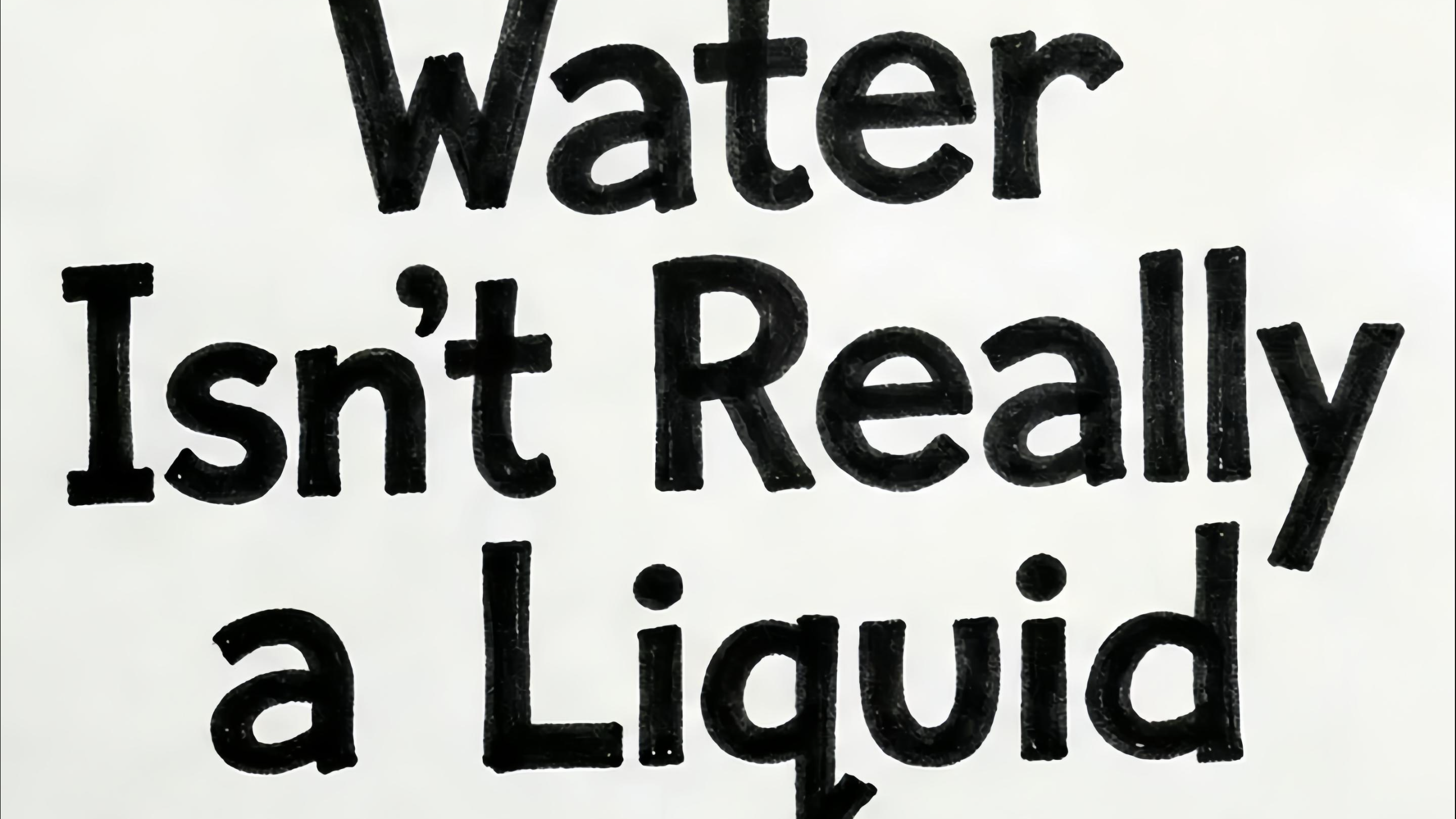
Sketch Argument
Upload your topic and turn it into a marker-doodle stop-motion explainer, with a consistent hand-drawn POV and your chosen voice, subtitles, and language.
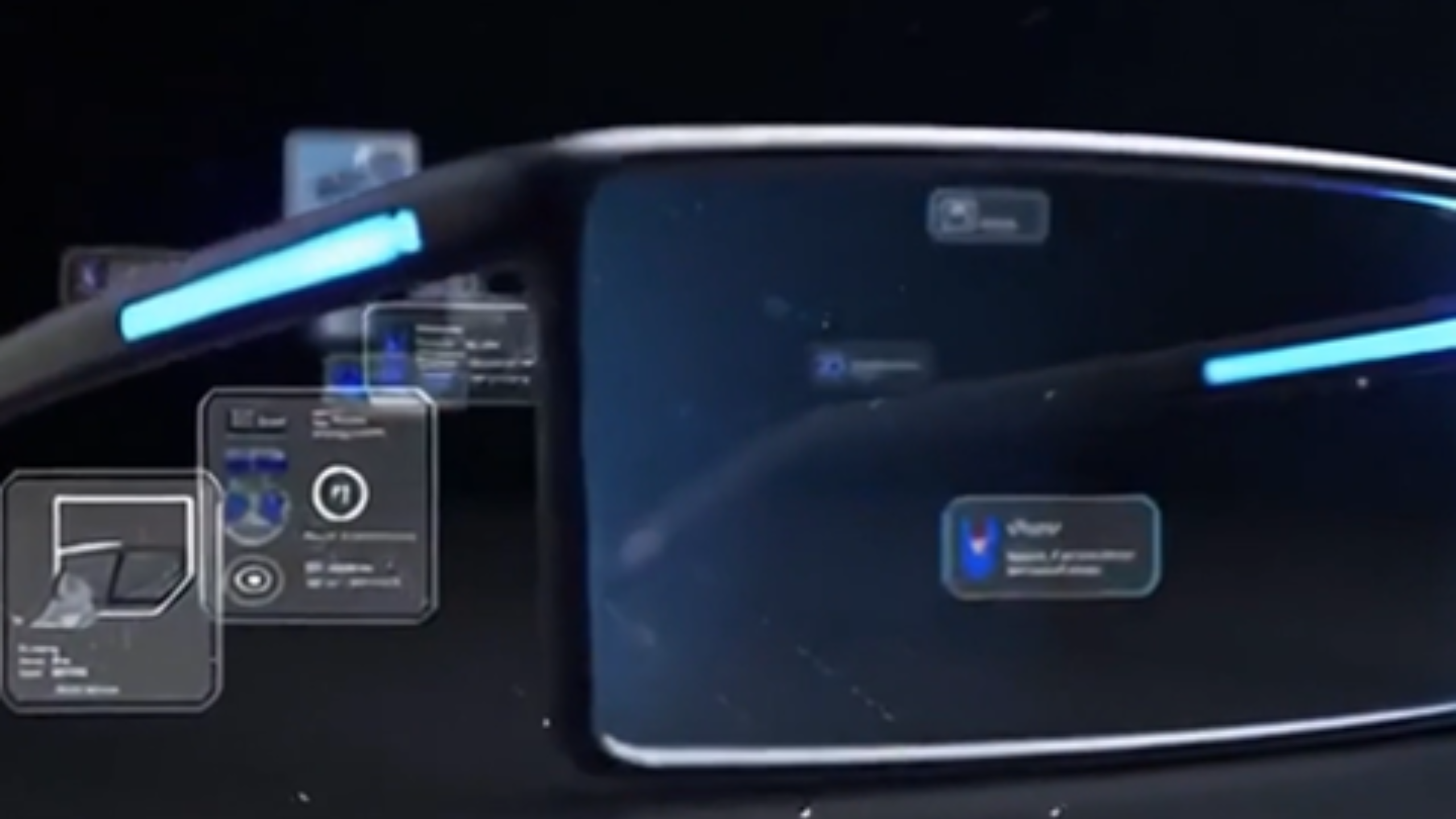
PPT Video
Create a PPT-style explainer video based on the reference materials, content outline, and visual style you provided.

Concept Film
Create a high-end future-world story video from your theme, with drone-filled city scenes.
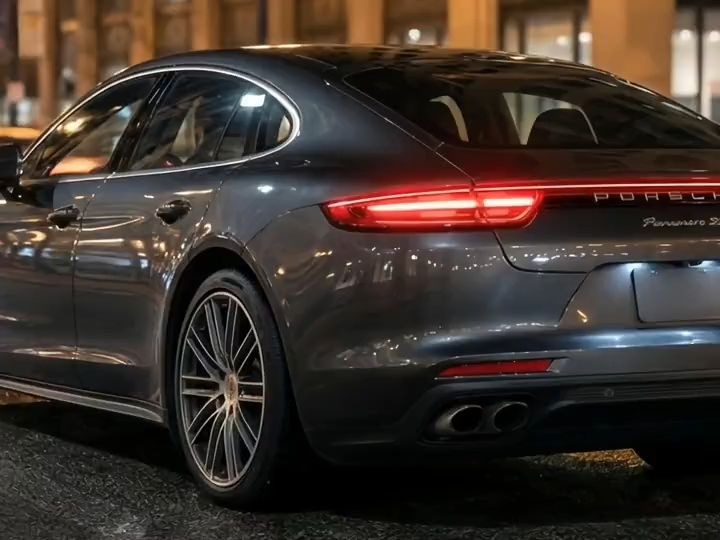
Brand Culture Film
Promo showcase: zoom in on sleek details, premium craftsmanship, and cutting-edge features.

Earth Bending
A 5-second sequence where Subject A morphs into Subject B through a hyper-real earth-and-stone transmutation.
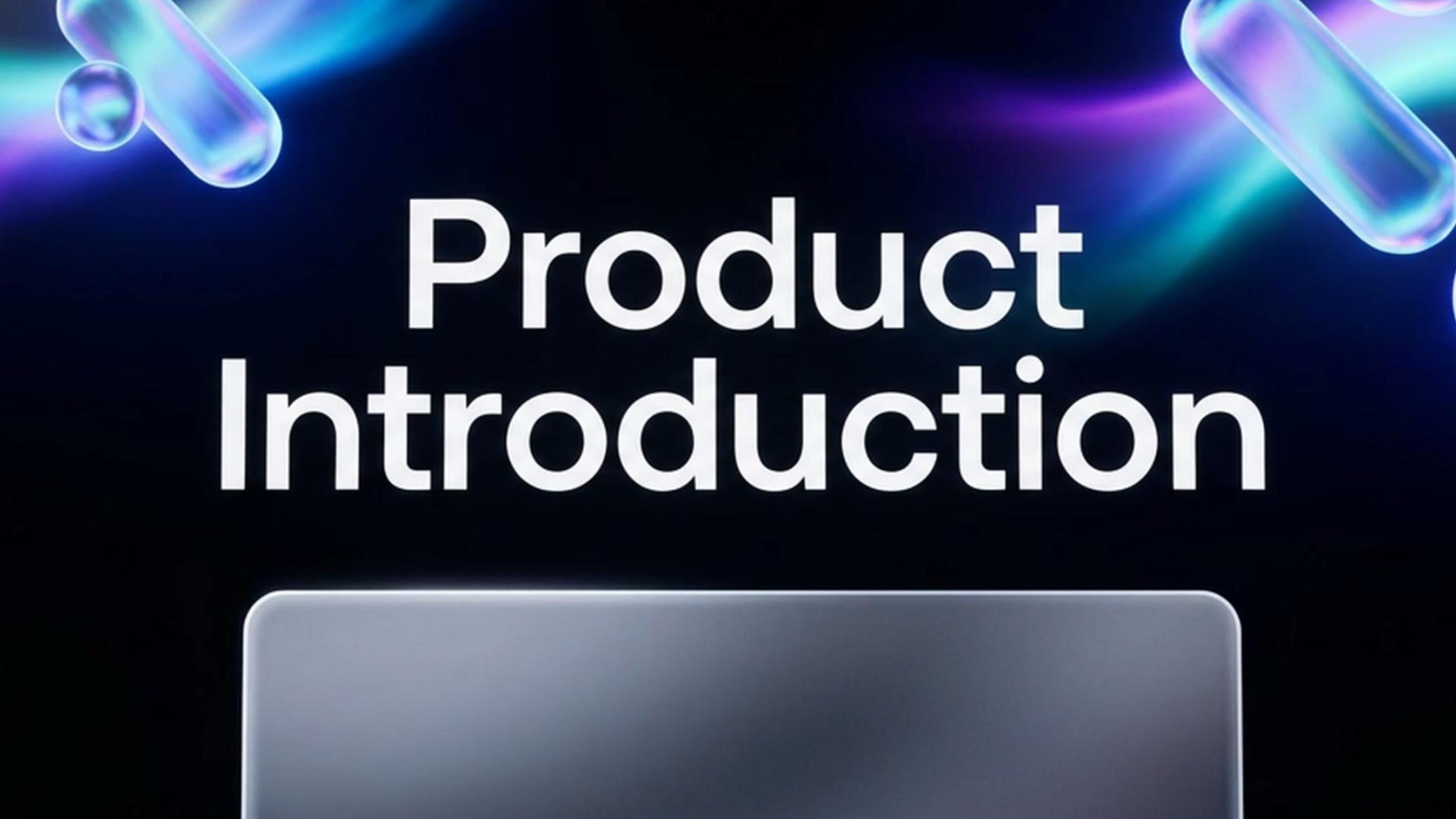
MG PPT
Create a PPT about your product introduction,and give 2 styles to choose about your PPT.
Mindmap to Video AI Video Generator - FAQs
Common questions about converting mind maps into videos using Medeo.