Turn Text Prompts into Videos with Medeo
Prompt to Video on Medeo lets creators turn simple text prompts into complete videos within minutes. Describe your idea, generate a structured video draft, and refine the result using Medeo’s chat-based editing workflow without relying on traditional video editing timelines.
Keywords
Create Videos Directly from Text Prompts
Prompt to Video is part of Medeo’s AI video creation workflow, helping creators turn simple text prompts into structured videos that are ready for editing and distribution.
Instant Creation
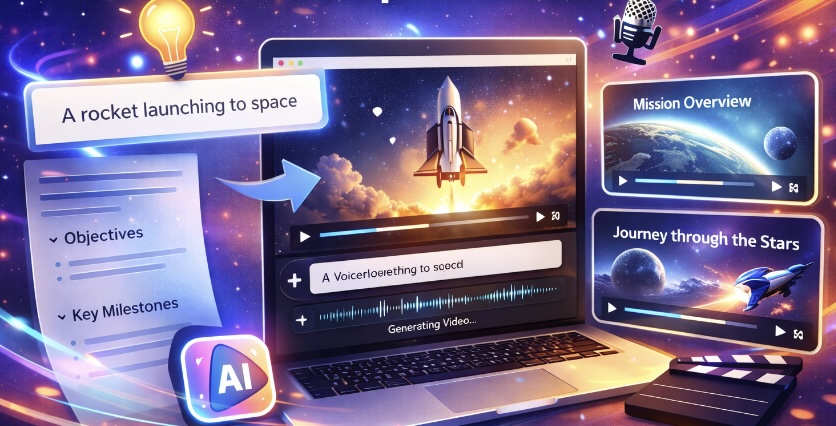
Generate Videos from Simple Text Prompts
The Prompt to Video AI video generator on Medeo allows you to describe an idea using a short text prompt and instantly generate a structured video draft. This makes it easier to start video projects without preparing long scripts or complex storyboards.
Creator Workflow
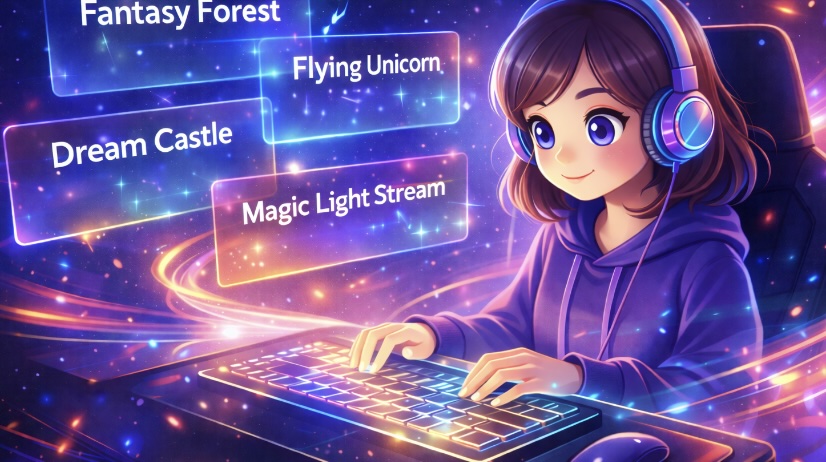
Turn Ideas into Video Concepts Quickly
With Prompt to Video on Medeo, creators can transform quick ideas, brainstorming notes, or creative prompts into visual video drafts. This helps accelerate the process of turning ideas into actual content.
Chat Editing
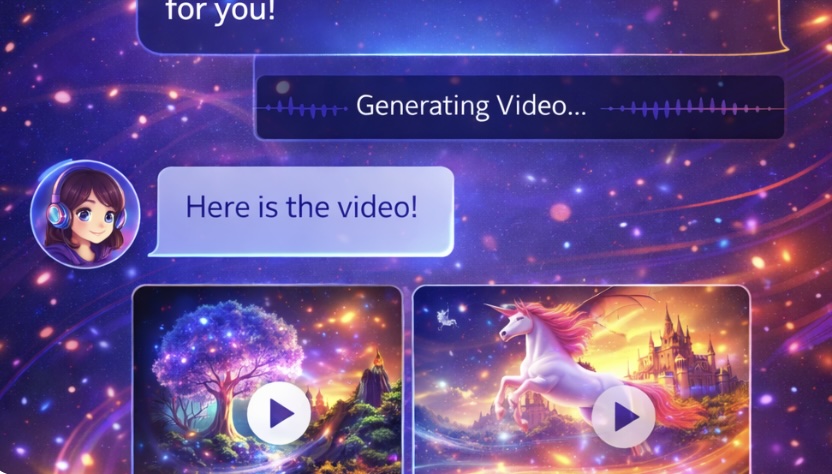
Refine Videos Through Chat-Based Editing
After generating a draft, Medeo allows you to refine scenes, visuals, and pacing through chat-based editing. This makes it easier to improve the video without relying on traditional timeline editing tools.

Multi-Scene Output
Transform Prompts into Structured Video Scenes
The Prompt to Video AI video generator can interpret your text prompt and turn it into multiple scenes, helping create clearer storytelling and a more organized video flow.
Built for Distribution
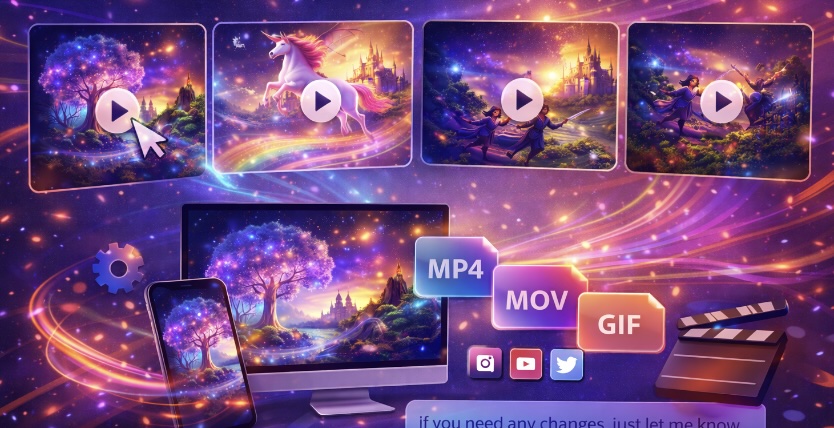
Export Prompt-Based Videos for Different Platforms
Videos generated from prompts can be exported from Medeo in formats suitable for social media, presentations, and content marketing channels.
How to Generate Videos with the Prompt to Video AI Generator
Creating videos from a text prompt on Medeo is simple and does not require previous video editing experience.
Step 1
Step 1: Write Your Text Prompt
Start by describing the video idea in a short text prompt. This can include the topic, tone, and key message you want the video to convey.
Step 2
Step 2: Generate a Video Draft
Medeo’s Prompt to Video AI generator analyzes your prompt and creates a structured video draft with scenes and visual flow.
Step 3
Step 3: Refine with Chat Editing
Use Medeo’s chat-based editing to adjust the pacing, improve clarity, or modify scenes so the video matches your vision.
Step 4
Step 4: Export and Publish
Once the video looks right, export it in the format that fits your platform, whether for social media, presentations, or marketing.
Why Creators Use Medeo for Prompt-Based Video Creation
Start Videos from Ideas Instead of Scripts
Prompt to Video makes it possible to begin a video project with just an idea or short prompt rather than a full script.
Faster Creative Prototyping
Creators can quickly test different video ideas by generating multiple drafts from different prompts.
Structured Video from Minimal Input
The AI video generator from text prompt helps turn simple ideas into structured video scenes.
Chat-Based Editing Workflow
Medeo allows creators to refine prompt-based videos using natural language instructions instead of complex editing tools.
Voiceover and Subtitle Support
AI voices and visual track controls allow creators to add narration and subtitles to prompt-generated videos.
Flexible Export Formats
Videos generated from prompts can be exported in formats such as 9:16, 16:9, 1:1, and 4:3.
Examples Created with the Prompt to Video AI Generator
Use Prompt to Video on Medeo to turn ideas, prompts, and creative concepts into videos for marketing, storytelling, or social media content.