
Visualize your sound with AI-powered cinematic mastery
Instantly transform your audio tracks and songs into high-quality music videos. Designed for musicians and creators to bring their auditory art to life through the power of AI.
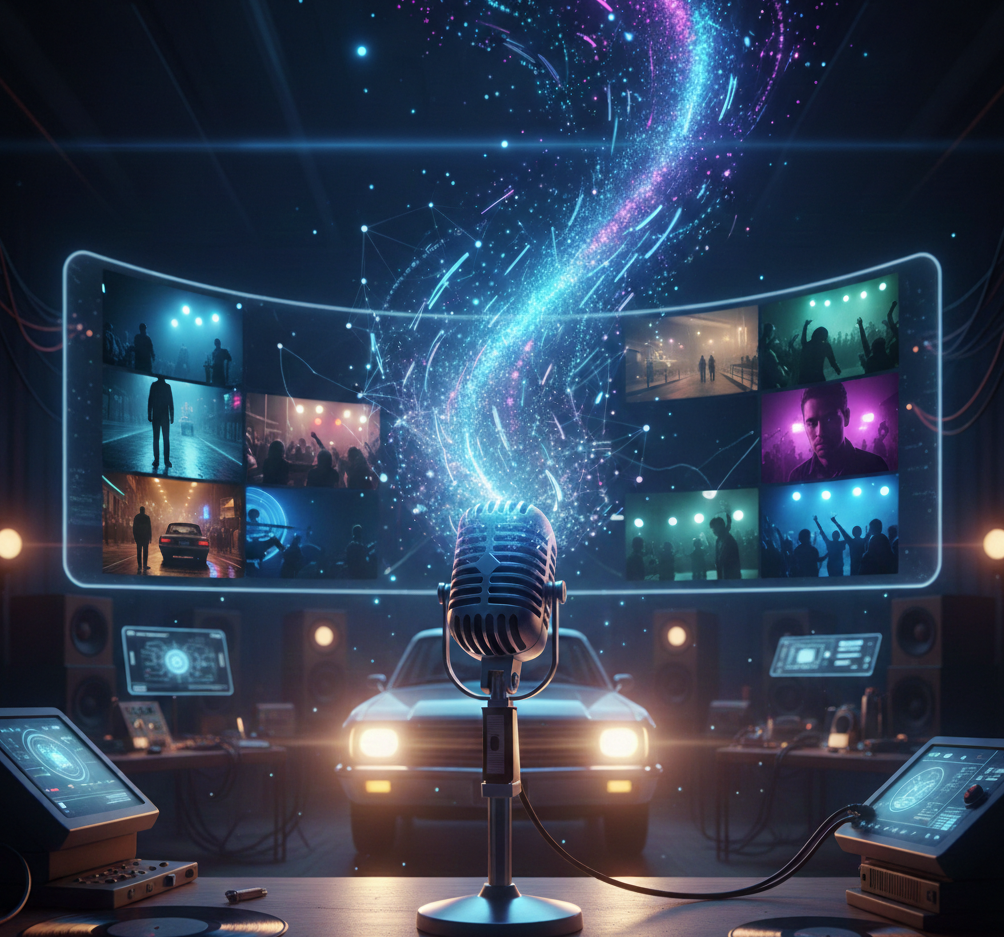
What is a Music to Video Generator?
A Music to Video Generator is an AI-powered tool that automates the process of creating professional-grade visuals synchronized to audio files. By leveraging advanced machine learning, the generator analyzes the rhythm, frequency, and mood of your music to assemble cinematic scenes with perfectly timed transitions. This technology allows independent artists and producers to generate high-quality music videos in seconds without manual video editing or high-cost production teams.
From Lyric to Music Video - In Seconds
Watch your melodies come alive with AI-powered visual transformation
Before
A song lyric sheet
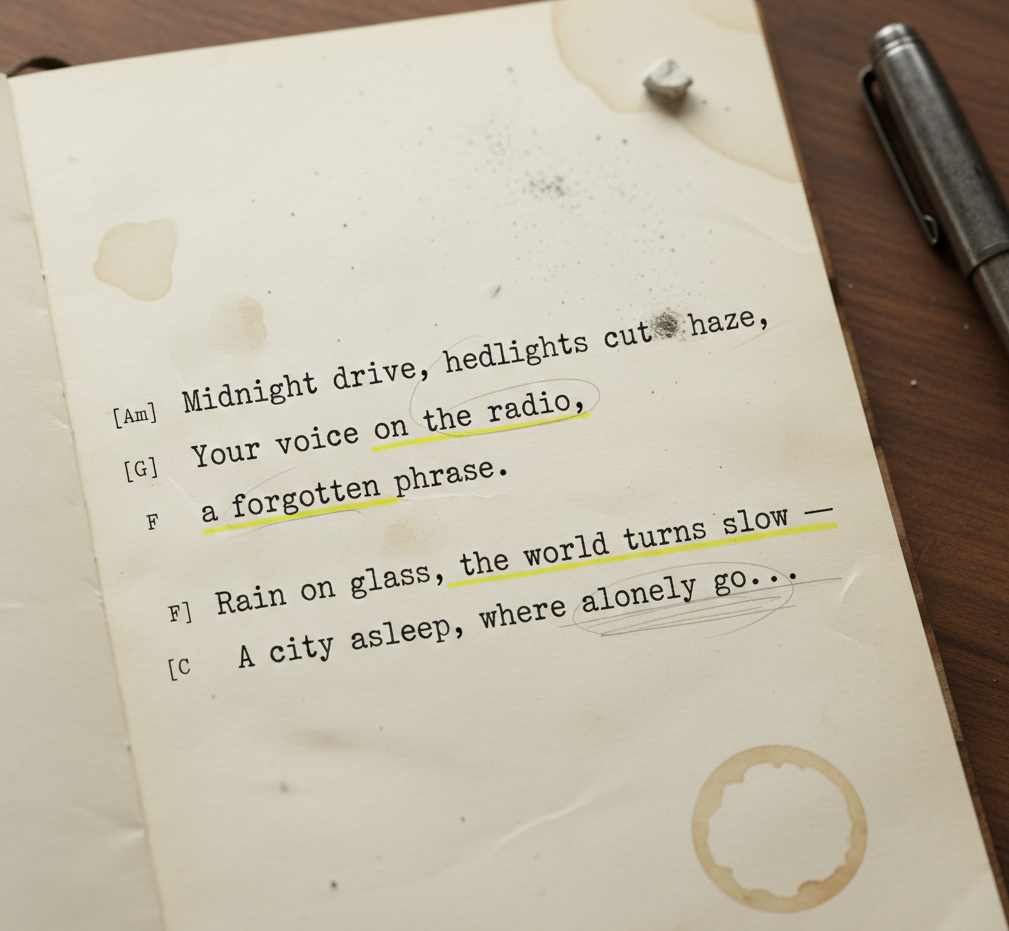
After
A video that matches the lyrical atmosphere
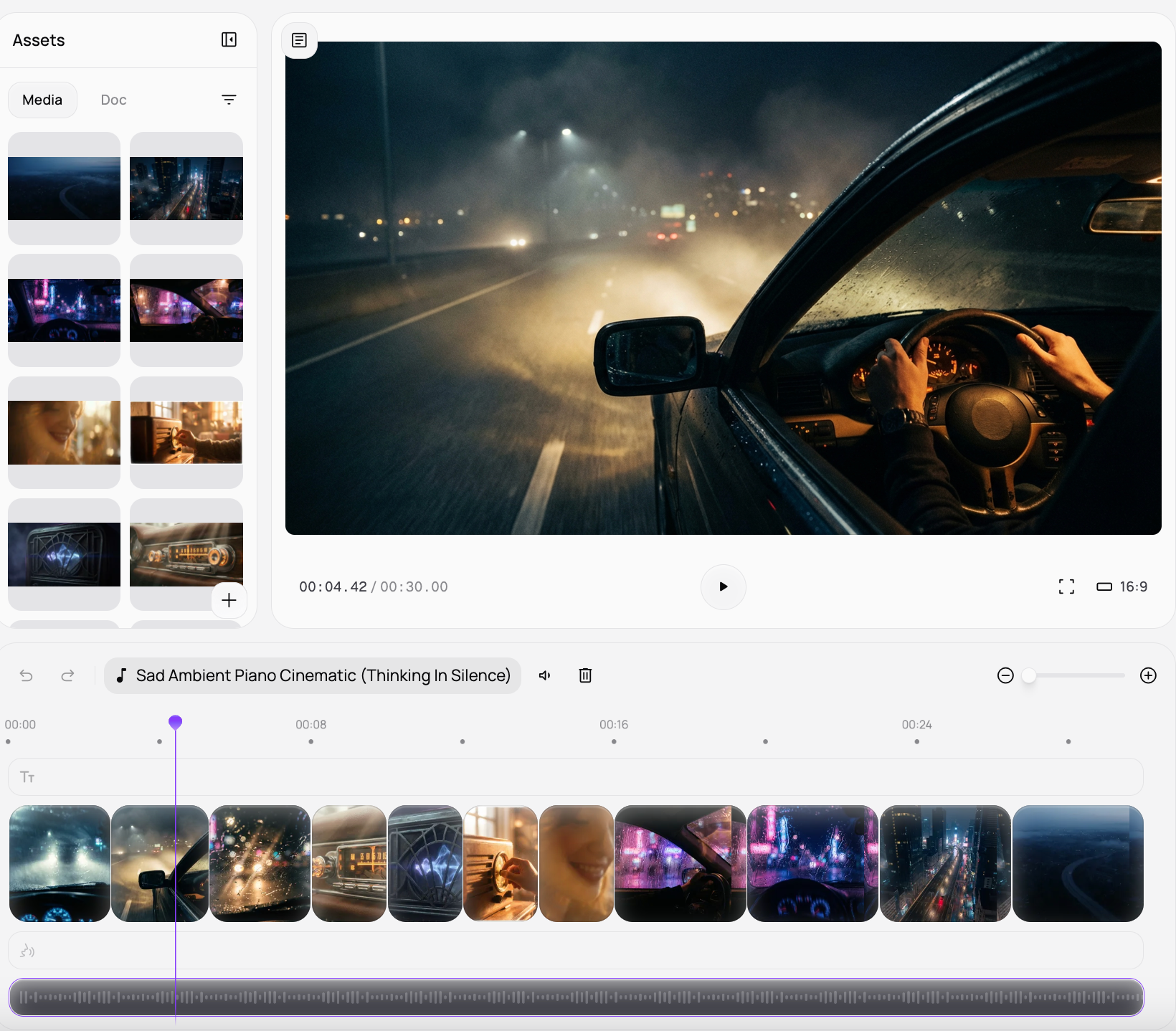
Before
A song lyric sheet
After
A video that matches the lyrical atmosphere
Why Choose Medeo's Music to Video Generator?
Experience the most efficient and creative way to promote your music visually.
Lightning-Fast Production
Generate a complete music video in seconds, allowing you to match your release schedule with ease.
Intelligent Rhythm Syncing
Our AI automatically detects the beat and tempo of your track to ensure visual cuts happen at the perfect moment.
No Video Editing Required
The interface handles all complex post-production tasks, making cinematic visuals accessible to any musician.
Social Media Ready Outputs
Instantly export your videos in optimized dimensions for TikTok, YouTube Shorts, and Instagram Reels.
Diverse Visual Styles
Choose from a wide range of aesthetic themes, from lo-fi chill vibes to high-energy electronic visuals.
Professional-Grade Rendering
Ensure your music videos look like studio-quality productions with high-definition lighting and textures.
Perfect for Every Content Creator
Tailor your auditory content for any platform or listener.
Lyric Video Storytelling
Combine your audio with AI-generated scenes that narrate the story of your lyrics for a deeper emotional connection.
Electronic Press Kit (EPK) Videos
Quickly craft polished visual montages of your music to impress labels, managers, and booking agents.
Podcast Intro Visuals
Transform your podcast theme music into an engaging video intro that sets the professional tone for your show.
Spotify Canvas Clips
Generate short, looping vertical videos specifically designed to enhance your presence on Spotify artist pages.
YouTube Full-Length Visualizers
Produce long-form aesthetic videos that keep listeners engaged while streaming your tracks on YouTube.
TikTok & Instagram Music Reels
Create short, punchy music video snippets with viral effects to promote your latest single to a wider audience.
How to Create Your Music Video with Medeo?
Step 1
Upload Content to the Music to Video Generator
Upload your audio file (MP3/WAV) or describe the specific mood and theme of the music you want to visualize.
Step 2
AI Analysis & Scene Generation
Our tool analyzes the beat, rhythm, and emotional tone to build a structured visual narrative.
Step 3
Style & Customization
Choose your preferred visual theme and adjust the intensity of transitions to match your sound.
Step 4
Generate & Share
Hit create to render your high-definition music video and export it instantly for distribution.
FAQs
Is this tool suitable for beginners?
Yes, our intuitive interface is designed for users of all skill levels. You don't need any prior animation experience to create beautiful knitted style videos.
How long does it take to generate a music video?
Video generation times vary depending on the length of your music and the complexity of the chosen visual style. However, most videos are generated within minutes, significantly faster than traditional video editing methods.
What export options are available for my videos?
You can export your music videos in various high-definition formats. We offer optimized presets for popular platforms like YouTube, Instagram, TikTok, and Facebook, ensuring your content looks great wherever you share it.
Is this tool suitable for beginners?
Yes, it's designed with ease of use in mind. Our intuitive interface and AI-driven processes make it perfect for beginners with no prior video editing experience. You can create professional-looking music videos in minutes.
What types of music can I use?
Our generator supports all music genres, from electronic and hip-hop to classical and rock. The AI is designed to adapt to diverse musical structures and moods, ensuring optimal visual synchronization for any audio track you upload.