Turn Book Scenes into Cinematic Moments
Transform text passages into realistic, movie-style scenes with AI. Bring characters, environments, and emotional moments from your novel or favorite book to life as immersive cinematic videos.

Powered by world-class AI models


What is a Novel Excerpt to Video Generator?
A Novel Excerpt to Video Generator is an AI-powered tool that turns written passages—such as book quotes, novel scenes, or original writing—into cinematic video sequences. Using advanced AI narration, scene composition, and character modeling, it translates descriptive text into visually rich, movie-style scenes within seconds.

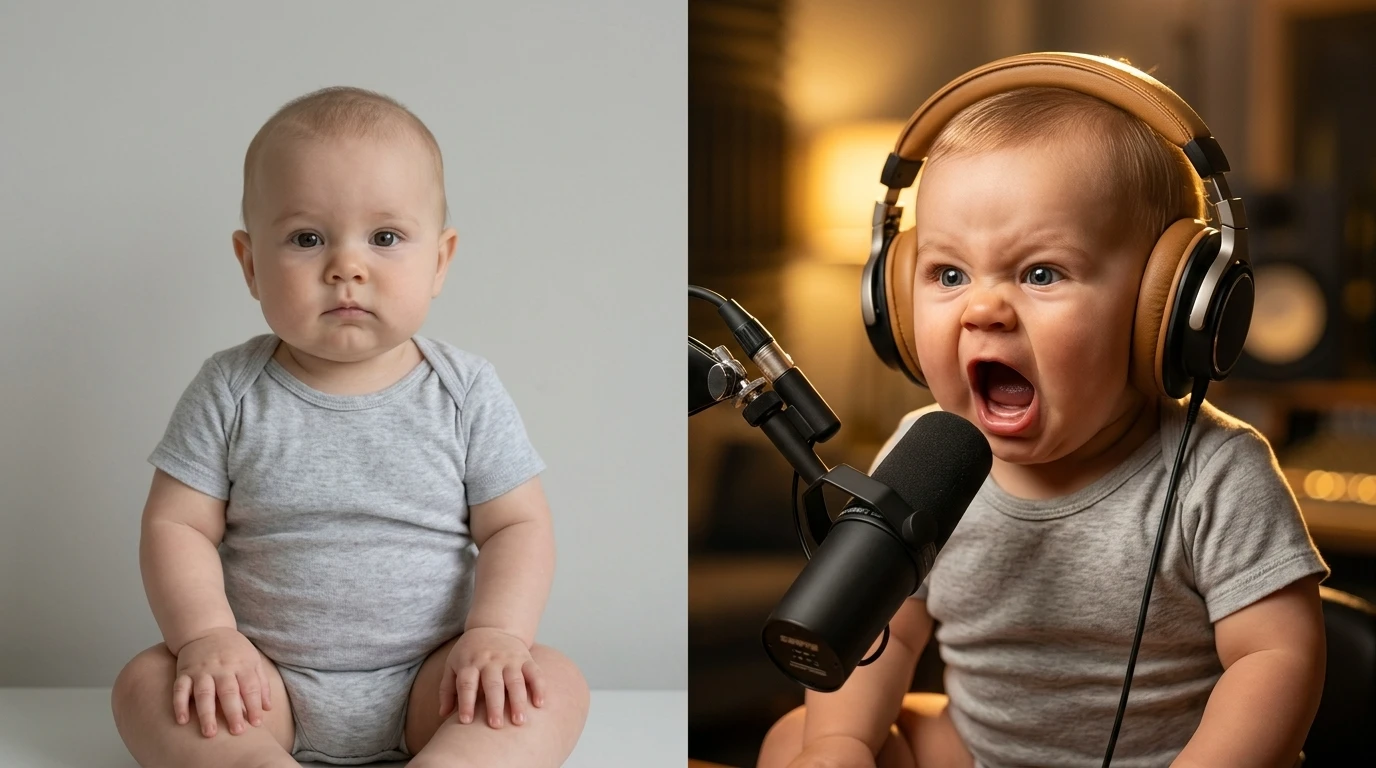
From Text Passage to Cinematic Scene — In Seconds
Watch your story transform into a vivid movie moment generated by AI
Before
A written novel excerpt

After
A fully animated cinematic video scene

Why Choose Medeo’s Novel to Cinematic Video Generator?
The most powerful and intuitive way to visualize written stories as cinematic content.
Cinematic Quality
Convert excerpts into high-quality, film-like videos instantly. No camera crew, actors, or editing required.
Scene Interpretation
AI reads and understands descriptions—characters, emotions, settings, lighting, and atmosphere—turning them into believable visual scenes.
Supports All Genres
Fantasy, romance, thriller, sci-fi, historical fiction—every style is supported and rendered visually.
Characters & Style
Refine character appearance, environment detail, art style, pacing, and cinematic mood to match your novel’s tone.
Perfect for Authors
Use cinematic scenes for book promotions, trailers, TikTok BookTok content, or visual storytelling.
Great for Education
Teachers, students, and creators can visualize complex scenes for presentations or story analysis.
Perfect for Every Storyteller
From authors to BookTok creators—bring written worlds to life visually.
Book Trailers & Promos
Turn chapter excerpts into engaging promotional videos for social media or book launches.
TikTok & BookTok Content
Create dramatic, emotional, or aesthetic scene videos that grab attention instantly.
Original Novel Visualization
Preview your own writing as real scenes—perfect for worldbuilding and creative planning.
Educational Story Visualizations
Make literature more engaging for students by turning text into scenes and environments.
Character Moodboards
Automatically generate character visuals and emotional moments from descriptive writing.
Scene Storyboards
Create cinematic storyboards for creative projects, screenplays, or adaptations.
How to Create a Cinematic Novel Scene Video with Medeo?
Step 1
Generate & Share
Download your cinematic video and share it on BookTok, YouTube, Instagram, or with your audience.
Step 2
Customize Your Vision
Choose visual style, character appearance, tone (dramatic, soft, dark, fantasy), and pacing.
Step 3
AI Scene & Character Analysis
AI analyzes settings, characters, atmosphere, and dialogue to plan the cinematic sequence.
Step 4
Paste Your Novel Excerpt
Enter any text passage, chapter paragraph, or plot description.