YouTube to Instagram Reels AI Video Generator
Turn long-form YouTube videos into Instagram Reels with AI-powered clipping, reframing, captions, and vertical optimization. Medeo helps creators repurpose YouTube content into short-form videos for Instagram, TikTok, Reels, and Shorts without manual editing.


What Is a YouTube to Instagram Reels Converter?
A YouTube to Instagram Reels converter is an AI tool that transforms long-form horizontal YouTube videos into short vertical Reels. It helps creators reframe footage, extract key moments, generate captions, and prepare social-ready clips for Instagram and other short-form platforms.

From YouTube Video to Instagram Reel
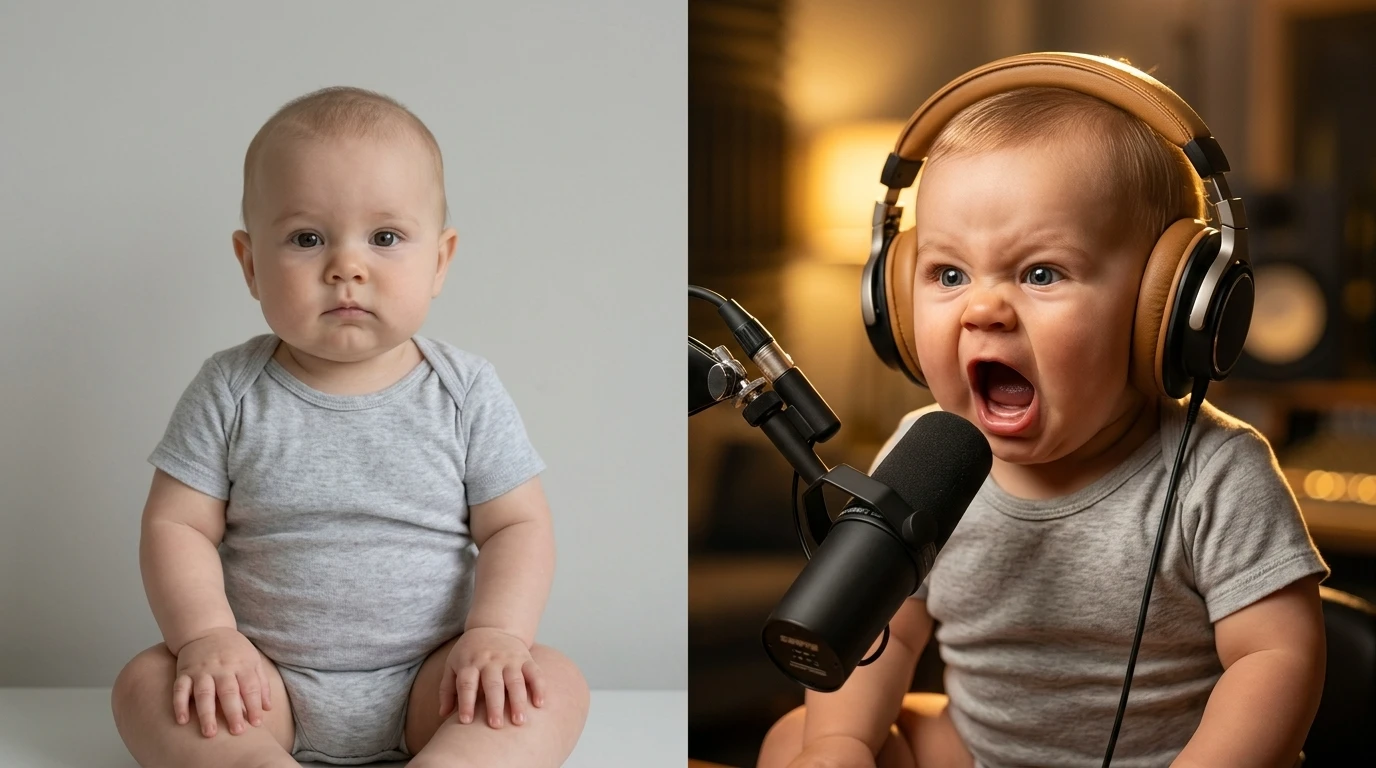
See how AI turns horizontal long-form content into vertical short-form clips built for Reels, TikTok, and Shorts
Before
Start with a full-length YouTube video in standard horizontal format.

After
Generate short vertical clips with auto-cropping, captions, and stronger short-form pacing.

Why Repurpose YouTube Videos into Instagram Reels
Turning existing YouTube content into Reels helps creators extend reach, increase output, and reuse their strongest ideas across multiple platforms.
Faster Content Repurposing
Reuse existing YouTube videos instead of recording separate content for every short-form platform.
Automatic Vertical Reframing
Convert 16:9 YouTube footage into 9:16 Reels while keeping the most important subject matter in view.
Caption-Ready Social Clips
Add on-screen captions and short-form text structure that makes the final Reel easier to watch and easier to share.
Highlight Extraction
Use AI to identify stronger moments from long-form content and turn them into shorter clips with more immediate payoff.
More Reach from One Video
A single YouTube upload can become multiple Reels, Shorts, or TikTok clips, increasing distribution without increasing filming time.
Brand Consistency Across Formats
Keep your captions, fonts, tone, and visual identity more consistent while adapting YouTube content to other channels.
Best Use Cases for YouTube to Instagram Reels Conversion
Repurpose long-form content into short vertical videos for creators, educators, podcasters, brands, and audience-growth workflows
General Content Repurposing
Turn your existing YouTube library into vertical clips for Reels and other short-form platforms.
Podcast Highlights
Extract compelling quotes, reactions, and key moments from podcast episodes and turn them into social-ready Reels.
Tutorial Snippets
Turn educational or how-to YouTube content into shorter clips that drive traffic back to full lessons.
Product Reviews and Demos
Convert long review videos into concise product clips for Instagram, mobile-first shopping, and short promotional posts.
Vlog Highlights
Clip travel, lifestyle, and daily YouTube content into vertical highlight moments for faster social engagement.
Business and Thought Leadership Content
Repurpose interviews, explainers, commentary, and professional YouTube videos into short branded Reels.
How to Convert YouTube Videos into Instagram Reels with AI
Turn a long YouTube video into short vertical clips in four simple steps
Step 1
Paste Your YouTube Link
Start by adding the YouTube video URL you want to repurpose into Instagram Reels or other vertical short-form clips.
Step 2
Choose Your Reel Settings
Select the output format, caption style, clip length, vertical aspect ratio, and other preferences for your short-form video workflow.
Step 3
Generate the Reels
Medeo identifies stronger moments, crops the video for vertical viewing, adds captions, and turns the original YouTube video into multiple short clips.
Step 4
Export and Share
Download the finished clips for Instagram Reels, TikTok, Shorts, or any short-form platform where you want to expand your video reach.
YouTube to Instagram Reels FAQs
Answers about YouTube to Reels conversion, vertical video repurposing, captions, clipping, and short-form content workflows