
Turn Proposals into Stories
Medeo helps you transform static proposals into engaging, easy-to-digest videos, making your ideas clearer and more persuasive for clients and colleagues.

What Is an AI Proposal Video Generator?
An AI Proposal Video Generator transforms business proposals into structured video presentations. By analyzing your proposal content, AI automatically creates scenes, visuals, and narration that explain objectives, solutions, timelines, and value—making proposals easier to understand and more convincing.
From Written Proposal to Persuasive Video — In Minutes
See complex proposals transformed into clear, visual narratives
Before
Text-heavy proposals, PDFs, or slide decks
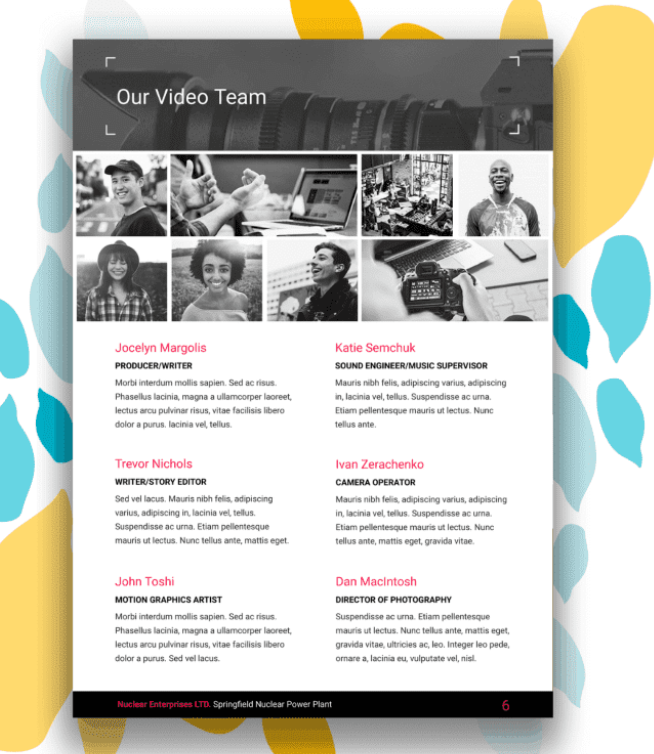
After
Professional proposal videos with structure, visuals, and narration
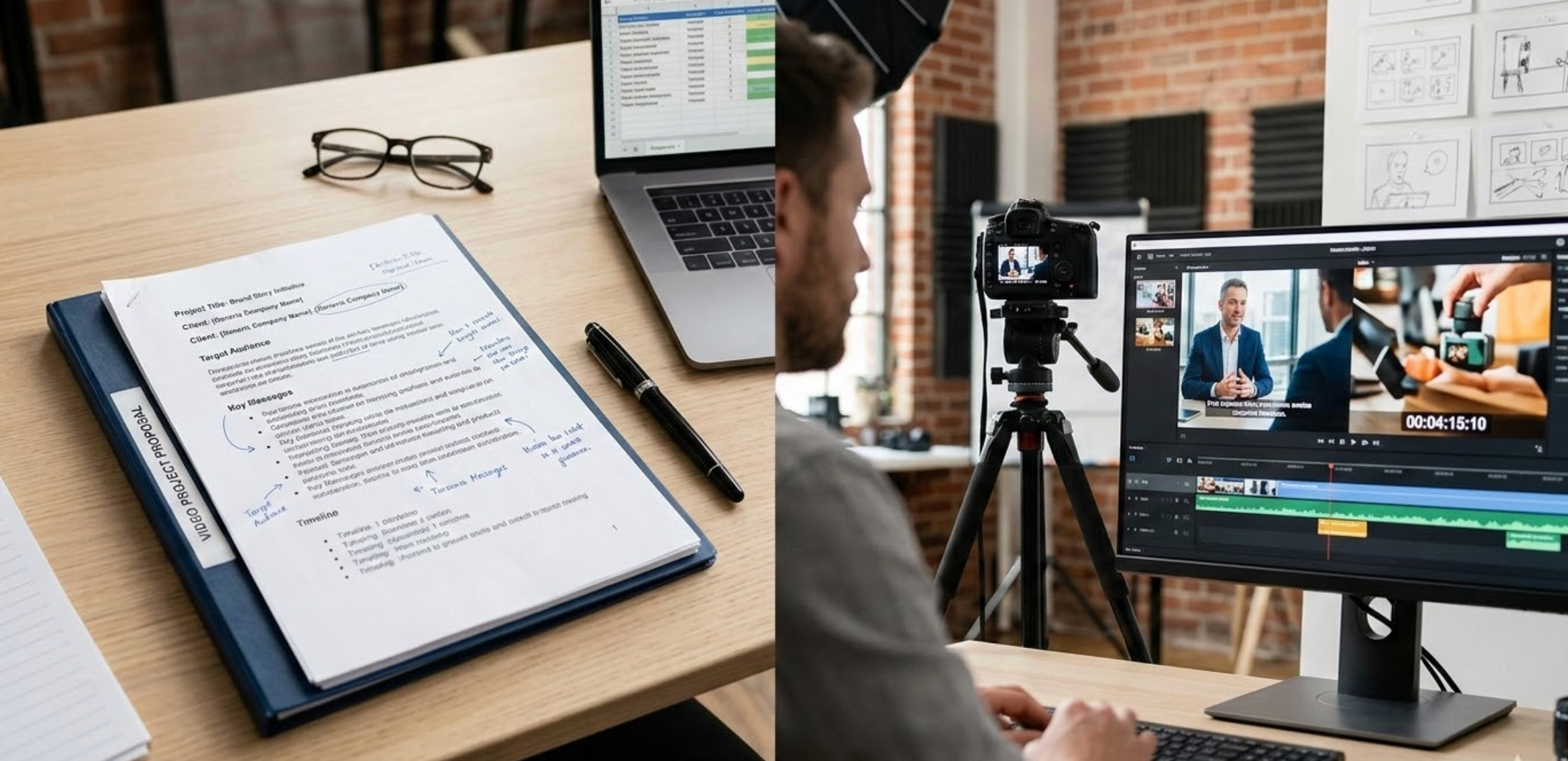
Before
Text-heavy proposals, PDFs, or slide decks
After
Professional proposal videos with structure, visuals, and narration
Why Choose Medeo for Proposal Videos?
Win attention, trust, and buy-in—faster
Clear Communication
Transform dense proposals into concise, visual presentations that are easier to understand.
Engage Your Audience
Use visuals, animations, and AI narration to capture attention and make proposals memorable.
Cross-Platform Sharing
Export videos for email, social media, or internal presentations, ensuring your message reaches the right audience.
Professional, Consistent Output
Every proposal video follows a clean, structured narrative.
Easy Customization
Update messaging, branding, or sections without recreating the video.
Ready for Sales & Decision-Makers
Videos are optimized for executives, clients, and stakeholders.
Feature Details
Turn proposals into videos that persuade and convert
Flexible Export Option
Download videos in multiple formats and aspect ratios optimized for presentations, social sharing, or internal team use.
AI Voiceover & Subtitles
Generate professional narration for your proposals and add auto-generated subtitles to ensure clarity and accessibility.
Dynamic Visuals & Animations
Add charts, graphs, images, and smooth transitions to highlight key points and make proposals visually appealing.
Flexible Proposal Templates
Choose from professional, editable templates tailored for business proposals, client pitches, and internal reports.
How to Convert Proposals into Videos?
Step 1
Step 1: Upload Your Proposal
Add your document, spreadsheet, or slides to Medeo to start the transformation.
Step 2
Step 2: Choose a Video Template
Pick a template that suits your audience, purpose, and branding.
Step 3
Step 3: Customize Visuals & Narration
Highlight key points, add AI-generated voiceovers, charts, or images to enhance your message.
Step 4
Step 4: Export & Share
Generate the video and share it via email, social media, or internal platforms with ease.
FAQs
Which platforms can I share proposal videos on?
You can export videos for email, LinkedIn, internal presentations, YouTube, or any platform that supports video files.
Can I use my company branding?
Yes. Customize colors, logos, and fonts to align videos with your brand guidelines.
Are the videos suitable for client presentations?
Absolutely. The templates and professional voiceovers ensure your videos look polished and persuasive for any audience.
Can I emphasize key action points in my proposal video?
Yes. Medeo allows you to highlight or animate specific sections of your proposal to make key points stand out.