

Turn Pixel Worlds into Playable-Style Videos with AI
Create retro pixel game videos in seconds. Our AI Pixel Game Video Generator transforms prompts or scenes into classic 8-bit and 16-bit style game clips—perfect for indie developers, gamers, and retro content creators.
Powered by world-class AI models


What is a Pixel Game Video Generator?
A Pixel Game Video Generator is an AI-powered tool that creates animated retro-style game videos using pixel art aesthetics. It simulates classic gameplay visuals, character movement, environments, and camera scrolling inspired by 8-bit and 16-bit games—without coding or game engines.

From Pixel Idea to Game-Style Video — In Seconds
Watch your pixel concepts come alive with AI-powered retro animation
Before
Static pixel art or game idea
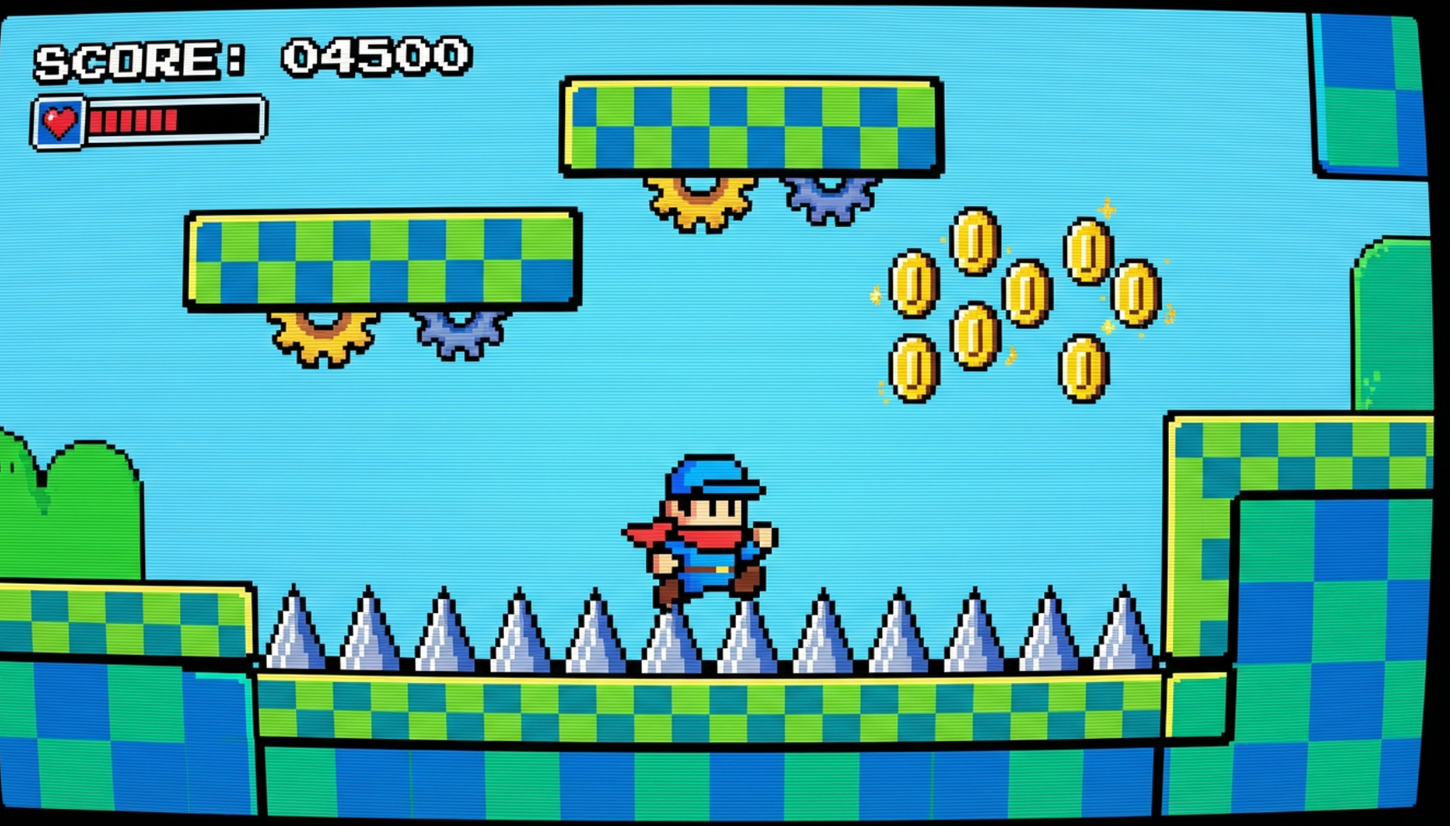
After
Animated pixel game video clip
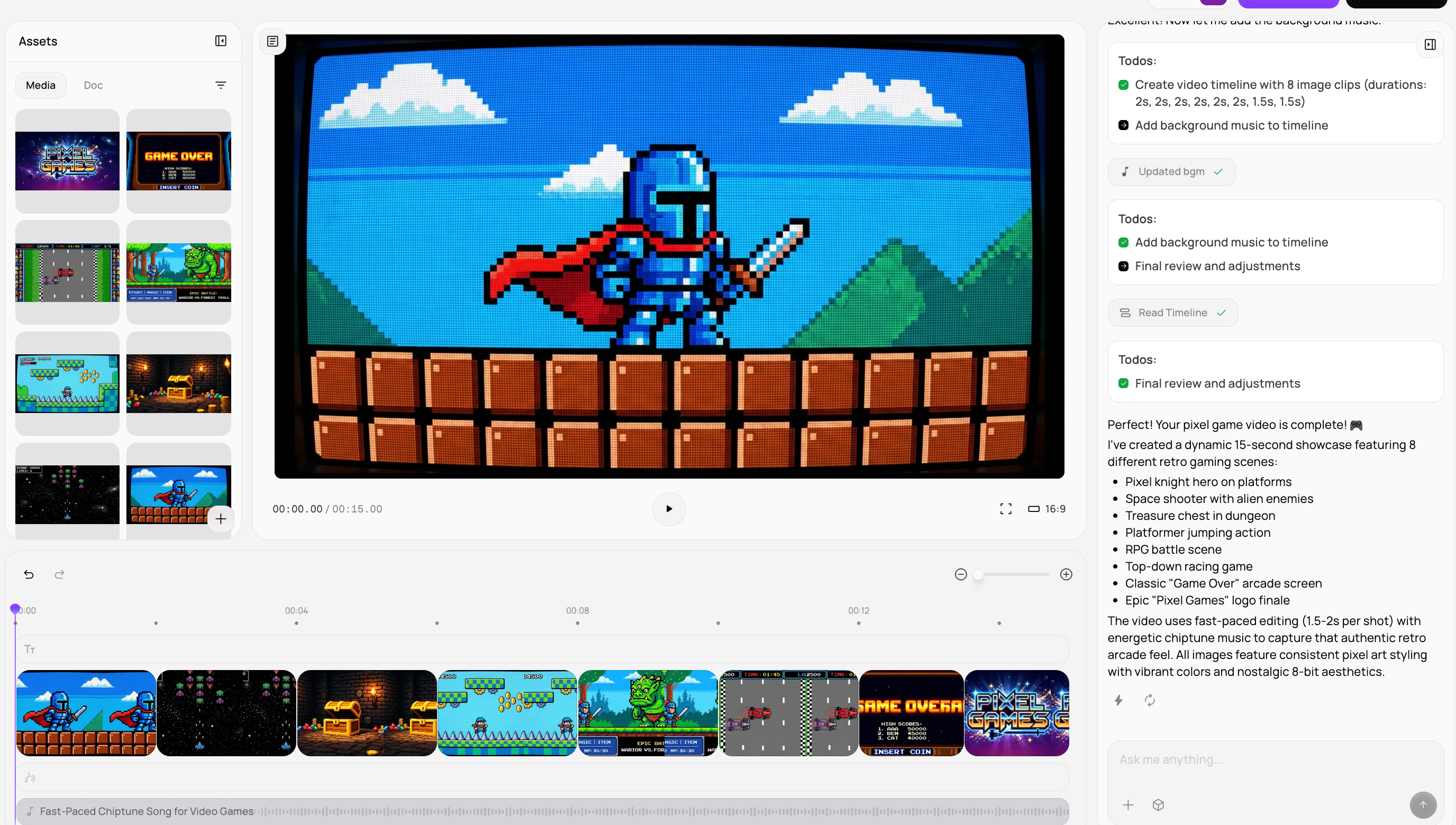
Before
Static pixel art or game idea
After
Animated pixel game video clip
Why Choose Medeo’s Pixel Game Video Generator?
The fastest way to create retro gaming videos without development work
Retro Pixel Accuracy
Authentic 8-bit and 16-bit pixel styles inspired by classic RPG, platformer, and arcade games.
Lightning-Fast Generation
Generate pixel game clips in seconds—no engines, no spritesheets, no rendering delays.
Gameplay-Style Motion
AI simulates side-scrolling, top-down movement, combat actions, and idle animations.
No Coding Required
Create game-like videos without programming, assets, or animation software.
Short-Form Optimized
Perfect for TikTok, YouTube Shorts, Instagram Reels, and retro gaming posts.
Endless Creative Control
Customize characters, environments, enemies, UI style, and camera perspective via prompts.
Perfect for Retro Gamers & Creators
From nostalgic game clips to viral gaming content—pixel creativity unlocked
RPG & Adventure Scenes
Generate town exploration, dungeon battles, and quest-style visuals.
Indie Game Concepts
Visualize indie game ideas and prototypes before development.
Platformer & Arcade Clips
Side-scrolling jumps, boss fights, and arcade-style action scenes.
Social Media Gaming Content
Ideal for retro gaming channels, meme pages, and nostalgic content.
Pixel Storytelling Videos
Tell stories using pixel characters and game-like cutscenes.
Retro Gameplay Shorts
Create short pixel gameplay videos that feel like real classic games.
How to Create Your Pixel Game Video with Medeo?
Step 1
Describe Your Game Scene
Enter a prompt describing characters, environment, and game style (RPG, platformer, arcade).
Step 2
AI Scene Generation
AI generates pixel characters, environments, and gameplay-style motion automatically.
Step 3
Customize Visual Style
Adjust pixel resolution, color palette, camera view, and animation pacing.
Step 4
Export & Share
Download your pixel game video ready for TikTok, YouTube Shorts, or social platforms.