

Recap Your Year with Personalized Video Stories with AI
Effortlessly create stunning year in review videos. Leverage AI to select your best moments, add engaging narratives, and produce shareable video summaries in minutes, not hours.

Powered by world-class AI models


What is an AI Year in Review Video Generator?
A year in review video is a dynamic compilation that encapsulates your most significant moments and achievements over the past year. It creatively stitches together photos, videos, and personalized narratives to tell your unique story. Ideal for individuals reflecting on personal growth, businesses showcasing annual milestones, or content creators summarizing their year, year in review videos offer a heartfelt and engaging way to share memories with friends, family, or your audience.

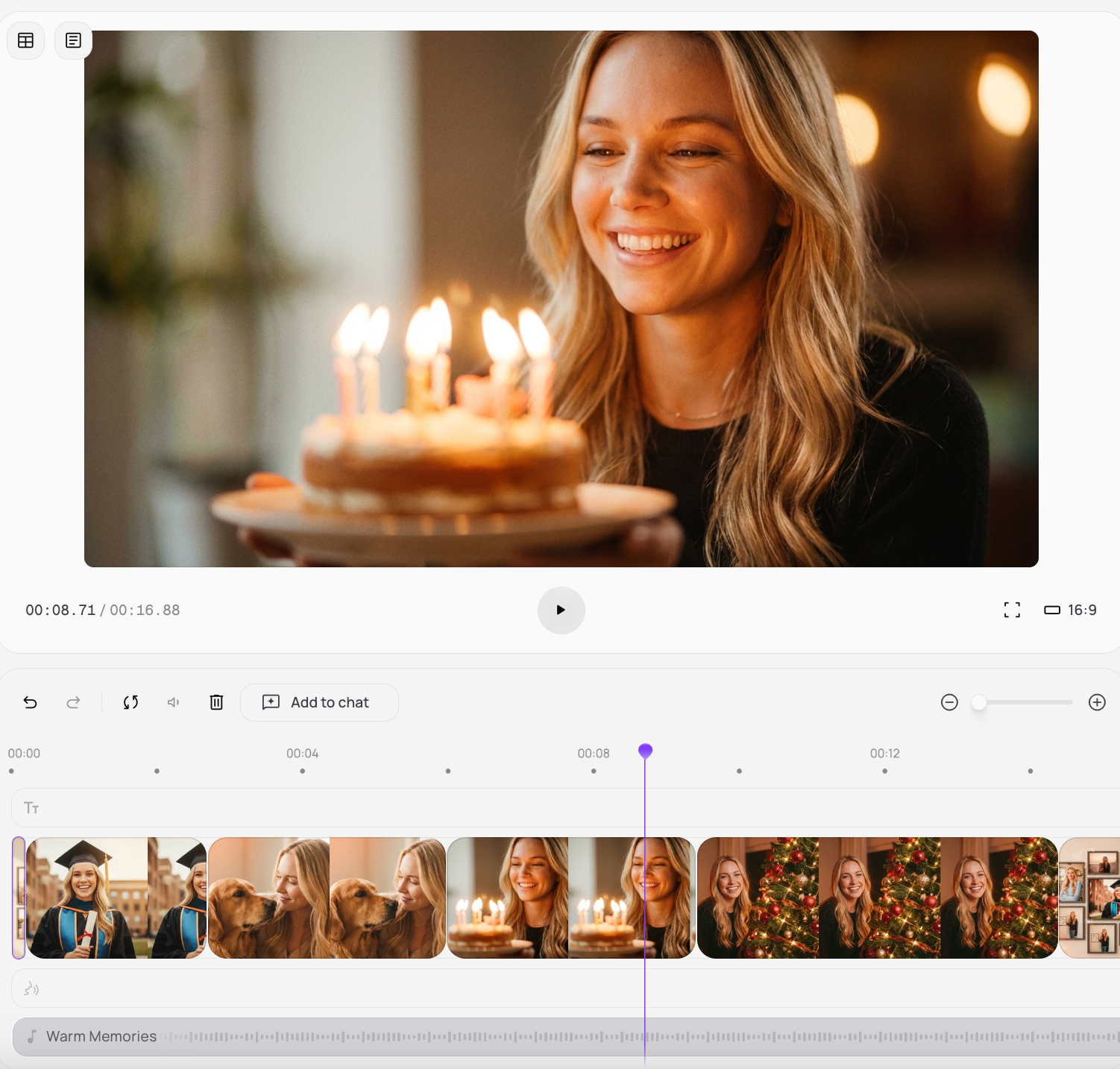
From a Messy Camera Roll to a Legacy Film
Professional-grade retrospective storytelling without the endless scrolling
Before
Thousands of unsorted photos

After
A high-production-value film
Before
Thousands of unsorted photos
After
A high-production-value film
Why Choose Medeo's AI Year in Review Video Generator?
The ultimate toolkit for preserving your legacy and celebrating milestones
AI Storyteller
Our AI analyzes your content to suggest compelling story arcs and highlights, ensuring your review is captivating from start to finish.
Effortless Creation
Quickly upload your media and let our intuitive platform guide you through the creation process, saving you valuable time.
Customizable Templates
Choose from a diverse range of professionally designed templates to match your style and the tone of your year.
Dynamic Transitions
Automated seamless transitions and effects elevate your video, giving it a polished, professional look without effort.
Personalized Narrative
Add voice-overs, background music, and custom text to truly personalize your year-end story and convey your message.
Shareable Memories
Generate videos optimized for all social media platforms, making it easy to share your year with your loved ones.
Specialized Tools for Annual Storytelling
Professional-grade features for the ultimate "Wrapped" experience
Family Milestones
Families can commemorate important events like vacations, birthdays, and anniversaries in a heartfelt video format.
Content Creator Recap
YouTubers, TikTokers, and influencers can recap their best content, growth, and community moments to engage their audience.
Business Annual Highlights
Businesses can summarize their achievements, new products, and team successes for stakeholders or internal reviews.
Personal Memory Capsule
Individuals can create a beautiful visual diary of their year, perfect for cherishing memories or sharing with family and friends.
How to Author Your Year in Review with Medeo?
Step 1
Upload Your Moments
Gather your photos and videos from the past year and easily upload them to our platform.
Step 2
Let AI Curate
Our AI intelligently selects key moments and suggests a narrative flow, or you can customize it yourself.
Step 3
Personalize & Polish
Add text, music, and voice-overs. Choose a template and fine-tune your video until it's perfect.
Step 4
Share Your Story
Render your high-quality year in review video and share it across your favorite platforms.