
AI Cartoon Video Generator with Medeo
With Sora 2’s animation engine and Medeo’s creative interface, you can transform static ideas or images into stunning animated worlds. Perfect for storytellers, creators, and brands ready to explore the future of AI-generated cartoons.
What is Sora 2 to Animation?
Our Sora 2 to Animation tool provides a groundbreaking solution for creators looking to elevate their video projects. It leverages advanced AI to analyze your Sora 2 generated footage, intelligently identifying key elements, movements, and stylistic nuances. This allows for an automated yet highly customizable conversion process, turning raw video into polished, engaging animations. This tool is designed for filmmakers, content creators, marketers, educators, and anyone who wants to add a dynamic, animated flair to their Sora 2 videos without extensive manual effort. It’s perfect for producing explainer videos, social media content, animated shorts, or enhancing presentations with unique visual styles.
From Fragmented AI Clips to Cohesive Animated Masterpieces
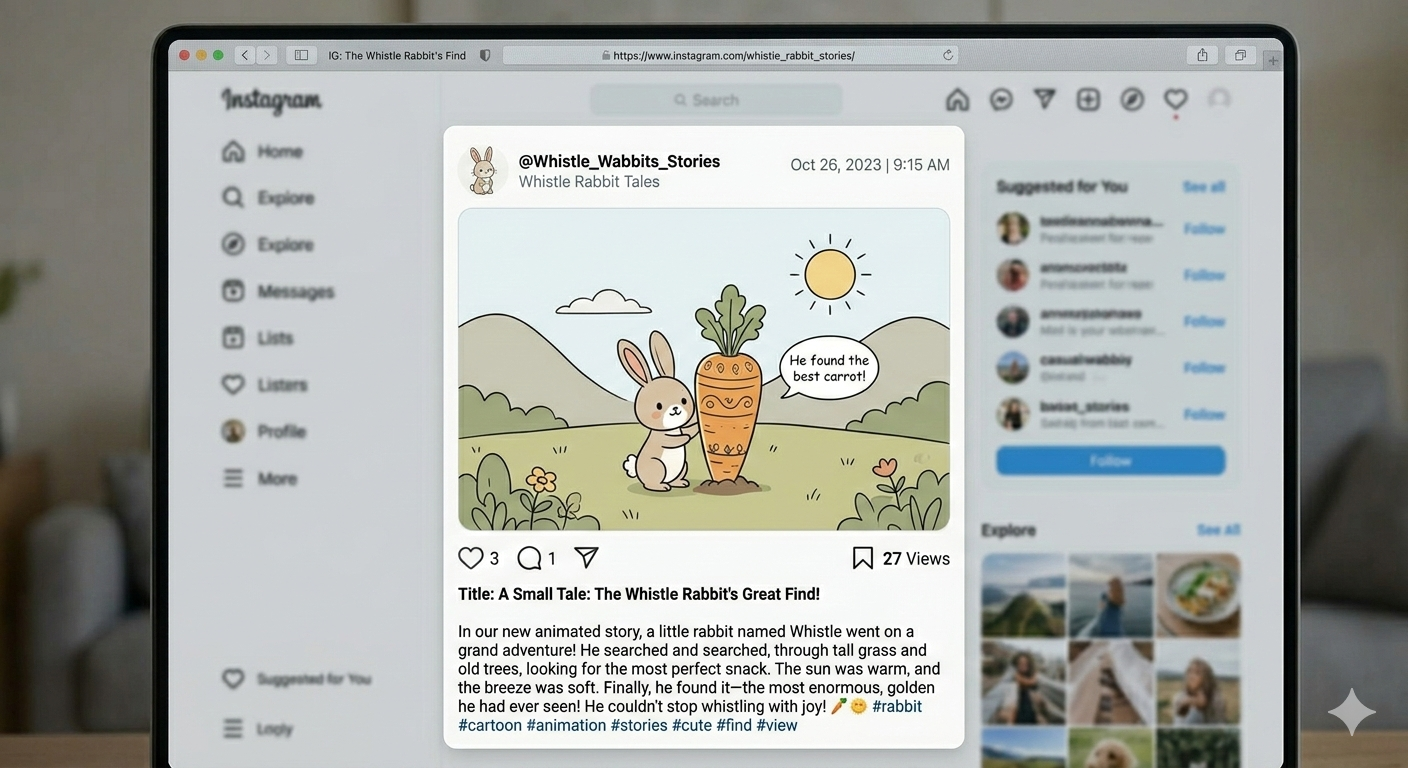
Professional-grade temporal consistency that eliminates the "AI flicker."
Before
Your blog post
After
Professional video
Before
Your blog post
After
Professional video
Reasons to Try Sora 2 + Medeo for Animation
Subtitle
Sketch to Motion
Turn still concepts, images, or written prompts into dynamic motion.
Style Control
From anime-style storytelling to Pixar-inspired realism, choose your visual identity.
AI Workflow
Integrate Sora 2’s generative power with Medeo’s editing and remix tools.
Key Features
Visual Style Library
Choose from cinematic, anime, watercolor, or stylized 3D looks. Blend multiple aesthetics with one-click scene transfer.
AI Voice & Lip Sync
Bring your characters to life with natural AI narration and automatic lip-sync. Perfect for storytelling or educational content.
Text or Image to Animation
Upload a picture or write a scene — watch Sora 2 animate it into motion with expressive detail and fluid camera movement.
How to Create Your First AI Animation with Sora 2 + Medeo?
Step 1
Write or Upload Your Story
Start with a short text prompt, script, or storyboard image. Sora 2 interprets your idea — generating the first sequence of animated frames from your creative direction.
Step 2
Step 2 — Choose Your Animation Style
Pick from a wide range of looks — anime, comic, cinematic realism, or minimalist design. Adjust tone, lighting, and motion style directly within the Medeo interface.
Step 3
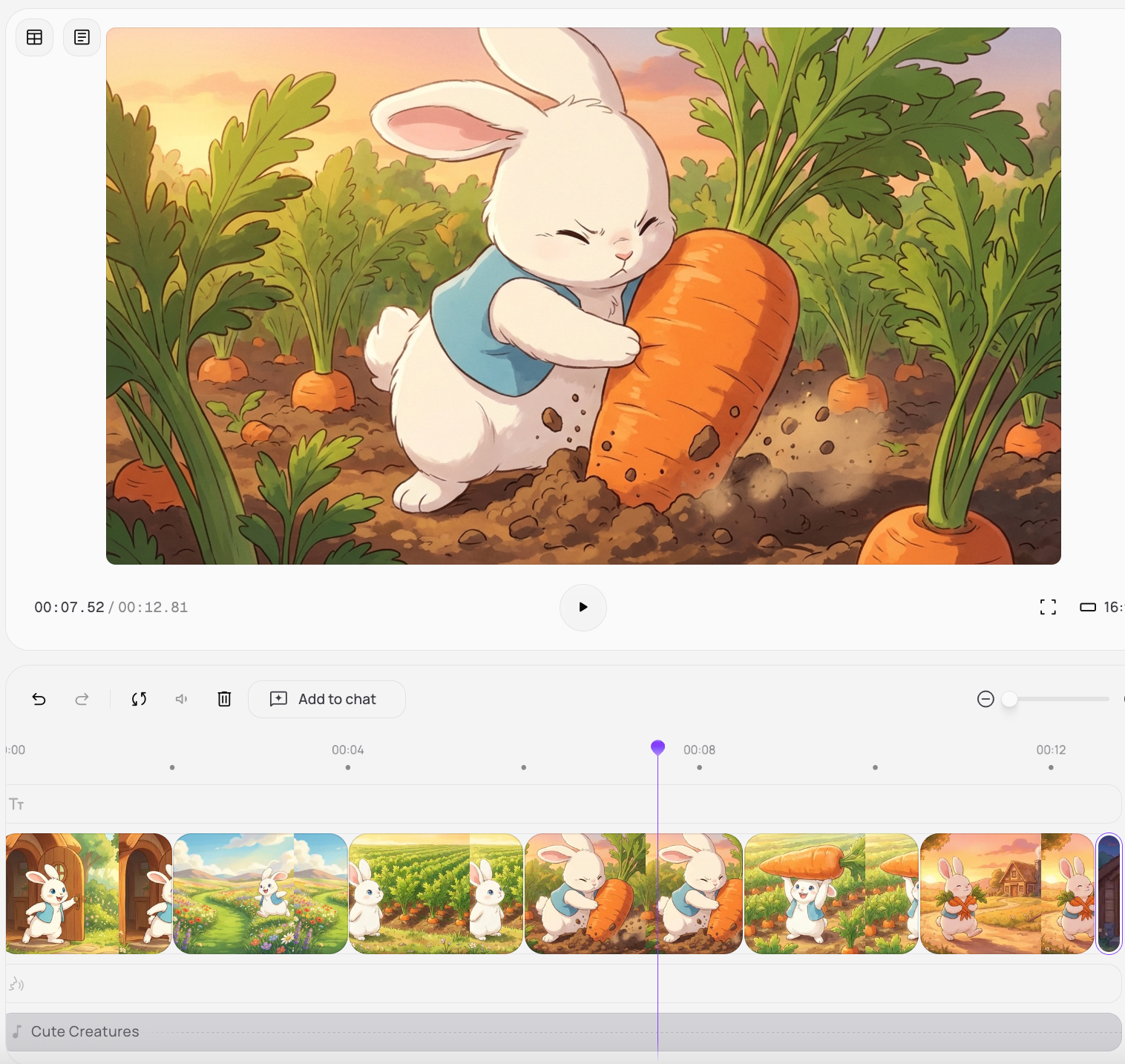
Step 3 — Refine with Medeo’s Editor
sync-voices-music-and-scene-transitions-medeo-lets-you-rearrange-clips-polish-pacing-and-enhance-visual-flow-no-technical-skills-required
Step 4
Step 4 — Export and Share
Render your finished AI animation in HD or vertical short-form format. Share directly to YouTube, TikTok, or your creative portfolio to showcase your Sora-powered storytelling.
FAQs
Do I need animation skills to use it?
Not at all. Sora 2 handles motion, while Medeo automates editing and style refinement. You simply focus on storytelling — writing your scene, choosing a style, and adjusting a few key details.
Can I create full cartoon episodes with Sora 2 + Medeo?
Yes. You can chain multiple scenes together using Medeo’s timeline editor, maintaining consistent characters, voice, and visual tone. Many creators use this workflow to produce serialized web animations and short films.
What is Sora 2, and how does it work with Medeo?
Sora 2 is an advanced AI video model that turns text or image prompts into animated scenes. When paired with Medeo, you can enhance those raw generations — adding voice, sound, pacing, and stylistic edits to create finished animation-ready videos.