

Bring Still Images to Life
Sora 2 captures imagination — Medeo sets it in motion. Upload any photo, concept sketch, or artwork and watch it evolve into dynamic AI video. A bridge between photography and film for the post-prompt era.
Powered by world-class AI models


What is a Sora 2 Picture-to-Video?
Picture with Sora 2 refers to the innovative process of transforming static images into dynamic, engaging video content using the advanced capabilities of the Sora 2 AI model. This technology analyzes your inputted pictures, intelligently identifies key elements, and then applies sophisticated motion, effects, and transitions to bring them to life as a video. This tool is perfect for content creators, marketers, educators, and individuals who want to craft compelling visual stories without needing complex video editing software or extensive technical skills. It's ideal for social media posts, marketing campaigns, personal narratives, and educational presentations.

From Frozen Pixels to Fluid Reality
Professional-grade Image-to-Video (I2V) that understands the laws of physics
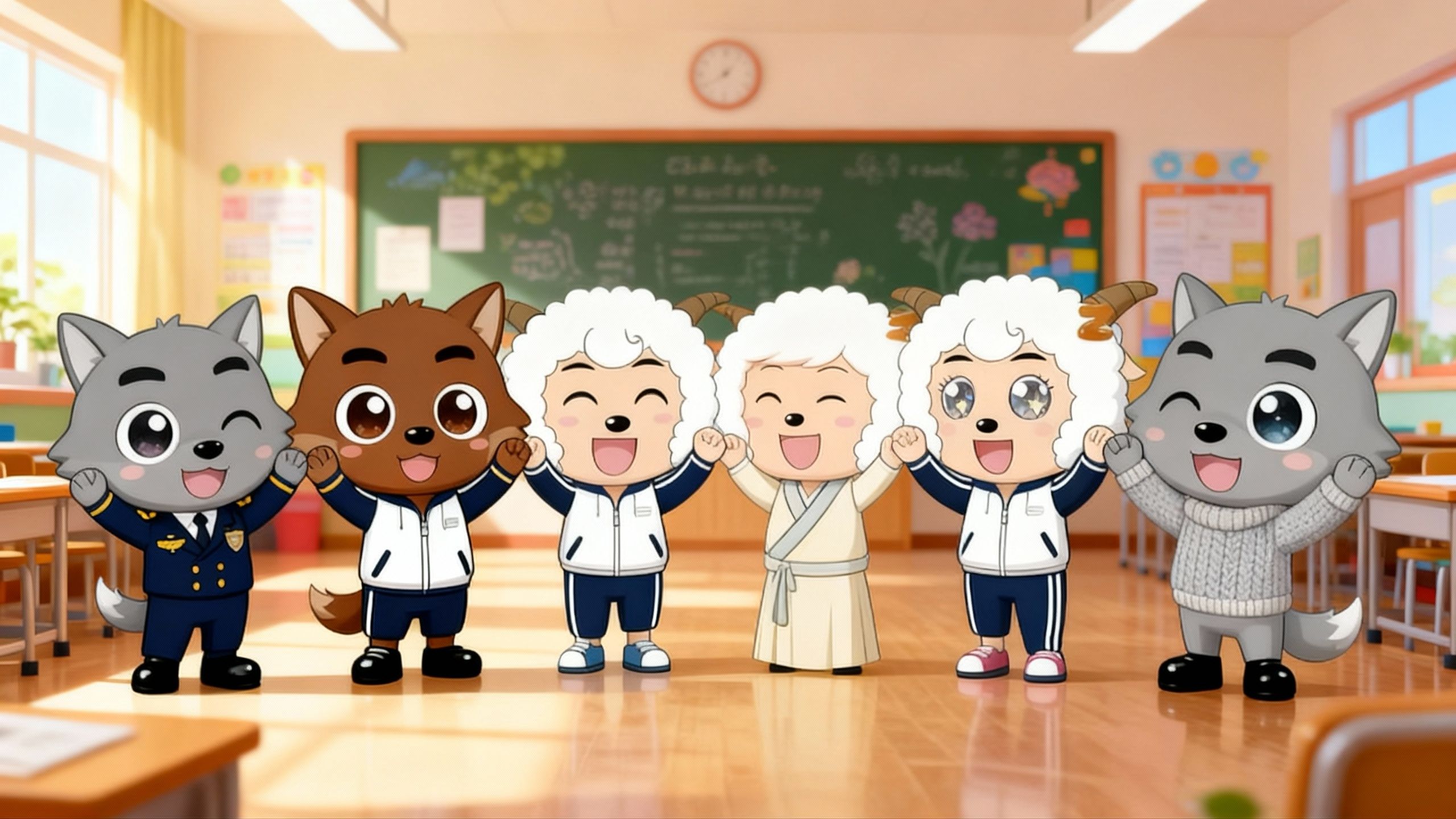
Before
Simple picture

After
Cinematic Quality Video
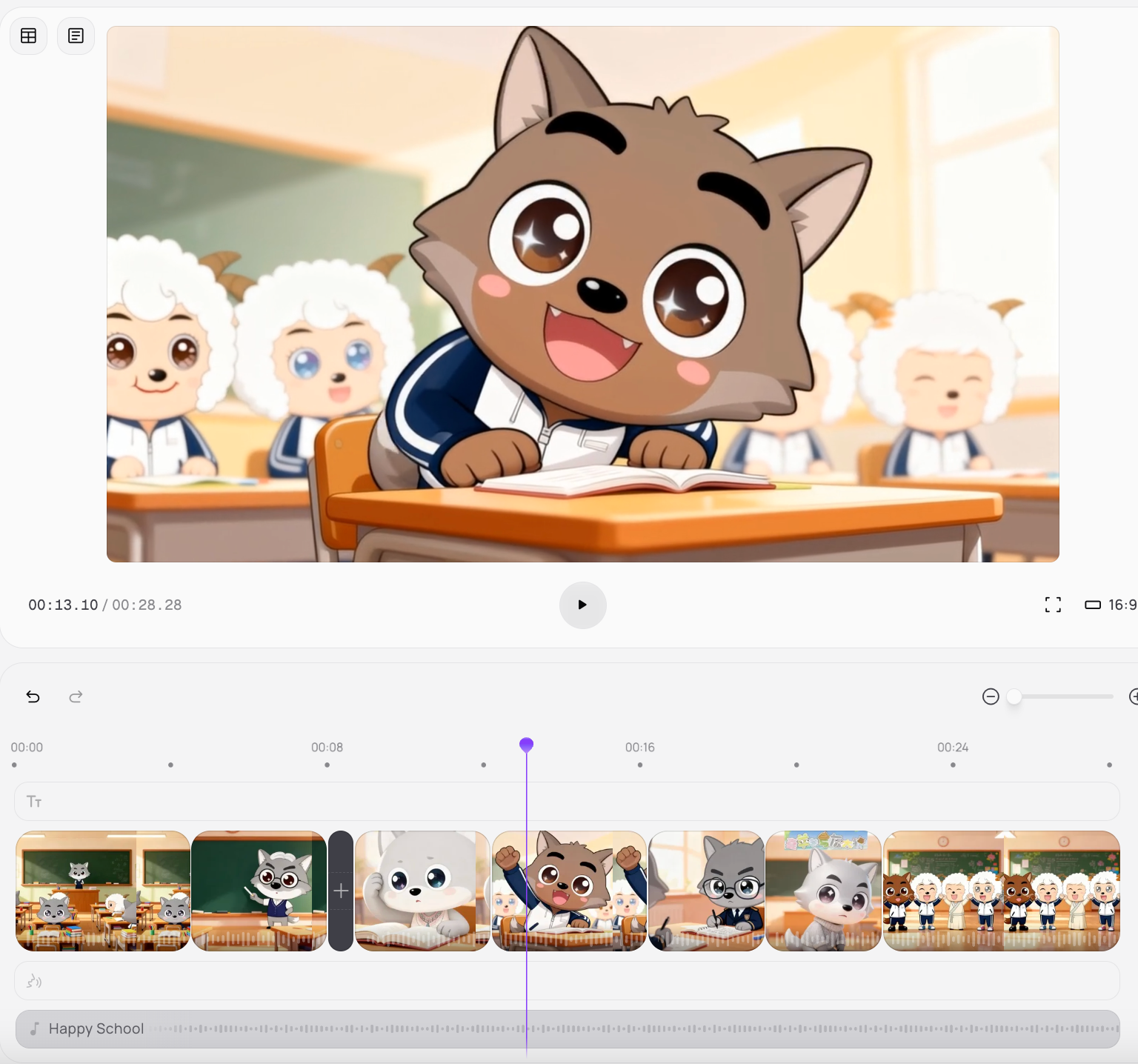
Before
Simple picture
After
Cinematic Quality Video
Reasons to Try Sora 2 Picture-to-Video
Animate Anything
Turn portraits, landscapes, or even product shots into lifelike motion. Medeo combines Sora 2’s generative fluidity with cinematic transitions and lighting realism.
Creators and Brands
From digital artists to social media storytellers, generate attention-grabbing animations for reels, campaigns, and visual storytelling — instantly.
Preserve Style
Keep your original art’s tone, color palette, and composition while adding realistic depth, camera movement, and emotion.
Key Features
Sora Picture to Video Generator
Upload a still image — Sora 2 predicts motion, texture, and environment around it. Medeo refines transitions, framing, and rhythm to achieve cinematic consistency.
Depth & Motion Layer Engine
Automatically detects perspective and generates parallax effects, dynamic camera pans, and lifelike lighting for added realism.
AI Style Preservation
Keep artistic integrity intact. Whether it’s anime art, oil painting, or photography, Medeo ensures the animation matches the original aesthetic.
How to Animate Your Pictures with Sora 2 + Medeo?
Step 1
Step 1 — Upload Your Image
Choose a photo, artwork, or frame. High-resolution visuals work best for smoother motion and lighting prediction.
Step 2
Step 2 — Generate Motion with Sora 2
Enter a short motion prompt like “slow cinematic zoom with drifting clouds” or “gentle head turn and soft light shift.”
Step 3
Step 3 — Enhance in Medeo
Use Medeo to refine your AI animation — stabilize motion, adjust camera flow, and match soundtrack or ambience.
Step 4
Step 4 — Export and Share
Render in 4K or social-ready vertical formats. Perfect for showcasing digital art, photography, or branded visuals that move.