
Create Viral Reaction Videos with Medeo AI
Generate engaging split-screen reaction videos instantly. AI avatars react to trending content with expressive emotions and dynamic captions—perfect for TikTok, YouTube, and Instagram.

What is an AI Reaction Video Generator?
An AI Reaction Video Generator is a revolutionary tool that automatically creates engaging reaction-style videos using artificial intelligence. It produces split-screen videos featuring expressive AI avatars reacting to trending content with synchronized commentary, dynamic captions, and authentic emotions—all without manual filming or complex editing. Perfect for content creators on TikTok, YouTube, Instagram, and other social platforms looking to jump on trending moments and create viral content effortlessly.
From a Single Clip to Reaction Video - In Seconds
Watch your commentary transform into high-engagement reaction content
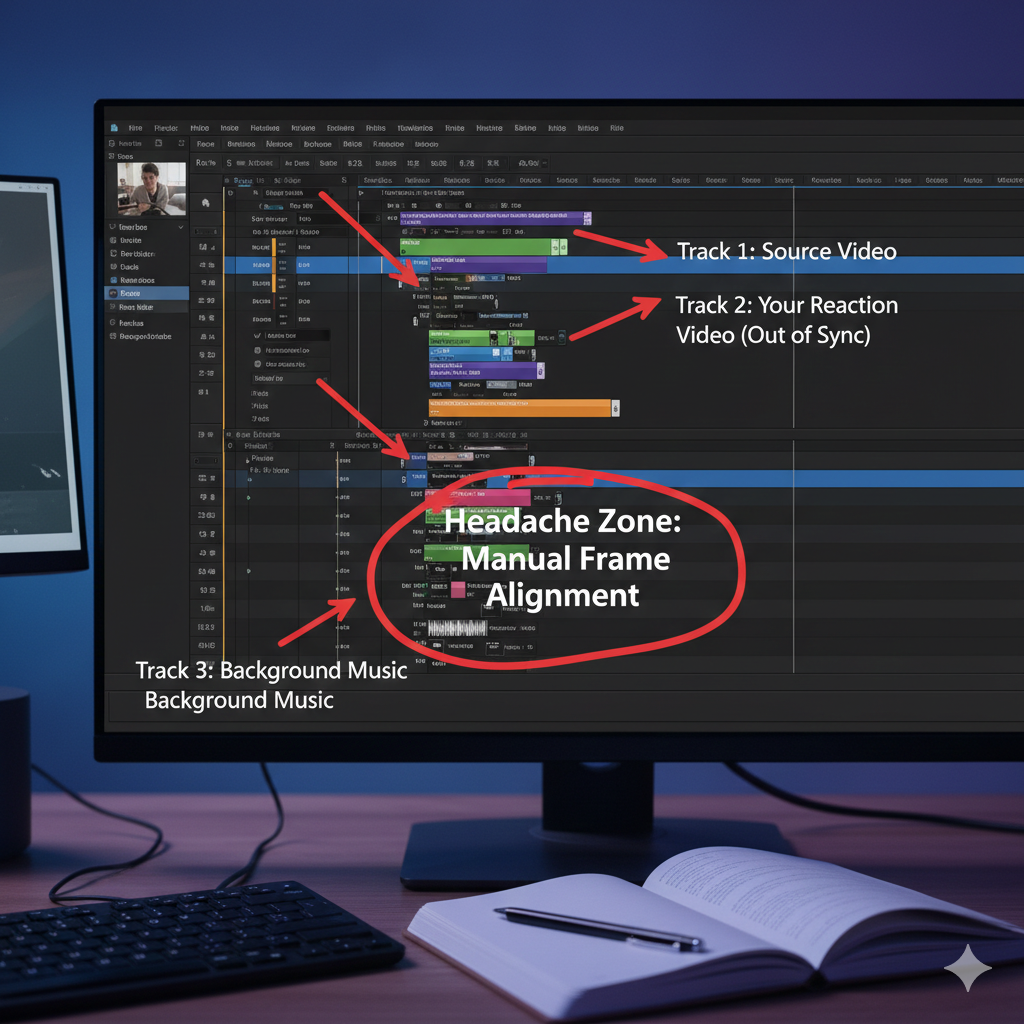
Before
A raw video of a creator talking
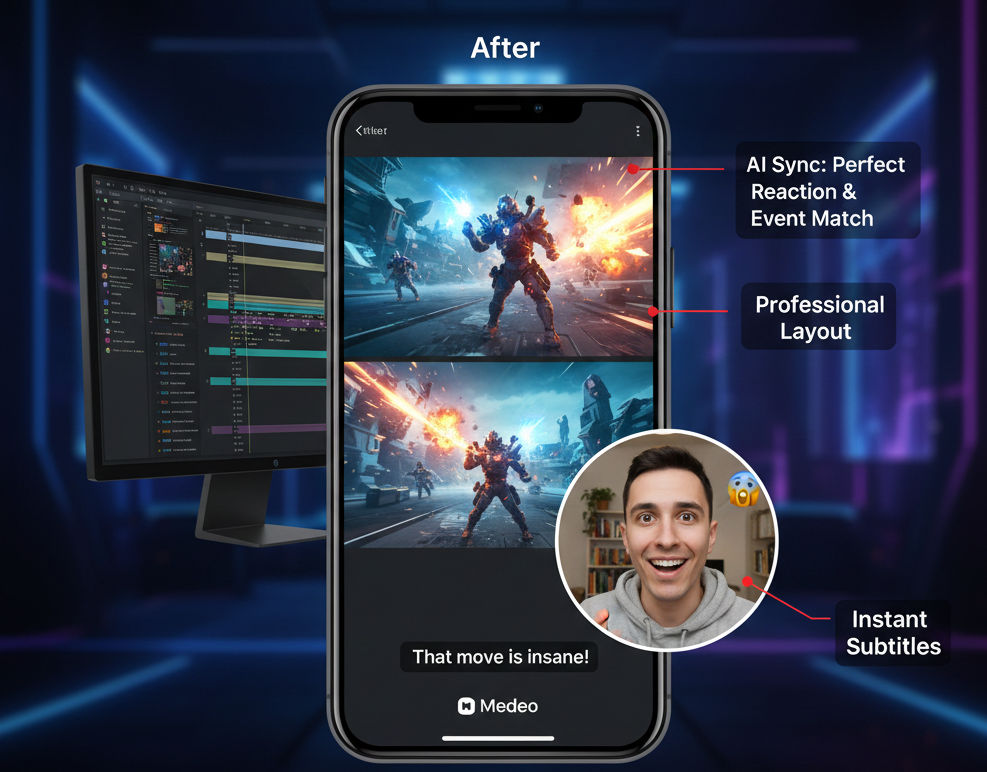
After
A polished edited reaction video
Before
A raw video of a creator talking
After
A polished edited reaction video
Why Choose Our Medeo AI Reaction Video Generator?
Everything you need to create viral reaction content and grow your audience
Split-Screen Format
Professional picture-in-picture layout showing content and reaction simultaneously
Expressive AI Avatars
Wide range of realistic emotions from shock and excitement to laughter
Instant Generation
Create viral-ready videos in minutes and jump on trends immediately
Viral-Optimized
Format and captions designed to maximize engagement and shareability
Dynamic Captions
Auto-generated captions like 'OMG!', 'NO WAY!' to boost engagement
Multiple Avatar Styles
Choose from diverse avatars or customize to match your brand
Perfect for Every Trending Moment
Create viral reaction videos for any type of content across all platforms
Entertainment & Celebrity
React to celebrity news, awards shows, and entertainment events
Movie & TV Reactions
Create engaging responses to trailers, shocking scenes, and plot twists
Gaming Highlights
React to epic gameplay, speedruns, and competitive esports moments
Viral TikTok Content
Jump on trending sounds, challenges, and viral moments instantly
Tech & AI Demos
Create reactions to new Sora videos, AI breakthroughs, and tech launches
Sports Moments
React to epic UFC knockouts, NBA highlights, and game-winning plays
How to Create Reaction Videos with Medeo?
Step 1
Describe the Trend
Tell our AI what trending event or viral moment you want to react to
Step 2
Choose Media Style
Select AI-generated video clips or moving images for the B-roll content
Step 3
AI Creates Reaction
Watch as AI generates split-screen video with expressive avatar and captions
Step 4
Edit & Go Viral
Fine-tune in our editor and share directly to TikTok, YouTube, Instagram
FAQs
Do I need editing skills?
Not at all. Medeo handles the animation, syncing, captions, and exporting—no editing software required.
Is this good for TikTok and YouTube Shorts?
Absolutely. Videos are automatically optimized for vertical and square formats, making them perfect for short-form platforms.
Can I use my own avatar or voice?
Yes, you can customize avatars or even upload your own voice recording to create a more personal reaction video.
What is Reaction to Video?
Medeo’s AI Reaction to Video tool creates reaction-style clips from text prompts. Instead of filming yourself, you can use avatars, voices, and expressions to simulate authentic reactions.