Create Romantic Anniversary Video with AI
Transform your photos and memories into professional-grade anniversary videos with Medeo. Medeo’s AI handles the storytelling, music, and transitions so you can focus on the celebration.

Powered by world-class AI models


What is an Anniversary Video Generator?
An Anniversary Video Generator is an AI-driven platform that automates the process of creating commemorative video content for personal or professional milestones. By analyzing your uploaded photos and text descriptions, the AI intelligently selects themes, synchronizes emotional music, and applies cinematic transitions without requiring any manual editing. Medeo allows anyone to craft high-quality anniversary videos—whether for a wedding, a long-term relationship, or a corporate work anniversary—in just a few clicks.
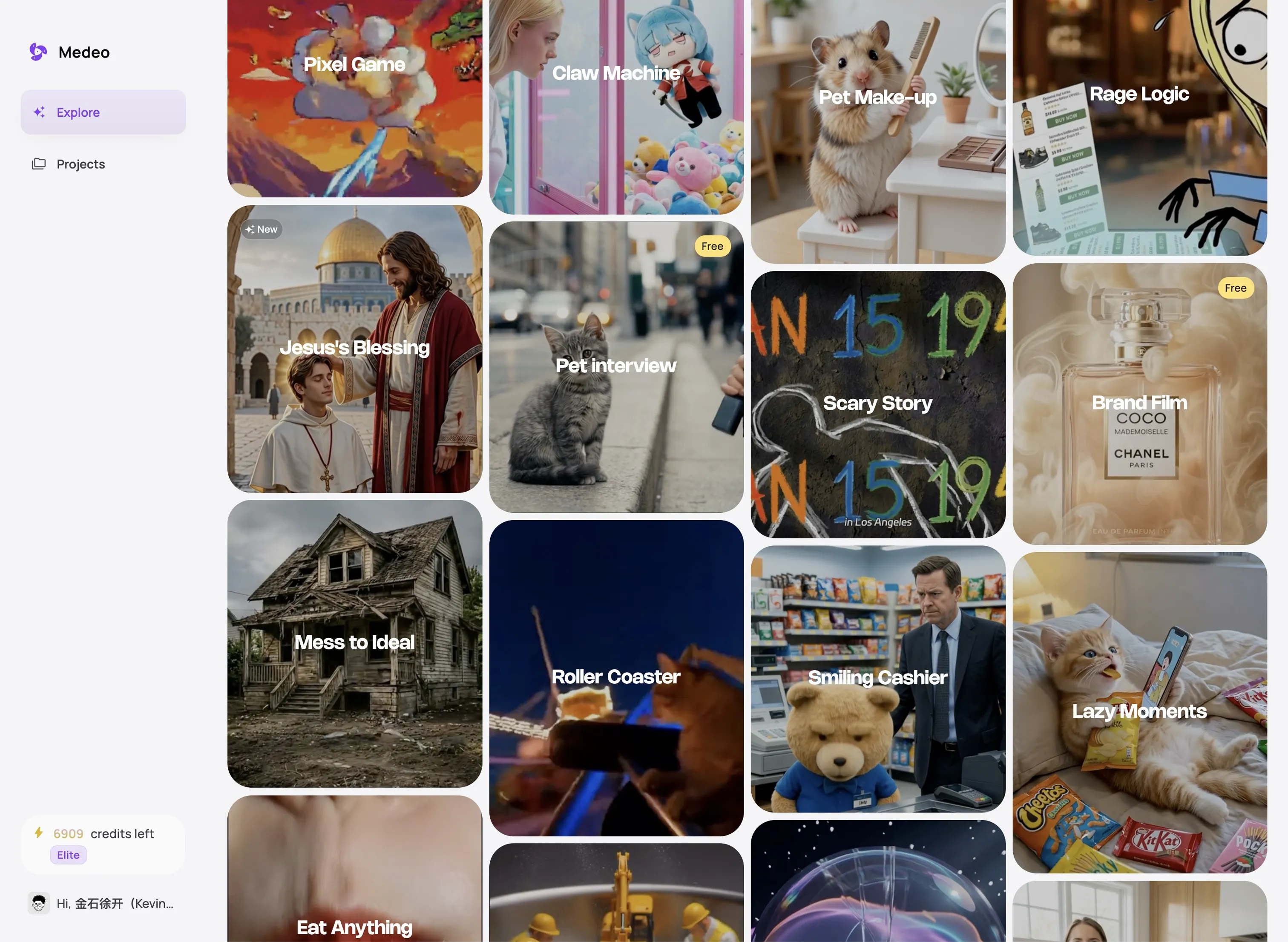
From Scattered Memories to a Cinematic Love Story
Watch your relationship milestones evolve into a polished tribute with AI-powered storytelling
Before
Photo memories

After
Anniversary film

Why Choose Medeo's Anniversary Video Generator?
Discover how couples and organizations use Medeo to turn their milestones into unforgettable visual experiences.
Lightning-Fast Creation
Generate a full-length, high-quality anniversary tribute in one guided workflow rather than hours of manual editing.
Emotional Storytelling AI
Our engine automatically structures your media to build a narrative arc that highlights your most meaningful moments.
No Pro Skills Required
You don’t need to be a videographer; the AI handles all complex color grading and sound design.
Premium Music Library
Access a wide range of royalty-free romantic and celebratory tracks perfectly synced to your video's rhythm.
Multi-Platform Ready
Export your videos in 9:16 for Instagram Stories or 16:9 for large-screen party displays.
High-Definition Quality
Videos are rendered at high quality to ensure your memories look crisp on any device.
Perfect for Every Milestone
Medeo’s versatile tools are designed to celebrate every type of anniversary with unique styles and tones.
Wedding Anniversaries
Transform wedding footage into a romantic "then and now" tribute for your spouse.
Corporate Work Anniversaries
Create professional employee recognition videos for LinkedIn and company newsletters.
Dating Milestones
Quickly craft cute, aesthetic reels for TikTok and Instagram to share your journey.
Party Background Loops
Generate ambient anniversary-themed visuals to play on loop during your event celebrations.
Family Heritage Videos
Compile years of family photos into a long-form video for silver or golden anniversaries.
Social Media Shoutouts
Design high-energy, vertical video posts perfect for sharing anniversary wishes instantly.
How to Create Your Anniversary Video with Medeo?
Step 1
Upload Your Memories
Select photos or clips related to your anniversary theme.
Step 2
AI Story Design
Our AI analyzes the content to create a cohesive scene sequence.
Step 3
Choose Your Vibe
Select a romantic, nostalgic, or professional aesthetic style.
Step 4
Generate & Celebrate
Download your anniversary video and share it with your loved ones.
Find an anniversary story beyond the milestone date
The most meaningful material is often an ordinary detail that has lasted. Choose a theme that explains what the anniversary represents instead of trying to include every photo from every year.
A place you returned to
Build the video around a familiar park, kitchen, or neighborhood rather than a complete timeline. Pair images from different visits with narration about what changed and what stayed recognizable, using your own memories to supply the connection.
A tradition that grew
Show how a small ritual became part of your relationship, such as a weekend breakfast or an annual trip. Explain the origin in a few spoken lines, then let later photos show how the tradition continued.
The people around the milestone
For a family celebration, include the relatives or friends who helped shape the story. Provide names and relationships in your brief so the narration can explain why each person belongs in the tribute without guessing from the photos.
The work behind the achievement
For a work anniversary, focus on a specific contribution or shared project rather than generic praise. Supply accurate details and a message from the team, keeping recognition grounded in what the person actually did.
Arrange the memories around an emotional thread
A chronological sequence is useful when dates matter, but it is not the only structure. Choose an order that helps the recipient recognize the meaning behind the images.
Step 1
Write the message first
Finish the sentence I want you to know with a direct, personal thought. Use that sentence to choose the memories that belong in the video, leaving out impressive photos that do not support the message you are trying to convey.
Step 2
Annotate the selected moments
Add a short explanation for each uploaded photo or clip, including names, dates where relevant, and why the moment matters. If you are unsure about a detail, leave it out of the narration rather than asking the agent to infer it.
Step 3
Choose a closing memory
End on a moment that connects the past to the present, such as a recent image in a familiar place. Write a closing line in your own conversational style so the tribute feels addressed to the recipient rather than to a general audience.
Make the tribute sound like the people in it
A sincere anniversary message does not need elaborate language. Specific observations and a natural voice can give familiar images a more personal meaning.
Keep the small joke understandable
Include an inside joke only if the recipient will recognize the reference from the surrounding images or narration. For a version shown to guests, add just enough context for others to follow without explaining away the affection behind it.
Use music as support
Ask for background music that leaves the spoken message easy to hear. If a recorded greeting is the emotional center of the video, make that clear in your brief so the surrounding scenes support the greeting rather than compete with it.
Create an audience-specific cut
A private version can include details that need no explanation between two people. For a 16:9 celebration screening or a 9:16 social post, choose memories and wording that make sense to that audience, then review names and dates once more.