
Transform Lessons into Engaging Educational Videos with AI
Effortlessly transform lesson plans or simple text prompts into engaging educational videos. Simplify complex subjects with AI-generated visuals, animations, and narration.
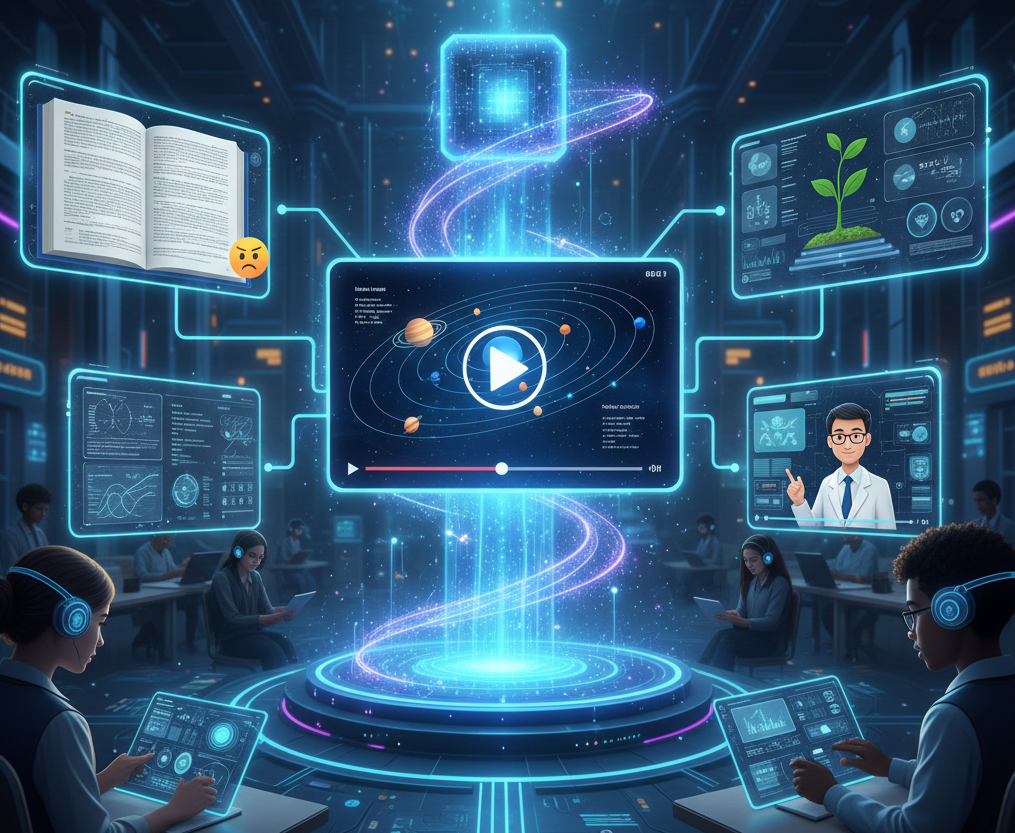
What is AI Educational Video Generation?
An AI educational video generator transforms lesson plans, scripts, or simple text prompts into professional learning videos. It automatically creates engaging visuals, animations, and narration to simplify complex subjects, making educational content more accessible and effective for students of all ages.
From Text to Learning
Watch how AI transforms lesson plans into engaging educational videos
Before
Lesson Plan Text
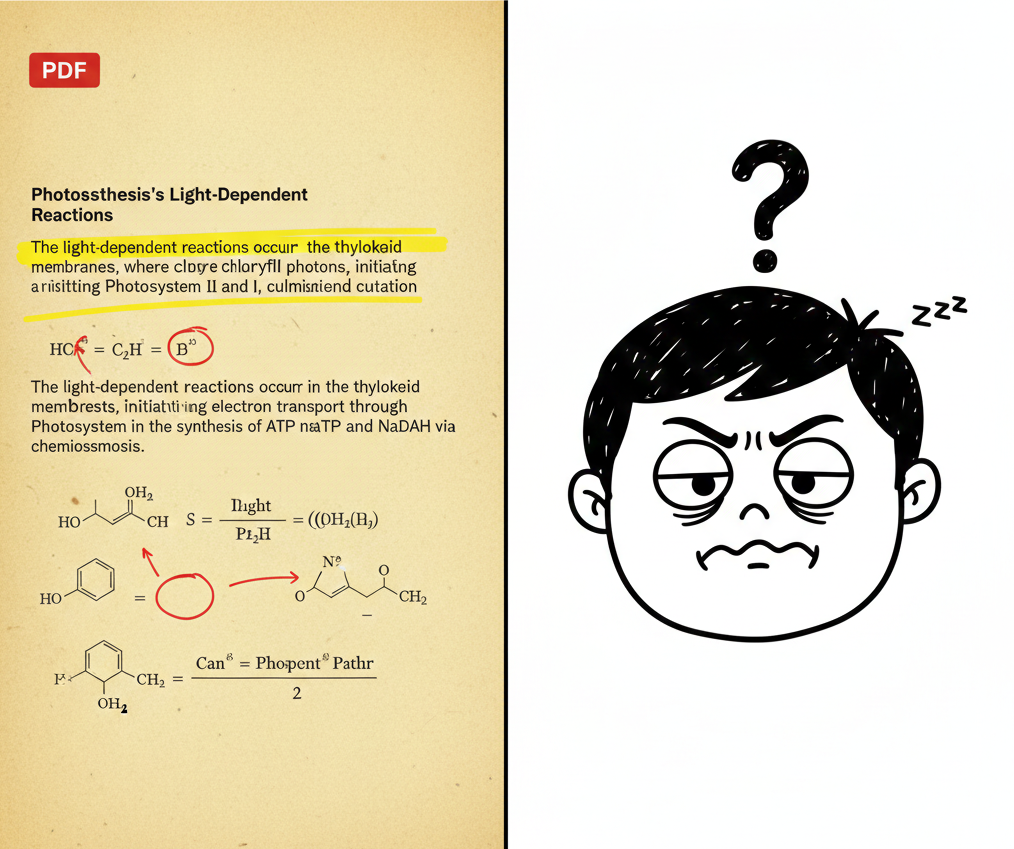
After
AI Educational Video
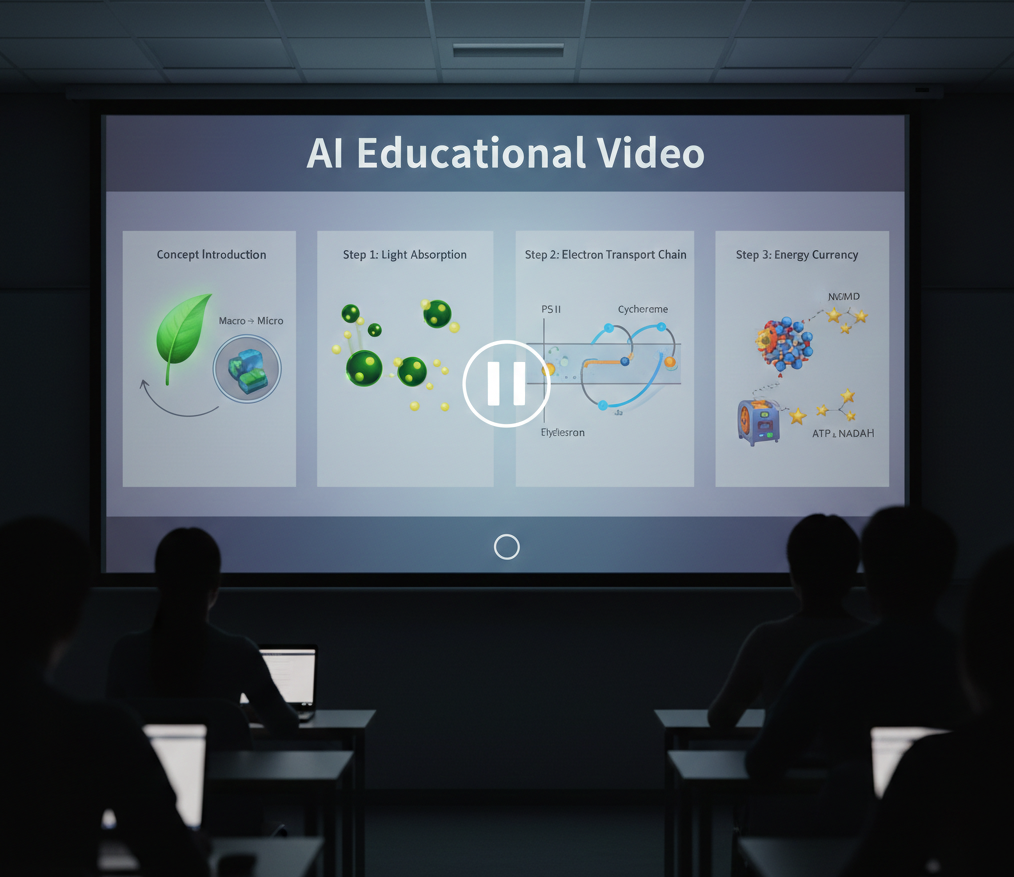
Before
Lesson Plan Text
After
AI Educational Video
Why Choose AI Educational Videos?
Make learning engaging with professional AI-generated educational content
Instant Lesson Videos
Transform lesson plans into complete educational videos in minutes. No video editing experience required—just input your content and let AI handle the production.
Simplify Complex Topics
AI breaks down difficult subjects like quantum physics, calculus, or ancient history into easy-to-understand visual metaphors, diagrams, and step-by-step animations.
Curriculum-Aligned Templates
Pre-built templates for science, math, history, language arts, and more. Each template is designed to meet educational standards and learning objectives.
Professional Narration
Choose from multiple AI voices with expert-level pronunciation and pacing. Adjust tone, speed, and emphasis to match your teaching style perfectly.
AI Teacher Avatars
Add realistic AI avatars to deliver instruction. Customize appearance, gestures, and presentation style to create a personalized learning experience.
Save Hours of Work
What takes hours of manual video editing now takes minutes. Spend more time teaching and less time producing content with automated AI workflows.
Perfect for Every Subject
From K-12 education to corporate training—create engaging videos for any learning context
Online Courses & MOOCs
Build complete online course libraries with professional video lectures. Scale your educational impact with automated video production for massive open online courses.
Language & Literature
Create engaging grammar lessons, literary analysis videos, and language learning content. Visualize story elements, character development, and linguistic concepts.
History & Social Studies
Bring historical events to life with animated timelines, maps, and documentary-style narration. Perfect for teaching world history, geography, and cultural studies.
Math & Problem Solving
Create step-by-step math tutorials with animated equations, graphs, and visual proofs. Ideal for algebra, calculus, geometry, and statistics courses.
Science & STEM Lessons
Visualize complex scientific concepts like quantum mechanics, molecular structures, or physics equations. Perfect for chemistry, biology, and physics educators.
Corporate Training
Turn internal documentation and blog posts into training videos for team onboarding.
Create Professional Educational Videos in Easy Steps
Step 1
Download & Share
Review your video, make final adjustments, and download it in various formats (up to 4K). Ready to be shared on learning management systems, in presentations, YouTube, or educational platforms instantly.
Step 2
Customize & Enhance
Customize your video with educational templates, add diagrams or quizzes, and choose from a library of AI teacher avatars. Adjust narration voice, pacing, and visual elements to match your teaching style perfectly.
Step 3
AI Analysis & Generation
Our advanced AI analyzes your content, identifying key concepts that need visualization. It automatically generates relevant animations, diagrams, charts, and illustrations that make complex topics easy to understand.
Step 4
Create Effortlessly
Start with a topic, lesson plan, or script. Our AI generates a complete educational video with visuals, narration, and pacing tailored for learning. Simply input your content and select your subject area.
FAQs
How does this help educators save time?
Instead of spending hours creating educational videos manually, Medeo generates complete videos with visuals, narration, and pacing tailored for learning in just minutes. This allows educators to focus on teaching while AI handles the complex video production process.
What video formats are supported for educational content?
Medeo supports various video formats and resolutions up to 4K. You can download videos optimized for learning management systems, presentations, YouTube, or social media platforms. Videos can be exported in MP4, MOV, and other standard formats for maximum compatibility.
Can I customize the educational videos after creation?
Absolutely! After AI generation, you can customize your video with educational templates, add diagrams or quizzes, choose from a library of AI teacher avatars, adjust narration, and modify visuals to perfectly match your teaching style and curriculum requirements.
What features make professional educational video production easier?
Medeo provides 4K resolution, AI-powered scene transitions, a vast library of academic assets and music, automated concept visualization, and customizable educational templates. Our platform combines these premium features with an intuitive interface, making professional educational video production accessible to everyone.
Can I create corporate training and tutorial videos?
Yes! Medeo is recognized as one of the best platforms for producing corporate training and tutorial videos. It offers features like AI avatars for instruction, brand customization, and multi-language voice-overs to create consistent and professional training materials at scale.
How does AI simplify complex subjects in videos?
Medeo uses advanced AI to break down difficult topics into easy-to-understand animations, diagrams, and visual metaphors. Our platform is perfect for subjects like science, math, and history, making learning intuitive and effective by rendering abstract concepts clearly and engagingly.
What are the best AI tools for creating engaging lesson videos?
Medeo is one of the best AI tools for creating engaging lesson videos, offering features like automated concept visualization, curriculum-aligned templates, and interactive elements. Our AI helps educators produce compelling lessons that capture student attention and improve learning outcomes with professional narration and animations.
What is Medeo's AI Education Video Generator?
Medeo is a revolutionary AI education video generator designed to help educators, trainers, and students create professional-quality learning videos effortlessly. It transforms lesson plans, text, or simple ideas into engaging animated content with stunning visuals and clear narration, generating videos in under 2 minutes.