
From one subtitle track to global-ready video content
Create multilingual subtitle workflows with a Video Subtitle Translator. Medeo helps creators, educators, marketers, and businesses adapt video captions for different languages, wider audiences, and more accessible viewing across global platforms.

Powered by world-class AI models


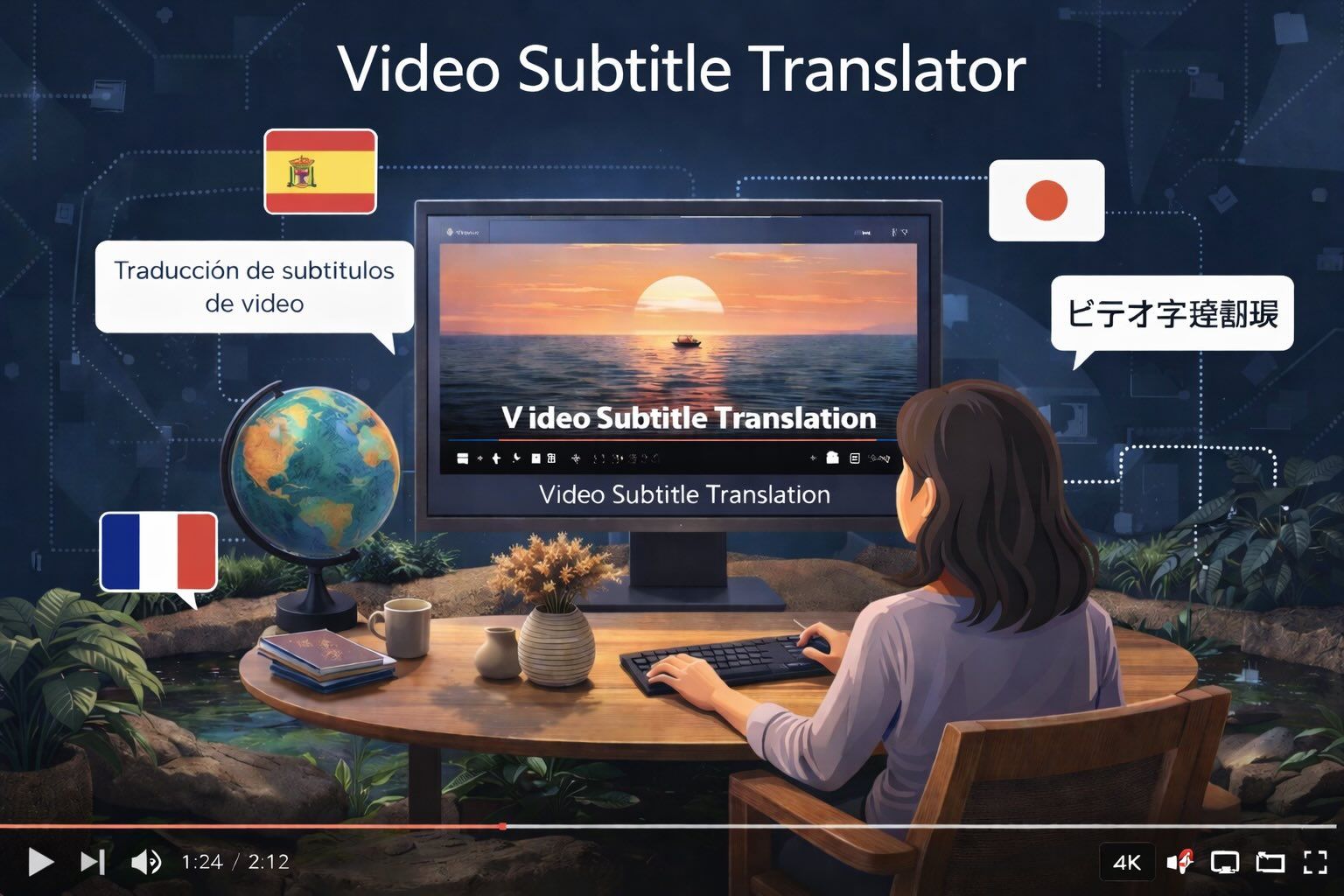
What is a Video Subtitle Translator?
A Video Subtitle Translator is a workflow for adapting subtitle tracks into multiple languages so video content can be understood by broader audiences. It can be used for education, brand communication, creator publishing, internal training, and media localization where clarity, speed, and consistency matter.

From Single-Language Captions to Global-Ready Subtitle Workflows
Give existing video content a broader reach through cleaner localization and easier multilingual distribution.
Before
Single-language subtitles that limit accessibility

After
Polished subtitle translations with clearer multilingual coverage.
Before
Single-language subtitles that limit accessibility
After
Polished subtitle translations with clearer multilingual coverage.
Why Choose Medeo’s Video Subtitle Translator?
Create subtitle translation workflows with a format built for multilingual reach, faster localization, and clearer audience access across different content types.
Global Accessibility
From local audiences to international viewers, Medeo helps Video Subtitle Translator workflows support broader language coverage and easier content access.
Context-Aware Translation Quality
Build Video Subtitle Translator outputs with stronger wording accuracy, more natural phrasing, and clearer subtitle meaning across languages.
Faster Localization Workflow
Move from a single subtitle file to multilingual-ready caption versions without relying on a slow manual translation process.
Multi-Language Subtitle Coverage
Create Video Subtitle Translator projects for different language audiences while keeping subtitle workflows more organized and scalable.
Search and Visibility Support
Use localized subtitles to make global-facing video content easier to discover, understand, and reuse in different regions.
Lower-Cost Content Expansion
Extend the reach of existing videos through a Video Subtitle Translator workflow that supports wider reuse without rebuilding the content itself.
Best Use Cases for Video Subtitle Translator Workflows
Create subtitle translation content for educational publishing, marketing localization, creator growth, internal communication, and media distribution.
Education and E-Learning Localization
Use Video Subtitle Translator workflows to adapt course videos, lessons, and training material for students and learners in different language markets.
Marketing and Campaign Localization
Create translated subtitles for promotional videos, product explainers, and campaign assets that need stronger international reach.
Creator and Social Video Expansion
Publish creator content with subtitle translations that make YouTube, TikTok, and short-form videos more accessible to global viewers.
Business and Internal Communication
Support multilingual teams with Video Subtitle Translator outputs for onboarding videos, internal updates, demos, and corporate communication.
How to Use a Video Subtitle Translator with Medeo?
Step 1
Upload Your Video or Subtitle File
Add your original video, subtitle track, or caption source so the Video Subtitle Translator workflow has a base to localize from.
Step 2
Generate Translated Subtitles
Medeo turns your source subtitles into translated subtitle drafts for the languages you want to support.
Step 3
Refine Clarity and Language Fit
Adjust subtitle wording, reading flow, and language tone so the translated output feels cleaner and more audience-appropriate.
Step 4
Export and Publish
Download your translated subtitles and use them across educational videos, marketing assets, creator content, internal communication, and global releases.