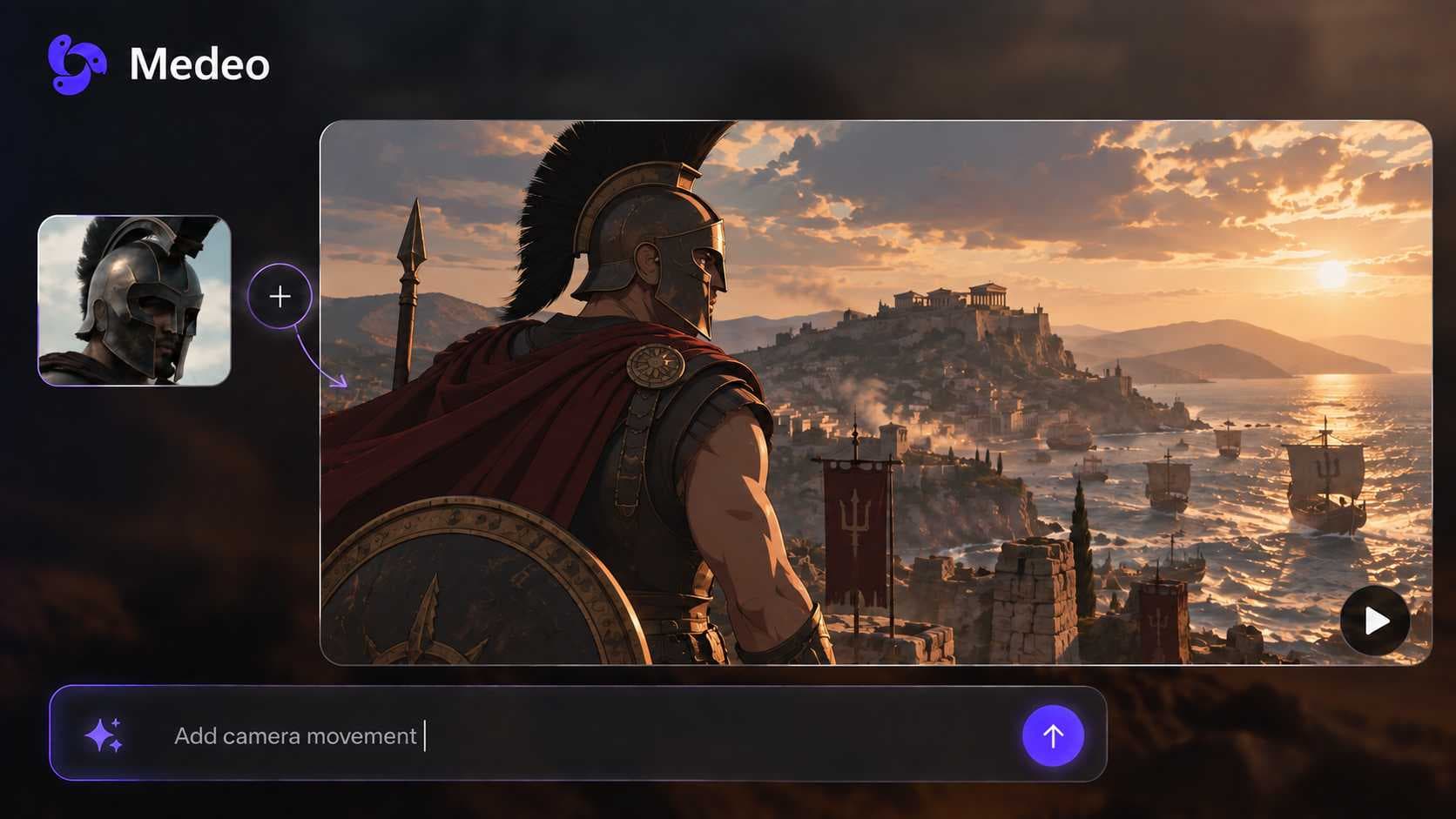
Transform Tweets into Viral Videos
Turn any tweet into an engaging video in minutes. Medeo AI analyzes your tweet's content, adds stunning visuals, and creates scroll-stopping videos optimized for TikTok, Instagram Reels, and YouTube Shorts.

Powered by world-class AI models


What is a Tweets to Video Generator?
A Tweets to Video generator is an AI-powered tool that automatically converts text from tweets into engaging videos. These tools can transform single tweets or entire threads into dynamic, shareable video formats complete with captions, relevant visuals, and AI-generated voiceovers and music.
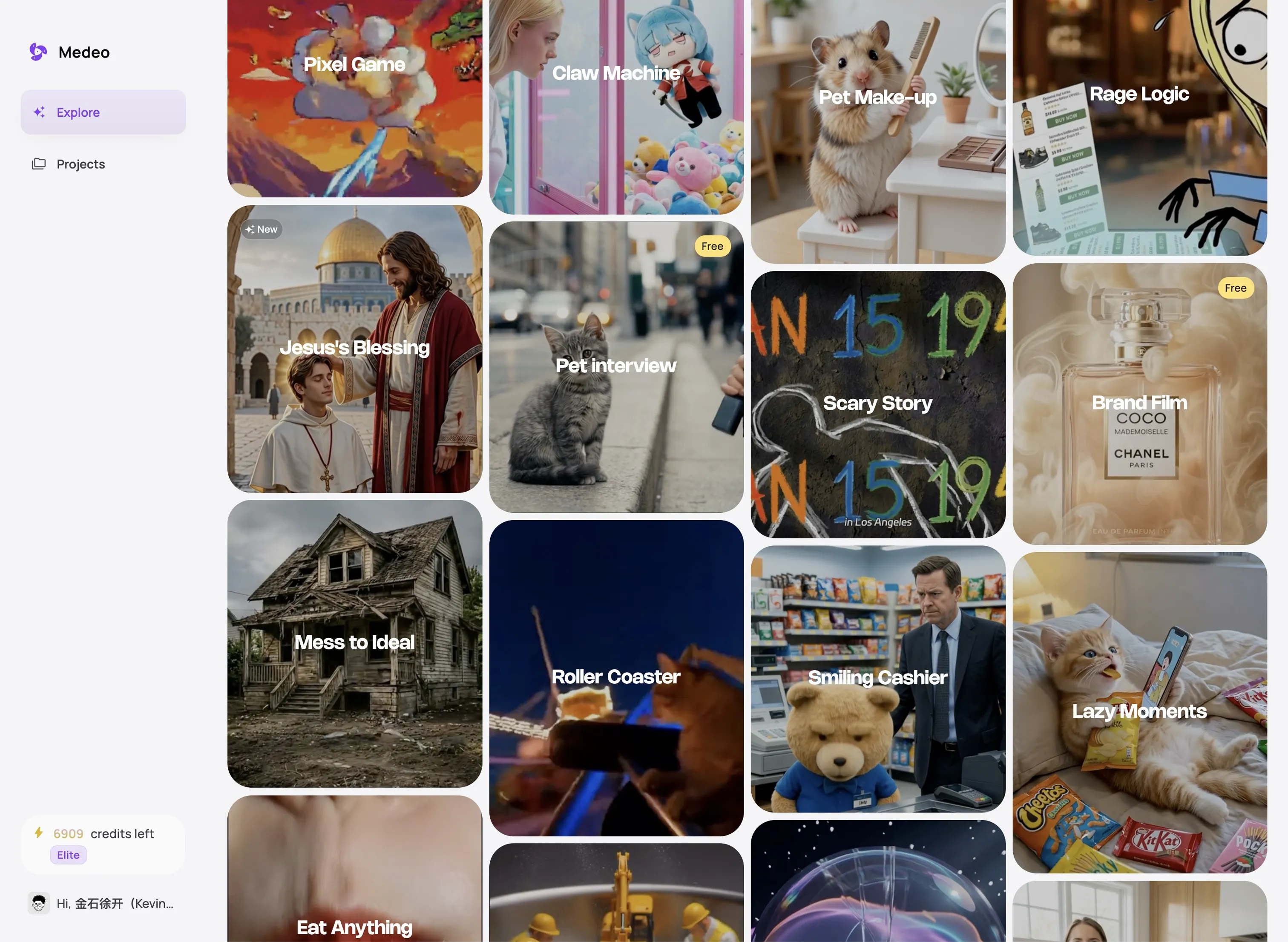
From Tweet to Video in Minutes
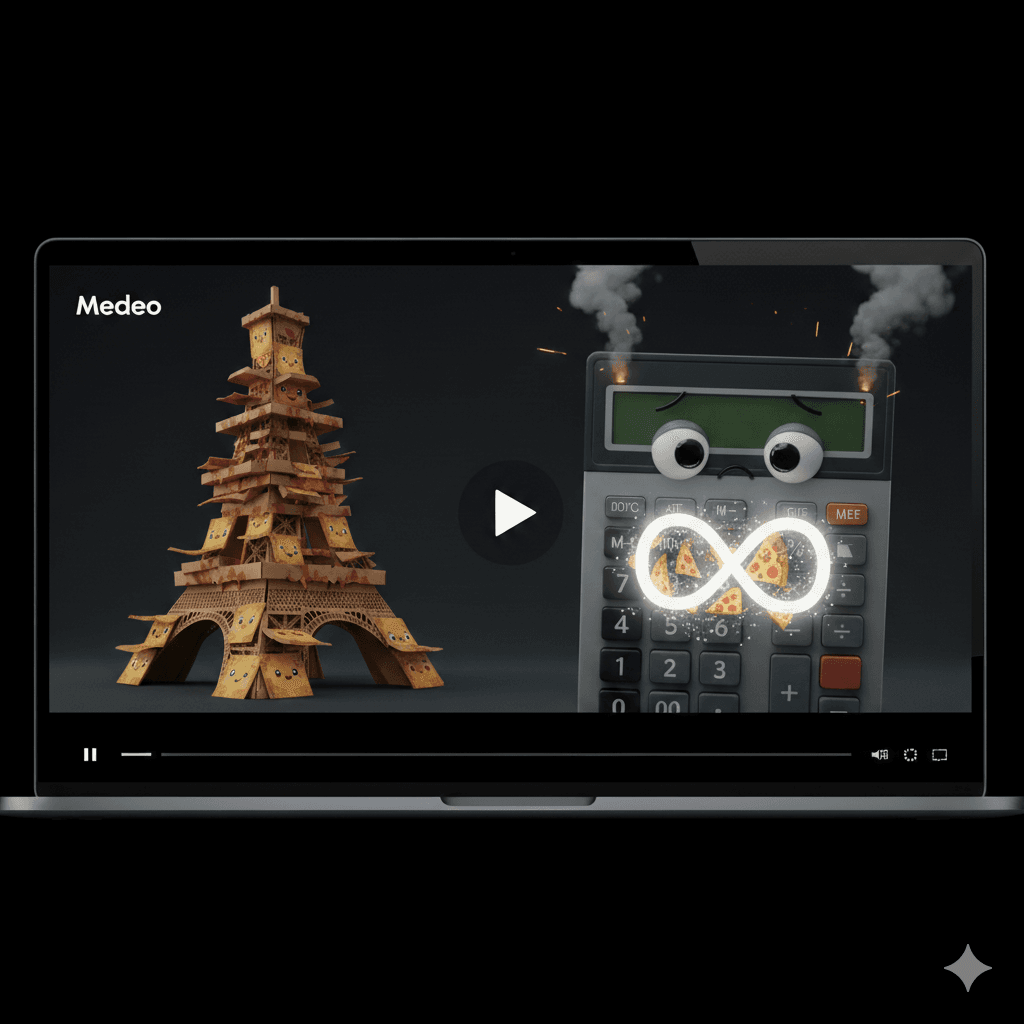
Watch how our AI transforms a simple tweet into an engaging, viral-ready video
Before
Original Tweet - Plain text content
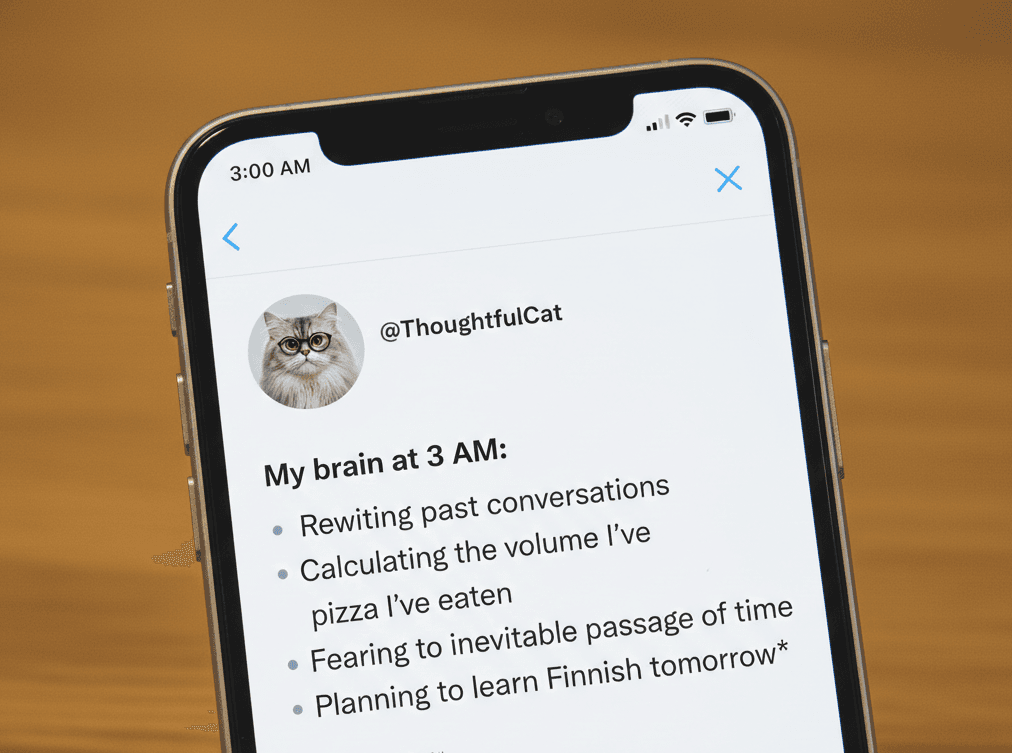
After
AI-Generated Video
Why Choose Medeo’s Tweet to Video Generator?
Transform your social media strategy with AI-powered video creation designed specifically for Twitter content
Save Time on Creation
Convert tweets to professional videos in 1-3 minutes. No more hours spent on video editing
Boost Engagement & Reach
Video content gets 10x more engagement than text on social media. Transform your tweets into viral-ready videos.
Grow Your Follower Base
Consistent video posting leads to increased visibility and follower growth. Repurpose your best tweets into multiple video formats.
Customizable Branding
Add your logo, brand colors, and custom fonts. Create a cohesive visual identity across all your video content.
Multi-Language Support
Create tweet videos in multiple languages with AI voiceovers and captions for global audiences. The AI adapts the narration and captions for each language.
Social Media Optimized
Automatic formatting for TikTok (9:16), Instagram Reels, YouTube Shorts, and Twitter video posts.
Perfect for Every Tweet Type
Viral Tweet Amplification
Got a viral tweet? Turn it into a video to extend its lifespan and reach even more audiences across multiple platforms.
Thread Storytelling
Convert educational or storytelling threads into engaging video narratives. Perfect for sharing knowledge or tips.
Educational Content
Transform educational tweets and tips into tutorial videos. Make your expertise more accessible and engaging.
Product Announcements
Turn product launch tweets into promotional videos. Create hype with dynamic video content.
Motivational Quotes
Convert inspirational tweets into shareable quote videos. Perfect for influencers and thought leaders.
News & Updates
Convert announcements and updates into video format. Keep your audience informed.
How to Convert Tweets into Videos with Medeo?
Step 1
Paste Tweet URL or Text
Copy and paste your tweet URL or directly paste the tweet text. Works with single tweets or entire threads.
Step 2
Customize Video Style
Choose your video format, tone, and visual style. Select from AI voices, background music, and animation styles.
Step 3
AI Generates Video
Our AI creates your video in 1-3 minutes. It analyzes sentiment, selects visuals, animates text, and synchronizes everything.
Step 4
Generate & Celebrate
Download your finished tweet video and share it with your audience.
Expand a short post without changing its point
A tweet can rely on shorthand, shared context, or an earlier reply. A video needs to introduce those missing pieces while keeping the original idea recognizable.
Step 1
Recover the complete thought
Provide the post text along with any earlier sentence needed to understand it. If the post responds to a question, include that question in your brief so the video does not present a reply as a standalone claim with a different meaning.
Step 2
Separate quotation from commentary
Identify the exact words you want quoted and the explanation you want added around them. Ask for the narration to signal that distinction clearly, rather than making new commentary sound like part of the original author’s statement.
Step 3
Build toward one takeaway
Choose the conclusion that the post actually supports and arrange the video around it. A compact opinion rarely needs several unrelated lessons; a concrete example and a clear closing thought often provide enough development.
Find a visual angle for a text-first idea
The strongest scene is not always a literal picture of the words. Use examples, contrasts, or small stories to help the audience understand what the post means.
Explain a useful distinction
For a post about planning versus doing, request a scene of organizing notes followed by a scene of completing a small task. Keep the narration focused on the distinction instead of turning the idea into a sweeping claim about productivity.
Give a short tip an example
If your post recommends preparing tomorrow’s workspace, show the specific setup you mean. Supply the items and the reason for each choice so the video develops the advice without inventing personal habits or unsupported benefits.
Unpack a thoughtful question
Start with the question from your post, then illustrate contrasting answers using clearly hypothetical situations. End by returning to the question so the video invites reflection rather than pretending that your original post proved a universal rule.
Preserve a small story
A post about a failed first attempt can become a sequence of expectation, obstacle, and adjustment. Give Medeo the actual turning point so the video does not replace a modest lesson with an invented dramatic success.
Keep a thread coherent when it becomes narration
A thread repeats context to help readers move between posts. Spoken narration needs fewer restarts and clearer connections between the ideas.
Remove repeated introductions
Combine recurring setup lines into a single opening that explains the topic. Use the remaining narration to move the argument forward, while preserving caveats or corrections that appeared later in the thread and affect its meaning.
Make the example visible
Try: Turn my thread about organizing a shared kitchen into an illustrated explanation, using one example for each storage decision. Keep my practical tone and end with the checklist I supplied, without adding claims about how other households behave.
Choose an excerpt that stands alone
For a vertical social version, select one complete point from the thread and include the context it requires. A longer widescreen version can follow the entire argument, but the shorter cut should still deliver its own conclusion.