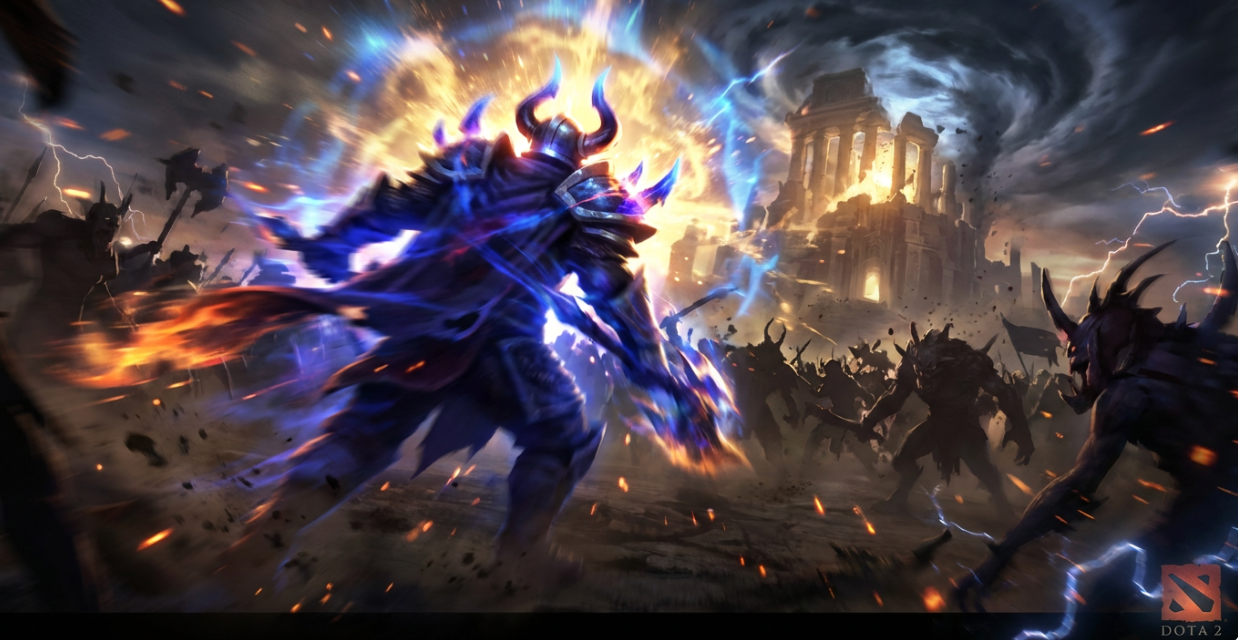
Turn Your Dota 2 Gameplay into Epic Highlight Videos
Medeo’s AI Dota 2 Video Generator transforms your gameplay recordings into professional highlight videos automatically. Capture epic team fights, rampages, and clutch moments without manual editing. Perfect for streamers, esports fans, and gaming creators who want to share their best plays on TikTok, YouTube Shorts, or Twitch.
What Is an AI Dota 2 Video Generator?
An AI Dota 2 Video Generator is a tool that automatically converts gameplay recordings into highlight videos. Using AI gameplay detection, the system identifies exciting moments such as team fights, multi-kills, rampages, and clutch plays. It then compiles these moments into fast-paced gaming videos with transitions, effects, and music.
From Raw Gameplay to Epic Dota 2 Highlights — Instantly
AI detects the most exciting moments from your matches automatically
Before
Hours of unedited Dota 2 gameplay footage
After
Action-packed Dota 2 highlight videos ready to share
Before
Hours of unedited Dota 2 gameplay footage
After
Action-packed Dota 2 highlight videos ready to share
Why Choose Medeo’s AI Dota 2 Video Generator?
The fastest way to turn gameplay into esports-style highlight videos
Automatic Highlight Detection
AI identifies the most exciting moments like rampages, team fights, and clutch saves.
Instant Gaming Montages
Convert long gameplay recordings into fast-paced highlight montages in minutes.
Optimized for Social Platforms
Export vertical clips perfect for TikTok, YouTube Shorts, and Instagram Reels.
Esports-Style Editing
Add cinematic transitions, zoom effects, and dramatic slow motion automatically.
Perfect for Streamers
Turn Twitch or YouTube stream recordings into short viral clips instantly.
No Editing Skills Required
AI handles the cutting, timing, effects, and pacing automatically.
Perfect for Every Dota 2 Creator
Create engaging gaming videos from any Dota 2 match
Gaming Social Media Content
Produce viral gaming clips designed for TikTok and Shorts.
Hero Gameplay Showcases
Highlight specific heroes like Invoker, Pudge, or Phantom Assassin.
Streamer Clips
Convert long Twitch streams into short shareable gaming videos.
Esports-Style Recaps
Create match recap videos similar to professional esports highlights.
Dota 2 Montage Videos
Combine multiple kills and team fights into cinematic montages.
Dota 2 Highlight Clips
Automatically capture the best plays from your matches.
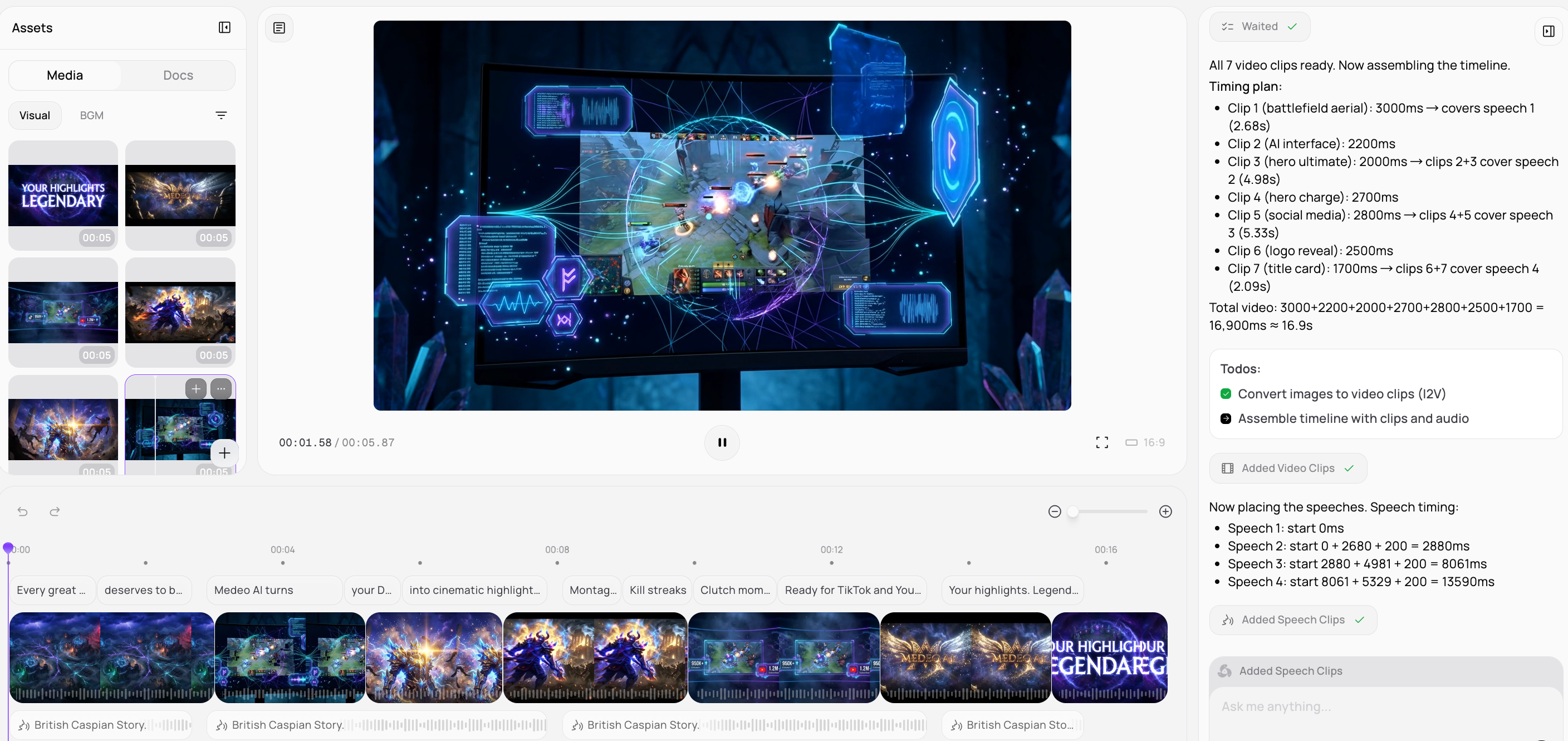
How to Create Your Dota 2 Highlight Video with Medeo?
Step 1
Upload Gameplay Footage
Upload your Dota 2 gameplay recording or stream clip.
Step 2
Generate & Share
Hit create to render your high-definition surprise reveal video and export it instantly.
Step 3
AI Highlight Detection
AI automatically finds exciting moments like kills and team fights.
Step 4
Customize Your Video
Choose from various animation styles, add romantic music, text overlays, and special effects to personalize your video.
Step 5
Customize Your Video
Select an AI avatar, choose a voice, add background music, and apply your brand's visual identity with our easy-to-use editor.
Step 6
Customize Your Video
Choose highlight styles, music, and video format.
Step 7
Generate & Share
Export your gaming montage and share it on social media.
Step 8
Generate & Share
Export ready-to-share highlight clips optimized for TikTok, YouTube Shorts, or Twitch.
Step 9
Generate & Share
Download and post your reveal video instantly.
Step 10
Generate & Share
Export your face morph video ready for TikTok, Instagram, or YouTube.
Step 11
Generate & Share
Export your glow up video ready for TikTok, Instagram, or other social platforms.
FAQs
Can AI automatically detect the best moments in my Dota 2 match?
Yes. Medeo’s AI detects high-action moments such as team fights, kills, and rampages automatically.
How long does it take to animate a photo?
Most animations are generated within seconds to a minute, depending on the complexity of the chosen expression and the length of the desired video. Our AI prioritizes speed and efficiency.
Can I customize the characters in my AI hug video?
Yes, our platform offers extensive customization options for characters, including appearance, clothing, and even uploading your own 3D models or images to personalize the virtual huggers even more.
Can I share my generated videos directly to social media?
Yes, once your video is generated, you can easily download it in various formats and resolutions, optimized for direct sharing across all popular social media platforms.
Does it support multiple languages for news reports?
Absolutely. Our AI voiceover and scripting features support a wide array of languages, allowing you to deliver breaking news to diverse global audiences efficiently.
What platforms are the generated video reels optimized for?
Our video reels are optimized for seamless sharing across all major social media platforms, including Instagram Reels, TikTok, YouTube Shorts, Facebook, and more, ensuring high quality on each.