Transform Your Gameplay Into Cinematic Montages
Automatically generate epic highlight reels from hours of gameplay. Our AI Gaming Montage Maker identifies kills, combos, and key moments, then assembles them into cinematic clips perfect for Twitch, TikTok, YouTube, and other social platforms. No editing skills required.
Powered by world-class AI models


What Is an AI Gaming Montage Generator?
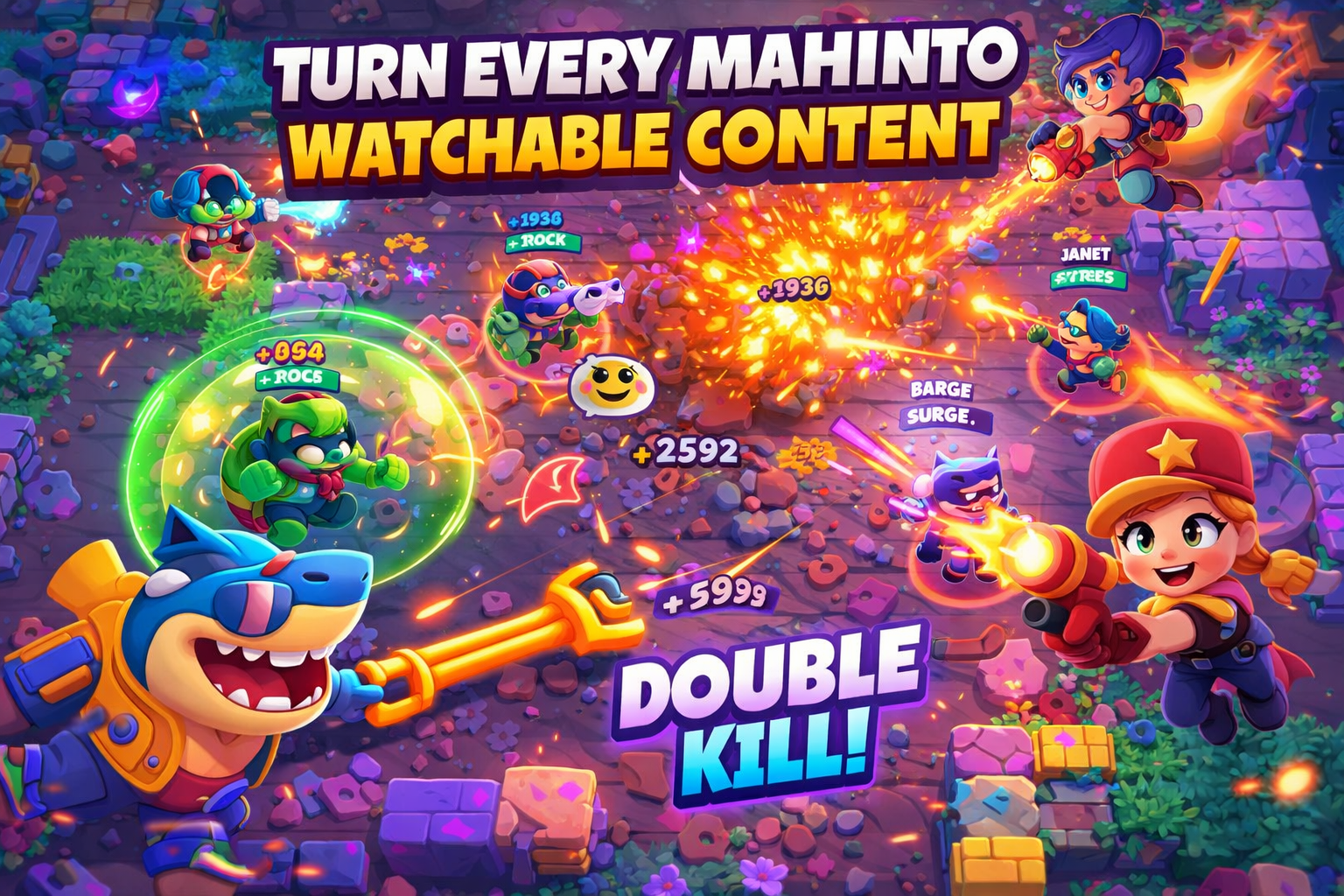
An AI Gaming Montage Generator automatically analyzes your recorded gameplay to detect epic moments, kills, combos, or other key highlights. Using advanced AI, it selects clips, applies transitions, effects, and music, producing a polished montage video in minutes. Perfect for gamers, streamers, and content creators who want to showcase their best moments without manual editing.

From Raw Gameplay to Epic Highlights — Instantly
Watch your best gaming moments come alive with AI-powered montage creation
Before
Hours of raw gameplay footage
After
Cinematic AI-generated highlight clips ready to share on social media
Why Choose Our AI Gaming Montage Maker?
The fastest, easiest way to turn raw gameplay into viral highlight clips
Automatic Highlight Detection
AI identifies kills, combos, objectives, and epic moments automatically.
Cinematic Editing
Transitions, effects, and slow-mo are applied automatically for cinematic quality.
Supports Any Game
From FPS and MOBAs to RPGs and battle royale—AI adapts to all gameplay types.
Optimized for Social Sharing
Export TikTok, YouTube Shorts, or Twitch-ready clips in seconds.
Customizable Montage Length
Choose short, mid, or long highlight reels depending on your content needs.
No Editing Skills Needed
The AI handles all clipping, sequencing, and effects automatically.
Perfect for Gamers and Streamers
Create professional highlight videos from your gameplay effortlessly
Shareable Formats
Export in MP4, vertical video, or other social-friendly formats.
Music Sync
Automatically sync clips to trending or custom soundtrack for maximum impact.
Cinematic Effects
Add slow-mo, transitions, and dynamic zooms for polished videos.
Battle Royale Montages
Showcase victory moments, eliminations, and survival sequences.
MOBA Highlights
AI captures multi-kills, tower dives, and epic team fights.
FPS & Shooter Clips
Automatically generate montages of kills, headshots, and clutch moments.
How to Create Your AI Gaming Highlight Clip?
Step 1
Generate & Share
Hit create to render your high-definition surprise reveal video and export it instantly.
Step 1
Upload Your Gameplay
Provide your recorded gameplay footage or screen capture files.
Step 2
AI Highlights Analysis
The AI scans for kills, combos, objectives, and epic moments.
Step 3
Customize Clips & Effects
Adjust montage length, select cinematic effects, and sync music if needed.