Wan AI Video Generator: Create Cinematic Videos Online
Use Wan AI in Medeo to turn prompts, images, and creative briefs into cinematic AI videos. Create text-to-video clips, animate images, test character motion, build product scenes, and compare Wan with other leading video models in one workflow.


What Is Wan AI?
Wan AI is Alibaba Cloud's open and advanced large-scale video generation model family. It is best known for text-to-video, image-to-video, text-image-to-video, speech-to-video, character animation, video editing, and creator-friendly open-model workflows.
What the Wan AI Model Can Create
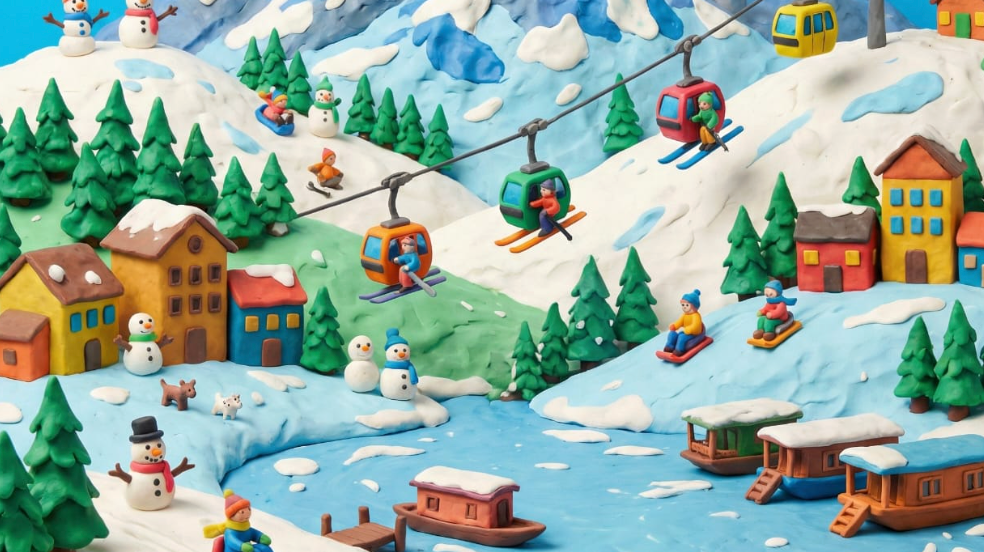
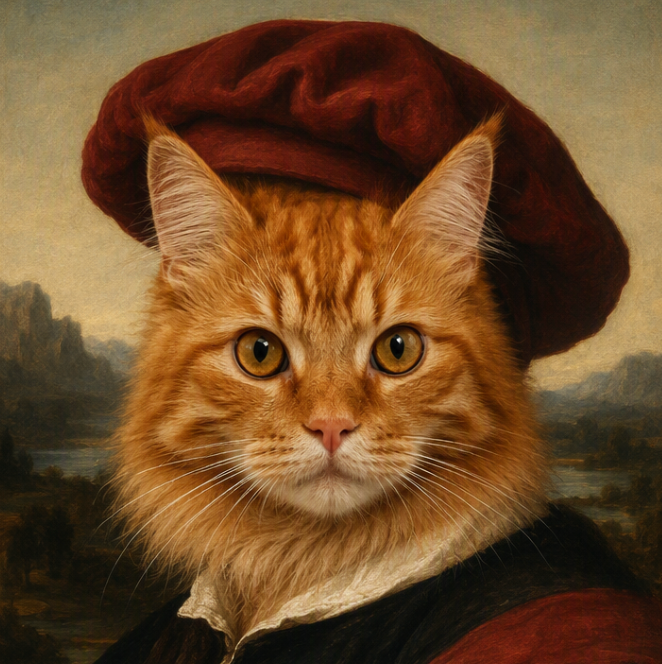
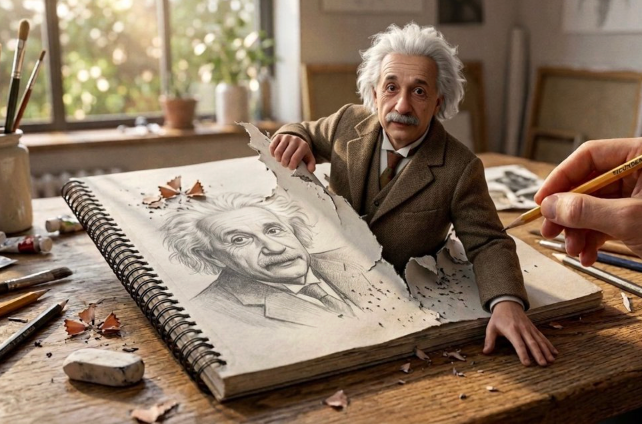
Use Wan AI for cinematic clips, image animation, product videos, character motion, social content, concept art animation, speech-driven video, anime-style clips, and experimental AI filmmaking. In Medeo, Wan becomes part of a practical creation workflow: write a prompt, upload an image, compare model outputs, refine motion, and export a video for your project.
Create Videos with Wan AI in Medeo
Most people searching for Wan AI want to generate videos, test prompts, or compare it with Sora, Veo, Kling, Seedance, and Hailuo. Medeo gives you a direct workspace for those jobs.
Generate Videos from Text Prompts
Start with a simple idea or a detailed directing note. Wan AI can turn prompts into videos with subject action, environment, camera movement, atmosphere, and visual style. This is useful for short films, product concepts, social posts, ads, and quick creative tests.
Turn Images into Motion
Upload a still image and describe how the scene should move. Wan image-to-video is useful when you already have a strong frame, such as a product photo, generated artwork, character design, fashion image, or storyboard panel.
Create Character and Performance Videos
Use Wan for character-led video ideas, including full-body motion, half-body performance, expressive gestures, facial movement, and stylized animation. For dialogue or performance concepts, Wan's speech-to-video direction is especially relevant.
Compare Wan with Other Video Models
Wan is one model inside Medeo's broader video workflow. Test the same prompt against Wan, Veo, Sora, Kling, Seedance, and Hailuo, then choose the result with the best motion, realism, prompt alignment, camera behavior, and export fit.
Bring More Control to Wan AI Video Creation
Wan AI works best when the prompt explains the video as a scene, not a keyword list. Give it motion, shot language, subject behavior, style, timing, and the details that should remain consistent.
Direct Cinematic Camera Movement
Prompt for a slow dolly in, handheld tracking shot, orbiting product reveal, locked-off portrait shot, wide establishing frame, or fast social-media push-in. Camera language helps Wan generate a clip that feels directed instead of randomly animated.
Control Subject and Object Motion
Describe how people, products, fabric, water, smoke, lights, vehicles, or background elements should move. Clear motion cues help reduce vague animation and make the generated video more useful for ads, story scenes, and design reviews.
Create More Practical Video Assets
Wan2.1 is notable for visual text generation in Chinese and English, which makes the Wan family relevant for practical content like branded scenes, signage, title-card concepts, product shots, and video ideas that need visible text or graphic details.
Use Open-Model Flexibility Without Setup
Wan is popular because it is open and widely used by developers, researchers, and AI video communities. Medeo brings that model direction into a browser workflow so creators can test Wan-style generation without managing local inference, checkpoints, or GPU setup.
Use Wan AI Across Video Workflows
Wan AI is useful when you need video creation that can start from text, images, characters, audio, or visual experiments. It works well for fast creative testing and more technical model-comparison workflows.
Social Videos and Short Clips
Create short-form videos for TikTok, Reels, Shorts, X, and paid social. Use Wan for high-energy visual hooks, stylized motion, quick concept testing, and image-to-video clips built from existing assets.
Product Videos and Ad Concepts
Turn a product photo, campaign idea, or ecommerce visual into a moving ad concept. Prompt for orbit shots, close-up material details, lifestyle environments, scene reveals, and smooth camera motion.
Character Motion and Performance
Explore animated characters, talking portraits, full-body motion, gestures, singing, performance, and stylized scenes. Wan's S2V and animation branches make the model family relevant for character-led video ideas.
Concept Art and Storyboards
Animate concept frames, mood boards, environment art, and storyboard panels. Wan image-to-video helps communicate camera direction, atmosphere, and action before investing in manual animation or production.
Anime, Stylized, and Experimental Video
Use Wan for stylized prompts, anime-inspired motion, surreal scenes, visual experiments, and creative tests where open-model flexibility and prompt exploration matter more than a single fixed house style.
Developer-Inspired Creative Testing
Wan is widely used in open-source AI video communities. Creators can use Medeo to test Wan alongside other models without setting up ComfyUI, Diffusers, local checkpoints, or GPU-heavy inference pipelines.
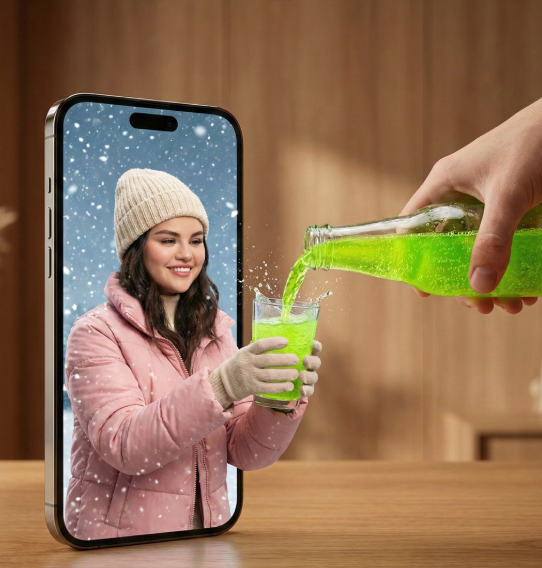
Wan AI Video Model Family
Wan is not a single narrow tool. The Wan2.x family includes multiple video generation and editing paths, which makes it useful for creators who want more than one way to move from an idea to a finished clip.
Text-to-Video
Generate a video directly from a written prompt. Describe the subject, action, setting, camera movement, lighting, style, and pacing, then let Wan create a moving scene from that creative brief.
Image-to-Video
Upload a still image and animate it with a prompt. This is useful for product photos, AI artwork, portraits, concept frames, fashion visuals, landscape images, and any asset that needs natural motion.
Text-Image-to-Video
Use both a prompt and an image together. The image provides the visual anchor, while the prompt controls the motion, mood, camera, environment, and creative direction of the generated video.
Speech-to-Video and Character Animation
Wan2.2 includes speech-to-video and animation paths that can drive character performance from audio, pose, or reference inputs. This makes Wan especially interesting for dialogue, singing, performance, and character-led content.
Why Wan AI Stands Out for Video Generation
Wan's appeal comes from its combination of video-first capability, open-model adoption, multiple task types, and practical creative control. Medeo makes those strengths easier to use in everyday production.
A Video-First Model Family
Wan is built around video generation, not just image creation with motion added afterward. The family includes text-to-video, image-to-video, video editing, speech-to-video, and character animation paths that support different creative briefs.
Strong Community and Open Ecosystem
Wan2.x is available through open repositories, Hugging Face, ModelScope, ComfyUI, and Diffusers integrations. That ecosystem makes Wan a familiar model family for creators who follow AI video tooling closely.
Useful for Prompt Experiments
Wan is a strong fit when you want to test how a prompt behaves across model families. Use Medeo to compare motion, composition, camera stability, style adherence, and image-to-video consistency without managing technical setup.
Good Bridge Between Research and Creation
Wan has technical depth, but creators usually need a practical interface. Medeo turns model access into a workflow where you can generate, compare, refine, and continue into other video tools.
How to Use Wan AI on Medeo
Start with a prompt or image, guide the motion clearly, generate a first clip, then refine the result based on camera movement, subject consistency, pacing, and visual style.
Step 1
Choose Prompt or Image Input
Start from a written prompt for text-to-video, or upload a still image for image-to-video. Use a clean source image when the final video must preserve a product, character, composition, or art style.
Step 2
Describe the Scene Like a Director
Include subject, action, camera movement, setting, lighting, mood, visual style, motion speed, and details that should stay consistent. Wan responds best to prompts that describe video behavior, not just visual appearance.
Step 3
Generate and Review Motion Quality
Check whether the video follows the prompt, preserves the source image, handles camera movement well, and keeps motion believable. Review pacing, subject stability, background movement, and any visible text.
Step 4
Refine, Compare, and Export
Adjust the prompt, try another variation, compare Wan with other video models in Medeo, then export the best clip for social posts, ads, pitch decks, creative testing, or video projects.
How to Write Better Wan AI Prompts
Wan AI prompts should describe the scene as moving video. The more clearly you define the action, camera, subject, timing, and style, the easier it is to judge and refine the result.
Use a Video Prompt Formula
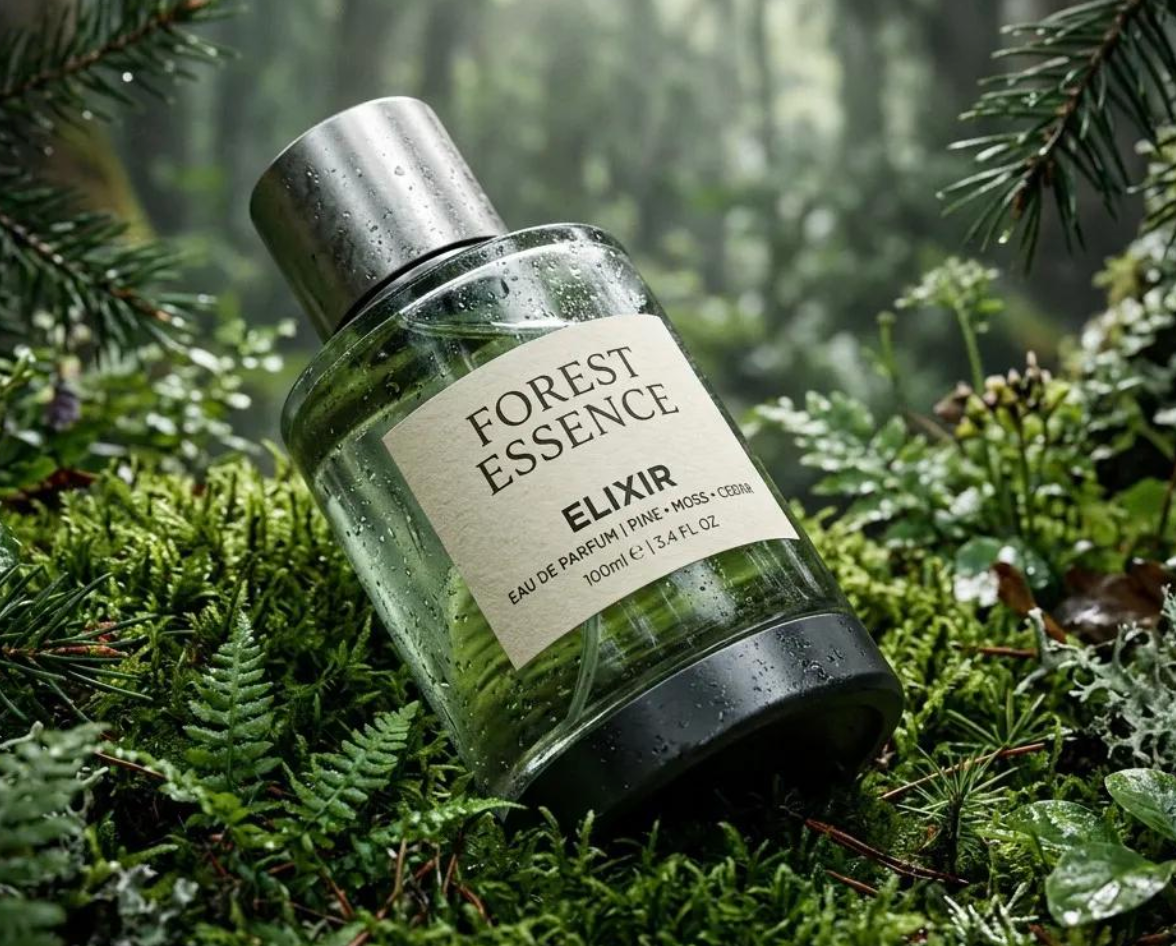
Try this structure: subject plus action plus setting plus camera movement plus lighting plus style plus timing. For example: A close-up product shot of a glass perfume bottle on black stone, slow left-to-right orbit, soft studio reflections, water droplets moving naturally, premium commercial style, 5-second reveal.
Name the Camera Movement
Instead of saying cinematic, specify the shot: slow dolly in, locked-off close-up, handheld tracking shot, crane reveal, orbiting product shot, wide establishing shot, or quick vertical push-in for social media.
Describe Motion in Layers
A strong prompt separates subject motion from environment motion. Describe the main action, secondary movement, background behavior, lighting changes, and pace so the clip does not feel like a single flat animation.
Protect Source Image Details
For image-to-video, tell Wan what must remain stable: product shape, logo, face identity, costume, art style, composition, color palette, or background. This is important for brand assets, character designs, and product visuals.
Keep Practical Text Short
Wan2.1 is notable for visual text generation, but generated text should still be brief and carefully checked. If text matters, put it in quotation marks, describe placement, and inspect the output before using it publicly.
Wan AI Prompt Examples
Use these examples as starting points, then adapt the subject, camera, style, aspect ratio, and motion details for your own Wan AI video.
| Use Case | Prompt Example |
|---|---|
| Product Video | A premium smartwatch on a dark reflective surface, slow orbiting camera from left to right, soft rim light gliding across the glass, subtle background bokeh, realistic reflections, clean commercial style, preserve product shape and screen detail. |
| Character Motion | A stylized fantasy character standing in a windy mountain pass, cape and hair moving naturally, slow push-in from medium shot to close-up, dramatic clouds moving behind, cinematic lighting, preserve costume details and face identity. |
| Social Clip | A fast vertical shot of a street food stall at night, steam rising from the grill, neon signs glowing in the background, handheld camera movement, quick close-up reveal of the dish, energetic social media pacing. |
| Concept Art Animation | An ancient floating city above a sea of clouds, camera slowly pulls back to reveal towers and airships, warm sunrise light, drifting mist, birds crossing the foreground, epic fantasy concept art style, smooth cinematic motion. |
| Scene with Text | A cozy coffee shop window on a rainy evening, gentle camera push-in, warm interior light, raindrops sliding down the glass, a small readable sign on the door that says "OPEN LATE", realistic urban atmosphere. |
Wan AI Compared with Other AI Video Models
Wan AI is a strong choice when you want open-model flexibility, image-to-video testing, character motion, and video generation research translated into a usable creator workflow.
Wan AI vs Veo 3.1
Use Veo 3.1 when native audio, high-end realism, first and last frame control, and polished product video are central to the brief. Use Wan AI when open-model flexibility, image-to-video experimentation, and community-driven workflows matter more.
Wan AI vs Sora 2
Sora 2 is often discussed around cinematic generation and synchronized audio. Wan AI is attractive for creators who want an open video model family, T2V/I2V options, animation branches, and model comparison inside a practical workflow.
Wan AI vs Kling
Compare Kling for strong character motion and controlled image animation. Compare Wan when you want open-model tooling, text-to-video and image-to-video options, and experimental prompts across product, anime, character, and scene generation.
Wan AI vs Seedance 2.0
Seedance 2.0 is useful for fast creator-facing video generation and social content. Wan AI is a better fit when you want open video model behavior, technical flexibility, and a model family that can support multiple generation and editing tasks.
Wan AI vs Hailuo AI
Hailuo AI can be useful for expressive motion and fast prompt-based video ideas. Wan AI is better positioned for creators who want an open-model direction, image-to-video experimentation, character animation paths, and broader model-family depth.
Detailed Comparison Chart
Compare Wan AI with other AI video models using the same prompt, image input, aspect ratio, character needs, and intended output. Model specifications and availability can change over time.
| Model | Developer | Supported Inputs | Output / Tasks | Best For | Primary Access |
|---|---|---|---|---|---|
| Wan AI | Alibaba Cloud / Wan-AI | Text, image, text-image, speech/audio, pose or animation inputs depending on model branch | Text-to-video, image-to-video, text-image-to-video, speech-to-video, animation, video editing | Open-model video generation, image animation, character motion, experimental prompts | Wan repositories, Hugging Face, ModelScope, ComfyUI, Diffusers, and supported platforms such as Medeo |
| Veo 3.1 | Google DeepMind | Text, image, first and last frames, references, extension workflows | Video with native audio, depending on product surface | Cinematic realism, product videos, native audio, controlled scene generation | Gemini API, Vertex AI, Flow, Gemini app, and supported platforms such as Medeo |
| Sora 2 | OpenAI | Text and image | Video and audio | Cinematic generation, image-to-video, synced audio, realistic scene behavior | OpenAI-supported surfaces and supported platforms such as Medeo |
| Kling | Kuaishou | Text and image | Video | Character motion, image animation, dynamic social clips, controlled movement | Kling products and supported platforms such as Medeo |
| Seedance 2.0 | ByteDance | Text and image | Video | Fast creative iteration, social content, broad prompt-to-video workflows | ByteDance ecosystem and supported platforms such as Medeo |
Frequently Asked Questions About Wan AI
These answers cover common questions about Wan AI video generation, text-to-video, image-to-video, open-model workflows, prompts, character animation, and use inside Medeo.
See Why Creators Choose Medeo
Creators use Medeo to compare video models, refine prompts, and connect image, video, audio, captions, and export workflows in one place.
"Wan AI is useful when I want to test open-model video behavior without setting up local inference. Medeo makes the prompt testing process much faster."
Emily Parker
Video Content Creator
"We use Medeo to compare Wan with other video models before choosing a direction for product and social clips. It saves us from guessing which model fits the brief."
Daniel Foster
Creative Director
"The image-to-video workflow is especially helpful. I can start from a product frame or concept image, test motion in Wan, and then refine the result for a campaign idea."
Sophia Kim
Ecommerce Manager
"Wan AI is useful when I want to test open-model video behavior without setting up local inference. Medeo makes the prompt testing process much faster."
Emily Parker
Video Content Creator
"We use Medeo to compare Wan with other video models before choosing a direction for product and social clips. It saves us from guessing which model fits the brief."
Daniel Foster
Creative Director
"The image-to-video workflow is especially helpful. I can start from a product frame or concept image, test motion in Wan, and then refine the result for a campaign idea."
Sophia Kim
Ecommerce Manager
"Wan is interesting because it feels connected to the open AI video ecosystem. Medeo gives our team a practical way to try it without needing a technical setup."
Ryan Mitchell
AI Filmmaker
"For character and stylized motion tests, Wan gives us another useful direction. Having it alongside Veo, Sora, Kling, and Seedance makes comparison much easier."
Olivia Bennett
Brand Strategist
"Medeo keeps the workflow approachable. I can describe the shot, check motion quality, adjust the prompt, and export the result without jumping between technical tools."
Michael Chen
Product Designer
"Wan is interesting because it feels connected to the open AI video ecosystem. Medeo gives our team a practical way to try it without needing a technical setup."
Ryan Mitchell
AI Filmmaker
"For character and stylized motion tests, Wan gives us another useful direction. Having it alongside Veo, Sora, Kling, and Seedance makes comparison much easier."
Olivia Bennett
Brand Strategist
"Medeo keeps the workflow approachable. I can describe the shot, check motion quality, adjust the prompt, and export the result without jumping between technical tools."
Michael Chen
Product Designer
Explore More AI Video Models and Creative Tools
Different video briefs benefit from different models. Compare Wan AI with other options in Medeo, then choose the best route for motion, realism, audio, character control, and format.

Learn More About AI Video Creation
Build a stronger video workflow with guides for prompting, model comparison, image-to-video generation, character motion, and short-form AI video production.