Nano Banana 2 AI Image Generator: Create and Edit Images Online
Use Nano Banana 2, Google's Gemini 3.1 Flash Image model, inside Medeo to generate fast visuals, edit images with references, create text-rich assets, and turn your strongest results into video content from one creative workspace.


What Is Nano Banana 2?
Nano Banana 2 is Google's Gemini 3.1 Flash Image model for fast image generation and editing. It is designed as an efficient, low-latency image model for creators and teams who need strong visual quality, reference support, text rendering, and practical production speed.
What the Nano Banana 2 Model Can Create
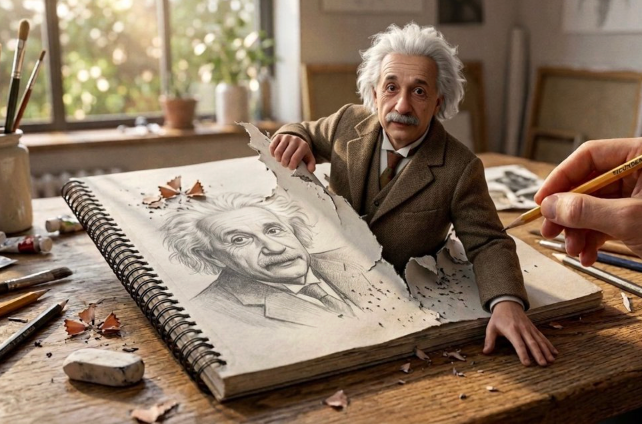
Use Nano Banana 2 for social graphics, product concepts, storyboards, posters, diagrams, campaign visuals, reference-based edits, and high-volume image drafts. Start with a text prompt, upload a reference image, or request changes to an existing visual. In Medeo, the generated image can also become a starting frame or reference for video creation.
Create Images with Nano Banana 2 in Medeo
Move quickly from an idea to a usable visual. Medeo gives you a workspace to generate, review, refine, and continue into video without separating image creation from the rest of your production process.

Generate Images from Text Prompts
Describe the subject, setting, layout, mood, style, and intended output. Nano Banana 2 is useful when you need a fast first visual direction for campaigns, product scenes, social graphics, presentation assets, or creative tests.

Edit Images with Natural Language
Ask for targeted edits in plain language. Change a background, adjust a color, refine an object, improve layout, or update text while preserving the parts of the image that already work.

Create from Reference Images
Upload a reference when a product, character, style, or composition should guide the output. References help the model stay closer to the visual details that matter while still generating a new image.
Turn Images into Video Assets
A generated image can become a video starting point. Bring your strongest Nano Banana 2 results into Medeo's video workflow to add motion, narration, music, and additional scenes.
Fast Image Creation with More Control
Nano Banana 2 is built for quick iteration, but speed matters most when the output still follows the brief. Direct text, references, layout, and production details with clear prompts.
Generate More Variations Faster
Use Nano Banana 2 when you need to explore multiple directions quickly. Test different product scenes, social layouts, poster concepts, or storyboard frames without waiting for a slow manual design cycle.

Create Text-Rich Visuals
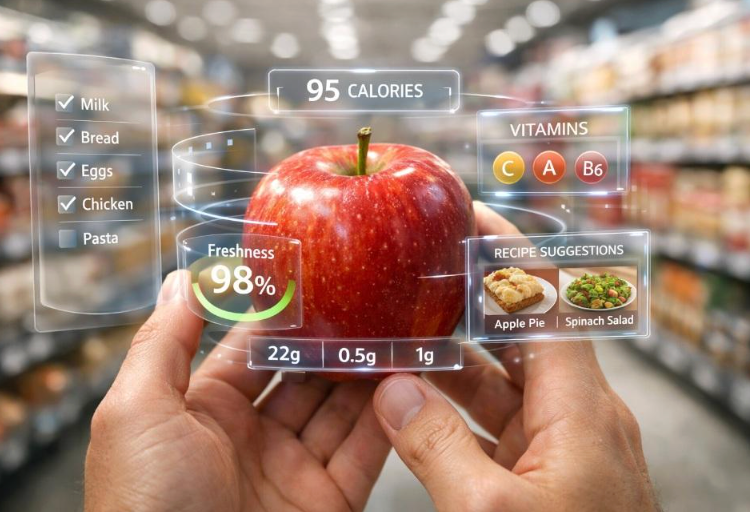
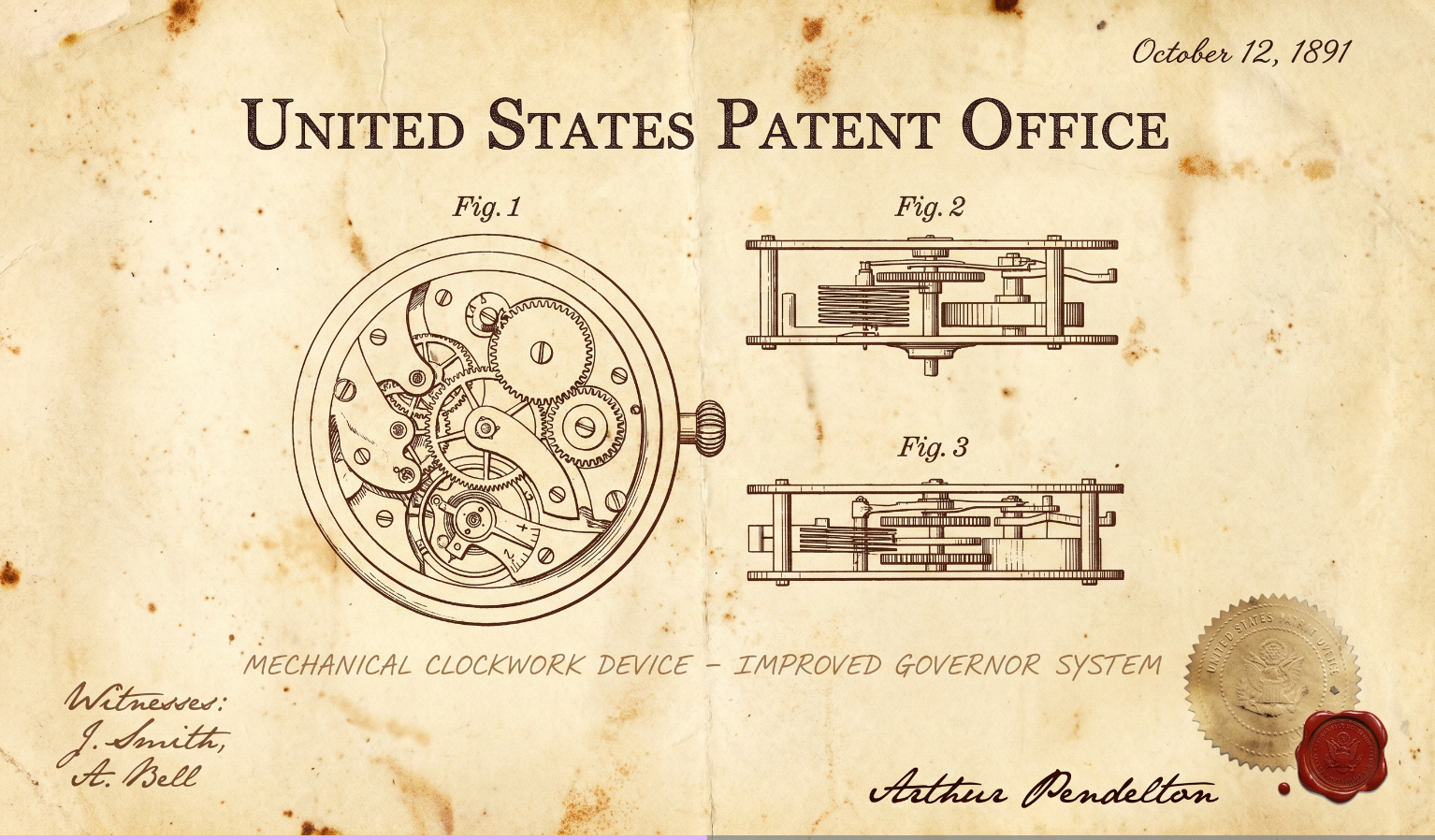
Generate concepts for posters, infographics, diagrams, labels, presentation graphics, and social posts where text placement matters. Specify exact copy, hierarchy, and layout so the result is easier to review.

Keep References and Edits Practical
Use reference images to preserve a product, character, visual style, or composition. Then refine the result with short follow-up instructions instead of starting from scratch.

Create High-Resolution Outputs
Nano Banana 2 supports multiple image sizes, including high-resolution options depending on the workflow and settings. Use it for detailed visuals, social assets, and production drafts that need more clarity.
Use Nano Banana 2 Across Creative Workflows
Nano Banana 2 is a practical model for creators who need speed, iteration, and enough control to move from image exploration into real content production.
Social Graphics and Campaign Concepts
Create fast visual directions for launch posts, event graphics, ads, social banners, and channel-specific campaigns. Generate several concepts, compare them, then refine the strongest direction.
Product Mockups and Ecommerce Visuals
Use references to place products into lifestyle, seasonal, or studio scenes. Explore storefront banners, promotional concepts, product cards, and launch visuals before final production.
Storyboards and Visual Tests
Turn scene notes, scripts, or campaign ideas into rough visual frames. Use the results to align on tone, composition, and visual direction before turning the idea into motion.
Turn Nano Banana 2 Images into Videos
Use a generated image as a starting frame, reference image, or visual asset. Continue in Medeo with camera movement, narration, music, and additional scenes.
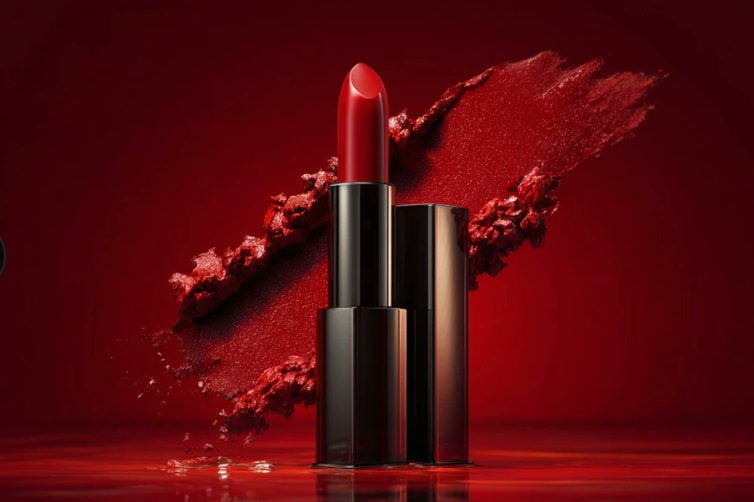
How to Use Nano Banana 2 on Medeo
Start with a clear idea, generate quickly, and refine the result with focused instructions. Nano Banana 2 is well suited for fast creative iteration.
Step 1
Enter a Prompt or Upload a Reference
Describe the subject, scene, purpose, style, and required text. Upload a reference image when an object, product, character, or layout should guide the result.
Step 2
Choose Format and Generate
Pick the aspect ratio and quality that fit your project. Generate a first image and evaluate clarity, text, composition, and whether it matches the brief.
Step 3
Refine with Follow-Up Instructions
Ask Medeo to change one detail at a time: adjust lighting, replace the background, correct text, preserve a product, or simplify the layout.
Step 4
Continue into Image or Video Production
Download the final visual or continue inside Medeo. Use the image as a campaign asset, storyboard frame, reference, or starting point for an AI video.
How to Write Better Nano Banana 2 Prompts
Nano Banana 2 works best when your prompt explains the creative task, important constraints, and intended output. Start simple, then refine specific details.
State the Goal and Format
Tell the model what the image is for: a social post, product mockup, poster, storyboard, infographic, or video starting frame. Add the aspect ratio and any layout requirements early.
Describe Subject, Scene, and Style
Include the subject, setting, lighting, mood, camera angle, color palette, and visual style. Clear prompts help the model generate useful drafts with fewer revisions.
Use References for Important Details
Upload references when you need to preserve a product, person, object, brand style, or composition. Explain which reference controls which part of the final image.
Refine One Thing at a Time
For edits, name the target and the requested change. For example: "Make the background brighter, keep the product label and camera angle unchanged."
Nano Banana 2 Compared with Other AI Image Models
Compare image models by speed, editing behavior, text rendering, reference handling, cost, and how easily the output continues into video.
Nano Banana 2 vs Nano Banana Pro
Use Nano Banana 2 when speed, iteration, and cost efficiency matter. Use Nano Banana Pro when the brief needs maximum precision, more advanced reasoning, or the strongest production-grade control. Test both with the same prompt and references.
Nano Banana 2 vs GPT Image 2
Nano Banana 2 is a strong fit for fast Gemini image workflows and high-volume visual exploration. GPT Image 2 may suit conversational OpenAI image editing flows. Compare both on text, references, and revision effort.
Nano Banana 2 vs Midjourney
Choose Nano Banana 2 for practical image editing, reference workflows, and quick production drafts. Compare Midjourney when you want stylized visual exploration or art-direction-heavy concepts.
Nano Banana 2 vs Flux
Compare Nano Banana 2 and Flux on prompt adherence, image realism, text handling, and cost per usable result. The best model depends on your subject, style, and revision tolerance.
Detailed Comparison Chart
Compare Nano Banana 2 with related image models using the same prompt, references, aspect ratio, and intended output. Specifications may vary by model version, provider, and product settings.
| Model | Developer | Supported Inputs | Strengths | Public Output Resolution | Primary Access |
|---|---|---|---|---|---|
| Nano Banana 2 | Text and image references | Fast generation, image editing, reference workflows, text rendering, high-volume creation | Options may include 0.5K, 1K, 2K, and 4K depending on settings | Gemini products, Gemini API, Google Cloud, and Medeo | |
| Nano Banana Pro | Google DeepMind | Text and multiple image references | Advanced reasoning, text rendering, reference control, real-world knowledge, production-grade editing | Options up to 4K | Gemini products, Gemini API, Google Cloud, and Medeo |
| GPT Image 2 | OpenAI | Text and image inputs | Conversational generation, editing, and reference-guided workflows | Options vary by product surface | ChatGPT Images, OpenAI API, and supported platforms such as Medeo |
| Midjourney | Midjourney | Text and image prompts | Stylized visual exploration, variations, and artistic direction | Depends on version, aspect ratio, and upscaling | Midjourney web app and Discord; Medeo |
Try Nano Banana 2 with Free Trial Credits
Turn your next idea into an image, refine it with references and edits, then continue into video when the visual direction is ready. New users receive free trial credits after signing up. Ongoing generation uses Medeo credits based on the current product plan.
Frequently Asked Questions About Nano Banana 2
These answers cover what Nano Banana 2 is, how it compares with Nano Banana Pro, how to access it, and how to use it in practical image and video workflows.
See Why Creators Choose Medeo
Creators use Medeo to move beyond isolated generations and shape images, scenes, sound, and motion inside one connected creative process.
"Nano Banana 2 in Medeo is great for quickly testing social visuals before we decide which direction to polish."
Emily Parker
Marketing Designer
"The fast iteration loop helps us compare different product scenes and campaign moods without slowing the team down."
Daniel Foster
Creative Director
"Medeo makes it easy to turn a generated image into the start of a video concept in the same workspace."
Sophia Kim
Content Strategist
"Nano Banana 2 in Medeo is great for quickly testing social visuals before we decide which direction to polish."
Emily Parker
Marketing Designer
"The fast iteration loop helps us compare different product scenes and campaign moods without slowing the team down."
Daniel Foster
Creative Director
"Medeo makes it easy to turn a generated image into the start of a video concept in the same workspace."
Sophia Kim
Content Strategist
"Nano Banana 2 is useful when we need many visual options quickly and still want enough control to refine the best one."
Ryan Mitchell
Product Marketer
"We use Medeo to compare image models and decide whether speed or maximum precision matters more for a specific brief."
Olivia Bennett
Brand Strategist
"The workflow feels practical: generate fast, refine the result, then continue into video if the image direction works."
Michael Chen
Digital Producer
"Nano Banana 2 is useful when we need many visual options quickly and still want enough control to refine the best one."
Ryan Mitchell
Product Marketer
"We use Medeo to compare image models and decide whether speed or maximum precision matters more for a specific brief."
Olivia Bennett
Brand Strategist
"The workflow feels practical: generate fast, refine the result, then continue into video if the image direction works."
Michael Chen
Digital Producer
Explore More AI Image Models and Creative Tools
Different briefs benefit from different visual engines. Explore more models inside Medeo, compare their creative strengths, and choose the workflow that best supports your next production step.
Learn More About AI Image Creation
Build a stronger workflow with practical guides for prompting, model selection, editing, and turning still images into motion.
7 Best Idea to Video AI Tools in 2026 (Tested & Compared)
Compare the 7 best idea to video AI tools in 2026 — tested across output quality, format coverage, and ease of use. Find the right tool for your content workflow.
TIAN YUAN · Apr 29, 2026 · 13 min read
7 Best AI Love Story Video Generators in 2026 (Tested & Compared)
Discover the 7 best AI love story video generators in 2026 — tested and compared. From cinematic narratives to anniversary films, find the right tool for every romantic occasion.
TIAN YUAN · Apr 29, 2026 · 13 min read
Best Short Drama Video Tools in 2026
Compare the best short drama video tools for creating cinematic micro-dramas, emotional story clips, serialized TikTok dramas, Reels, and YouTube Shorts with AI.
TIAN YUAN · May 7, 2026 · 16 min read