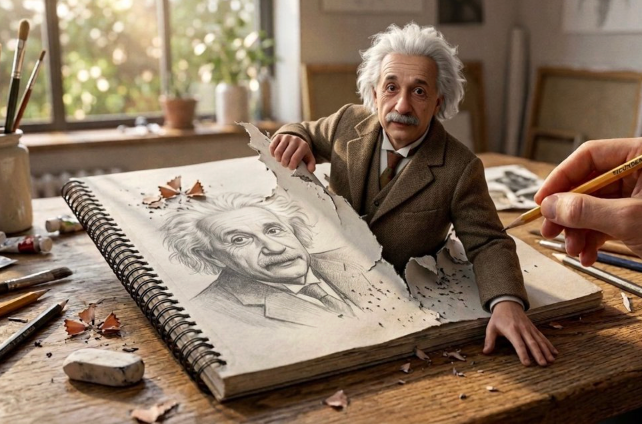
Nano Banana Pro AI Image Generator: Create and Edit Images Online
Use Nano Banana Pro, Google's Gemini 3 Pro Image model, inside Medeo to generate precise visuals, edit images with references, create text-rich designs, and turn your strongest results into video assets from one creative workspace.


What Is Nano Banana Pro?
Nano Banana Pro is Google's Gemini 3 Pro Image model for professional image generation and editing. It is built to follow detailed instructions, render clearer text, work with reference images, and create production-ready visuals for design, marketing, storytelling, and business content.

What the Nano Banana Pro Model Can Create
Use Nano Banana Pro for posters, infographics, product mockups, social graphics, character scenes, campaign concepts, diagrams, storyboards, and image edits. Start with a text prompt, upload reference images, or ask for focused changes to an existing visual. In Medeo, your generated image can also become the starting point for a video workflow.
Create Images with Nano Banana Pro in Medeo
Move from prompt to usable visual without jumping between separate tools. Medeo gives you a place to generate, compare, refine, and carry Nano Banana Pro images into broader creative production.
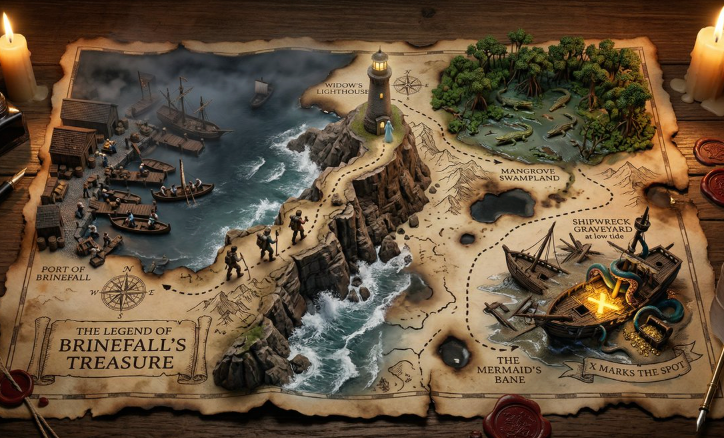
Generate Images from Text Prompts
Describe the subject, layout, setting, lighting, style, and intended use. Nano Banana Pro is designed to understand detailed prompts, making it useful for creators who need campaign concepts, product scenes, posters, story frames, or polished visual directions before production begins.
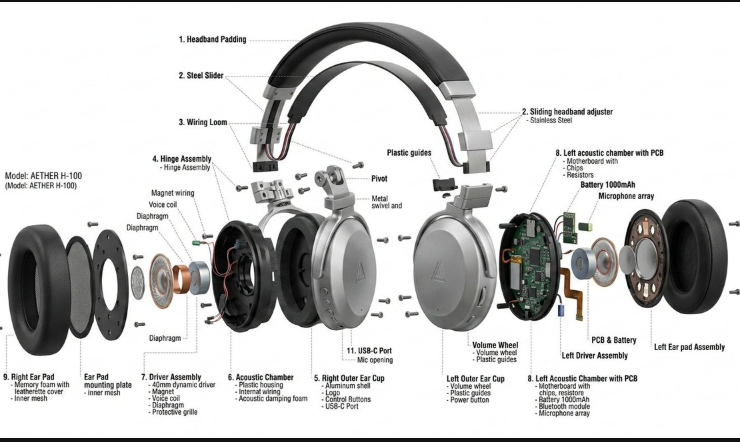
Create from Multiple Reference Images
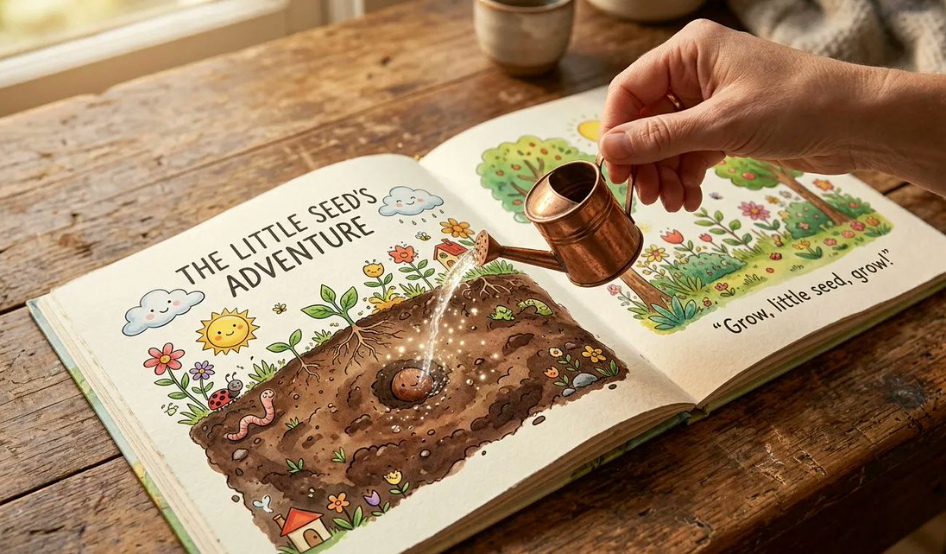
Upload references when a prompt alone cannot capture the product, character, style, object, or composition you need. Nano Banana Pro can use multiple references to help preserve identity, combine visual elements, and create variations that still feel connected to the source material.
Edit Images with Natural Language
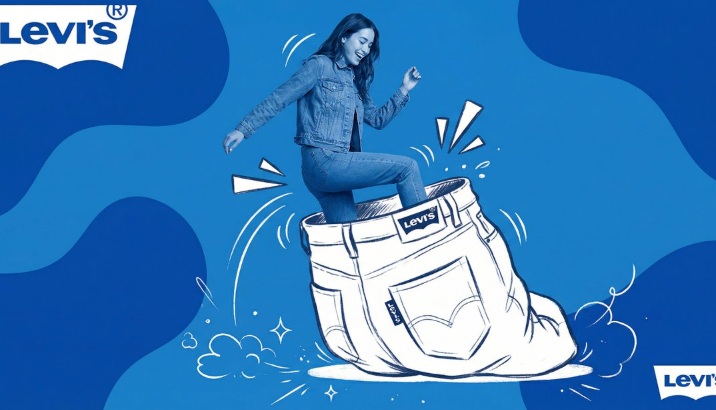
Ask for focused edits instead of rebuilding the entire image manually. Describe what should change and what should remain unchanged, such as replacing a background, adjusting a product color, refining a diagram, or updating text while preserving the broader composition.
Turn Images into Video Assets
A strong image can become more than a static output. Bring selected Nano Banana Pro results into Medeo's video workflow to add motion, narration, music, and scene development while keeping the original visual direction at the center.
Bring More Control to AI Image Creation
Nano Banana Pro is especially useful when the image needs to communicate clearly, not just look attractive. Guide text, layout, references, style, and production details with more intention.

Design Text-Rich Visuals
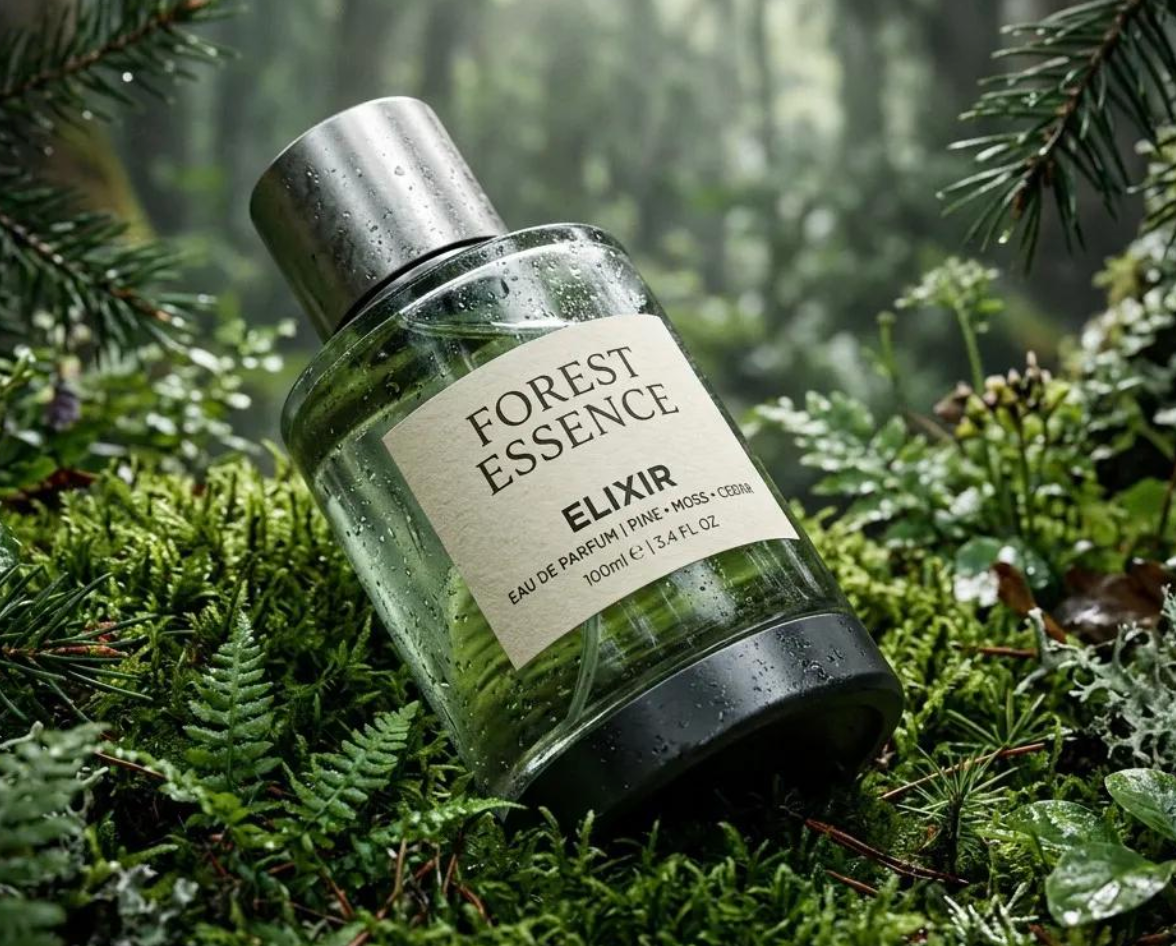
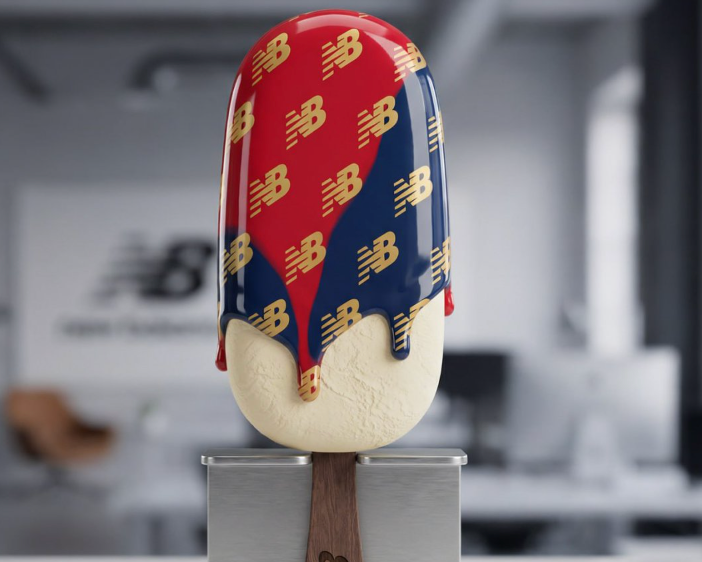
Create posters, infographics, labels, menus, diagrams, packaging concepts, and social graphics where text is part of the design. Specify exact copy, placement, hierarchy, and surrounding visual treatment so the output is easier to evaluate and refine.
Maintain Subjects and Visual Direction
Use references and repeated creative instructions to guide characters, products, logos, color palettes, and scene style across related images. This helps when you are building a campaign, storyboard, product series, or branded visual set rather than a single isolated image.
Refine Specific Details Without Starting Over
When most of a visual works, describe only the detail that needs attention. Ask to adjust text, lighting, perspective, object placement, background, or product treatment while keeping the useful parts of the image intact.
Create High-Resolution Visuals
Nano Banana Pro supports high-resolution outputs, including options up to 4K depending on the workflow and settings. That makes it useful for detailed visuals such as infographics, product scenes, print concepts, and large-format design drafts.
Use Nano Banana Pro Across Creative Workflows
Start with the format your audience needs, then shape the image around its message, channel, and next creative step.
Infographics, Diagrams, and Visual Explainers
Use Nano Banana Pro for visuals that need structure, labels, and factual clarity. Create diagrams, educational graphics, process explainers, and presentation visuals where text placement and visual organization matter.
Product Mockups and Ecommerce Creatives
Place a product into seasonal, lifestyle, studio, or campaign scenes using reference images and detailed prompts. Explore storefront banners, ad concepts, product-page visuals, and launch variations before final production.
Posters, Logos, and Text-Based Designs
Create visual concepts where words are part of the design. Specify headline copy, layout, brand mood, and graphic style to test ideas for posters, covers, event graphics, packaging, and social campaigns.
Turn Nano Banana Pro Images into Videos
Use the strongest image as a scene frame, storyboard reference, or visual asset, then continue in Medeo with motion, sound, narration, and additional scenes. This connects image exploration to finished video content.
How to Use Nano Banana Pro on Medeo
You do not need a perfect prompt before starting. Give Medeo a clear goal, generate a first version, and refine the image with targeted follow-up instructions.
Step 1
Enter a Prompt or Upload References
Describe what you want to create, including subject, scene, purpose, style, and text requirements. Upload reference images when a product, character, object, layout, or style needs to guide the result.
Step 2
Choose Your Format and Generate
Select the aspect ratio and quality that fit your intended use. Generate an initial version and review composition, text, subject consistency, and visual clarity.
Step 3
Review and Refine the Image
Use focused instructions to improve the result. Ask Medeo to adjust a headline, replace a background, preserve a subject, change lighting, refine a layout, or simplify the frame.
Step 4
Use the Image in a Larger Workflow
Download the final image or continue creating in Medeo. Use it as a campaign asset, product mockup, storyboard frame, reference image, or starting point for an AI-generated video.
How to Write Better Nano Banana Pro Prompts
Strong prompts explain what the image needs to do, not only how it should look. Give the model a clear task, then refine specific details through shorter follow-up instructions.
Describe the Purpose, Subject, and Layout
Start with the goal of the image, then describe the main subject, setting, composition, camera perspective, lighting, and intended channel. Example: "A clean product poster for a reusable water bottle, centered product shot, headline at top, soft studio lighting, room for a CTA at bottom."
Be Precise with Text and Visual Hierarchy
Put required words in quotation marks and explain where they should appear. Describe the headline, supporting copy, label style, font mood, color direction, and surrounding elements. Review spelling and layout before publishing any text-heavy output.
Use References for Consistency
Upload references when consistency matters. Explain what each reference should control, such as product shape, character identity, brand palette, visual style, or layout. This helps the model preserve important details while still creating a new image.
Ask for Focused Edits
For image editing, identify the exact target, requested change, and protected elements. Try: "Replace the background with a bright retail shelf. Keep the bottle, label, camera angle, and lighting unchanged."
Nano Banana Pro Compared with Other AI Image Models
Choose models based on the kind of work you produce. Compare text rendering, reference control, editing behavior, style range, output resolution, and how easily the result continues into video.
Nano Banana Pro vs GPT Image 2
Test both models with the same prompt, reference images, and intended use. Nano Banana Pro is especially strong for text-rich, reference-guided, knowledge-aware visuals, while GPT Image 2 may fit conversational editing workflows. The better choice depends on your exact brief and revision needs.
Nano Banana Pro vs Midjourney
Use Nano Banana Pro when you need clearer text, structured layouts, product references, or factual visualizations. Compare Midjourney when the main goal is highly stylized visual exploration. Keep the model that reaches a usable result with fewer corrections.
Nano Banana Pro vs Imagen
Both come from Google's image generation ecosystem, but Nano Banana Pro is positioned around Gemini 3 Pro Image capabilities such as reasoning, text, reference control, and production-grade editing. Compare them on your own subjects, aspect ratios, and text requirements.
Nano Banana Pro vs Flux
Compare Nano Banana Pro and Flux when you need strong prompt adherence, text rendering, and photorealistic or design-oriented outputs. If your workflow depends on references, diagrams, or branded content, test both with the same assets and review revision effort.
Detailed Comparison Chart
Compare Nano Banana Pro with other image models using the same prompt, references, aspect ratio, and intended output. Specifications may vary by model version, access point, and product settings.
| Model | Developer | Supported Inputs | Strengths | Public Output Resolution | Primary Access |
|---|---|---|---|---|---|
| Nano Banana Pro | Google DeepMind | Text and multiple image references | Text rendering, reference control, real-world knowledge, editing, 4K outputs | Options up to 4K | Gemini products, Gemini API, Google Cloud, and Medeo |
| GPT Image 2 | OpenAI | Text and image inputs | Conversational generation, editing, reference-guided workflows | Options vary by product surface | ChatGPT Images, OpenAI API, and supported platforms such as Medeo |
| Midjourney | Midjourney | Text and image prompts | Stylized visual exploration, variations, and artistic direction | Depends on version, aspect ratio, and upscaling | Midjourney web app and Discord; Medeo |
| Flux | Black Forest Labs | Text and image workflows depending on model/version | Prompt adherence, realism, and broad creative generation | Depends on provider and model version | Provider APIs, apps, and supported platforms such as Medeo |
Try Nano Banana Pro with Free Trial Credits
Turn your next idea into an image, refine it with references and edits, then continue into video when the visual direction is ready. New users receive free trial credits after signing up. Ongoing generation uses Medeo credits based on the current product plan.
Frequently Asked Questions About Nano Banana Pro
These answers cover what Nano Banana Pro is, how to access it, what it can create, and how to use it inside a practical image and video workflow.
See Why Creators Choose Medeo
Creators use Medeo to move beyond isolated generations and shape images, scenes, sound, and motion inside one connected creative process.
"Nano Banana Pro in Medeo gives us a faster way to test text-heavy visuals before moving into final campaign production."
Emily Parker
Marketing Designer
"The reference workflow is useful when we need product scenes that stay close to the source image but still feel new."
Daniel Foster
Creative Director
"Medeo helps us turn strong generated images into video concepts without starting over in another tool."
Sophia Kim
Content Strategist
"Nano Banana Pro in Medeo gives us a faster way to test text-heavy visuals before moving into final campaign production."
Emily Parker
Marketing Designer
"The reference workflow is useful when we need product scenes that stay close to the source image but still feel new."
Daniel Foster
Creative Director
"Medeo helps us turn strong generated images into video concepts without starting over in another tool."
Sophia Kim
Content Strategist
"Nano Banana Pro is especially helpful for posters, mockups, and infographics where text and layout need to be clear."
Ryan Mitchell
Product Marketer
"We use Medeo to compare image models quickly and choose the one that gets closest to the creative brief."
Olivia Bennett
Brand Strategist
"The workflow feels practical: generate, refine, export, or keep building into video from the same workspace."
Michael Chen
Digital Producer
"Nano Banana Pro is especially helpful for posters, mockups, and infographics where text and layout need to be clear."
Ryan Mitchell
Product Marketer
"We use Medeo to compare image models quickly and choose the one that gets closest to the creative brief."
Olivia Bennett
Brand Strategist
"The workflow feels practical: generate, refine, export, or keep building into video from the same workspace."
Michael Chen
Digital Producer
Explore More AI Image Models and Creative Tools
Different briefs benefit from different visual engines. Explore more models inside Medeo, compare their creative strengths, and choose the workflow that best supports your next production step.
Learn More About AI Image Creation
Build a stronger workflow with practical guides for prompting, model selection, editing, and turning still images into motion.
7 Best Idea to Video AI Tools in 2026 (Tested & Compared)
Compare the 7 best idea to video AI tools in 2026 — tested across output quality, format coverage, and ease of use. Find the right tool for your content workflow.
TIAN YUAN · Apr 29, 2026 · 13 min read
7 Best AI Love Story Video Generators in 2026 (Tested & Compared)
Discover the 7 best AI love story video generators in 2026 — tested and compared. From cinematic narratives to anniversary films, find the right tool for every romantic occasion.
TIAN YUAN · Apr 29, 2026 · 13 min read
Best Short Drama Video Tools in 2026
Compare the best short drama video tools for creating cinematic micro-dramas, emotional story clips, serialized TikTok dramas, Reels, and YouTube Shorts with AI.
TIAN YUAN · May 7, 2026 · 16 min read