AI Video Extender — Extend Any Clip, Seamlessly
Upload a video, describe what happens next, and Medeo generates new frames that match your footage perfectly. Extend any clip forward, backward, or both — in seconds.
Extend Videos with AI in Minutes
Upload a short clip, describe how you want it to continue, and Medeo can extend your video with smooth motion, consistent visuals, and natural scene continuation.
Turn Short Clips Into Longer Videos
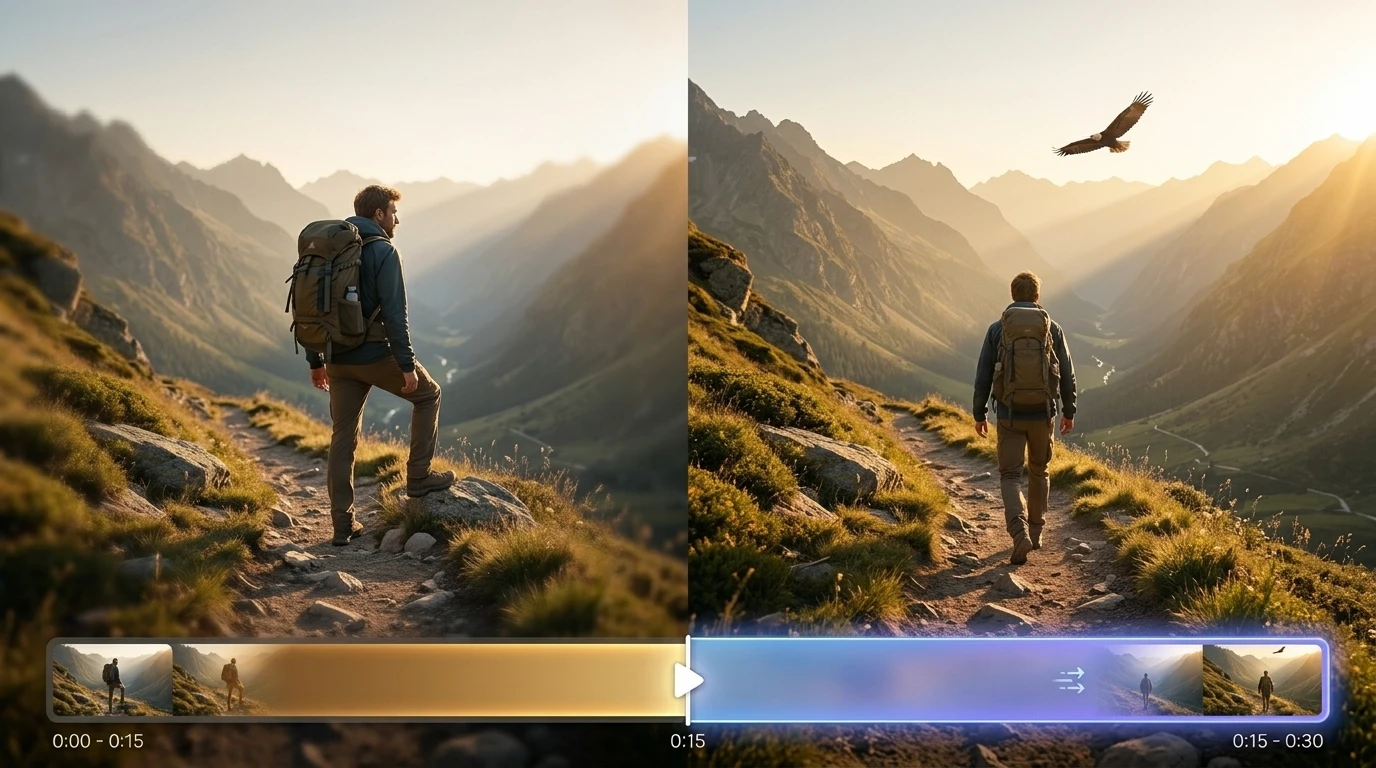
Extend short videos without looping or stretching footage. Medeo analyzes your original clip and generates new frames that continue the scene naturally.
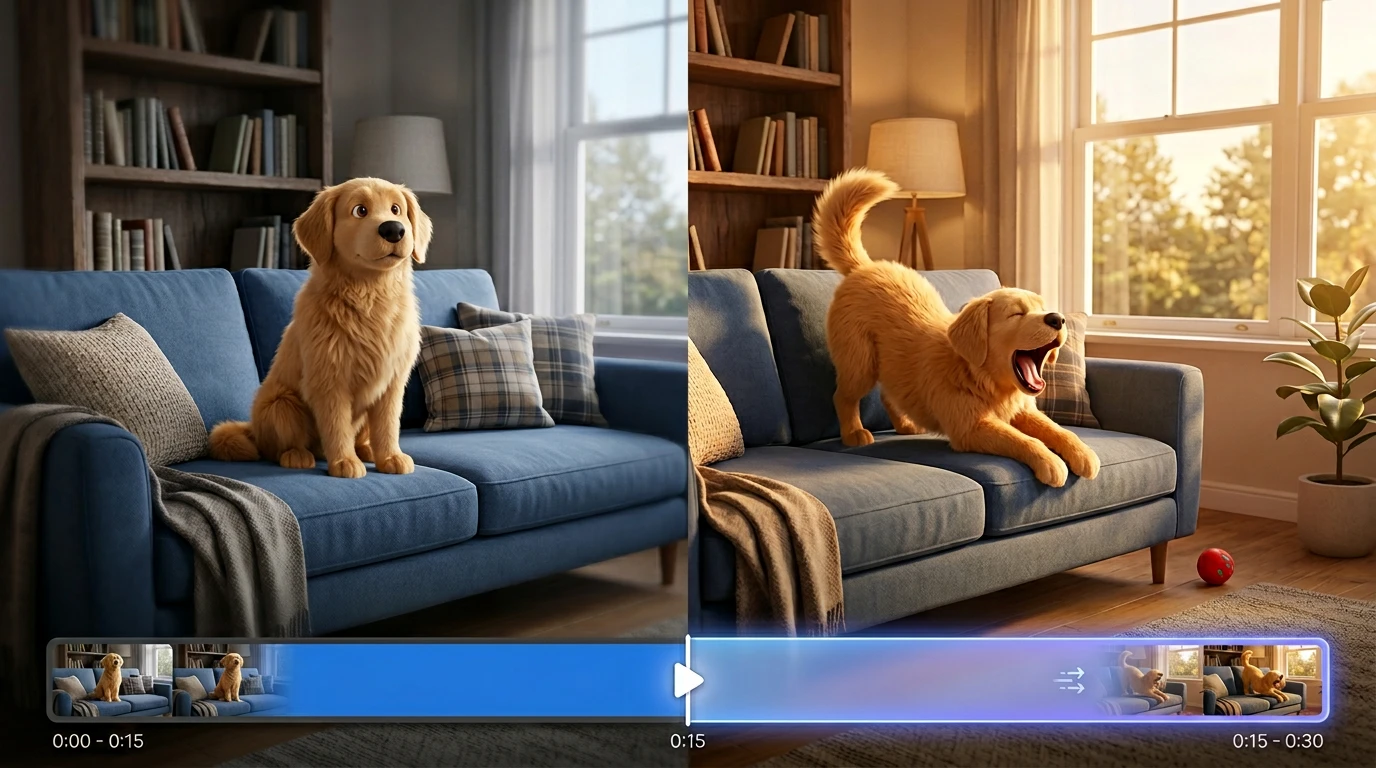
Generate Natural Video Continuation
Medeo reads motion, lighting, camera movement, and scene context to create a continuation that feels connected to the original video.
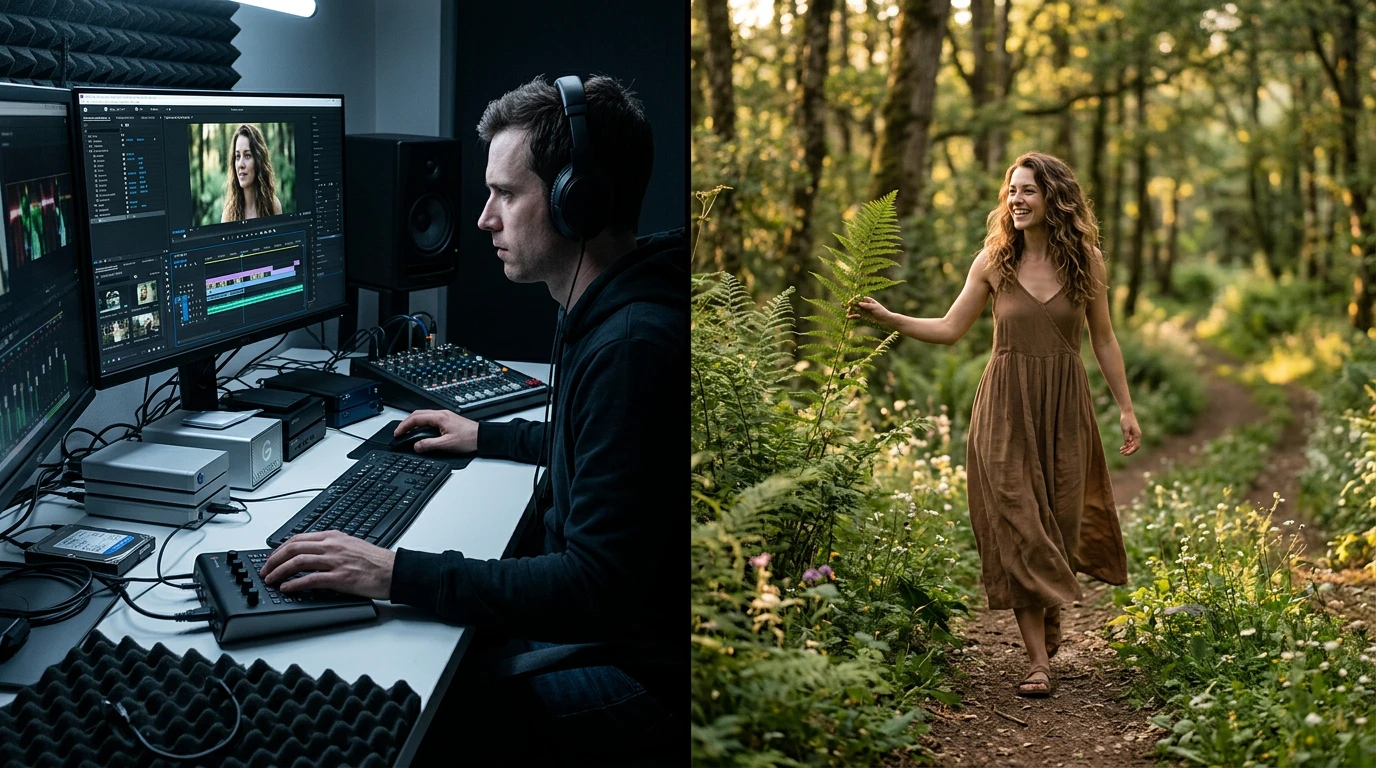
Create Smooth Transitions
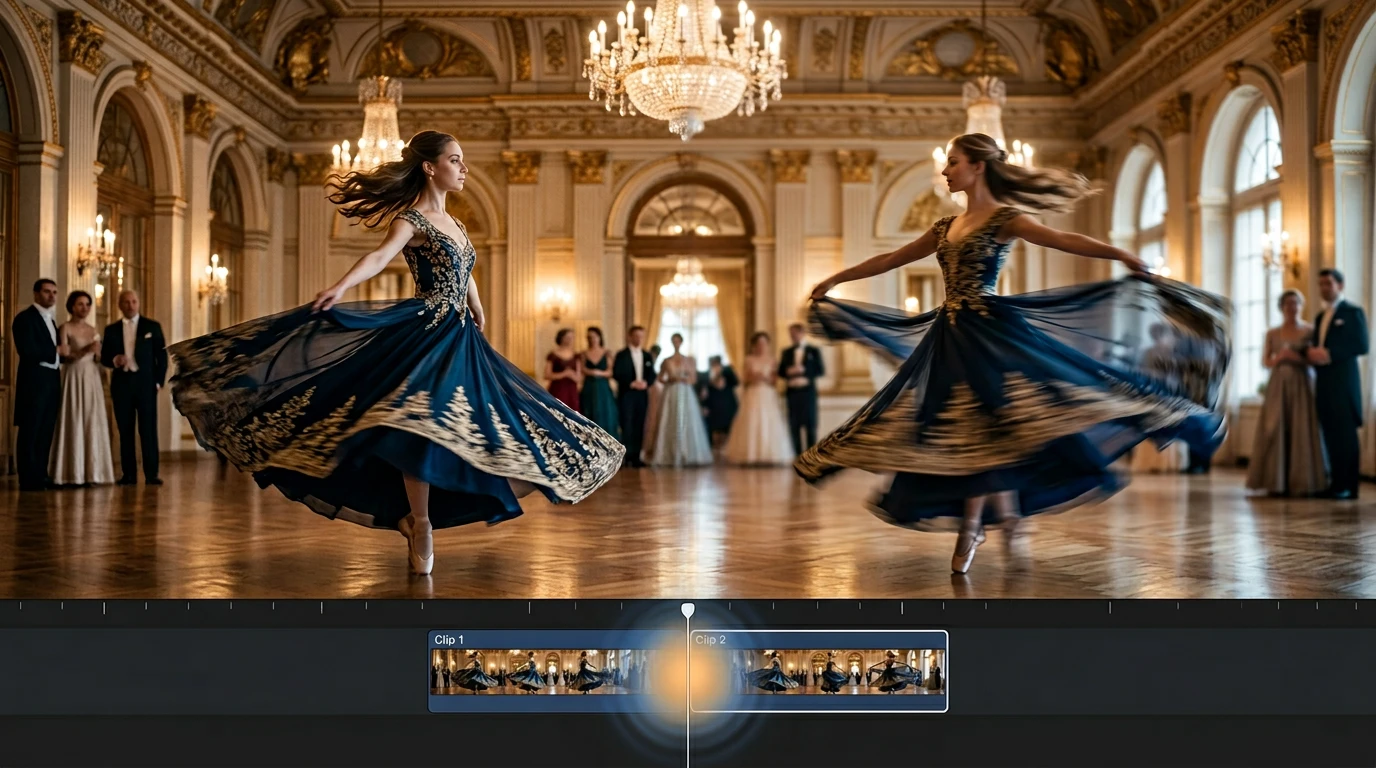
Avoid abrupt cuts and repeated frames. Medeo extends videos with smooth transitions so the added footage blends naturally into the original clip.
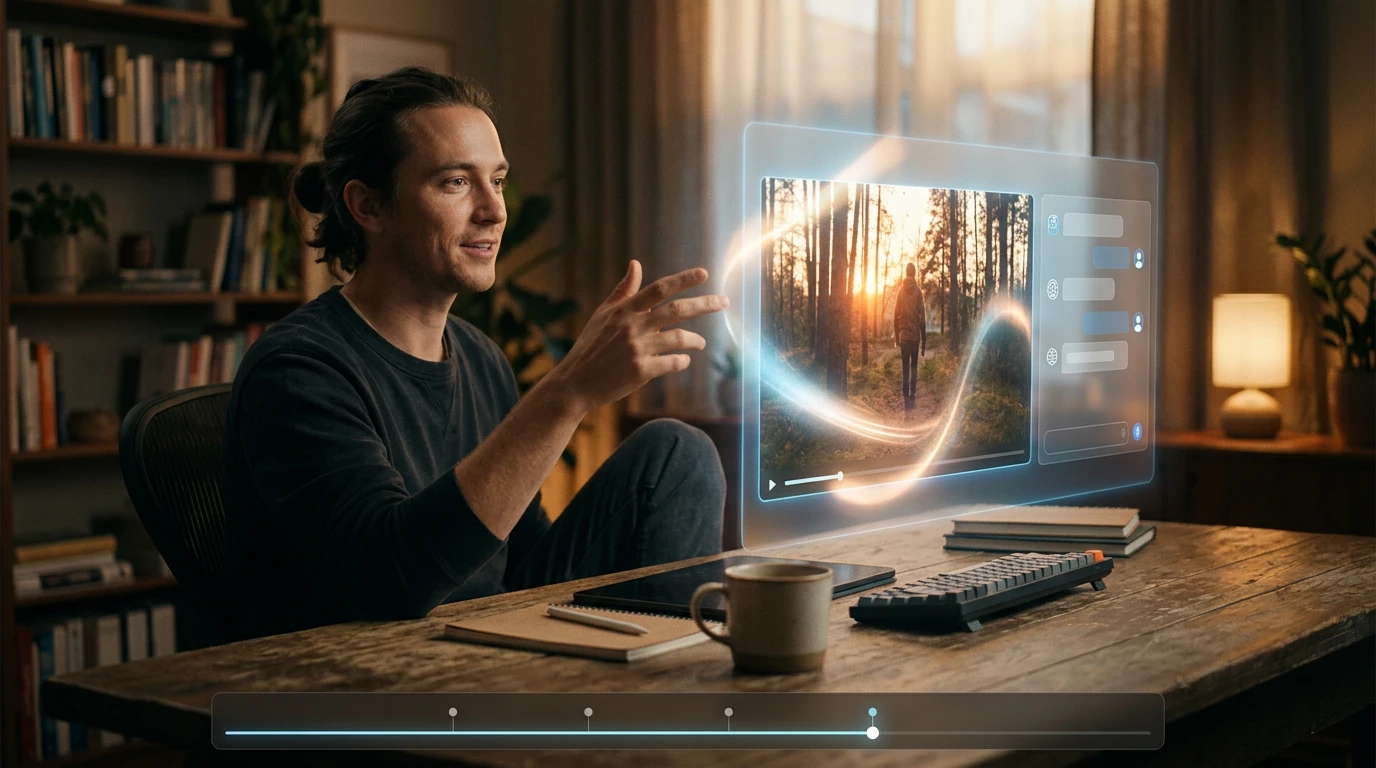
Control the Extension with Text Prompts
Tell Medeo what should happen next. Guide the action, pacing, camera direction, mood, or scene changes using simple natural language instructions.
Everything You Need in an AI Video Extender
Medeo helps you extend video length while preserving motion, lighting, color, style, and scene continuity. Whether you're continuing an AI-generated clip, expanding a short storytelling moment, preparing social media content, or creating a longer product video, Medeo gives you the control needed to generate seamless video extensions through simple prompts.
AI Video Extender for Every Creative Workflow
From social media clips to product demos, storytelling videos, ads, and AI-generated scenes, Medeo helps you extend videos smoothly and create longer, more complete content without traditional editing workflows.
Storytelling Videos
Extend short narrative clips into longer scenes with evolving action, atmosphere, and visual continuity. Build more complete stories from brief moments.
Social Media Content
Create longer versions of short clips for TikTok, Instagram Reels, YouTube Shorts, and other platforms. Add more context, stronger endings, or smoother transitions.
Product Demo Videos
Extend product shots, feature videos, and promotional clips while maintaining lighting, color, and camera consistency. Create polished demos without reshooting.
AI-Generated Clips
Make AI-generated videos longer by continuing the same scene, character movement, and visual style. Turn short generations into more complete video outputs.
Marketing Videos
Extend campaign clips, ads, launch videos, and branded visuals to fit different formats or placements. Create longer creative variations quickly.
Extend Video Length in 3 Simple Steps
Step 1
Upload Your Video
Start with a short video, AI-generated clip, product shot, social media video, or creative scene. Medeo uses the original footage as the foundation for video extension.
Step 2
Describe How the Video Should Continue
Tell Medeo what should happen next. You can guide the action, motion, camera direction, mood, pacing, ending, or any visual details you want to preserve or change.
Step 3
Generate and Download the Extended Video
Medeo generates a longer version of your video with smooth continuation and consistent visuals. Review the result, refine it with additional prompts if needed, and download the finished video.
See Why Creators Choose Medeo AI Video Extender
"Medeo helps me turn short AI clips into longer scenes without obvious loops or awkward cuts. It makes the final video feel much more complete."
James Walker
Video Content Creator
"We often need different video lengths for different platforms. Medeo makes it easy to extend clips while keeping the visual style consistent."
Sophia Martinez
Social Media Manager
"The best part is how natural the continuation feels. Medeo can preserve motion, lighting, and scene direction better than simple editing tricks."
Ethan Collins
Marketing Director
"Medeo helps me turn short AI clips into longer scenes without obvious loops or awkward cuts. It makes the final video feel much more complete."
James Walker
Video Content Creator
"We often need different video lengths for different platforms. Medeo makes it easy to extend clips while keeping the visual style consistent."
Sophia Martinez
Social Media Manager
"The best part is how natural the continuation feels. Medeo can preserve motion, lighting, and scene direction better than simple editing tricks."
Ethan Collins
Marketing Director
"I don't need to work with complex timelines. I just describe how I want the clip to continue, and Medeo gives me a longer version I can refine."
Olivia Parker
Startup Founder
"Medeo is especially useful for extending short AI-generated videos. It helps me build stronger scenes from clips that would otherwise feel unfinished."
Ryan Mitchell
YouTube Creator
"For campaign testing, extending videos quickly is a huge advantage. We can create multiple versions and adapt them for different placements."
Charlotte Evans
Creative Strategist
"I don't need to work with complex timelines. I just describe how I want the clip to continue, and Medeo gives me a longer version I can refine."
Olivia Parker
Startup Founder
"Medeo is especially useful for extending short AI-generated videos. It helps me build stronger scenes from clips that would otherwise feel unfinished."
Ryan Mitchell
YouTube Creator
"For campaign testing, extending videos quickly is a huge advantage. We can create multiple versions and adapt them for different placements."
Charlotte Evans
Creative Strategist
Explore More Leading AI Video Models and Tools in Medeo

FAQs About AI Video Extender
Learn More About AI Video Creation
How to Make an Explainer Video with AI (Step-by-Step Guide for 2026)
Learn how to make a professional explainer video with MedeAI in 2026 — no editing skills required. Step-by-step guide covering script, visuals, voiceover, and publishing.
TIAN YUAN · Apr 29, 2026 · 13 min read
How to Make Educational Videos with AI: Step-by-Step Guide
Learn how to make educational videos with AI using lesson notes, slides, scripts, visuals, voiceovers, captions, and templates for courses, classrooms, training, and social learning content.
TIAN YUAN · May 9, 2026 · 19 min read
7 Best AI Love Story Video Generators in 2026 (Tested & Compared)
Discover the 7 best AI love story video generators in 2026 — tested and compared. From cinematic narratives to anniversary films, find the right tool for every romantic occasion.
TIAN YUAN · Apr 29, 2026 · 13 min read