AI Clothes Changer: Transform Your Look in Photos & Videos with Medeo
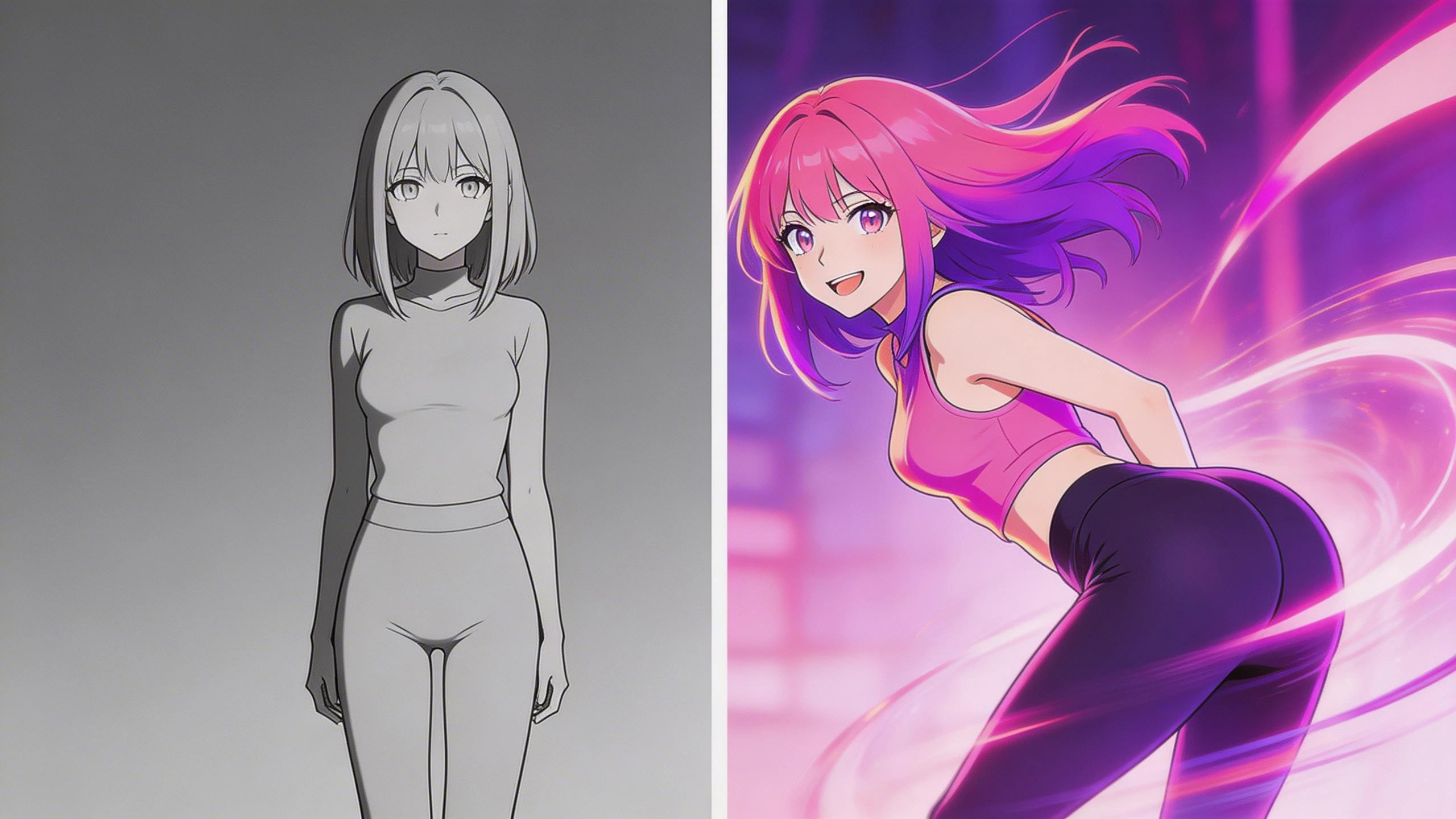
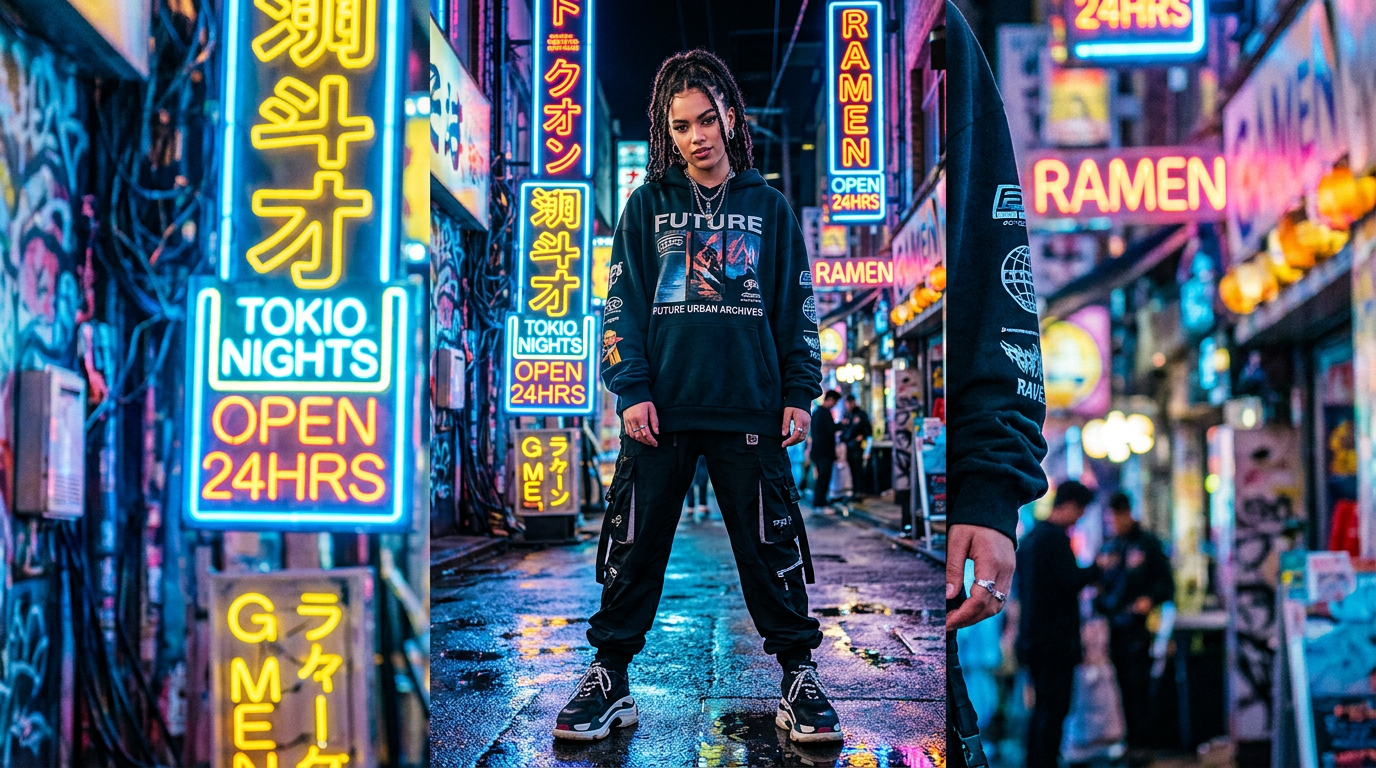
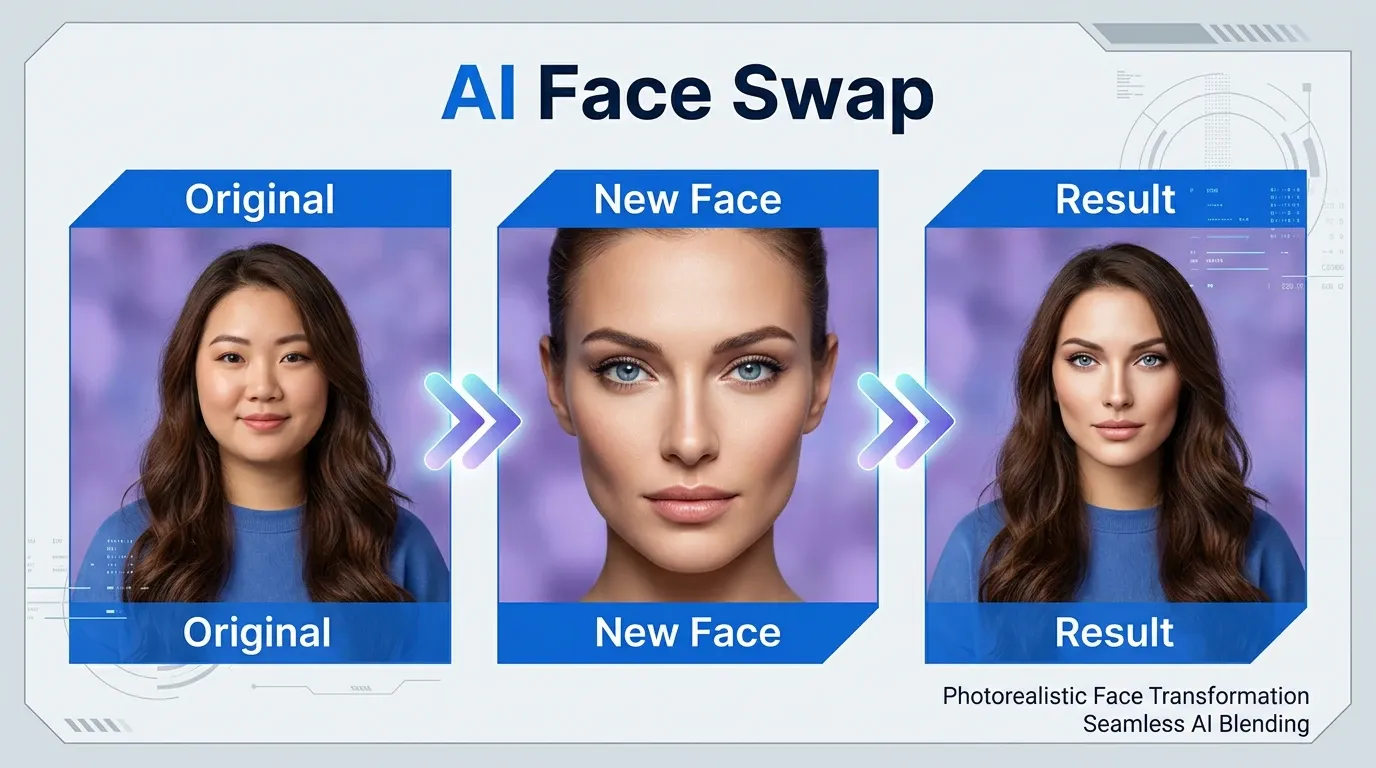
Medeo’s AI clothes changer lets you change clothing in videos using simple text or images. Upload a photo or video, describe the outfit you want, and generate clean, social-ready videos in minutes—no manual editing required. Perfect for creators, marketers, and teams who want fast visual updates without reshoots.
Change Clothes in Photos & Videos with AI
Why settle for one look when you can have endless possibilities? Medeo's AI Clothes Changer works across both photos and videos, giving you the power to transform your wardrobe in any format. Whether you need a quick outfit swap for a profile picture or a full wardrobe change in a video, Medeo delivers realistic results in seconds.
Swap Outfits in Photos Instantly
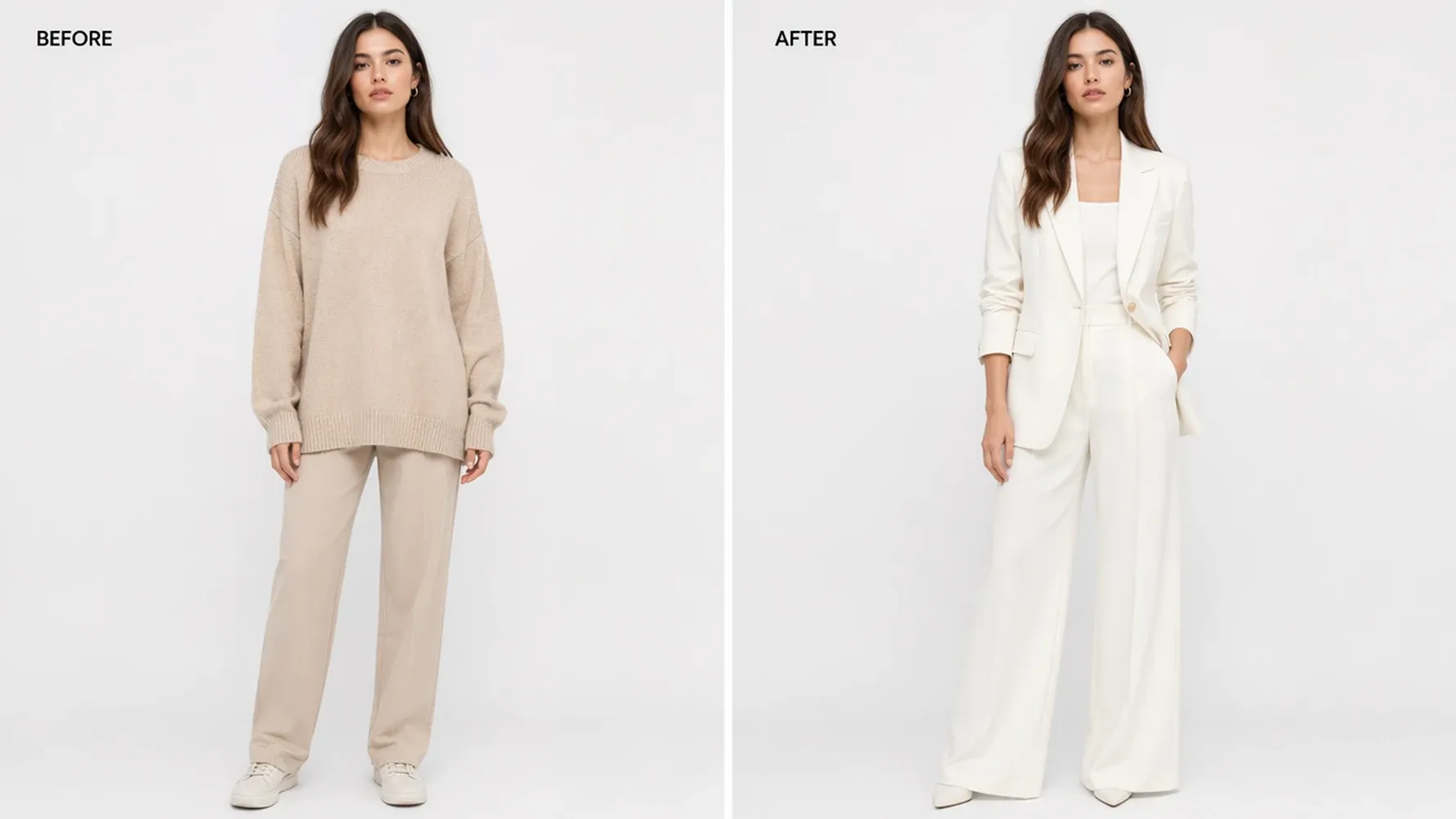
Upload any photo and replace the clothing with a completely new style. From casual wear to formal attire, from summer dresses to winter coats — describe what you want and let Medeo's AI handle the rest. The result looks so natural, no one will know it's AI-generated.
Change Clothes in Videos with AI
Go beyond static images. Medeo's AI Clothes Changer works on videos too, maintaining consistent outfit changes across every frame. Perfect for content creators, marketers, and anyone who needs dynamic wardrobe transformations without the cost of reshooting.
AI Clothes Changer for Photos
Medeo's photo clothes changer understands fabric textures, lighting, and body proportions to deliver results that look genuinely real. No awkward blending, no mismatched shadows — just seamless outfit transformations.
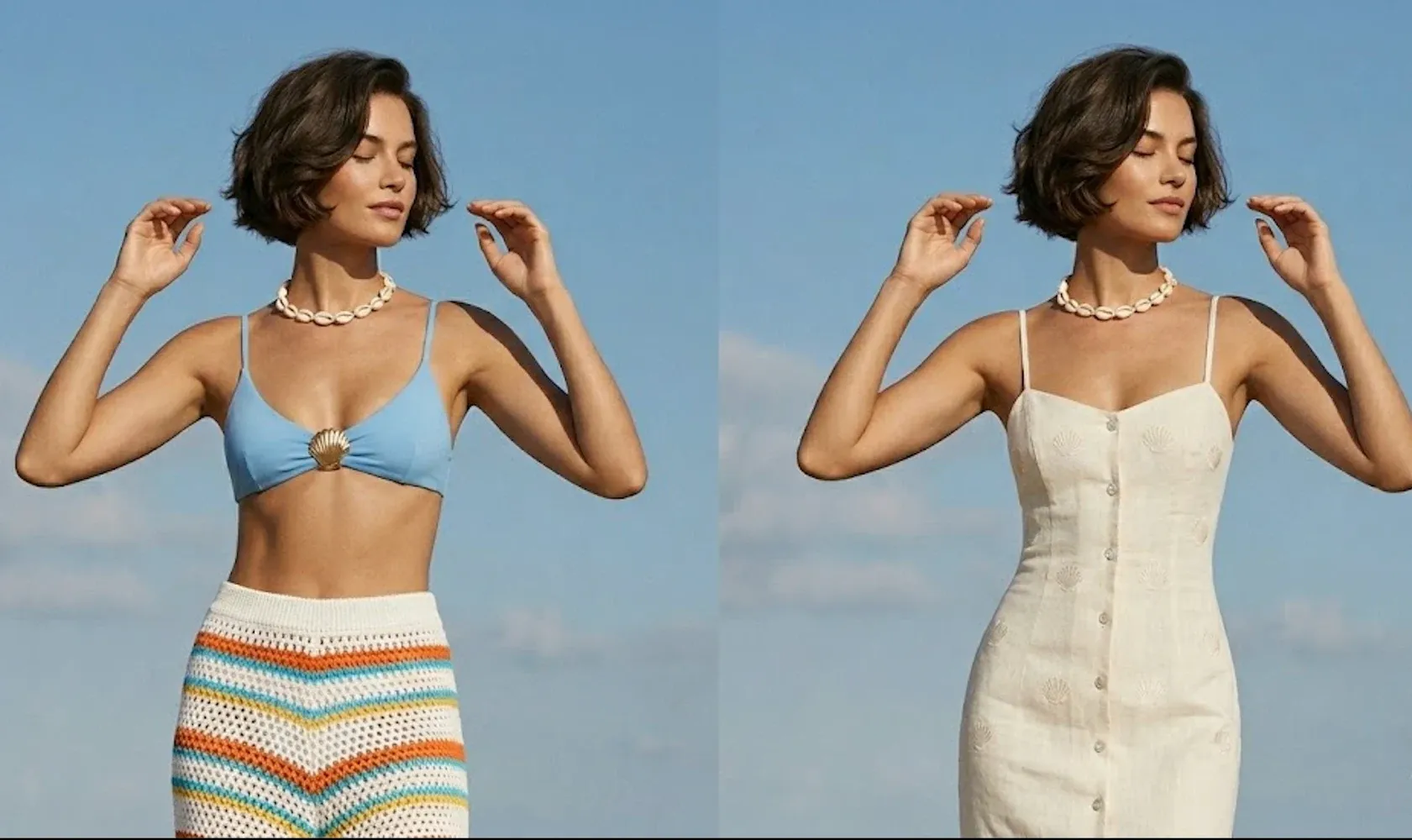
Add Clothes to Photos with One Click
Starting from a casual photo? Add a professional blazer, a stylish jacket, or any garment you can imagine. Simply describe the clothing you want, and Medeo's AI will add it to your photo with natural draping and realistic fabric behavior.
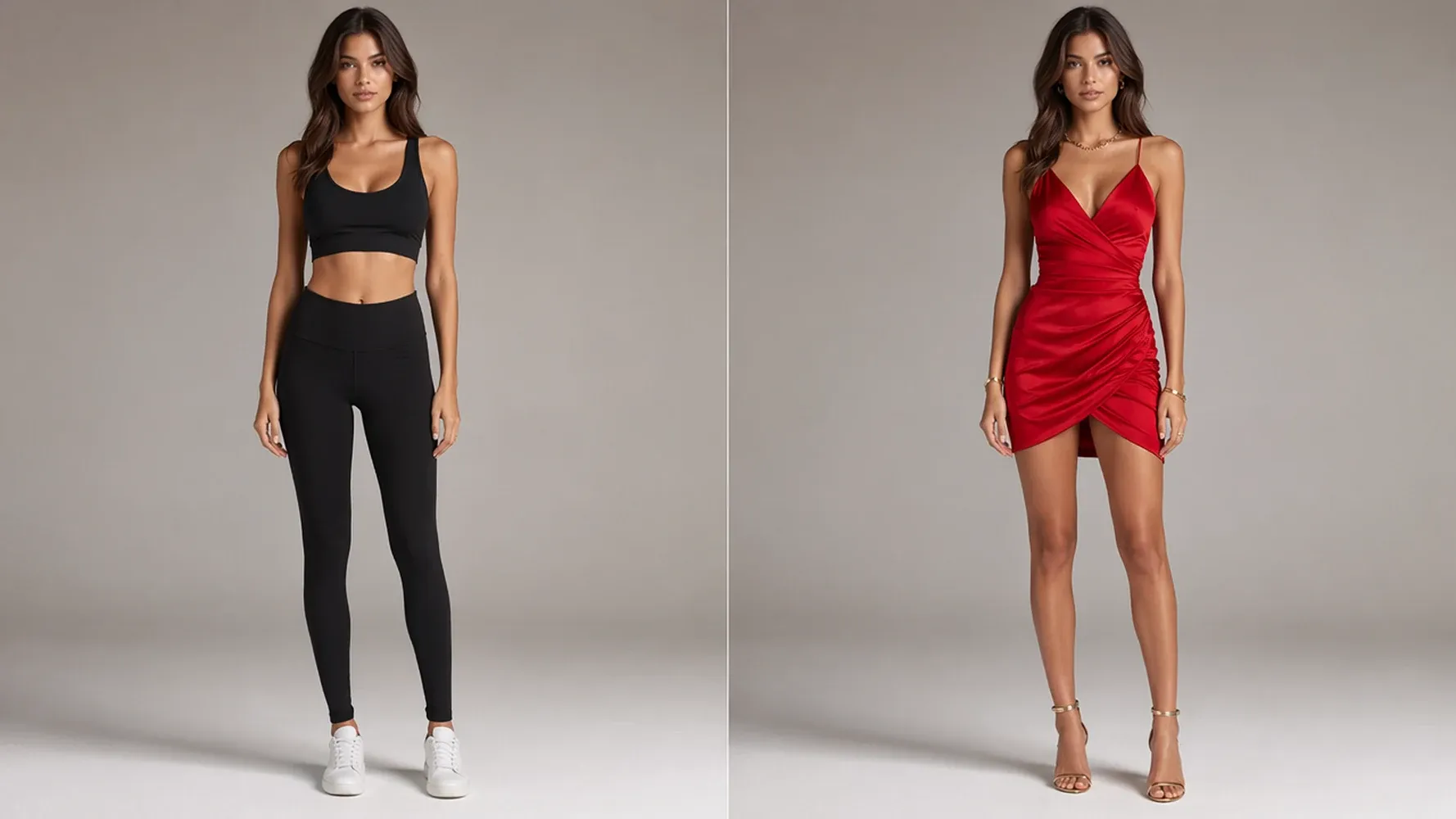
Swap Outfits and Dress Styles
Want to see yourself in a completely different outfit? Swap your current clothes for any style — from streetwear to business formal, from vintage to modern minimalist. The AI preserves your pose, body shape, and facial features while transforming only the clothing.
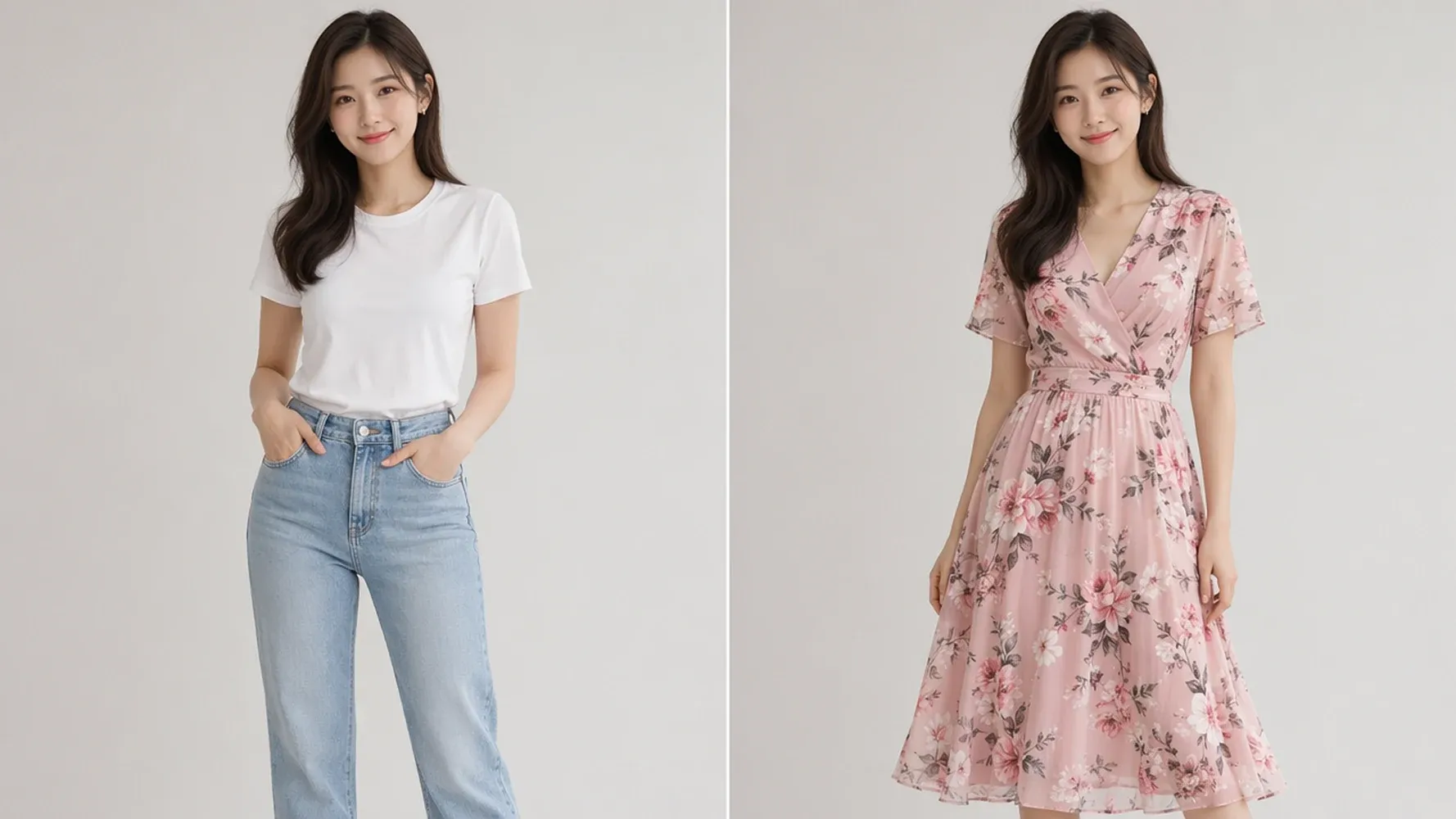
Change Shirts, Dresses, and Accessories
Fine-tune your look by changing specific items. Swap a plain t-shirt for a patterned blouse, replace a casual dress with an evening gown, or add accessories like scarves, hats, and jewelry. Medeo gives you complete control over every detail.
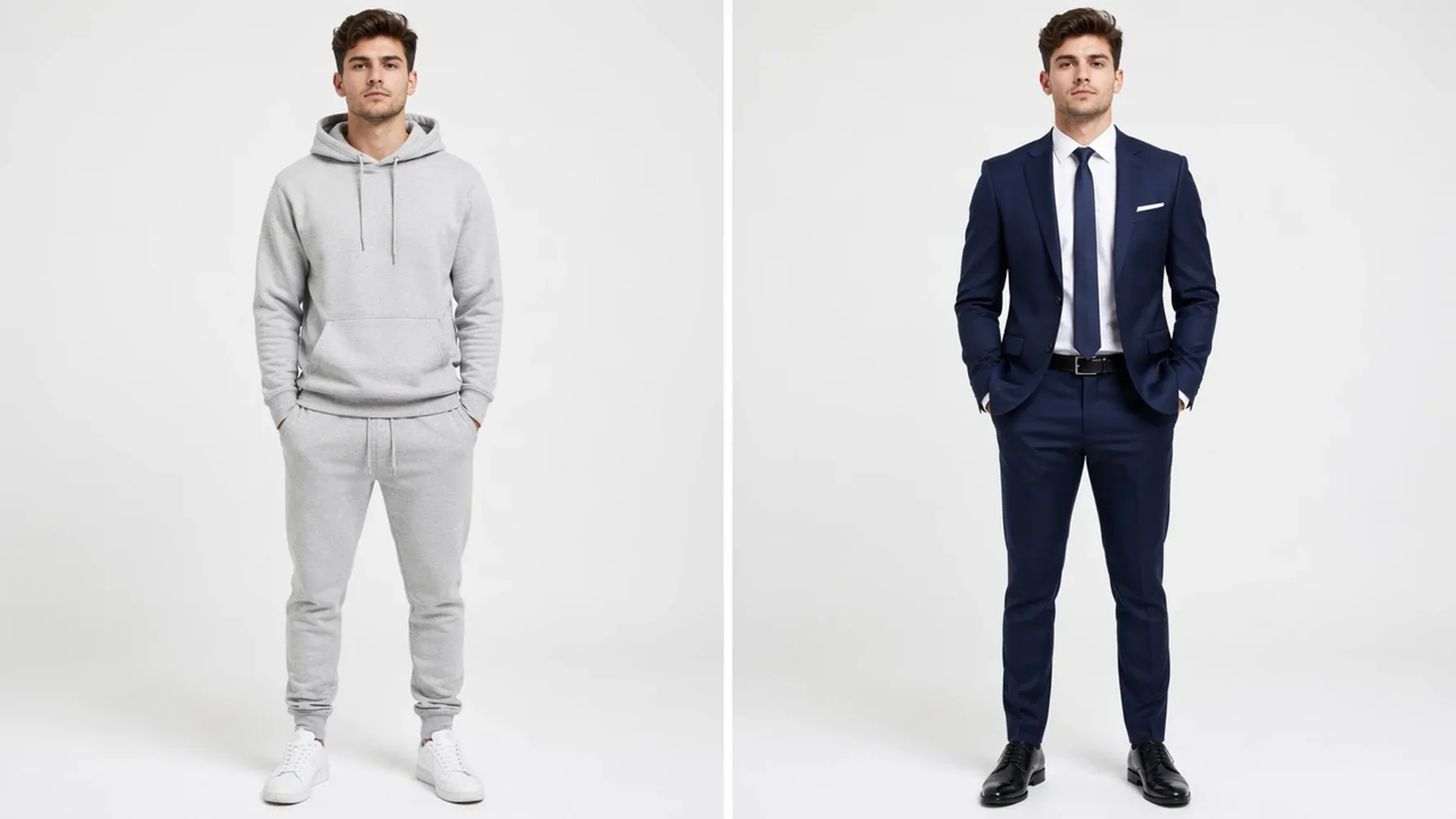
Realistic Clothing Replacement with AI
What sets Medeo apart is realism. The AI analyzes your photo's lighting conditions, shadows, and perspective to ensure the new clothes look like they were always there. Fabrics drape naturally, colors match the environment, and textures feel authentic.
AI Video Clothes Changer
Video content is king — but changing outfits in videos used to mean expensive reshoots or complex editing. Medeo changes that. Our AI Video Clothes Changer transforms wardrobes in moving footage while maintaining consistency across every frame.
Change Clothes in Any Video
Upload any video — TikTok clips, YouTube content, product demos, or personal recordings — and transform the outfits with AI. The technology tracks body movement and adjusts clothing in real-time, so the result looks natural from start to finish.
AI Video Dress Changer for Creators
Content creators know the struggle: you need multiple outfit changes for a single video, but filming takes time and money. Medeo's AI Video Dress Changer lets you create the illusion of wardrobe changes without ever leaving your chair. Film once, change outfits digitally.
Consistent Outfit Changes Across Frames
The biggest challenge in video clothes changing is consistency — outfits that shift or glitch between frames look obviously fake. Medeo's AI maintains strict identity and clothing consistency throughout the entire video, delivering professional-quality results.
Why Choose Medeo AI Clothes Changer
There are many clothes changing tools out there. Here's why creators, sellers, and everyday users choose Medeo.
Realistic and Natural Outfit Changes
Medeo's AI doesn't just paste clothes onto photos — it understands how fabrics behave. Draping, folding, stretching, and shadow casting all look natural because the AI has been trained to simulate real-world physics.
Photo and Video Clothes Changer in One Tool
Most tools only handle photos. Medeo handles both. Switch between photo and video modes seamlessly, using the same intuitive interface for all your outfit transformation needs.
Free to Start, No Experience Needed
You don't need to be a Photoshop expert or hire a designer. Medeo's AI Clothes Changer is designed for everyone. Start for free and see results in seconds.
Fast Results in Seconds
Traditional photo editing takes hours. Medeo takes seconds. Upload your media, describe your desired outfit, and get a transformed image or video before you finish your coffee.
How to Change Clothes with Medeo AI Outfit Editor
Three steps. That's all it takes to transform your look with Medeo's AI Clothes Changer.
Step 1
Upload Your Photo or Video
Drag and drop your image or video file into Medeo. Supports all major formats including JPG, PNG, MP4, and MOV. No file size headaches — Medeo handles it all.
Step 2
Describe Your Desired Outfit
Tell Medeo what you want to wear. Be as specific as you like: "a navy blue blazer with white pinstripes" or simply "elegant evening dress." The AI understands natural language, so no technical jargon needed.
Step 3
Download Your New Look
Medeo processes your request and delivers the transformed result in seconds. Preview it, make adjustments if needed, and download your new look in high resolution. Share it anywhere — social media, e-commerce listings, or personal collections.
AI Clothes Changer for Every Need
From content creation to personal experimentation, Medeo's AI Clothes Changer adapts to how you want to use it.
Batch Create Outfit Variations for Your Content Calendar
Running a fashion blog or social media account? Generate weeks of outfit content from a single photoshoot. Upload one set of photos and create dozens of different looks to keep your content calendar full without repeating outfits.
Test New Styles Before You Buy
Curious about a new fashion trend but not sure it suits you? Try it on virtually first. Medeo lets you experiment with bold colors, different cuts, and new styles — all without spending a dime on clothes that might not work.
Refresh Old Photos with a Modern Wardrobe
That great photo from three years ago is ruined by outdated fashion? Give it a modern makeover. Swap old styles for current trends and breathe new life into your favorite memories.
Generate Consistent Product Shots Without a Studio
E-commerce sellers: create uniform product imagery across your entire catalog. Show the same clothing on different models, or the same model in different outfits, all while maintaining consistent lighting and quality.
Nail Your Look for Dates, Interviews, and Special Events
Planning a special occasion? Preview different outfit options on your actual photos to find the perfect look. See what works with your skin tone, body type, and personal style before you commit.

Explore Medeo's AI Clothes Changer Recipe
Explore how creators and teams use AI clothes changer videos across different scenarios.
AI Clothes Changer – Your Questions Answered
See Why Creators Choose Medeo AI Clothes Changer
"Medeo completely changed how I create content. I used to spend hours planning different outfits — now I just upload one photo and generate endless variations."
Sarah K
Fashion Blogger
"I run an online clothing store and Medeo has been a game changer. I can show the same outfit on different models without hiring a single photographer."
James L
E-commerce Owner
"The video clothes changer blew my mind. I filmed one clip and created three different outfit versions for my TikTok. My followers couldn't tell the difference."
Mia R
Content Creator
"Medeo completely changed how I create content. I used to spend hours planning different outfits — now I just upload one photo and generate endless variations."
Sarah K
Fashion Blogger
"I run an online clothing store and Medeo has been a game changer. I can show the same outfit on different models without hiring a single photographer."
James L
E-commerce Owner
"The video clothes changer blew my mind. I filmed one clip and created three different outfit versions for my TikTok. My followers couldn't tell the difference."
Mia R
Content Creator
"Medeo's AI Clothes Changer lets me try different outfits instantly without scheduling photoshoots. The clothing looks natural and fits seamlessly with the original image."
Emma Johnson
Fashion Blogger
"We use Medeo to visualize apparel variations for our products. It's a huge time-saver and helps us create marketing assets without photographing every style."
Daniel Roberts
E-commerce Store Owner
"I love how easy it is to swap outfits while keeping the person's appearance consistent. The results look realistic and give me endless creative possibilities for social content."
Sophia Lee
Content Creator
"Medeo's AI Clothes Changer lets me try different outfits instantly without scheduling photoshoots. The clothing looks natural and fits seamlessly with the original image."
Emma Johnson
Fashion Blogger
"We use Medeo to visualize apparel variations for our products. It's a huge time-saver and helps us create marketing assets without photographing every style."
Daniel Roberts
E-commerce Store Owner
"I love how easy it is to swap outfits while keeping the person's appearance consistent. The results look realistic and give me endless creative possibilities for social content."
Sophia Lee
Content Creator
Explore More AI Tools in Medeo
Medeo is more than just a clothes changer. Discover our full suite of AI-powered creative tools for image generation, video creation, and more.

More Character Creation Tools
Want to design more original characters? Try Medeo’s AI OC Maker to create unique OCs from prompts or reference images, then refine their look, style, and details with simple instructions.
Learn More About AI Clothes Changer
7 Best AI Love Story Video Generators in 2026 (Tested & Compared)
Discover the 7 best AI love story video generators in 2026 — tested and compared. From cinematic narratives to anniversary films, find the right tool for every romantic occasion.
TIAN YUAN · Apr 29, 2026 · 13 min read

How to Make Brainrot Videos with AI (Step-by-Step Guide)
Medeo Brainrot videos are everywhere right now — and they're pulling millions of views on TikTok, YouTube Shorts, and Instagram Reels.
TIAN YUAN · Apr 29, 2026 · 13 min read

How to Make Educational Videos with AI: Step-by-Step Guide
Learn how to make educational videos with AI using lesson notes, slides, scripts, visuals, voiceovers, captions, and templates for courses, classrooms, training, and social learning content.
TIAN YUAN · May 9, 2026 · 19 min read