Grok Imagine AI Video and Image Generator
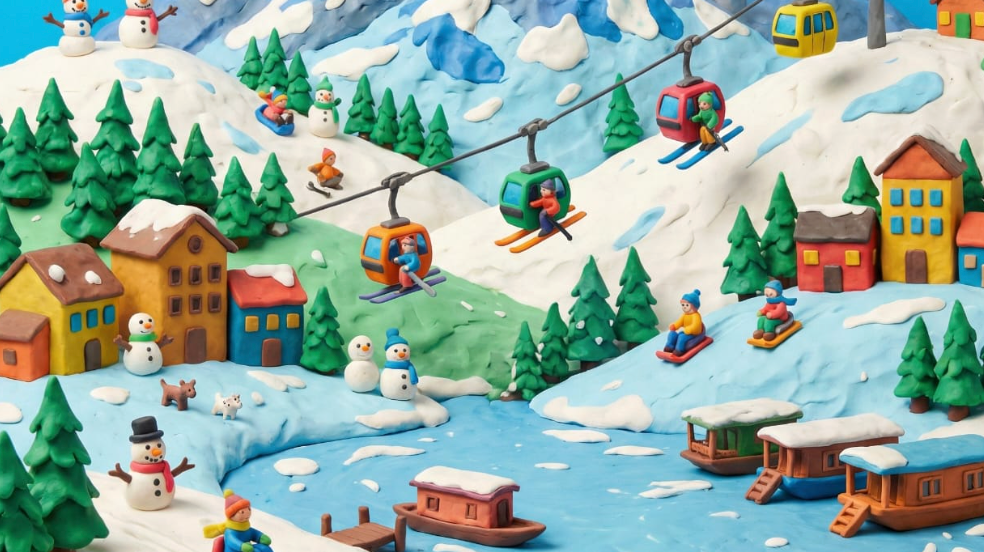
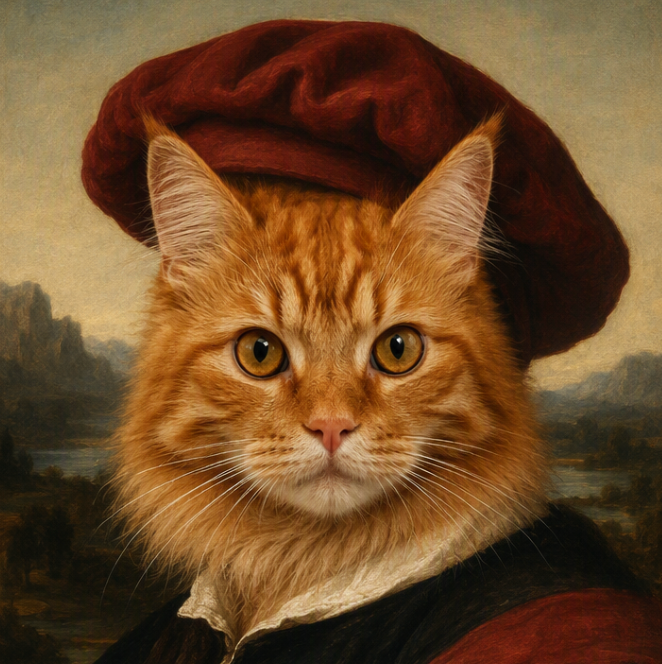
Create original images, generate videos from text, or turn a still image into motion with Grok Imagine in Medeo. Move from your first visual concept to a complete creative sequence without breaking the flow across separate tools. Use Grok Image to explore characters, products, scenes, and styles. Then use Grok Video to direct movement, camera behavior, atmosphere, and sound where supported. Medeo keeps every step connected, so each generation can become part of a larger story.
Create Images and Videos with One Grok Imagine Workflow
Grok Imagine brings image and video creation into one connected model family. Medeo turns those capabilities into a practical workflow: begin with text or a reference, develop the visual direction, animate the strongest idea, and continue shaping the result into finished content.
Generate a Visual Concept from Text
Start by describing what you want to see. You can define the subject, environment, composition, mood, lighting, color, and style in everyday language. Use the first image as a standalone asset, a storyboard frame, or the visual foundation for a Grok AI video. A clear concept makes every later creative decision easier.
Refine or Restyle an Existing Image
When your source image is close but not complete, use focused instructions to develop it further. Change the setting, adjust the mood, explore another style, or prepare a cleaner starting frame for animation. Iteration keeps useful parts of the concept in view instead of forcing you to restart every time one detail needs work.
Animate the Image or Generate a Video from Text
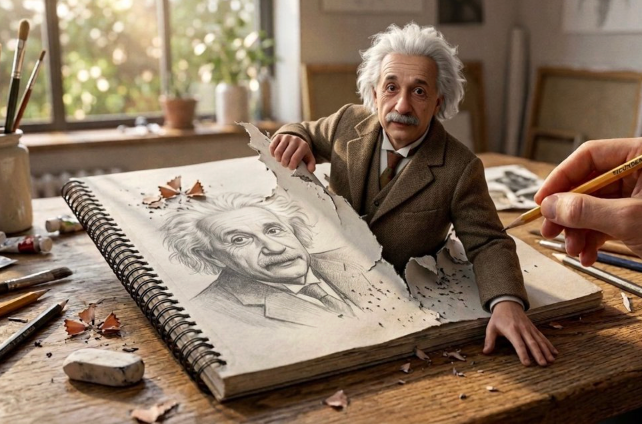
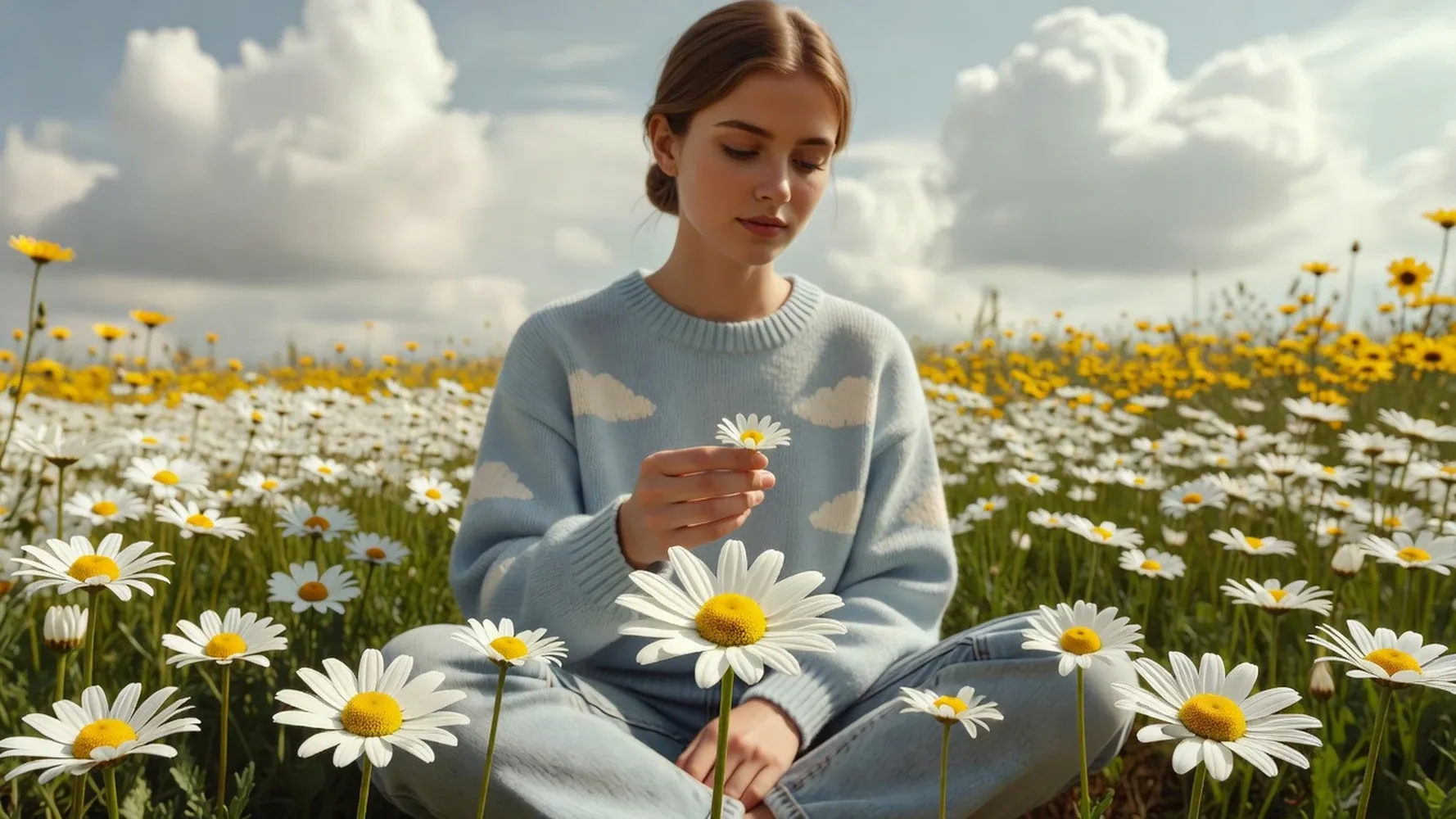
Choose the path that fits your idea. Upload a finished image when appearance and composition are already established, or begin with a text prompt when you want Grok video generation to interpret the entire scene. Add movement, camera direction, atmosphere, timing, and sound guidance to turn a static concept into a living moment.
Continue Editing and Building the Final Story
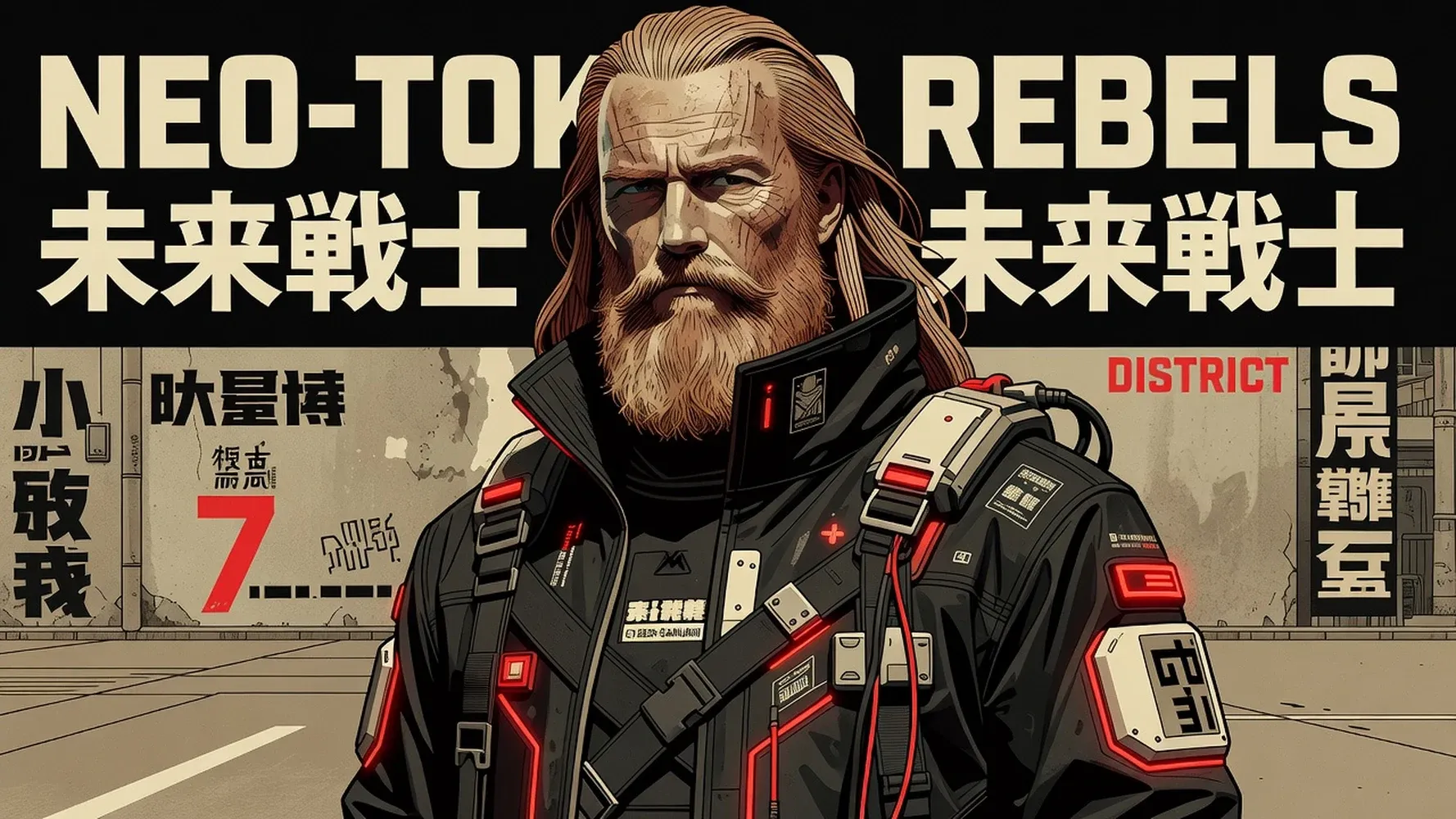
A generated asset does not have to be the end of the process. Bring the image or clip into a larger Medeo project, compare variations, arrange scenes, add supporting audio, and refine the creative sequence. The model handles generation while you keep control of what the audience sees, hears, and understands.
Generate Videos with Grok Imagine
Grok Video helps turn written direction into moving scenes. Use it for visual hooks, product moments, character actions, atmospheric shots, and short narrative ideas that benefit from coordinated motion and sound.
Create Video from a Text Prompt
Describe the scene as a moving event rather than a static image. Include the subject, action, environment, camera behavior, mood, pacing, and ending beat. A prompt such as “a product on a dark reflective table” becomes more useful when it also explains how the light changes, how the camera moves, and what the viewer should notice.
Direct Motion, Camera, and Scene Changes
Guide the generation with concrete cinematic language. Describe a slow push-in, tracking shot, overhead reveal, handheld movement, character turn, environmental change, or transition between visual beats. Clear direction helps the Grok AI video generator interpret not just what belongs in the frame, but how the scene should unfold over time.
Generate Video with Synchronized Sound
When native audio is available in the selected Grok Video workflow, include dialogue, ambience, music, and sound effects in the creative brief. Explain what should be heard and when it should happen. Treat sound as part of the scene rather than an afterthought, then review synchronization and suitability before using the result publicly.
Generate Images with Grok Imagine
Use the Grok AI image generator when you need a visual starting point quickly but still want room to direct the result. Create from text, explore multiple creative directions, and choose the image that best supports your campaign, character, product, or story.

Turn Text Prompts into Original Images
Describe the central subject first, then add context around composition, environment, lighting, perspective, and style. Grok Imagine can translate that written direction into an original visual draft. This makes it useful for testing an idea before a shoot, illustrating a scene before animation, or creating a distinctive image for digital content.
Create Characters, Products, and Visual Concepts
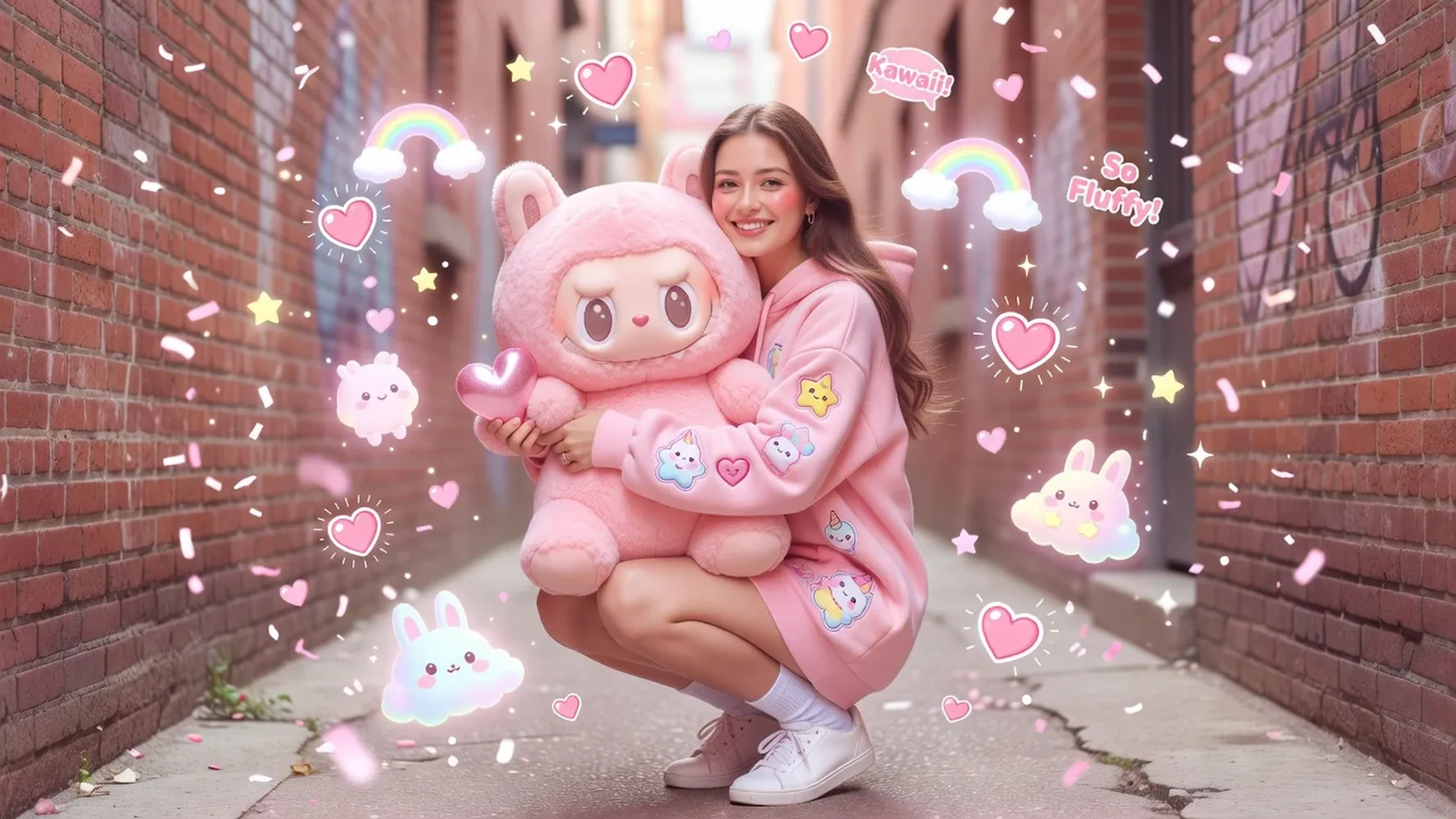
Develop character designs, branded product scenes, campaign concepts, thumbnails, posters, and storyboard frames from one creative brief. Specify the details that matter most, such as wardrobe, materials, pose, camera angle, audience, or intended channel. The stronger the visual purpose, the easier it becomes to judge and refine each result.

Explore Photorealistic and Stylized Looks
Use the same idea to test different visual languages, from polished product photography and cinematic realism to illustration, animation, surrealism, or graphic design. Describe materials, texture, lighting, lens feel, color palette, and artistic influence. Comparing styles helps you find a direction before committing the rest of the project to it.
How to Use Grok Imagine in Medeo
You do not need to begin with a perfect prompt or a completed storyboard. Choose the kind of asset you need first, give the model clear creative context, and improve the result through focused iterations.
Step 1
Choose Image or Video Generation
Select Image when you need a visual concept, reference, campaign asset, character, or starting frame. Select Video when you want to create motion from text or animate an existing image.
Step 2
Write a Prompt or Upload a Reference
Describe the subject, setting, style, purpose, and important constraints. Upload a reference when appearance, composition, identity, product details, or visual direction need a stronger anchor.
Step 3
Generate and Review the First Result
Create the first version and review it against the brief. Check composition, subject fidelity, motion, camera direction, visual style, sound, and whether the result can support the next creative step.
Step 4
Edit, Animate, or Continue the Story
Refine the image, animate it, revise the video, or bring the selected output into a larger Medeo project. Each result can become a building block rather than a disconnected download.
What Can You Create with Grok Imagine?
Grok Imagine can support both fast creative exploration and structured production. Choose the output around what the audience needs to see, what action you want them to take, and how the asset will connect to the rest of your content.
Product Images and Video Ads
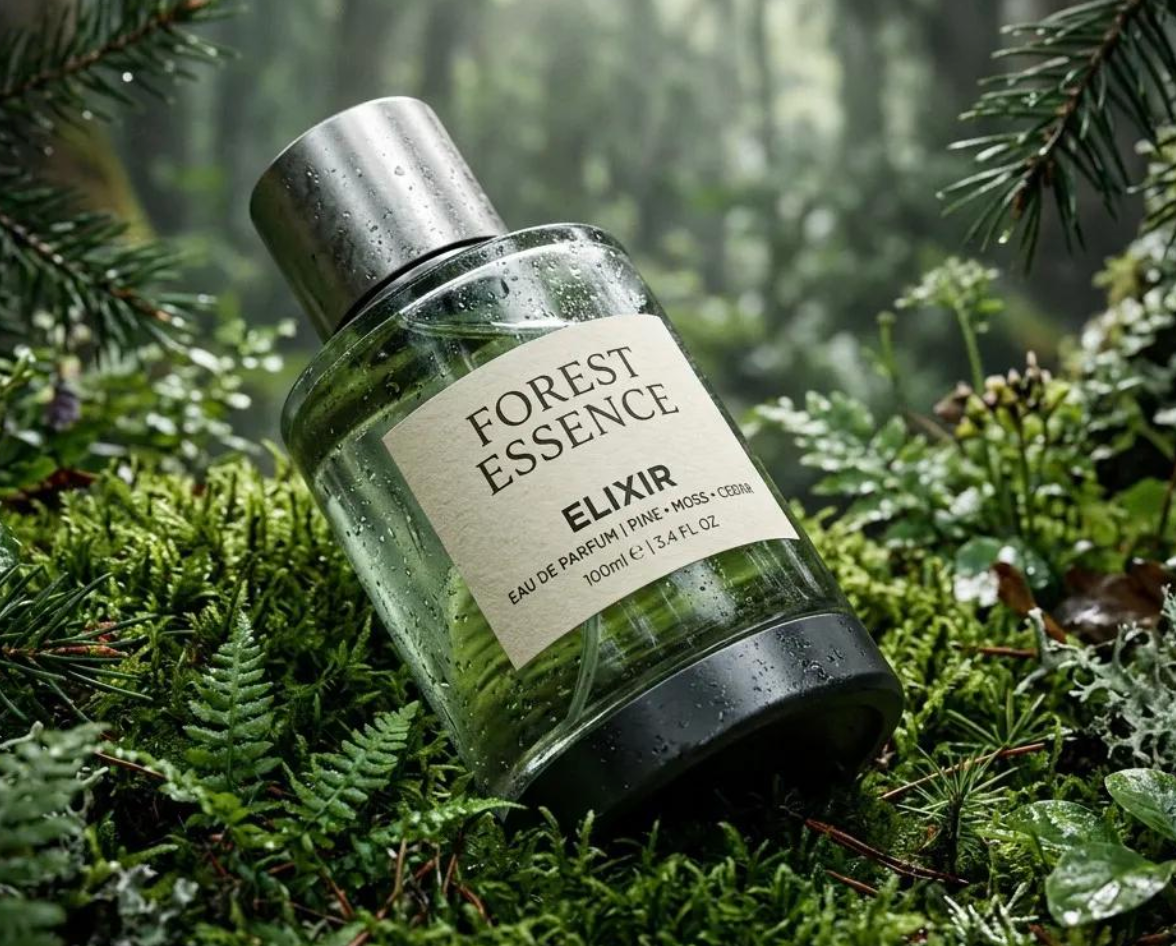
Create product concepts, lifestyle settings, promotional visuals, and moving ad hooks without starting every idea with a full shoot. Generate a strong still, refine the framing, and animate it into a reveal or product moment. Marketers and ecommerce teams can use the workflow to test more creative directions before selecting what deserves further production.
Characters, Illustrations, and Animated Scenes
Design a character or illustrated world, then develop it through additional images and motion. Use consistent descriptions and references to guide appearance, wardrobe, environment, and style. The workflow is useful for story concepts, animated social content, music visuals, and creator-led formats that need a recognizable visual identity.
Social Images, Clips, and Visual Hooks
Generate platform-ready concepts for posts, thumbnails, vertical clips, launch announcements, and short-form creative tests. Start with one clear idea, adapt the composition to the intended channel, and animate the strongest frame when motion can improve the hook. Medeo helps carry that asset into captions, music, sequencing, and a larger content package.
Cinematic Concepts and Story Sequences
Explore locations, lighting, characters, camera ideas, and dramatic moments before committing to a longer production. A generated image can establish art direction; a video can test how the scene moves and sounds. Organize the best results into a sequence so collaborators can understand the intended story rather than reviewing a folder of unrelated experiments.

What Is Grok Imagine?
Grok Imagine is associated with xAI's visual generation capabilities for creating and transforming images and generating video. Its practical appeal is the ability to move between still and moving media while keeping one creative idea at the center.
How Grok Imagine Relates to Grok and xAI
xAI is the company behind Grok. Grok is the broader AI product and model family, while Imagine refers to its visual creation experience and related image and video capabilities. Names, versions, and availability can vary across xAI products and third-party platforms, so check the active model label and supported features before relying on a specific workflow.
Image, Video, Editing, and Audio in One Model
Grok Imagine is commonly presented as a connected creative engine rather than only a Grok image generator or Grok video generator. Depending on the current product surface, that can include text-to-image, image transformation, text-to-video, image-to-video, video refinement, and synchronized audio. Medeo organizes available capabilities around the creator's project instead of exposing them as disconnected endpoints.
Can Grok AI Generate Videos?
Yes. Grok Imagine includes video-generation capabilities on supported product surfaces. Users can generate video from text or animate an image, with available controls and output settings depending on the platform and model version. In Medeo, choose the supported Grok Video option, provide a prompt or starting image, and continue refining the result within your project.
Grok Imagine vs Other Image and Video Models
When to Choose Grok Imagine for Images
Choose Grok Imagine when you want image generation and video development to live close together. It is a practical option for concepts that may begin as characters, products, environments, or campaign frames and later move into animation. Test it against other image models using the same prompt and reference so aesthetic preference does not replace a useful comparison.
When to Choose Grok Imagine for Videos
Choose Grok Video when the scene benefits from strong written direction, image-to-video continuity, camera movement, and synchronized audiovisual generation where available. It can suit social hooks, product moments, character scenes, and cinematic concepts. Evaluate the output based on the complete scene—not one attractive frame—before deciding whether it fits the project.
When Another Model May Fit Better
Another model may be a better choice when you need a different image style, more precise text rendering, longer video, another editing behavior, lower credit use, or specific reference controls. Medeo supports a model-flexible approach: choose Grok Imagine when it serves the idea and switch when another model expresses the story more effectively.
FAQs About Grok Imagine
These answers cover common questions about Grok Image, Grok Video, xAI, free access, APIs, and the relationship between image and video generation.
What Creators Say About Grok Imagine in Medeo
Creators use Medeo to keep image exploration, motion generation, and video development in one connected process. Replace the placeholders below with verified customer feedback before publishing.
"Grok Imagine on Medeo helps me turn rough ideas into complete visual stories. The combination of video generation and audio makes the final results feel much more engaging."
Nathan Hughes
Video Creator
"I love how versatile Grok Imagine is. Whether I'm creating concept art, short videos, or audio-enhanced content, the quality is consistently impressive."
Isabella Moreno
Creative Producer
"The ability to generate visuals and sound together saves our team a tremendous amount of time. Grok Imagine has become a valuable part of our creative workflow."
Marcus Reed
Brand Consultant
"Grok Imagine on Medeo helps me turn rough ideas into complete visual stories. The combination of video generation and audio makes the final results feel much more engaging."
Nathan Hughes
Video Creator
"I love how versatile Grok Imagine is. Whether I'm creating concept art, short videos, or audio-enhanced content, the quality is consistently impressive."
Isabella Moreno
Creative Producer
"The ability to generate visuals and sound together saves our team a tremendous amount of time. Grok Imagine has become a valuable part of our creative workflow."
Marcus Reed
Brand Consultant
"What stands out most is how quickly Grok Imagine brings ideas to life. The videos feel dynamic, and the integrated audio adds an extra layer of realism."
Chloe Patterson
Social Media Creator
"I've tested many AI creative tools, but Grok Imagine feels different. It understands prompts well and produces multimedia content that looks polished from the start."
Julian Baker
Digital Storyteller
"Using Grok Imagine through Medeo allows us to create compelling content without juggling multiple tools. It's fast, intuitive, and surprisingly powerful."
Vanessa Cooper
Marketing Lead
"What stands out most is how quickly Grok Imagine brings ideas to life. The videos feel dynamic, and the integrated audio adds an extra layer of realism."
Chloe Patterson
Social Media Creator
"I've tested many AI creative tools, but Grok Imagine feels different. It understands prompts well and produces multimedia content that looks polished from the start."
Julian Baker
Digital Storyteller
"Using Grok Imagine through Medeo allows us to create compelling content without juggling multiple tools. It's fast, intuitive, and surprisingly powerful."
Vanessa Cooper
Marketing Lead
Explore More AI Image and Video Models
Different models interpret the same creative brief differently. Compare them inside a model-flexible workflow and choose the visual engine that best supports the image, scene, or story you need to make.


Learn More About Grok and AI Creation
Build a stronger workflow with practical guides to model selection, prompting, image-to-video creation, and current xAI product terminology.
How to Create High-Quality AI Videos at a Lower Cost with Medeo
Learn how to reduce credit consumption and create high-quality AI videos with Medeo by optimizing prompts, confirming each production step, selecting cost-effective models, and choosing the right Recipe.
Cliff · Jun 24, 2026 · 4 min read
7 Best AI Love Story Video Generators in 2026 (Tested & Compared)
Discover the 7 best AI love story video generators in 2026 — tested and compared. From cinematic narratives to anniversary films, find the right tool for every romantic occasion.
TIAN YUAN · Apr 29, 2026 · 13 min read
How to Make Educational Videos with AI: Step-by-Step Guide
Learn how to make educational videos with AI using lesson notes, slides, scripts, visuals, voiceovers, captions, and templates for courses, classrooms, training, and social learning content.
TIAN YUAN · May 9, 2026 · 19 min read