Hailuo AI Video Generator: Create Cinematic Videos with MiniMax
Use Hailuo AI in Medeo to turn prompts and reference images into cinematic short videos. Guide motion, camera movement, character expression, and visual style from one multi-model creative workspace.


What Is Hailuo AI?
Hailuo AI is MiniMax's video generation model family for creating short videos from text prompts and reference images. It is known for cinematic motion, expressive scenes, physical action, and strong prompt following across creative, product, and social video workflows.
What the Hailuo AI Model Can Create
Use Hailuo AI for product shots, social video hooks, moving portraits, cinematic story scenes, action tests, fashion clips, food videos, travel moments, and branded campaign visuals. Start with a written scene or upload a reference image, then use Medeo to guide the final video with camera language, motion details, and format settings.
Create Videos with Hailuo AI in Medeo
Move from an idea or image to a short cinematic clip without switching tools. Medeo gives you a place to generate, compare, refine, and continue building videos with Hailuo AI and other leading models.
Generate Videos from Text Prompts
Describe the subject, action, setting, lighting, mood, camera movement, and video style. Hailuo AI turns detailed prompts into short clips that can feel planned, cinematic, and ready for creative review.
Animate Images into Dynamic Clips
Upload a reference image when you want to preserve a product, character, style frame, or composition. Hailuo image-to-video workflows help add motion, atmosphere, and camera flow while keeping the original visual direction recognizable.
Create Realistic Motion and Physical Action
Use Hailuo AI for scenes where movement matters: splashing water, running, dancing, moving fabric, wind-blown hair, product motion, character performance, and cinematic action beats.
Compare Hailuo with Other Video Models
Medeo lets you create with Hailuo AI alongside other AI video models. Test different model interpretations, compare motion quality and style, and choose the version that best fits your creative goal.
Bring More Control to AI Video Creation
Good AI video is not just a moving image. It depends on action, pacing, camera intent, subject consistency, and format choices that match the channel where the video will be used.
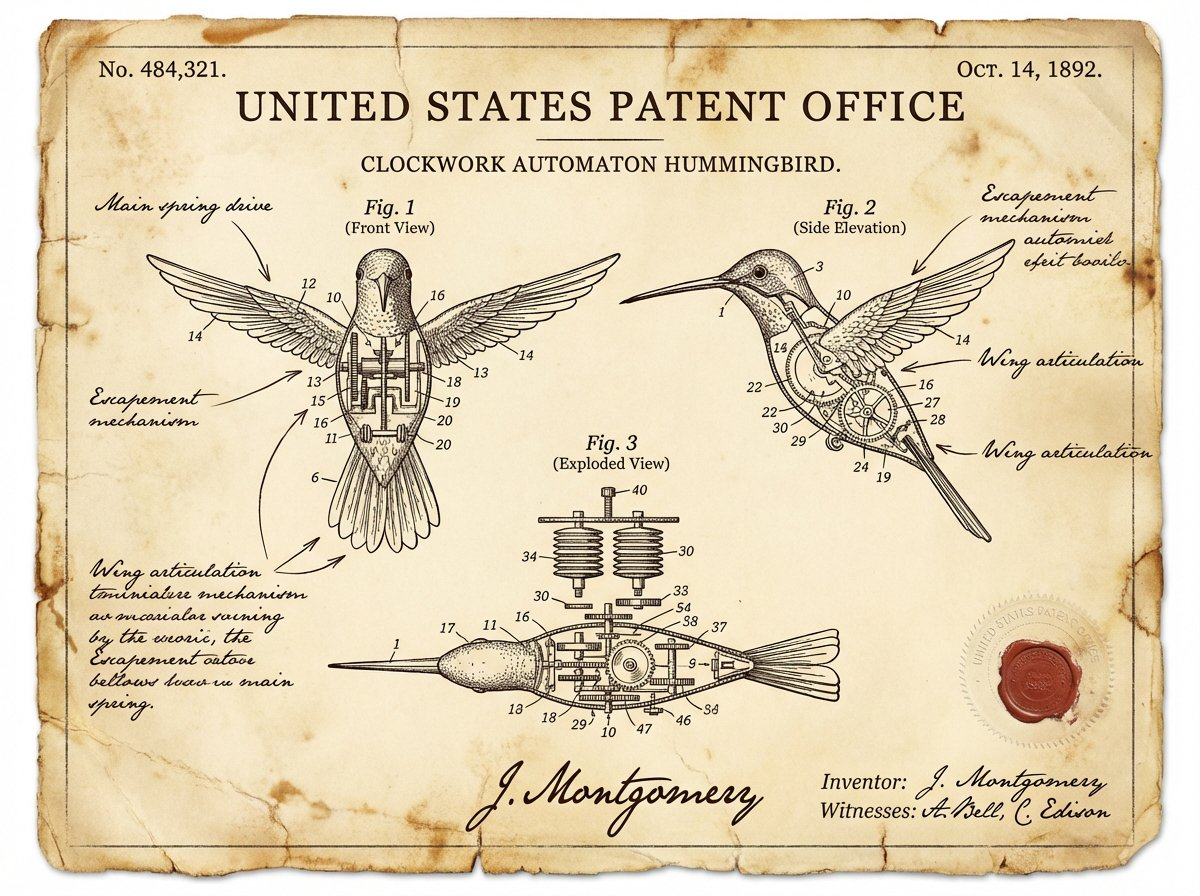
Direct Camera Movement and Shot Flow
Ask for a slow dolly in, handheld tracking shot, orbiting camera, close-up reveal, wide establishing shot, or dramatic pullback. Camera instructions help Hailuo AI videos feel intentionally directed rather than randomly animated.
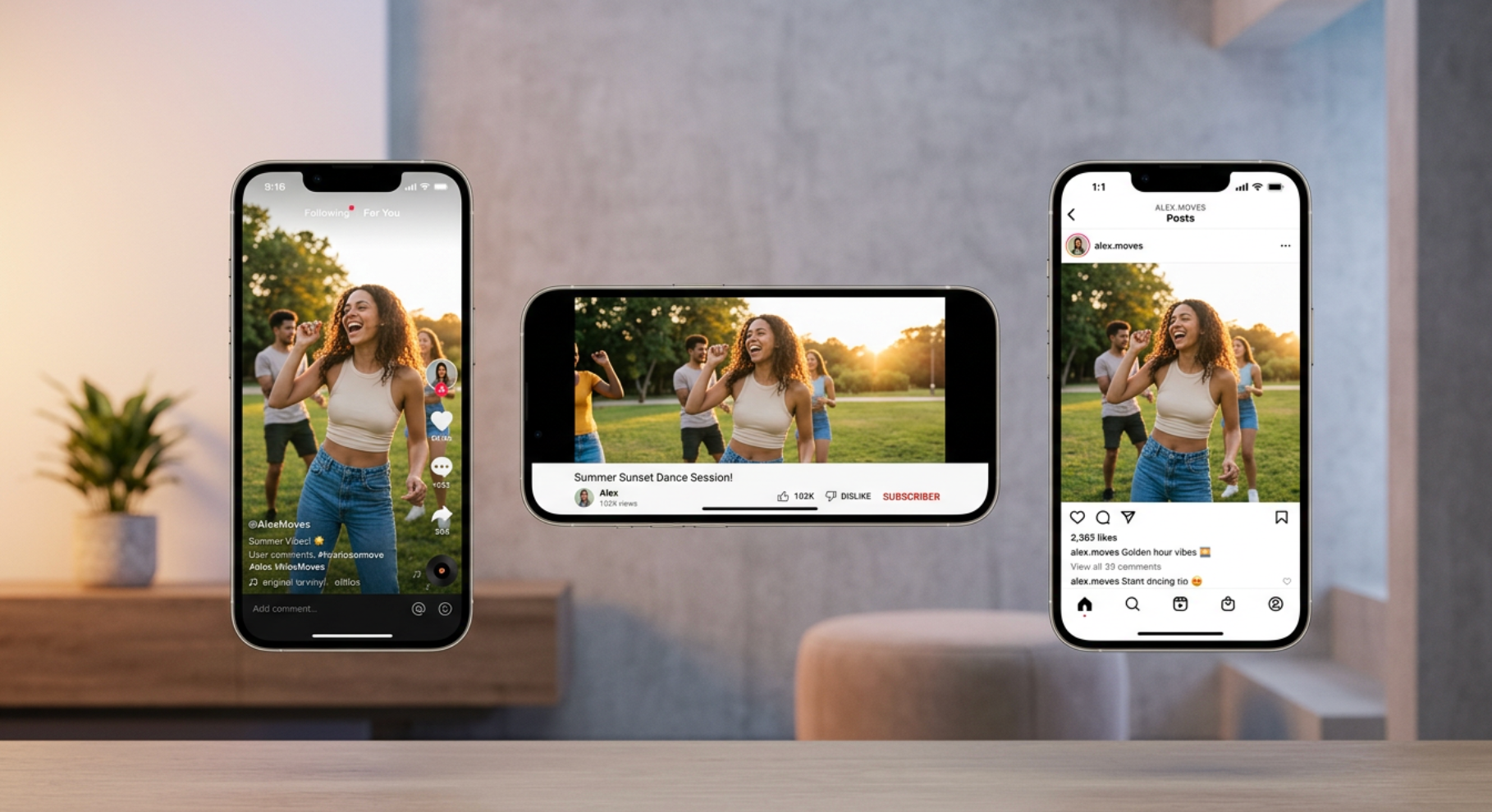
Use References for Consistent Results
Start with a product image, character portrait, concept art, or style frame when consistency matters. A reference image helps Hailuo AI preserve the subject, composition, and visual direction while adding motion.
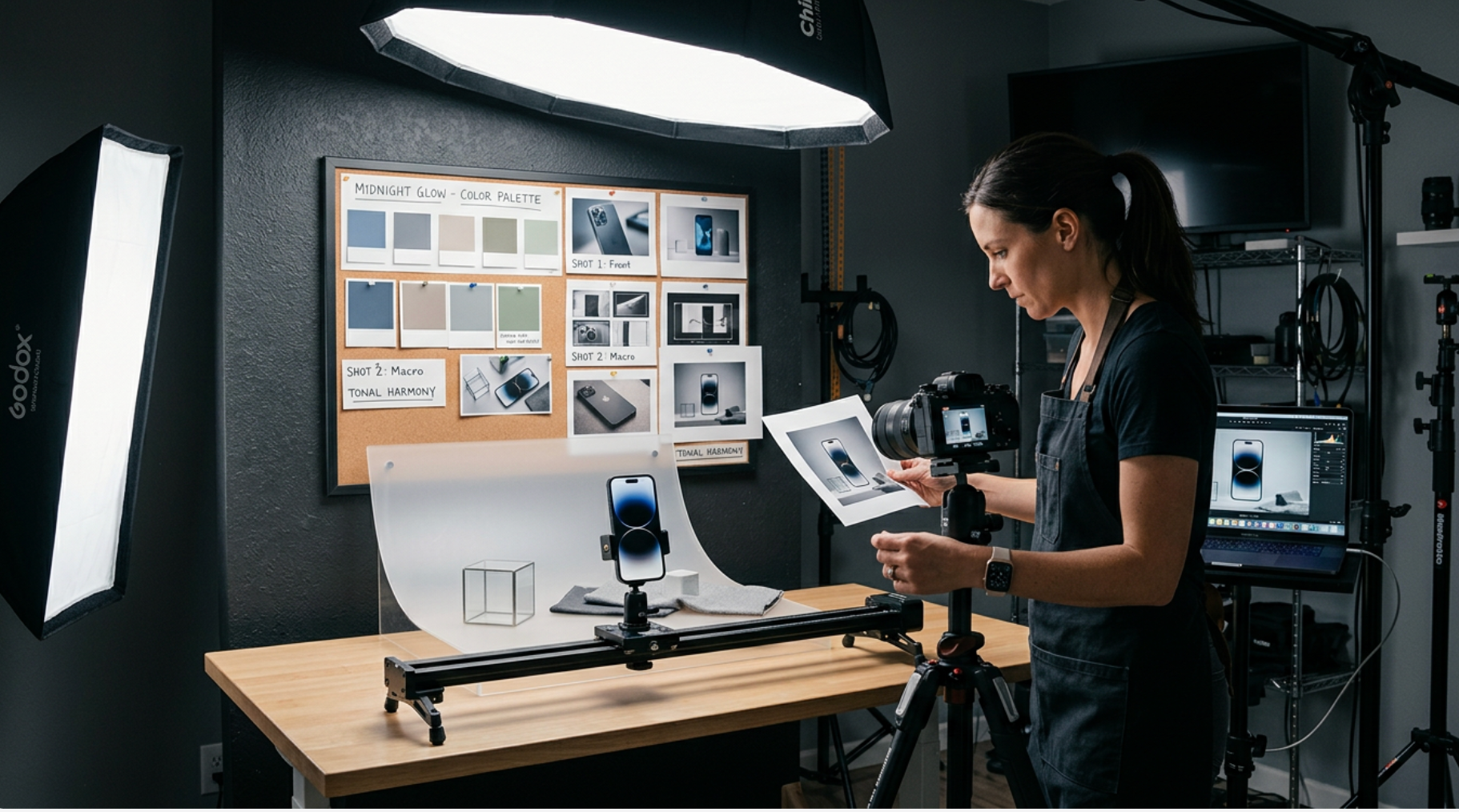
Choose Aspect Ratio and Video Format
Create vertical videos for TikTok, Reels, and Shorts, landscape clips for websites and YouTube, or square formats for feed posts and ad variations. Match the output to the channel before you generate.
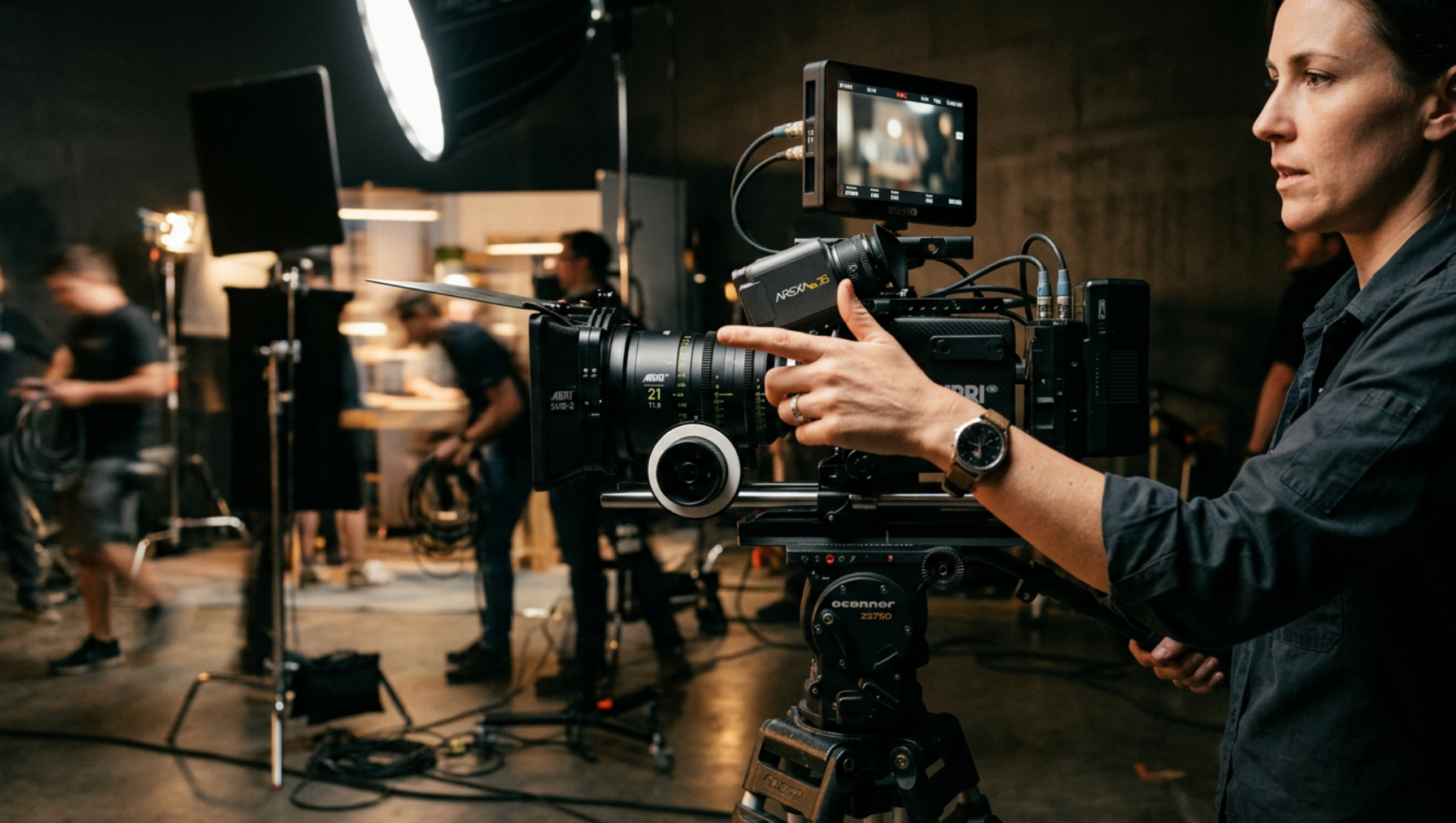
Refine Motion with Prompt Details
Guide visible action, speed, expression, lighting, and scene atmosphere. The more clearly you describe what should move and how the camera should behave, the more useful the generated video becomes.
Use Hailuo AI Across Creative Workflows
Hailuo AI supports quick experimentation as well as polished short-form production. Choose the workflow that matches your audience, channel, and creative goal.
Social Media Hooks and Short Clips
Create vertical clips for TikTok, Instagram Reels, YouTube Shorts, and paid social. Generate hooks, transitions, lifestyle motion, moving portraits, and cinematic B-roll that help content stand out.
Product and Ecommerce Videos
Animate product photos into short motion clips that show texture, lighting, scale, and atmosphere. Use Hailuo AI for landing page visuals, ad concepts, product launches, and social commerce.
Storyboards and Cinematic Scene Tests
Generate mood shots, character moments, action tests, and scene previews before production. Hailuo AI helps storytellers explore camera language, lighting, and pacing in motion.
Campaign Worlds and Motion Concepts
Turn art direction, style frames, and campaign ideas into motion studies. Test visual identity, background scenes, product environments, and short-video directions before investing in production.

How to Use Hailuo AI on Medeo
Start with a prompt or image, choose Hailuo AI, then generate and refine your video in Medeo.
Step 1
Write a Prompt or Upload an Image
Describe the subject, action, setting, mood, lighting, style, and camera movement. Upload a reference image when you already have a product, character, or visual direction to preserve.
Step 2
Choose Hailuo AI and Video Settings
Select Hailuo AI in Medeo, then choose the aspect ratio, duration, and quality settings that match your intended use.
Step 3
Generate and Review the Result
Create your first version and review motion, camera flow, subject consistency, lighting, and overall visual style.
Step 4
Refine, Compare, and Download
Adjust the prompt or compare with other models in Medeo. Download your favorite result when it is ready for sharing, review, or production.
How to Write Better Hailuo AI Prompts
The best Hailuo AI prompt reads like a short director's brief. Describe what moves, how the camera behaves, what the scene feels like, and what details must stay consistent.
Describe the Subject, Action, and Setting
Start with the main subject, visible action, environment, and mood. Instead of saying only "make a product video," describe the product, surface, lighting, background, and what should move in the scene.
Add Camera Movement and Shot Size
Use film language such as close-up, medium shot, wide shot, slow dolly in, tracking shot, orbit, handheld motion, or pullback. Camera direction helps the output feel more intentional.
Guide Motion and Physical Detail
Explain how people, objects, water, hair, fabric, light, or particles should move. Hailuo AI is most useful when the prompt gives clear action instead of only a static visual description.
Use References When Consistency Matters
Upload a product shot, portrait, concept frame, or artwork when the subject or style should remain recognizable. Then describe what motion, mood, and camera behavior should be added.
Hailuo AI Compared with Other AI Video Models
Different video models respond differently to motion, realism, style, camera instructions, and reference images. Compare them on the kind of videos you actually need to produce.
Hailuo AI vs Seedance
Use Hailuo AI when you want cinematic motion, expressive action, and strong short-scene generation. Compare Seedance when you need another high-quality interpretation of the same prompt or reference image.
Hailuo AI vs Veo
Compare Hailuo AI and Veo when your brief depends on camera direction, realism, and text/image-to-video workflows. Review motion quality, subject consistency, and the number of revisions needed.
Hailuo AI vs Kling
Test Hailuo AI and Kling with the same reference image when character or product consistency matters. Choose the model that best preserves the subject while adding useful motion.
Hailuo AI vs Sora
Use the same prompt and compare scene understanding, cinematic style, physical motion, and any audio or format needs. The best model depends on the exact creative brief and platform requirements.
Detailed Comparison Chart
Compare Hailuo AI with other video models using the same prompt, reference image, aspect ratio, and intended output. Specifications may vary by model version and product surface.
| Model | Developer | Supported Inputs | Strengths | Typical Use | Primary Access |
|---|---|---|---|---|---|
| Hailuo AI | MiniMax | Text prompts and reference images | Cinematic short videos, physical motion, camera control, expressive action | Product clips, social videos, moving portraits, story scenes | Hailuo products, MiniMax API, and supported platforms such as Medeo |
| Seedance | ByteDance | Text and image workflows depending on model/version | High-quality video generation, dynamic motion, broad creative range | Creative tests, social videos, polished short clips | Supported platforms such as Medeo |
| Veo | Google DeepMind | Text and image workflows depending on product access | Cinematic realism, visual quality, prompt interpretation | Film-style scenes, realistic video concepts, ad visuals | Google products and supported platforms such as Medeo |
| Kling | Kuaishou | Text and image workflows depending on model/version | Character consistency, style variety, image-to-video workflows | Character scenes, product motion, stylized clips | Kling products and supported platforms such as Medeo |
Try Hailuo AI with Free Trial Credits
Turn your next prompt or image into a short cinematic video, compare model outputs, and refine the best result inside Medeo. New users receive free trial credits after signing up. Ongoing generation uses Medeo credits based on the current product plan.
Frequently Asked Questions About Hailuo AI
These answers cover what Hailuo AI is, how to use it in Medeo, and when to choose it for text-to-video or image-to-video projects.
See Why Creators Choose Medeo
Creators use Medeo to move beyond isolated generations and shape images, scenes, sound, and motion inside one connected creative process.
"Hailuo AI in Medeo helps us turn product stills into motion concepts before we commit to a full campaign shoot."
Emily Parker
Marketing Designer
"The prompt workflow makes it easier to test camera movement and action ideas quickly."
Daniel Foster
Creative Director
"We use Medeo to compare Hailuo with other video models and choose the strongest motion for each brief."
Sophia Kim
Content Strategist
"Hailuo AI in Medeo helps us turn product stills into motion concepts before we commit to a full campaign shoot."
Emily Parker
Marketing Designer
"The prompt workflow makes it easier to test camera movement and action ideas quickly."
Daniel Foster
Creative Director
"We use Medeo to compare Hailuo with other video models and choose the strongest motion for each brief."
Sophia Kim
Content Strategist
"Hailuo AI is useful for moving portraits, product clips, and short social scenes that need cinematic energy."
Ryan Mitchell
Product Marketer
"Medeo gives our team one place to generate, refine, and continue building video ideas."
Olivia Bennett
Brand Strategist
"The model comparison workflow helps us pick the best output instead of guessing which engine will fit the scene."
Michael Chen
Digital Producer
"Hailuo AI is useful for moving portraits, product clips, and short social scenes that need cinematic energy."
Ryan Mitchell
Product Marketer
"Medeo gives our team one place to generate, refine, and continue building video ideas."
Olivia Bennett
Brand Strategist
"The model comparison workflow helps us pick the best output instead of guessing which engine will fit the scene."
Michael Chen
Digital Producer
Explore More AI Video Models and Creative Tools
Different briefs benefit from different video engines. Explore more models inside Medeo, compare their strengths, and choose the workflow that best supports your next production step.
Learn More About AI Video Generation
Build a stronger workflow with practical guides for prompting, model selection, image-to-video workflows, product videos, and social-ready short clips.
7 Best Idea to Video AI Tools in 2026 (Tested & Compared)
Compare the 7 best idea to video AI tools in 2026 — tested across output quality, format coverage, and ease of use. Find the right tool for your content workflow.
TIAN YUAN · Apr 29, 2026 · 13 min read
7 Best AI Love Story Video Generators in 2026 (Tested & Compared)
Discover the 7 best AI love story video generators in 2026 — tested and compared. From cinematic narratives to anniversary films, find the right tool for every romantic occasion.
TIAN YUAN · Apr 29, 2026 · 13 min read
Best Short Drama Video Tools in 2026
Compare the best short drama video tools for creating cinematic micro-dramas, emotional story clips, serialized TikTok dramas, Reels, and YouTube Shorts with AI.
TIAN YUAN · May 7, 2026 · 16 min read