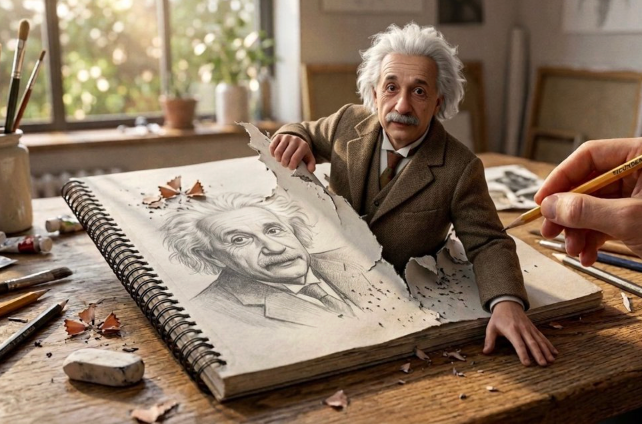
Midjourney AI Image Generator: Create Stunning Images Online
Use Midjourney in Medeo to turn prompts and reference images into cinematic AI art, product visuals, portraits, characters, posters, moodboards, and social graphics. Start with a simple idea, guide the style, and refine your best image into a usable creative asset.


What Is Midjourney?
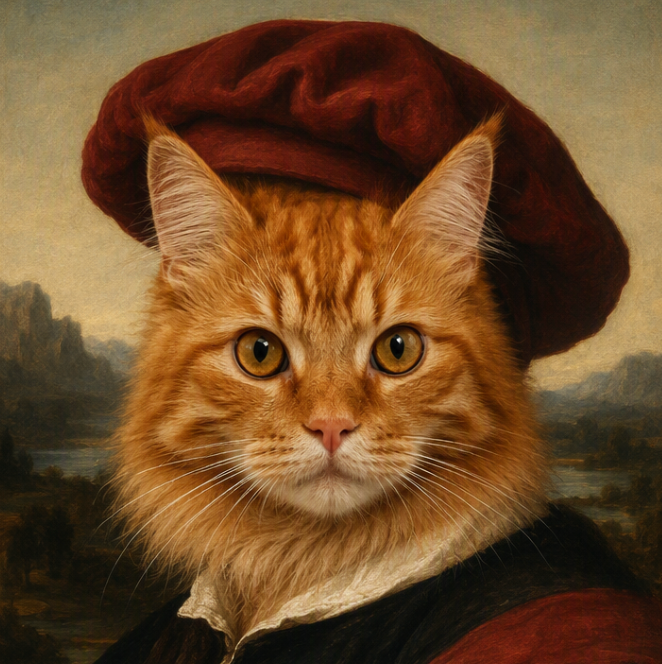
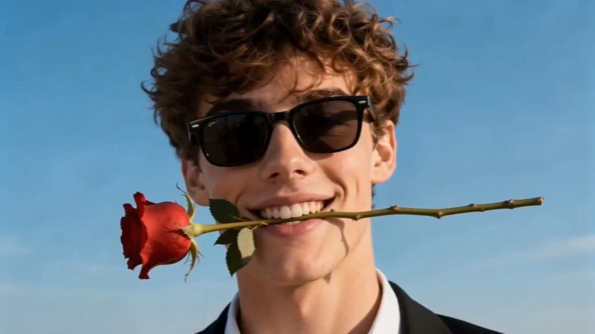
Midjourney is an AI image generation model known for highly creative, polished, and visually expressive images. It is especially popular for AI art, cinematic portraits, concept art, product visuals, fantasy scenes, editorial images, and style exploration.
What the Midjourney Model Can Create
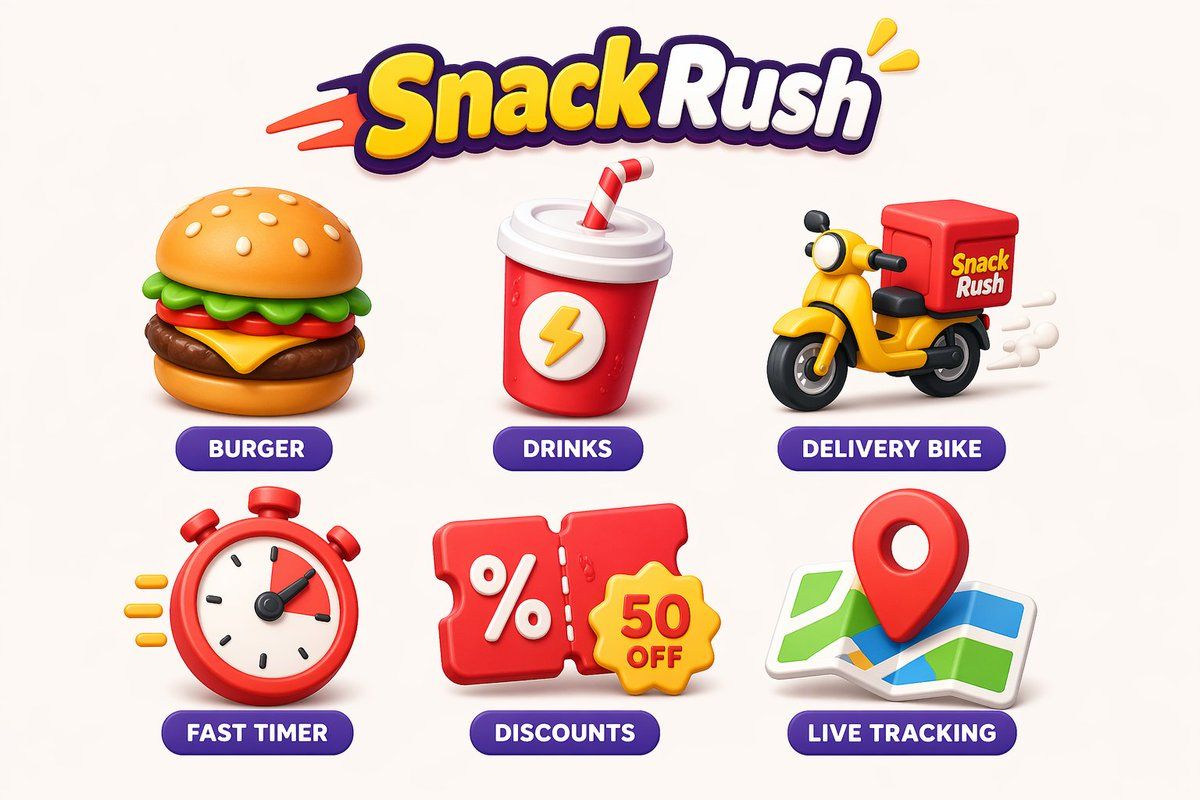
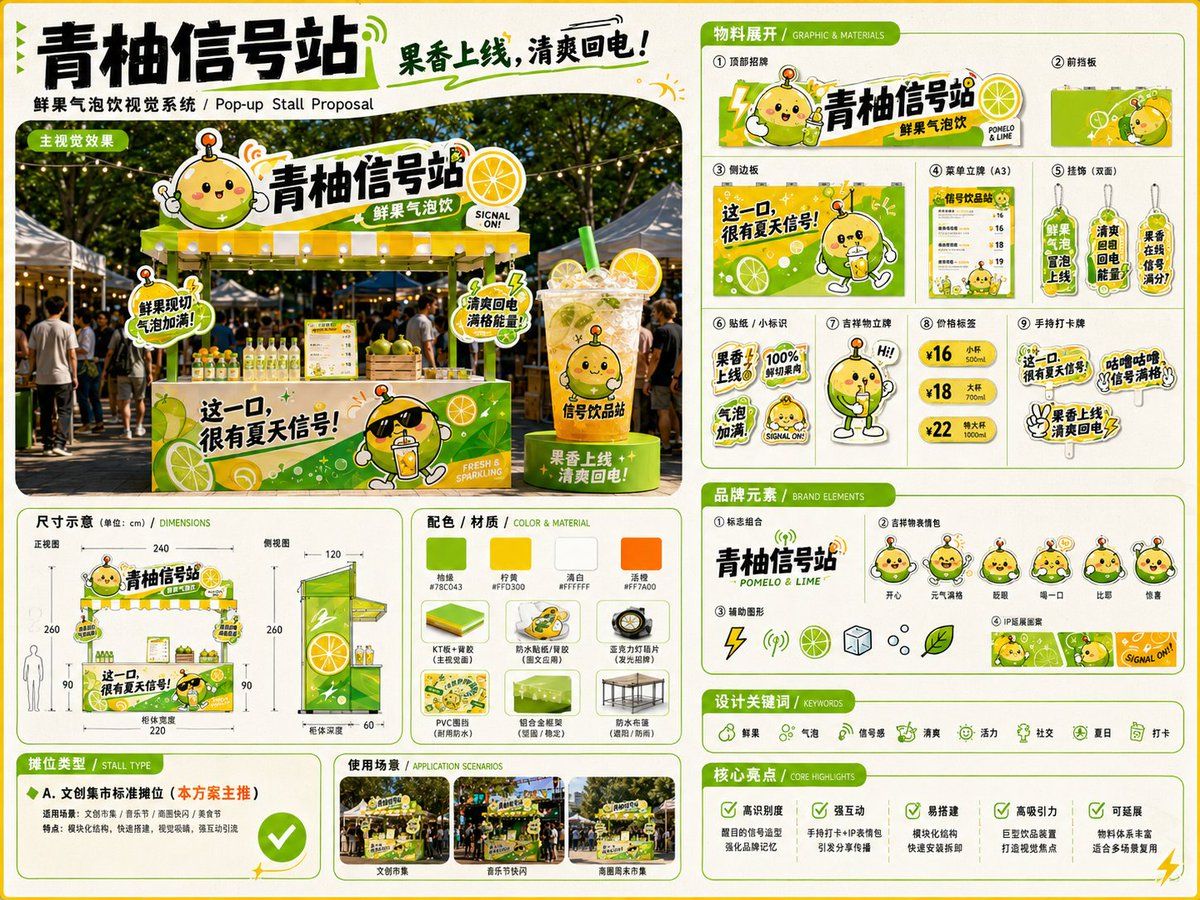
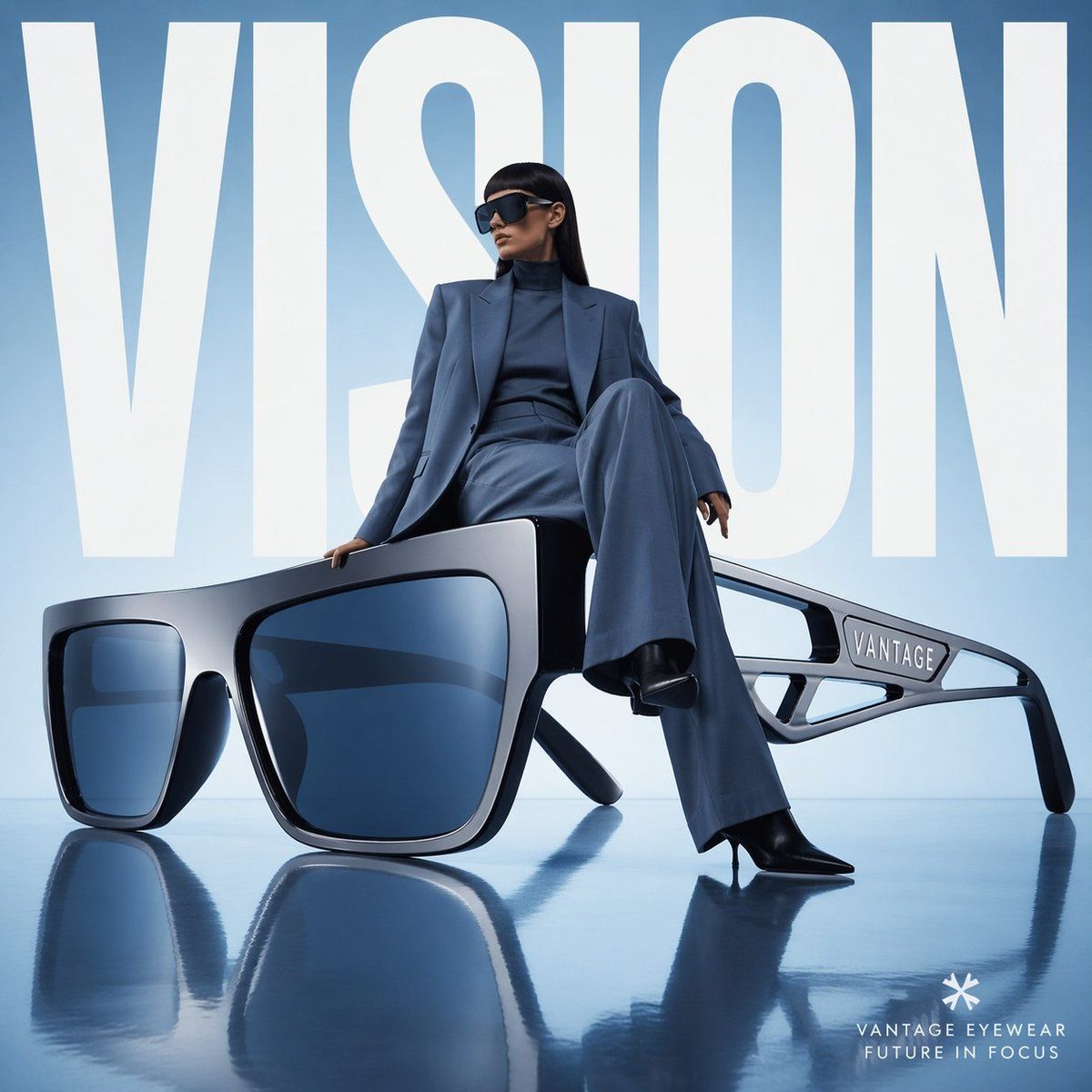
Use Midjourney for cinematic images, fantasy art, product photography concepts, character designs, game assets, architecture visuals, fashion editorials, social graphics, posters, moodboards, and visual experiments. In Medeo, you can start from a prompt or reference image, compare results, and continue into image editing or image-to-video workflows.
Midjourney Image Generation for Real Search Intent
People searching for Midjourney usually want to generate images online, find an easier workflow, learn better prompts, or compare Midjourney with other image models. This page is built around those needs.
Generate Images Online
Searches like Midjourney AI image generator and Midjourney image generator online show direct creation intent. The page should make it clear that users can start from a prompt and generate visual results without reading a long tutorial first.
Create Without a Complicated Setup
Many users look for free Midjourney generator, Midjourney online, or Midjourney without Discord because they want a simpler path. Medeo positions the model inside a browser-based creative workspace with trial credits and multi-model access.
Learn Prompts and References
Midjourney prompt searches are high-intent because users want copyable examples and clearer control. Sections on prompt formula, style reference, image prompts, and character reference help satisfy that research intent.
Compare Image Models
Users also search for Midjourney alternatives and model comparisons. The page should explain when Midjourney is a good choice and when models like Nano Banana Pro, GPT Image 2, Seedream 5.0, or Stable Diffusion may fit better.
Create Images with Midjourney in Medeo
Move from a rough idea to a strong visual direction without jumping between separate tools. Medeo gives you a prompt-first place to generate, compare, edit, and repurpose Midjourney-style images.
Generate Images from Text Prompts
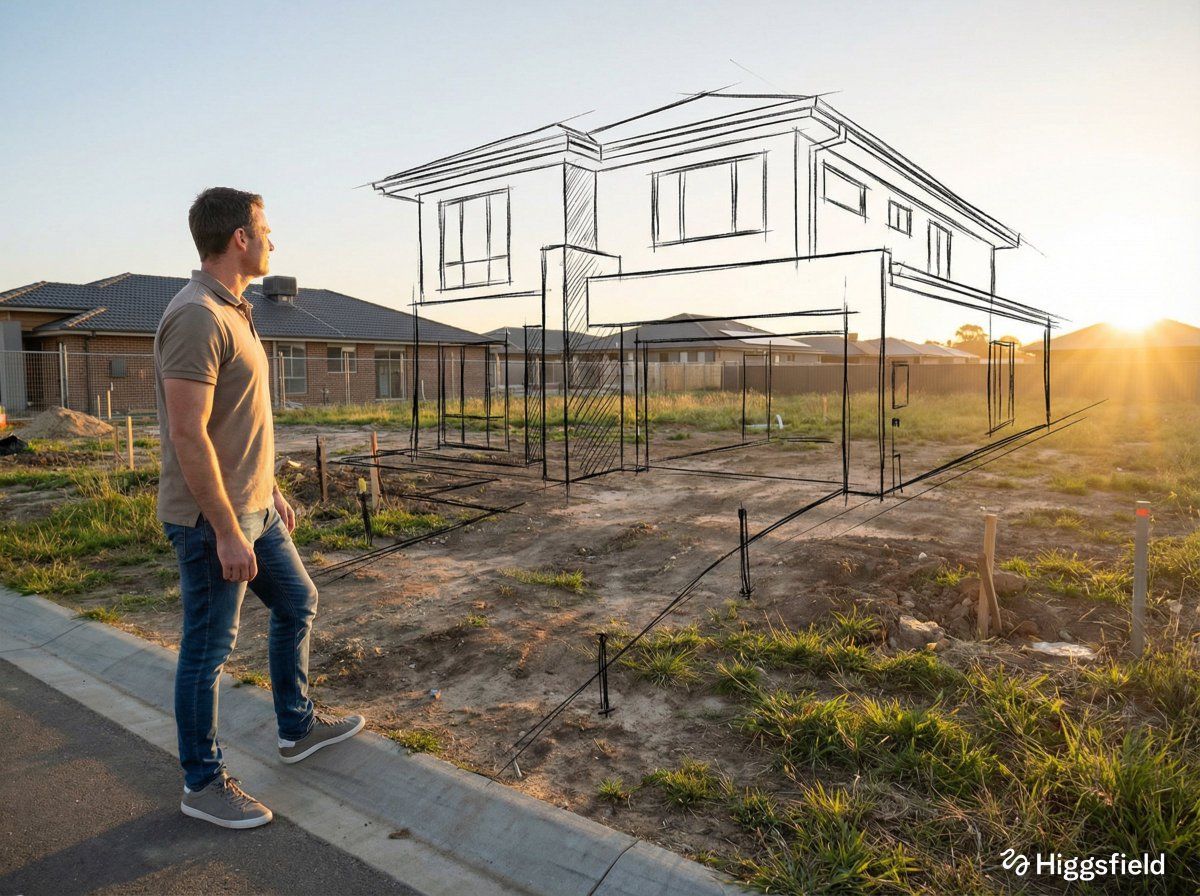
Describe the subject, style, mood, camera angle, lighting, composition, color palette, and level of detail you want. Midjourney is especially strong when you need a visually rich result with strong atmosphere, art direction, and creative interpretation.
Guide Results with Image Prompts
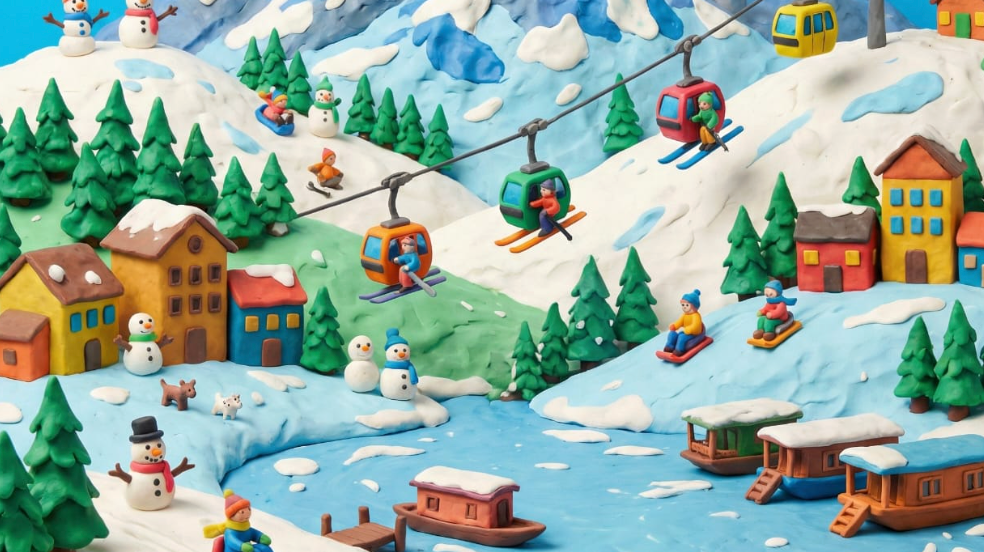
Use a reference image when words alone are not enough. Image prompts can guide composition, subject, color, mood, or structure, while your text prompt explains what should change and what should remain part of the creative direction.
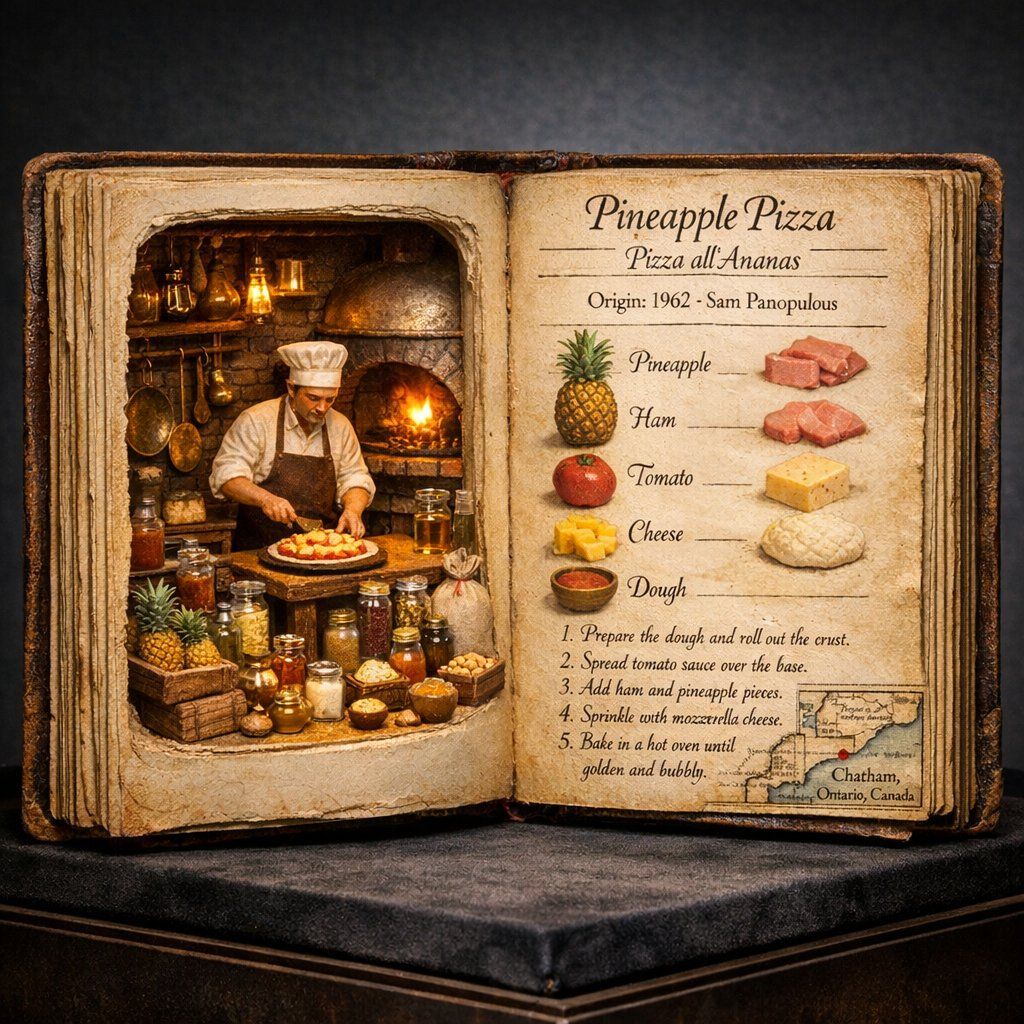
Match a Visual Style with References
Style references help carry a specific look across new generations. Use them for campaign moodboards, consistent illustration styles, fashion editorials, product scenes, game environments, and visual systems that need a shared aesthetic.
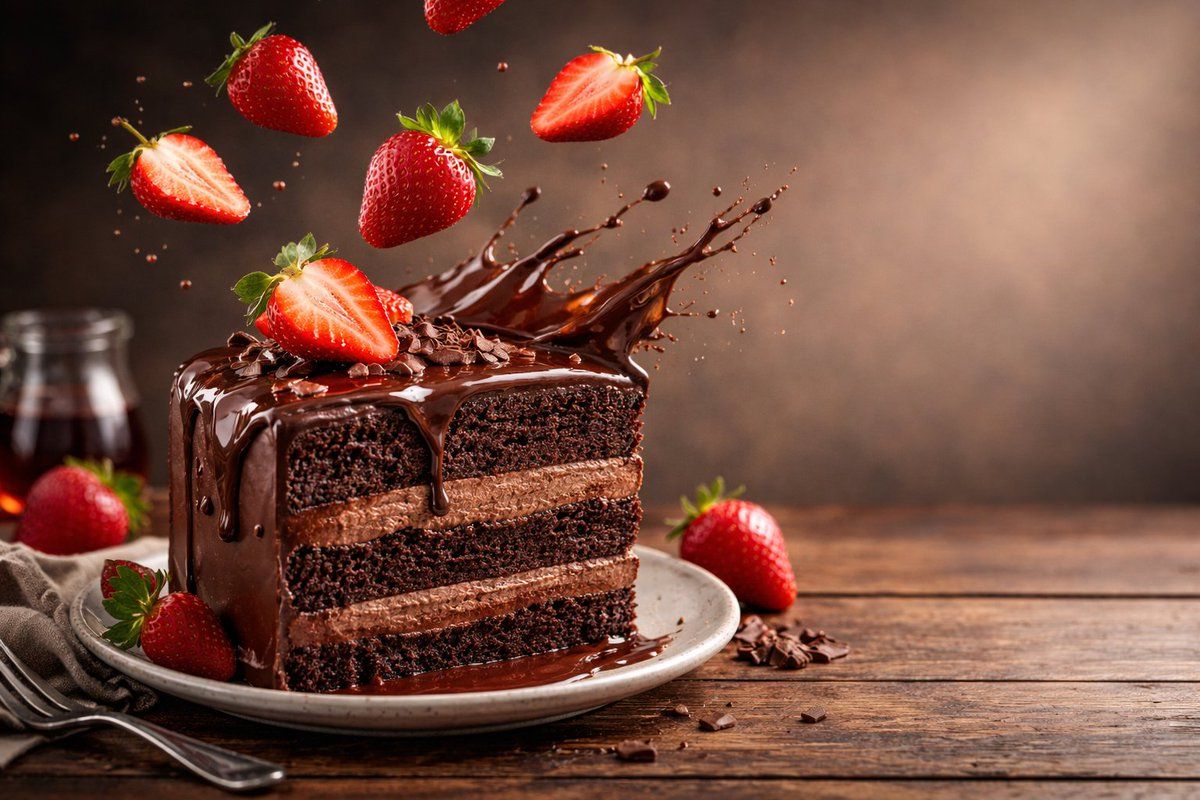
Refine Images and Keep Creating
Treat the first generation as a creative draft. Create variations, adjust the prompt, test another model, edit the result, upscale important details, or use the finished image as a starting frame for image-to-video generation in Medeo.
Bring More Control to Midjourney Image Creation
Midjourney is loved for artistic output, but strong results still need direction. Use prompts, references, aspect ratio, stylization, raw mode, variation, and editing choices to shape the final image.
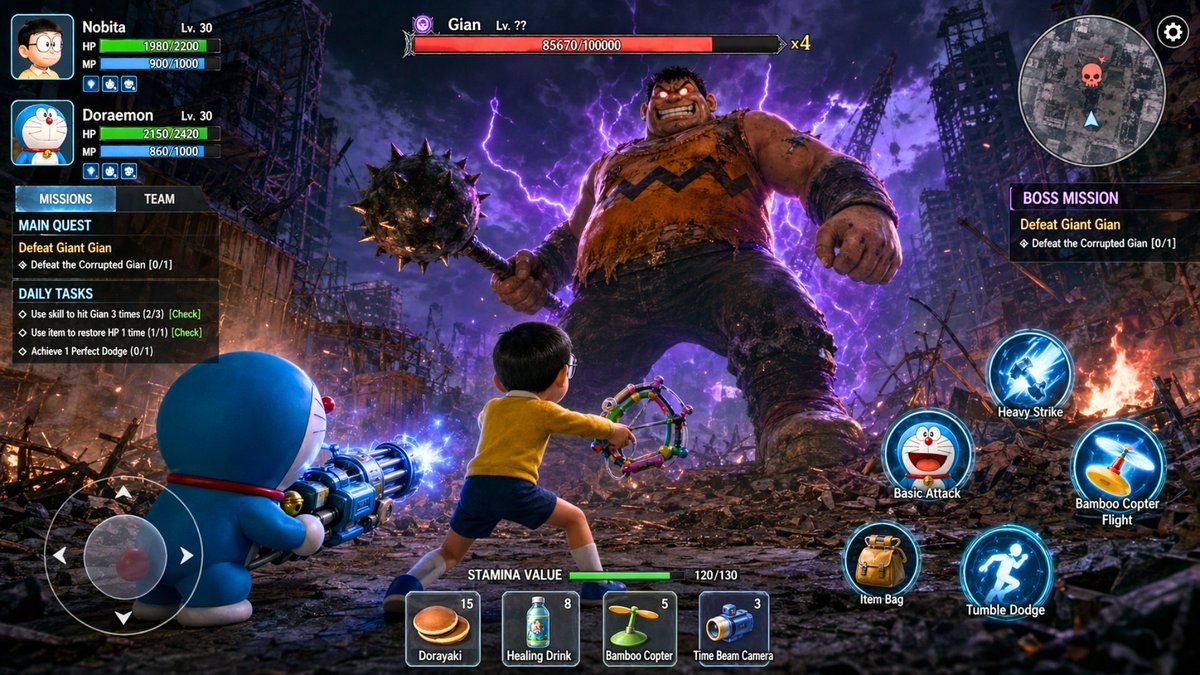
Control Style, Mood, and Composition
Prompt for a specific visual treatment instead of only naming a subject. Add camera language, art style, lighting, color, framing, texture, lens feel, and emotional tone so Midjourney has enough creative direction to produce a usable result.
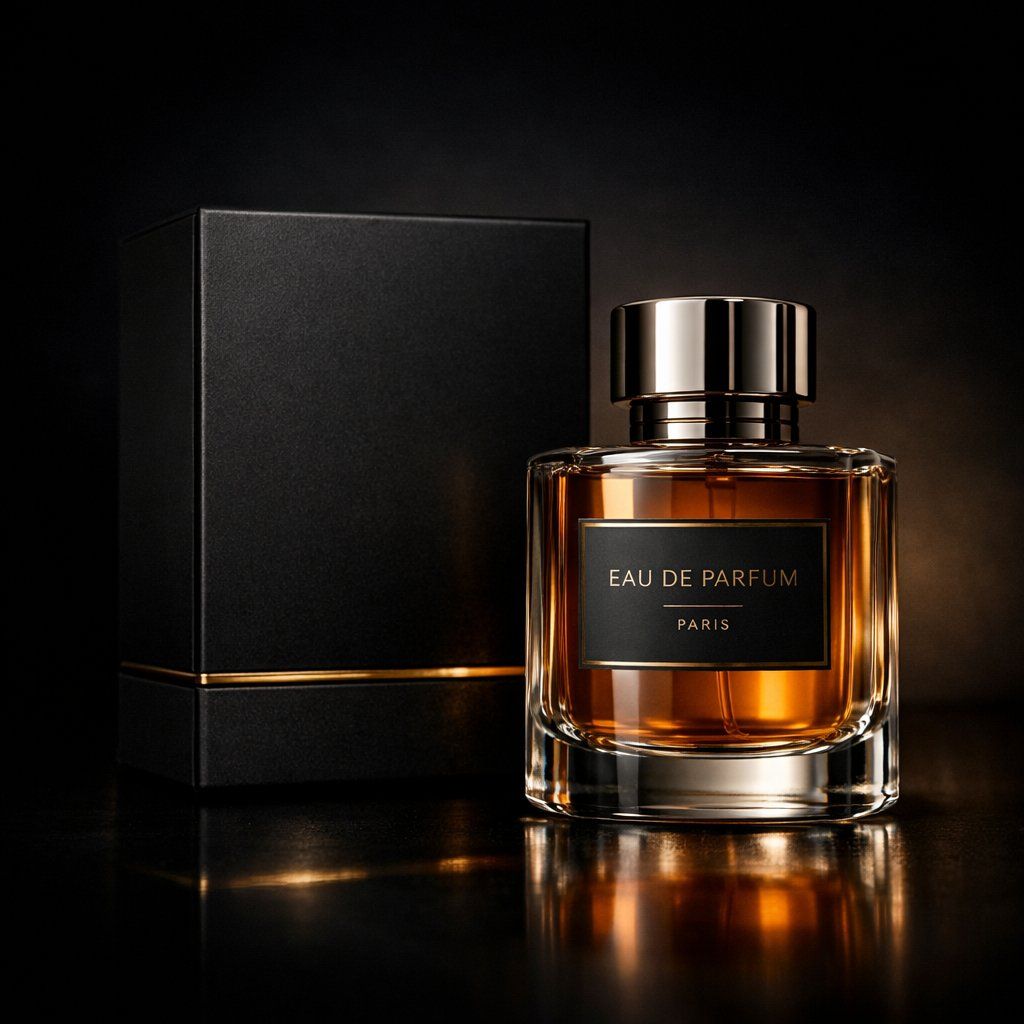
Use Modern Midjourney Model Settings
Midjourney's newer web experience includes model settings, aspect ratio controls, raw mode, stylization, weirdness, variety, and HD image options depending on the selected version. These controls help balance creativity, prompt accuracy, and detail.
Preserve Characters and Objects
Use character or object references when a person, product, vehicle, mascot, or prop should remain recognizable across images. This is useful for storyboards, campaign characters, product concepts, branded scenes, and game assets.
Create Variations and Edit Details
A strong Midjourney workflow usually involves comparison. Generate multiple directions, keep the most promising image, then refine with variations, editor-style adjustments, inpainting, outpainting, pan, zoom, or a new prompt based on the winning result.
Use Midjourney Across Creative Workflows
Midjourney fits image-first creative work where visual quality, style exploration, mood, and art direction matter. Use it for early ideation as well as polished creative assets.
AI Art and Concept Design
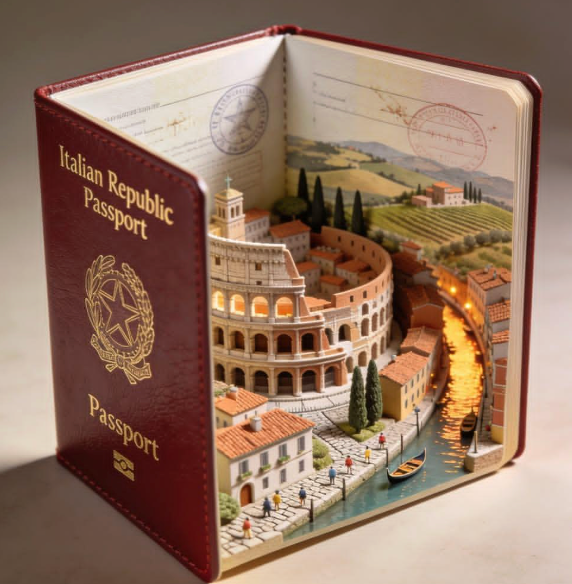
Create expressive illustrations, cinematic worlds, fantasy scenes, sci-fi environments, surreal concepts, and mood-rich artwork. Midjourney is a strong fit when the goal is to explore striking visual directions quickly.
Product Photography and Ads
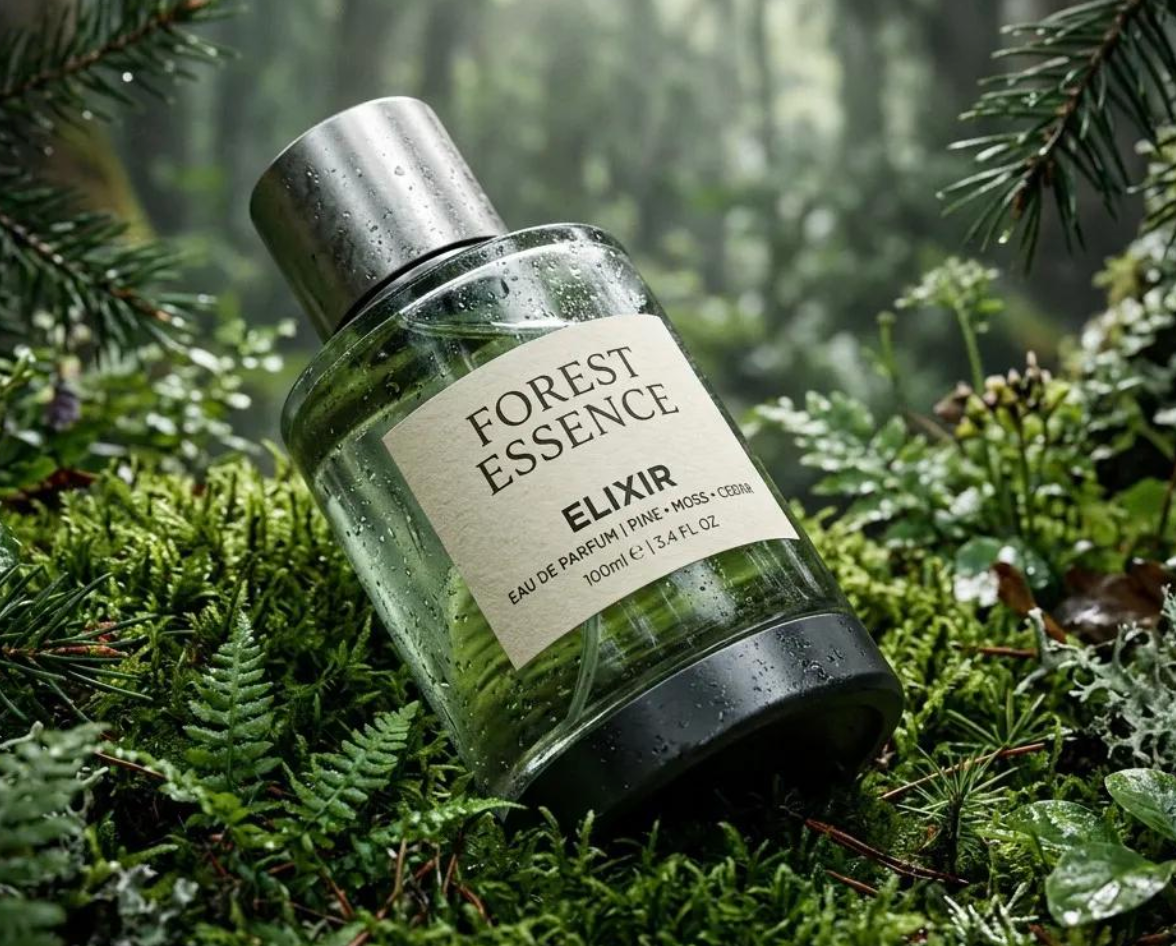
Generate product concepts, luxury shots, lifestyle scenes, packaging ideas, ecommerce visuals, and campaign moodboards. Add camera, lens, lighting, material, and background details to make the image feel like a directed photoshoot.
Characters, Avatars, and Game Assets
Design characters, avatars, creatures, props, costumes, vehicles, environments, and game-world concepts. Use references and consistency instructions when the character or object needs to appear across multiple images.
Posters, Covers, and Social Graphics
Create thumbnails, album covers, editorial visuals, poster concepts, social media images, and campaign graphics. For text-heavy designs, keep copy short and compare Midjourney with text-strong models when exact typography is critical.
How to Use Midjourney on Medeo
Start with a prompt, guide the style with references when needed, generate several directions, then refine the strongest image into a usable asset.
Step 1
Enter Your Image Prompt
Describe the subject, scene, style, mood, lighting, camera angle, composition, and intended use. A clear creative brief gives Midjourney more useful direction than a short keyword list.
Step 2
Add References or Style Direction
Upload a reference image when you want to guide the look, composition, character, product, or visual style. Explain what should be preserved and what should change.
Step 3
Generate and Compare Variations
Create several options and compare composition, detail, style, prompt accuracy, and usefulness for your project. Keep the best direction rather than settling for the first result.
Step 4
Refine, Download, or Continue to Video
Edit or regenerate details, download the finished image, or use it as a starting point for image-to-video generation, ads, social content, pitch decks, or design exploration.
How to Write Better Midjourney Prompts
A good Midjourney prompt describes the image as a finished visual. Add subject, setting, composition, lighting, medium, mood, style, and reference intent.
Start with the Subject and Use Case
Tell Midjourney what the image is for: product ad, cinematic portrait, game character, poster, album cover, architecture concept, editorial fashion image, or social graphic. Use case helps shape composition and detail.
Add Camera, Lighting, and Composition
Use phrases like close-up portrait, 35mm lens, shallow depth of field, studio rim light, centered product shot, low-angle architecture view, symmetrical composition, or dramatic negative space.
Use Style References Deliberately
When a specific look matters, use a style reference and describe what it should influence: color palette, texture, illustration treatment, mood, brushwork, lighting, or design language.
Keep Text Requirements Simple
Midjourney is strongest for visual style and artistic composition. If exact typography matters, keep text short, check spelling carefully, or compare with models that are stronger for text-heavy design.
Midjourney Prompt Examples
Copy these examples into Medeo as starting points, then adjust the subject, style, aspect ratio, camera language, and reference images for your own project.
| Use Case | Prompt Example |
|---|---|
| Cinematic Portrait | A cinematic close-up portrait of a young creative director standing under neon rain, natural skin texture, soft rim light, reflective street background, emotional expression, shallow depth of field, editorial photography, ultra-detailed. |
| Product Visual | A luxury perfume bottle on wet black stone, soft golden backlight, realistic reflections, premium advertising photography, elegant centered composition, visible glass texture, high-detail product shot, dark cinematic background. |
| Character Design | A heroic sci-fi explorer wearing layered desert armor, expressive face, detailed fabric and metal textures, warm alien sunset, cinematic concept art, full-body character design, high detail, dramatic atmosphere. |
| Architecture Concept | A minimalist glass house built into a rocky coastline, wide-angle architectural photography, ocean mist, soft morning light, warm interior glow, clean geometry, realistic materials, editorial design magazine style. |
| Social Graphic | A bold surreal image for a music launch campaign, floating chrome headphones above a glowing city street, electric blue and magenta lighting, dynamic diagonal composition, high-energy editorial poster style, no text. |
Midjourney Compared with Other AI Image Models
Midjourney is often chosen for visual beauty and creative exploration. Compare it with other models when your brief needs stricter text rendering, reference fidelity, structured editing, or commercial asset control.
Midjourney vs Nano Banana Pro
Use Midjourney when you want expressive art direction, cinematic style, and visual surprise. Compare Nano Banana Pro when you need stronger reference fidelity, structured image reasoning, product consistency, or detailed edits across related images.
Midjourney vs GPT Image 2
Midjourney is strong for polished visuals and artistic exploration. GPT Image 2 may be a better fit for conversational editing, text-heavy layouts, and precise natural-language revisions. Test both when campaign usability matters.
Midjourney vs Seedream 5.0
Seedream 5.0 is useful for prompt-heavy image generation, layout reasoning, and context-aware image creation. Midjourney is better when the priority is aesthetic range, mood, dramatic composition, and stylized image quality.
Midjourney vs Stable Diffusion
Stable Diffusion is attractive for local workflows, custom models, and technical control. Midjourney is easier for creators who want polished images quickly without managing checkpoints, samplers, LoRAs, or local GPU setup.
Detailed Comparison Chart
Compare Midjourney with other AI image models using the same prompt, reference image, aspect ratio, text requirements, and intended output.
| Model | Developer | Supported Inputs | Editing and References | Best For | Primary Access |
|---|---|---|---|---|---|
| Midjourney | Midjourney | Text prompts, image prompts, style references, and Omni Reference depending on version | Variations, editor, inpainting, outpainting, pan, zoom, style references, image prompts | AI art, cinematic images, concept art, product visuals, portraits, stylized creative direction | Midjourney website, Discord, and supported platforms such as Medeo |
| Nano Banana Pro | Google DeepMind | Text and multiple image references | Generation, editing, composition, and reference transformations | Detailed visual reasoning, reference fidelity, structured image creation | Gemini products, Google Cloud, and supported platforms such as Medeo |
| GPT Image 2 | OpenAI | Text and image inputs | Conversational generation, editing, and reference-guided creation | Marketing visuals, text-heavy layouts, illustrations, iterative editing | OpenAI-supported surfaces and supported platforms such as Medeo |
| Seedream 5.0 | ByteDance Seed | Text and image references | Image generation, reference-guided creation, image editing, context-aware prompts | Posters, product visuals, social graphics, prompt-heavy layouts | ByteDance-supported surfaces and supported platforms such as Medeo |
Frequently Asked Questions About Midjourney
These answers cover common questions about Midjourney image generation, prompts, references, editing, online access, commercial use, and how it fits into Medeo.
See Why Creators Choose Medeo
Creators use Medeo to compare image models, refine prompt ideas, and connect still-image generation with broader editing and video workflows.
"Midjourney is my go-to for visual exploration. Medeo helps me compare it with other models and keep the best outputs moving into edits or video."
Emily Parker
Creative Designer
"For campaign moodboards, Midjourney gives us strong art direction fast. Medeo makes it easier to test variations and organize the best visual routes."
Daniel Foster
Creative Director
"Midjourney is my go-to for visual exploration. Medeo helps me compare it with other models and keep the best outputs moving into edits or video."
Emily Parker
Creative Designer
"For campaign moodboards, Midjourney gives us strong art direction fast. Medeo makes it easier to test variations and organize the best visual routes."
Daniel Foster
Creative Director
"I use Midjourney for product concepts when we need a high-impact look quickly. The ability to continue into image-to-video is a real workflow advantage."
Sophia Kim
Ecommerce Manager
"Medeo keeps the process practical. I can prompt, compare models, refine images, and move the strongest frame into a video concept."
Ryan Mitchell
AI Filmmaker
"I use Midjourney for product concepts when we need a high-impact look quickly. The ability to continue into image-to-video is a real workflow advantage."
Sophia Kim
Ecommerce Manager
"Medeo keeps the process practical. I can prompt, compare models, refine images, and move the strongest frame into a video concept."
Ryan Mitchell
AI Filmmaker
Explore More AI Image Models and Creative Tools
Different visual briefs benefit from different models. Compare Midjourney with other image and video tools in Medeo, then choose the best route for your creative direction.


Learn More About AI Image Creation
Build a stronger image workflow with guides for prompting, model selection, style references, image editing, and turning still visuals into motion.