AI Text to Video Generator: Turn Ideas, Prompts, and Scripts into Videos
Create stunning videos from text prompts, ideas, and scripts using Medeo's AI text to video generator. Instead of learning complex editing software, simply chat with AI to generate scenes, customize styles, add voiceovers, music, captions, and refine every detail. From short-form social content to professional marketing videos, Medeo helps you turn imagination into video faster than ever.
Powerful Text to Video AI Models, All-in-One


Create Videos from Text in Minutes
Simply describe what you want to create, and Medeo can generate complete videos with visuals, motion, sound, and narration—all from natural language.
Generate Videos from Simple Text Prompts
Start with a single sentence and watch it become a dynamic video. Describe a scene, concept, or idea, and Medeo will generate visuals, camera movement, and storytelling automatically.
Turn Full Scripts into Complete Videos
Have a detailed script ready? Medeo can transform it into a complete video with scene generation, pacing, transitions, and visual storytelling, helping you move from script to video faster than ever.
Create Videos with AI Voiceovers, Music, and Captions
Generate more than just visuals. Add AI voiceovers, background music, sound effects, and captions to create polished videos ready for social media, marketing, education, or business use.
No Editing Skills Required
Skip complicated interface and editing software. Simply chat with Medeo to create, refine, and customize videos using natural language—no professional video editing experience needed.
Everything You Need in an AI Text to Video Generator
Medeo goes beyond basic text-to-video generation. Create consistent characters, customize scenes, switch visual styles, and refine every detail through simple conversations. Whether you're producing short-form content, marketing campaigns, or storytelling videos, Medeo gives you the creative control needed to turn ideas into polished videos.
Generate Consistent Scenes and Characters
Keep characters, visual details, and storytelling elements consistent across multiple scenes. Medeo helps maintain continuity throughout your video, making it easier to create professional-looking narratives, branded content, and character-driven projects.
| Input Text | Output Video |
|---|---|
| 15s cinematic rainforest travel vlog. Beautiful blonde female traveler in a light gray tank top and khaki hiking shorts (same outfit throughout). Handheld selfie/action-cam style, fast cuts, vibrant colors, natural lighting. Starts with a close-up whisper: “I found a hidden world deep in the rainforest...” then energetic indie rock begins. She explores jungle trails, meets local villagers, spots a gorilla, follows guides through dense rainforest, shares moments around a campfire, tastes local food, and ends with a smiling selfie surrounded by towering vegetation. Authentic travel-adventure energy, rainforest ambience. |
Edit Videos Using Natural Language
No layers or complicated editing tools. Simply tell Medeo what you'd like to change—adjust scenes, modify objects, rewrite visuals, or refine motion—and the AI updates your video through natural language instructions.
| Input Text | Output Video |
|---|---|
| 15s hyper-realistic neo-noir thriller. Rain-soaked Asian city at night, neon reflections, red lanterns, cold blue and amber lighting, anamorphic lens flare. A detective in a dark trench coat enters a narrow alley. The camera descends from the skyline, follows him through puddles, then snaps into a tense handheld chase as a shadowy figure appears ahead. Low-angle shots capture water splashing beneath his boots. He suddenly stops. Slow push-in on his rain-covered face as a mysterious figure stands blurred at the alley's dead end. IMAX-grade rain, cinematic tension, film grain, 4K, no text or watermark. Audio: heavy rain, footsteps, distant sirens, accelerating breathing, suspenseful drone. |
Choose Different Visual Styles Instantly
Transform your video into different artistic styles with a simple prompt. Create cinematic, anime, realistic, illustration, 3D, or stylized visuals without starting over, allowing you to explore creative directions in seconds.
| Input Text | Output Video |
|---|---|
| Create a high-energy anime opening (60–90s) with Japanese rock vocals starting within 3s. Maintain consistent character designs across all scenes. Structure: 1) micro-to-macro world reveal + title drop, 2) character introductions with cinematic compositions, 3) tension build-up using montages, silhouettes and symbolic imagery, 4) action climax with parallax motion, sakuga cuts, powers and dynamic camera movement, 5) calm resolution with wide shots and credits. Modern anime style, vibrant colors, cinematic lighting, fast editing, strong depth, dramatic camera work, music-synced cuts. |
AI Video Generator from Text for Every Use Case
From marketing campaigns to creative storytelling, Medeo helps you turn text prompts and scripts into engaging videos for any audience. Create professional-quality content faster, experiment with new ideas, and produce videos tailored to your goals—all without traditional video production workflows.
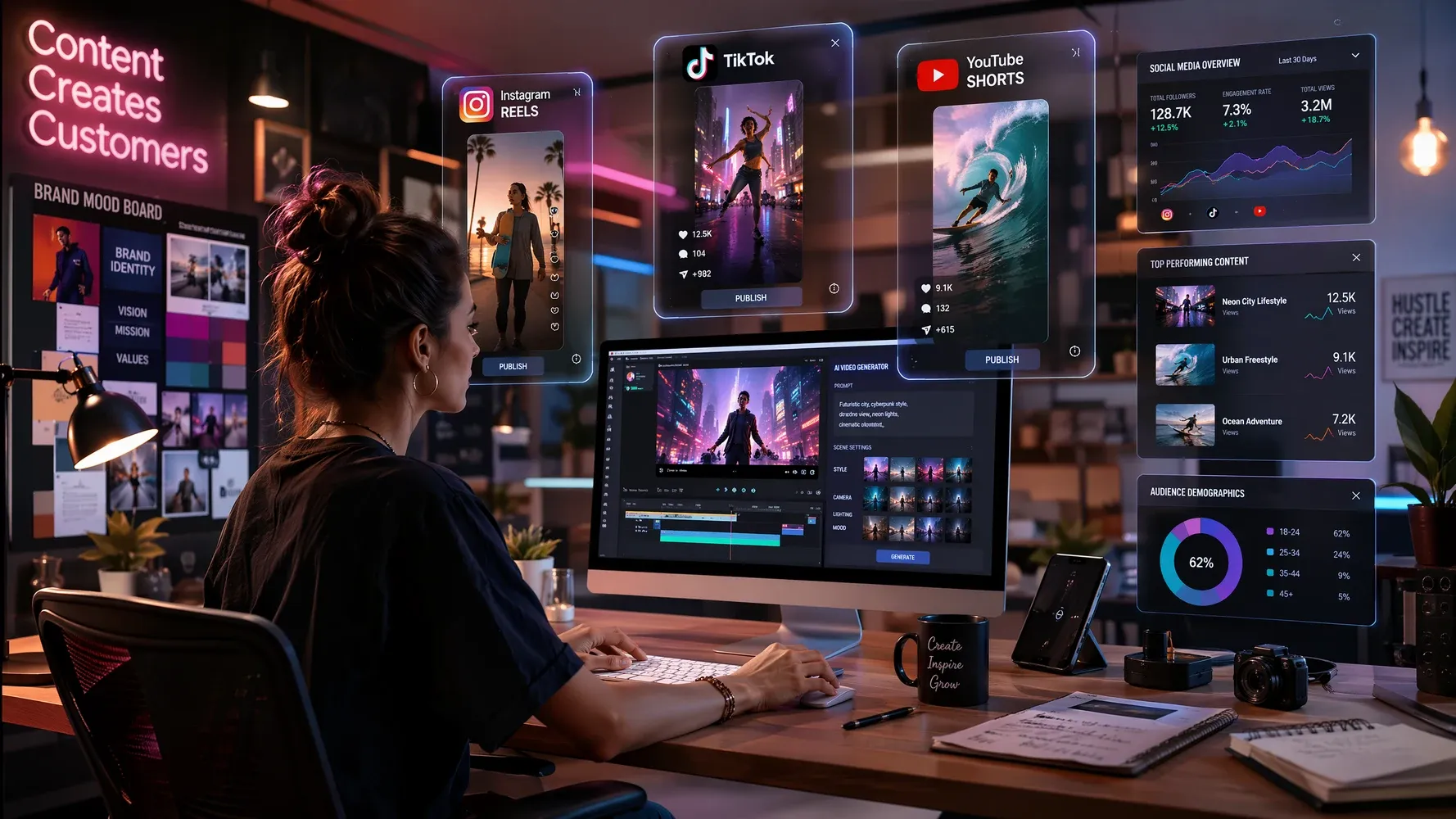
Marketing Videos
Create promotional videos, advertisements, product launches, and brand campaigns from simple text descriptions. Generate attention-grabbing content for websites, email campaigns, and digital marketing in minutes.
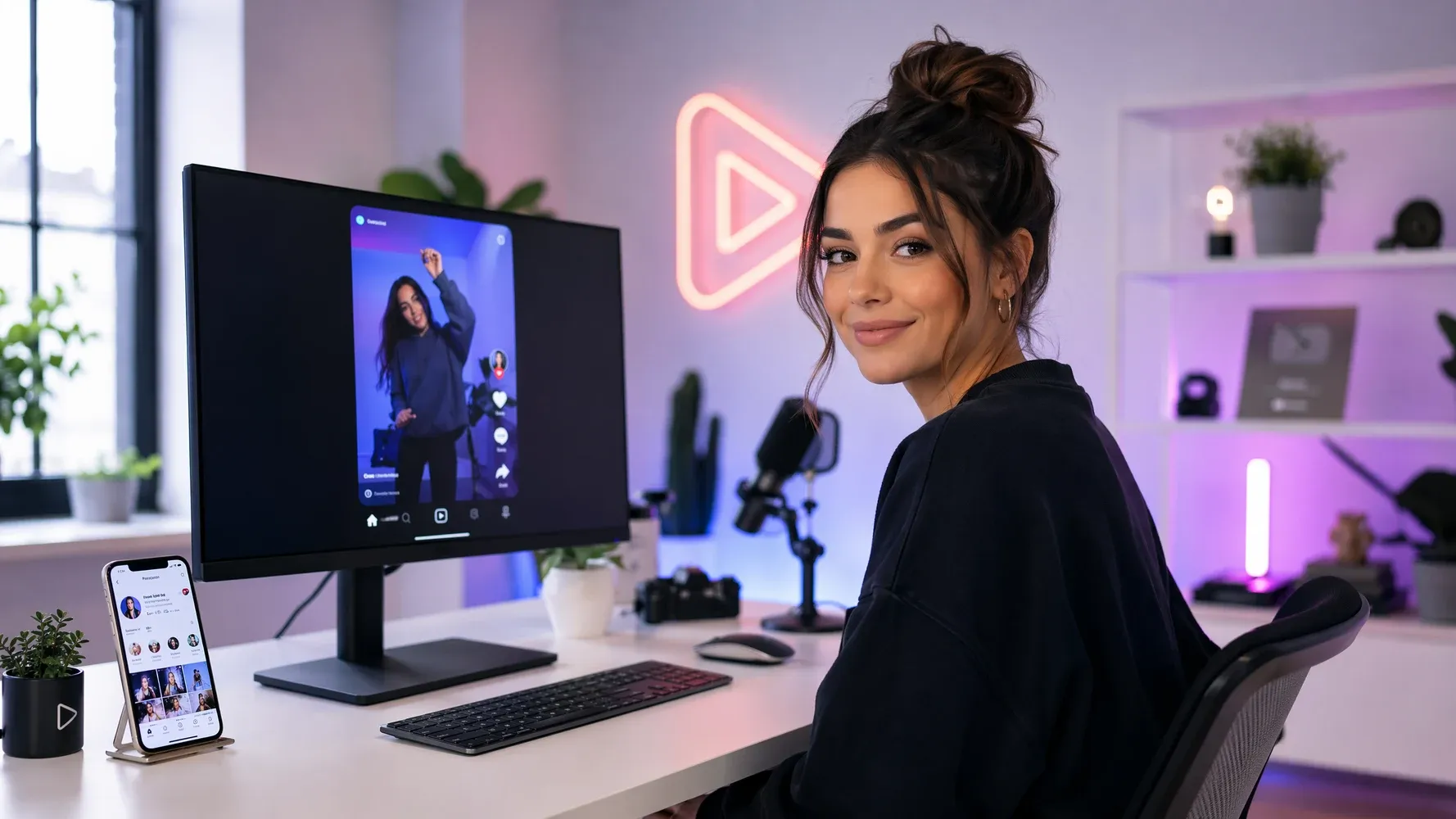
Social Media Content
Produce scroll-stopping videos for TikTok, Instagram Reels, Facebook, X, and other social platforms. Turn ideas into engaging short-form content quickly and keep up with fast-moving content trends.
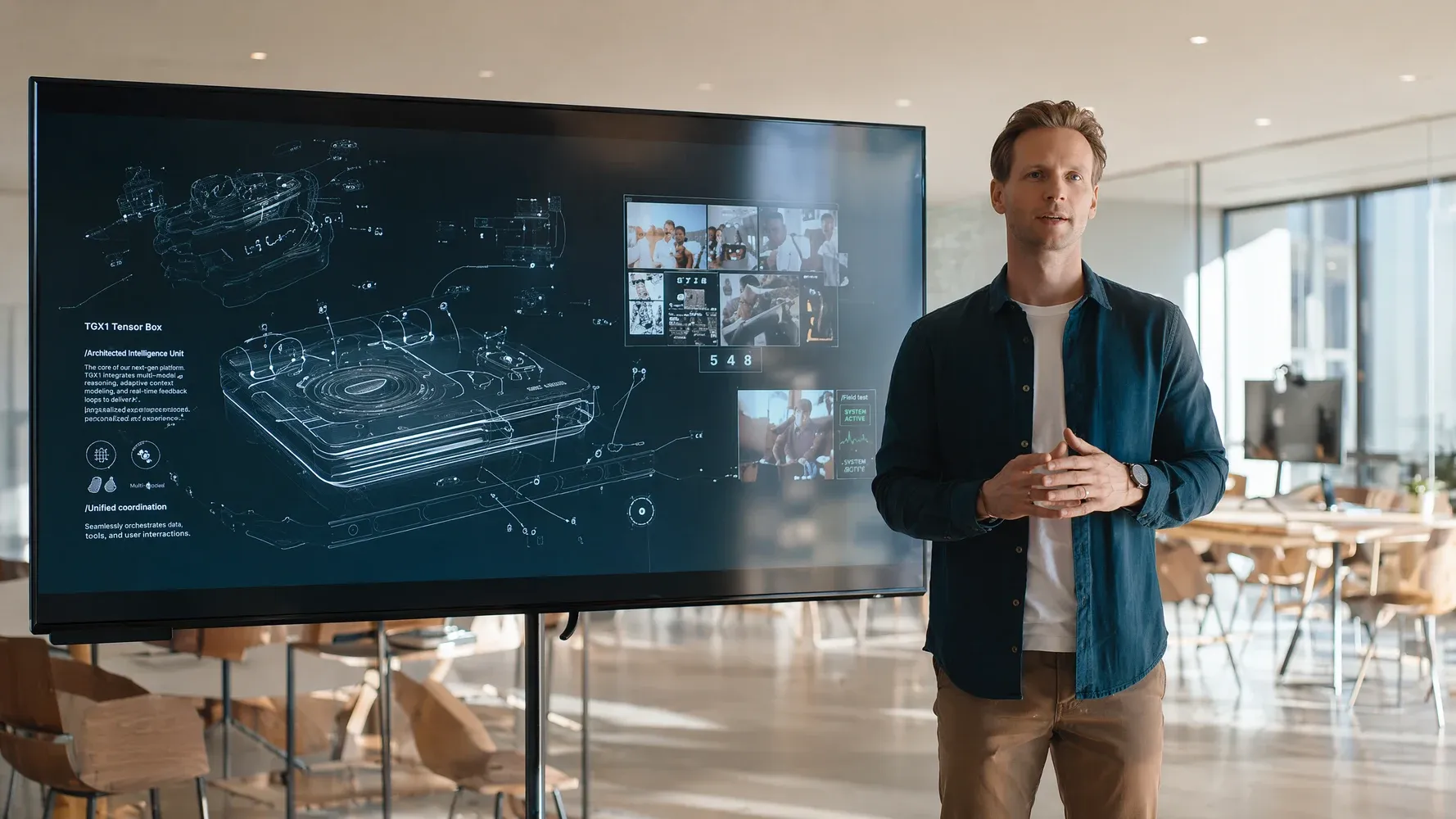
Product Demo Videos
Showcase products with AI-generated demonstrations, feature highlights, and visual presentations. Transform product descriptions into compelling videos that help customers understand value and functionality.
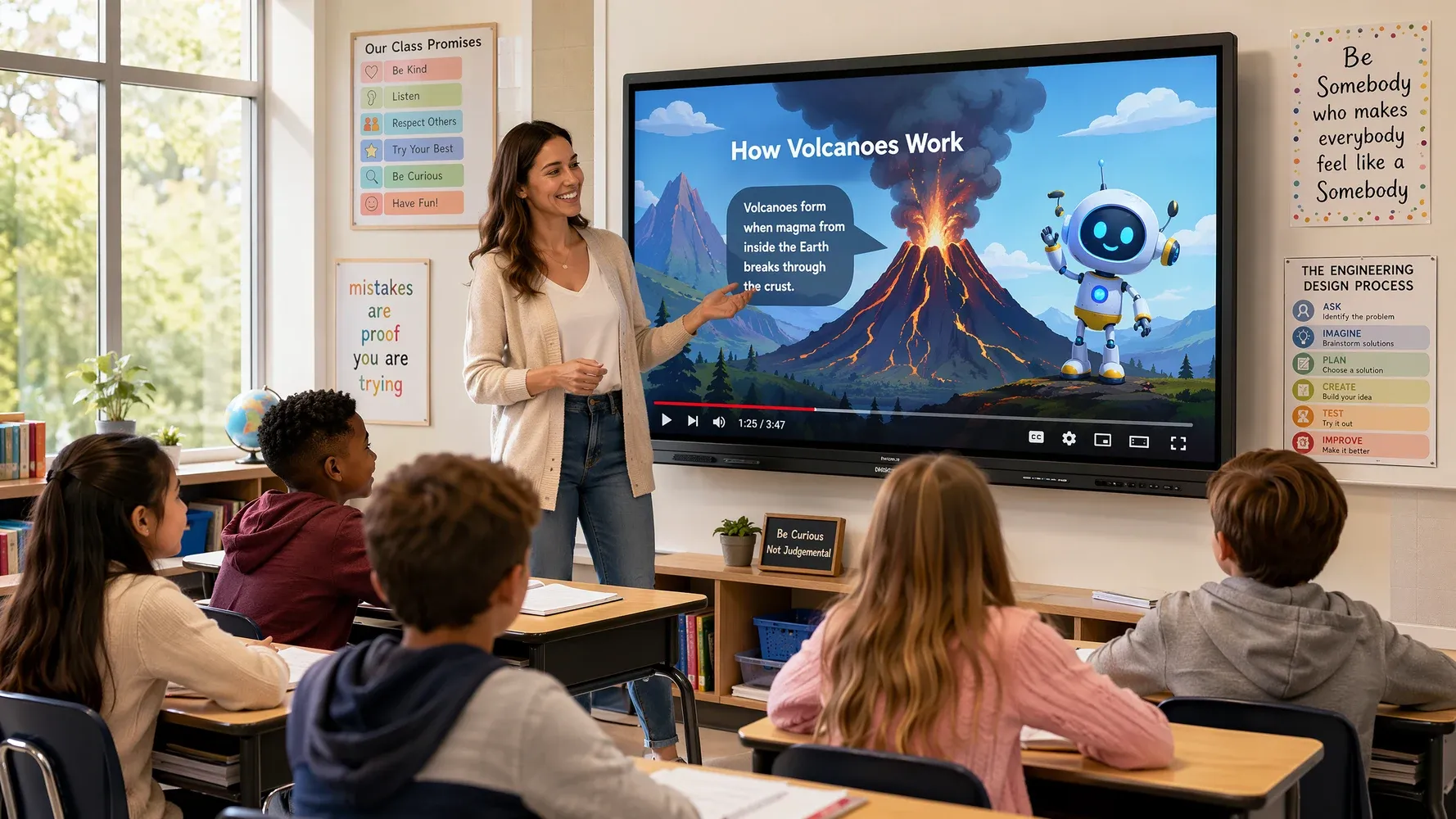
Educational Videos
Turn lessons, tutorials, training materials, and explainers into easy-to-follow videos. Add visuals, narration, and captions to make complex topics more engaging and accessible.
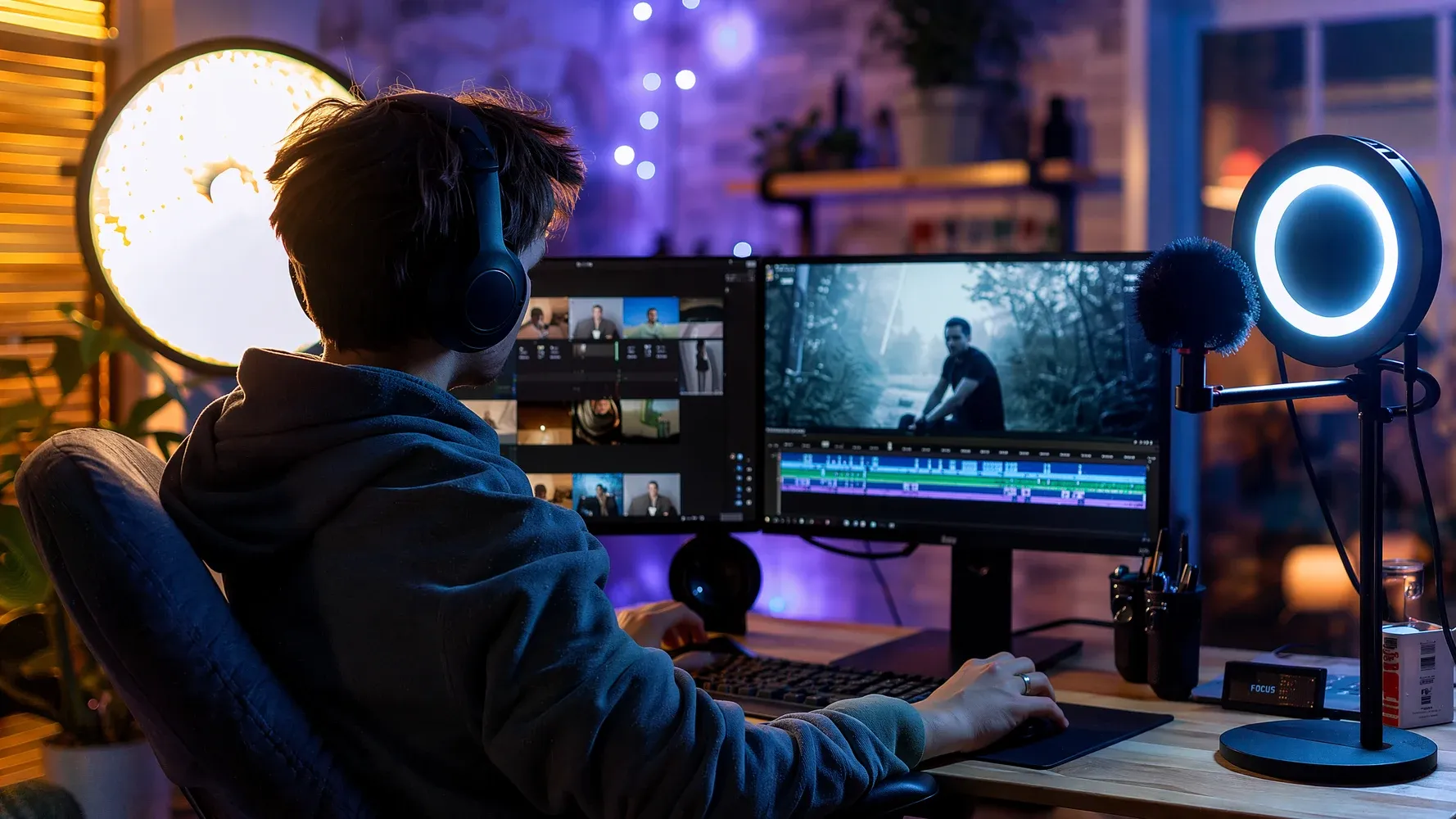
YouTube and Short-Form Content
Convert scripts, outlines, or concepts into videos for YouTube, Shorts, and other video platforms. Generate content faster while maintaining quality, consistency, and audience engagement.
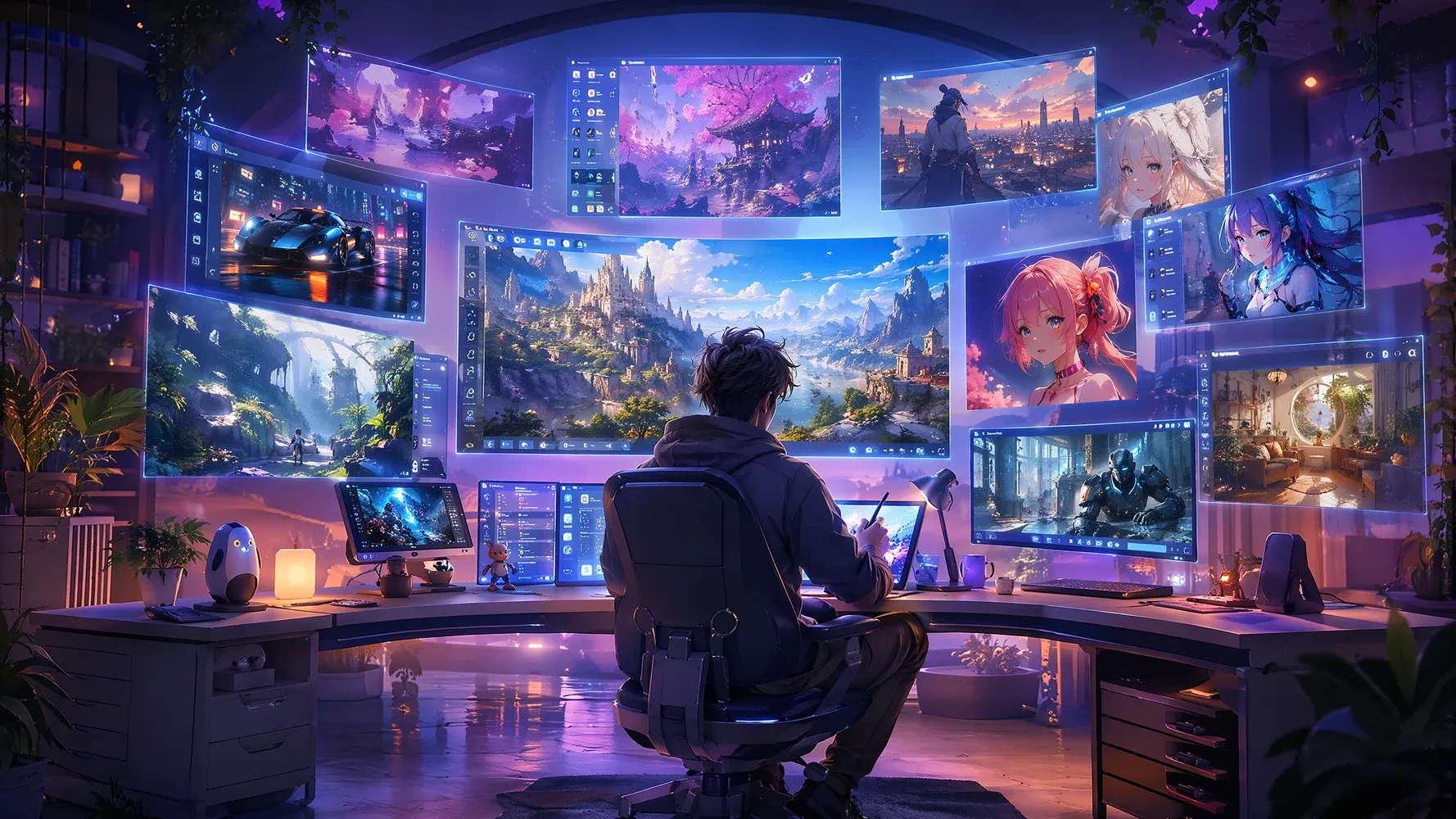
Storytelling and Creative Projects
Bring stories, characters, and imaginative worlds to life through AI-generated video. Experiment with different styles, scenes, and narratives to create everything from cinematic sequences to animated concepts.
Convert Text Prompt to Video in 3 Simple Steps
Step 1
Enter a Prompt or Script
Start with a simple idea, detailed prompt, or full script. Describe your story, product, concept, or message, and Medeo will use your text as the foundation for generating a complete video.
Step 2
Describe the Style and Scene
Customize the look and feel of your video by describing visual styles, characters, camera angles, environments, and motion. Whether you want a cinematic, realistic, anime, or creative aesthetic, Medeo adapts the video to match your vision.
Step 3
Generate and Download Your Video
Once your settings are ready, generate your video in just a few clicks. Review the results, make additional edits through natural language if needed, and download your finished video for sharing, publishing, or further use.
See Why Creators Choose Medeo AI Video Generator
"Medeo makes it incredibly easy to turn ideas into videos. I simply describe a scene, and within minutes I have a polished video that looks ready to publish."
James Walker
Video Content Creator
"Creating engaging video content used to be our biggest bottleneck. Medeo helps us generate scroll-stopping videos from simple prompts, saving both time and budget."
Sophia Martinez
Social Media Manager
"The visual quality and motion consistency are impressive. Medeo allows our team to test multiple campaign concepts without investing in expensive production."
Ethan Collins
Marketing Director
"Medeo makes it incredibly easy to turn ideas into videos. I simply describe a scene, and within minutes I have a polished video that looks ready to publish."
James Walker
Video Content Creator
"Creating engaging video content used to be our biggest bottleneck. Medeo helps us generate scroll-stopping videos from simple prompts, saving both time and budget."
Sophia Martinez
Social Media Manager
"The visual quality and motion consistency are impressive. Medeo allows our team to test multiple campaign concepts without investing in expensive production."
Ethan Collins
Marketing Director
"As a non-designer, I've always struggled with video creation. Medeo removes that barrier completely and helps me produce professional promotional videos on demand."
Olivia Parker
Startup Founder
"I've tried several AI video generators, but Medeo does the best job of understanding creative intent. The generated scenes feel cinematic rather than random."
Ryan Mitchell
YouTube Creator
"What I love most is the speed. From concept to finished video, Medeo dramatically shortens the production process while maintaining excellent visual quality."
Charlotte Evans
Creative Strategist
"As a non-designer, I've always struggled with video creation. Medeo removes that barrier completely and helps me produce professional promotional videos on demand."
Olivia Parker
Startup Founder
"I've tried several AI video generators, but Medeo does the best job of understanding creative intent. The generated scenes feel cinematic rather than random."
Ryan Mitchell
YouTube Creator
"What I love most is the speed. From concept to finished video, Medeo dramatically shortens the production process while maintaining excellent visual quality."
Charlotte Evans
Creative Strategist
Explore More Leading AI Video Models and Tools in Medeo
FAQs About AI Text to Video
Explore More Character Creation Tools
Try Medeo’s AI OC Maker to create unique OCs from prompts or reference images, then refine their look, style, and details with simple instructions.
Learn More About AI Text to Video
7 Best AI Love Story Video Generators in 2026 (Tested & Compared)
Discover the 7 best AI love story video generators in 2026 — tested and compared. From cinematic narratives to anniversary films, find the right tool for every romantic occasion.
TIAN YUAN · Apr 29, 2026 · 13 min read
How to Make Educational Videos with AI: Step-by-Step Guide
Learn how to make educational videos with AI using lesson notes, slides, scripts, visuals, voiceovers, captions, and templates for courses, classrooms, training, and social learning content.
TIAN YUAN · May 9, 2026 · 19 min read
How to Make an Explainer Video with AI (Step-by-Step Guide for 2026)
Learn how to make a professional explainer video with MedeAI in 2026 — no editing skills required. Step-by-step guide covering script, visuals, voiceover, and publishing.
TIAN YUAN · Apr 29, 2026 · 13 min read