Image to Image AI: Transform, Edit, and Reimagine Any Photo
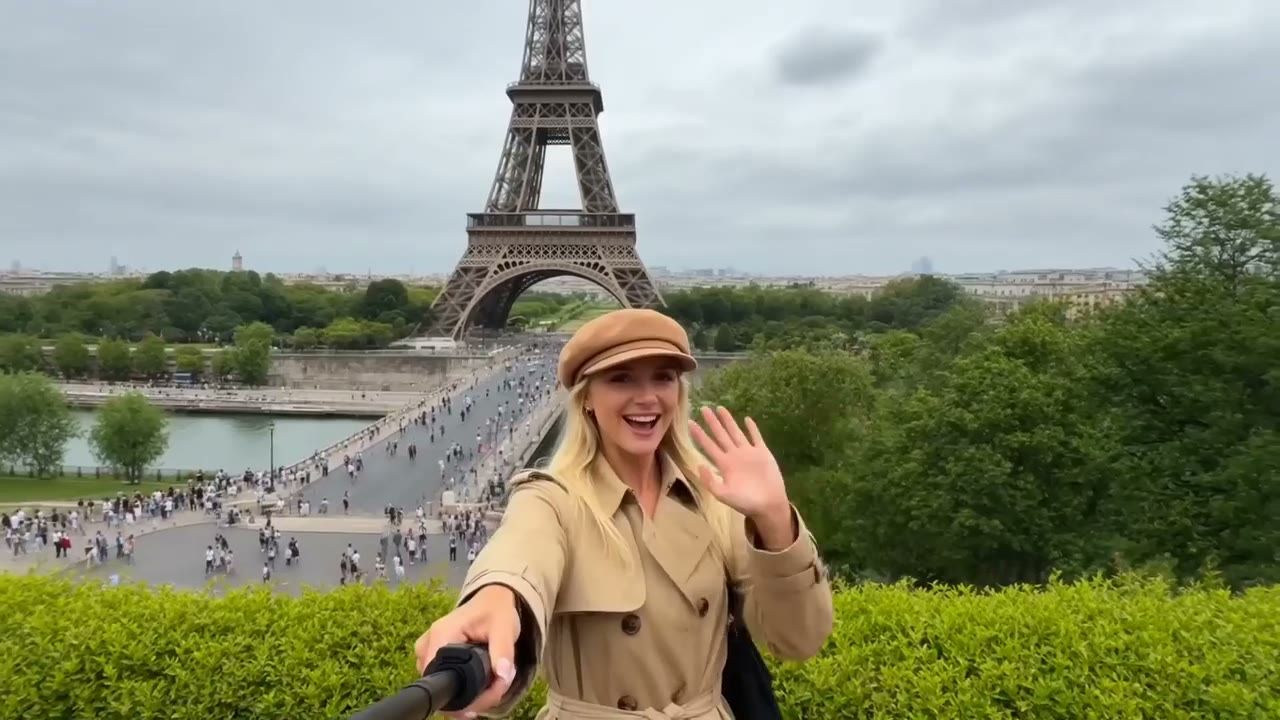
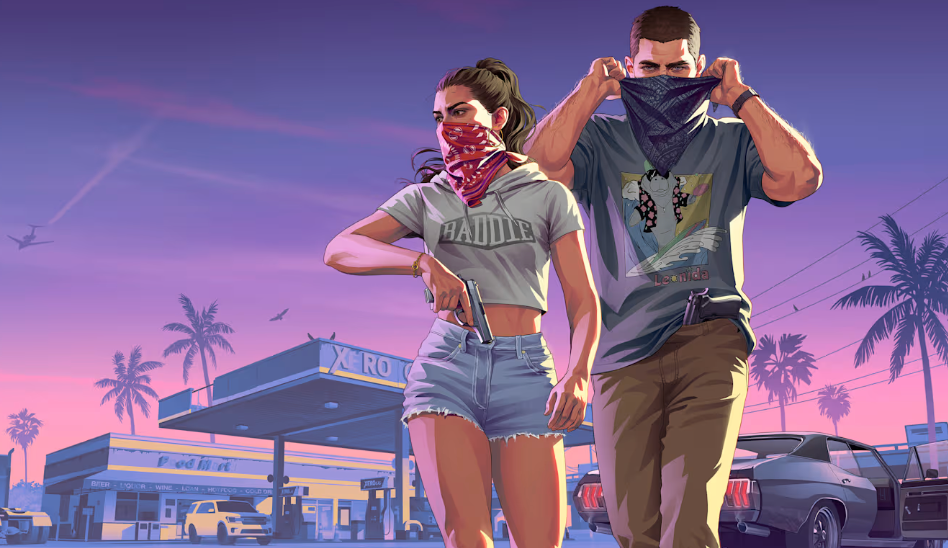
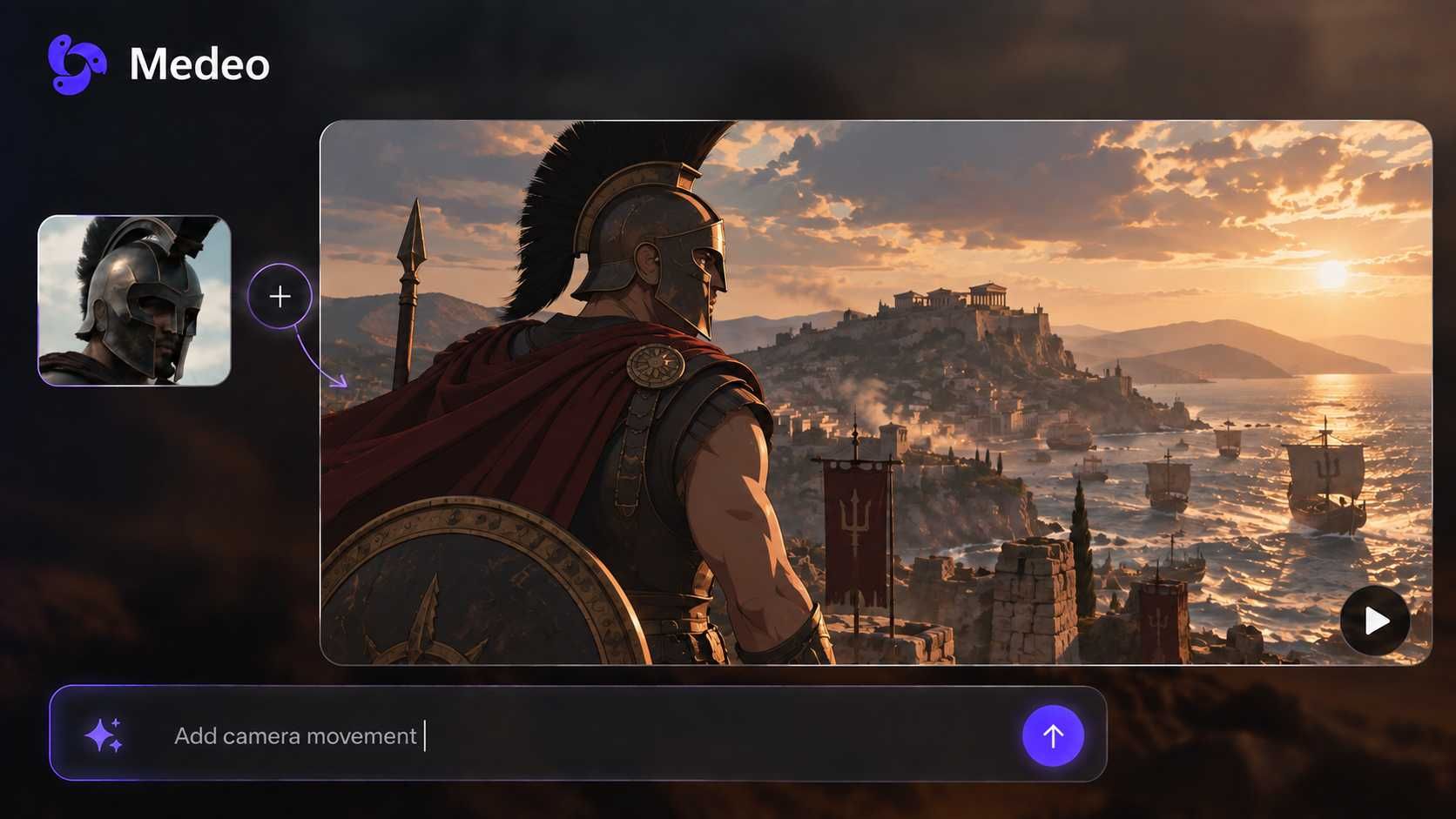
No need to start from scratch. Simply upload an image and describe what you want to change. Medeo's image-to-image AI generator transforms photos into stunning AI artwork while preserving the composition, characters, and details you love.

Turn Existing Images into Anything You Imagine
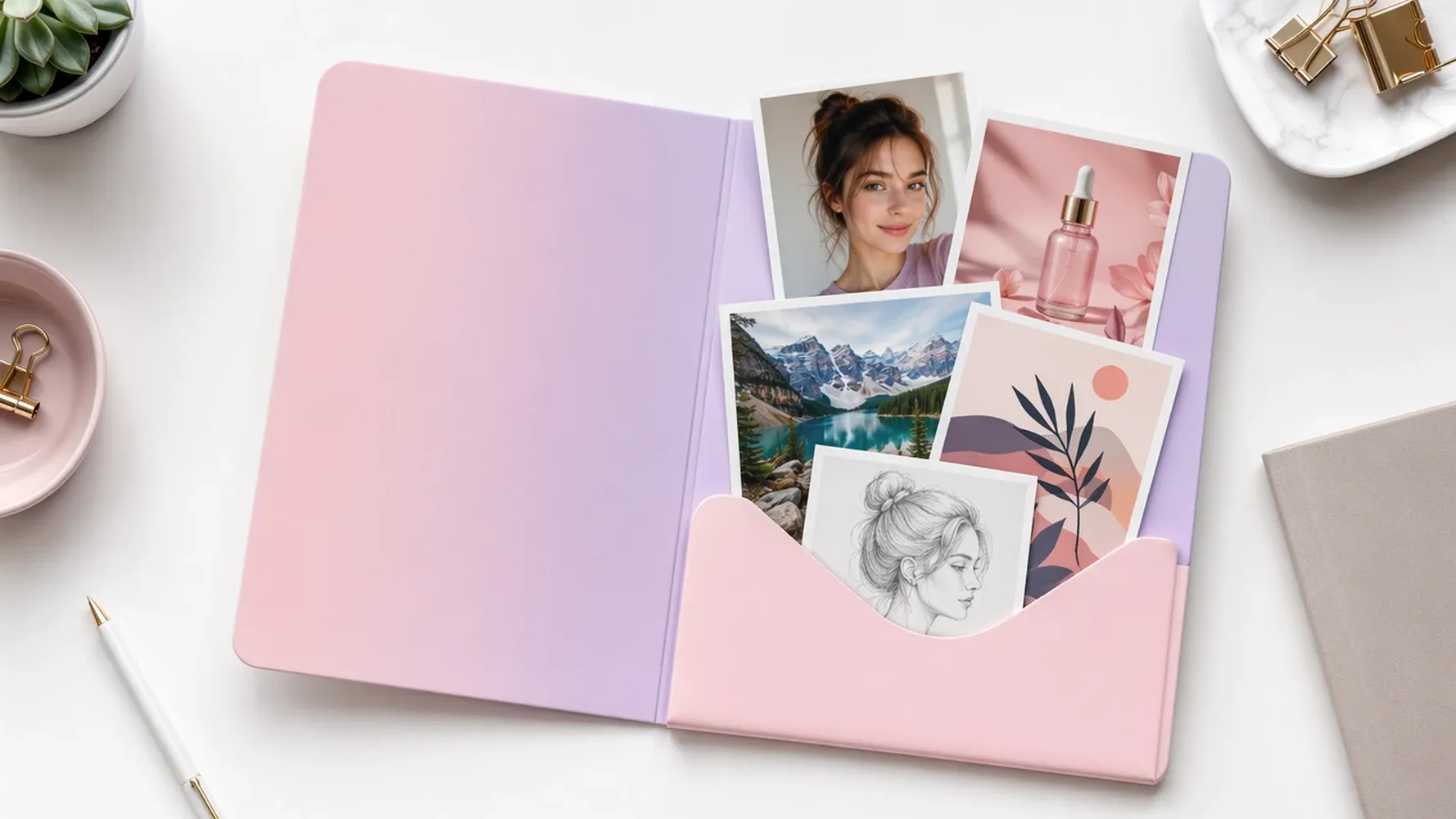
Upload Images to AI Generator Instantly
Start with any photo, illustration, or artwork you already have. Simply upload your image, add a prompt, and let AI transform it into something completely new—no complex editing skills required.
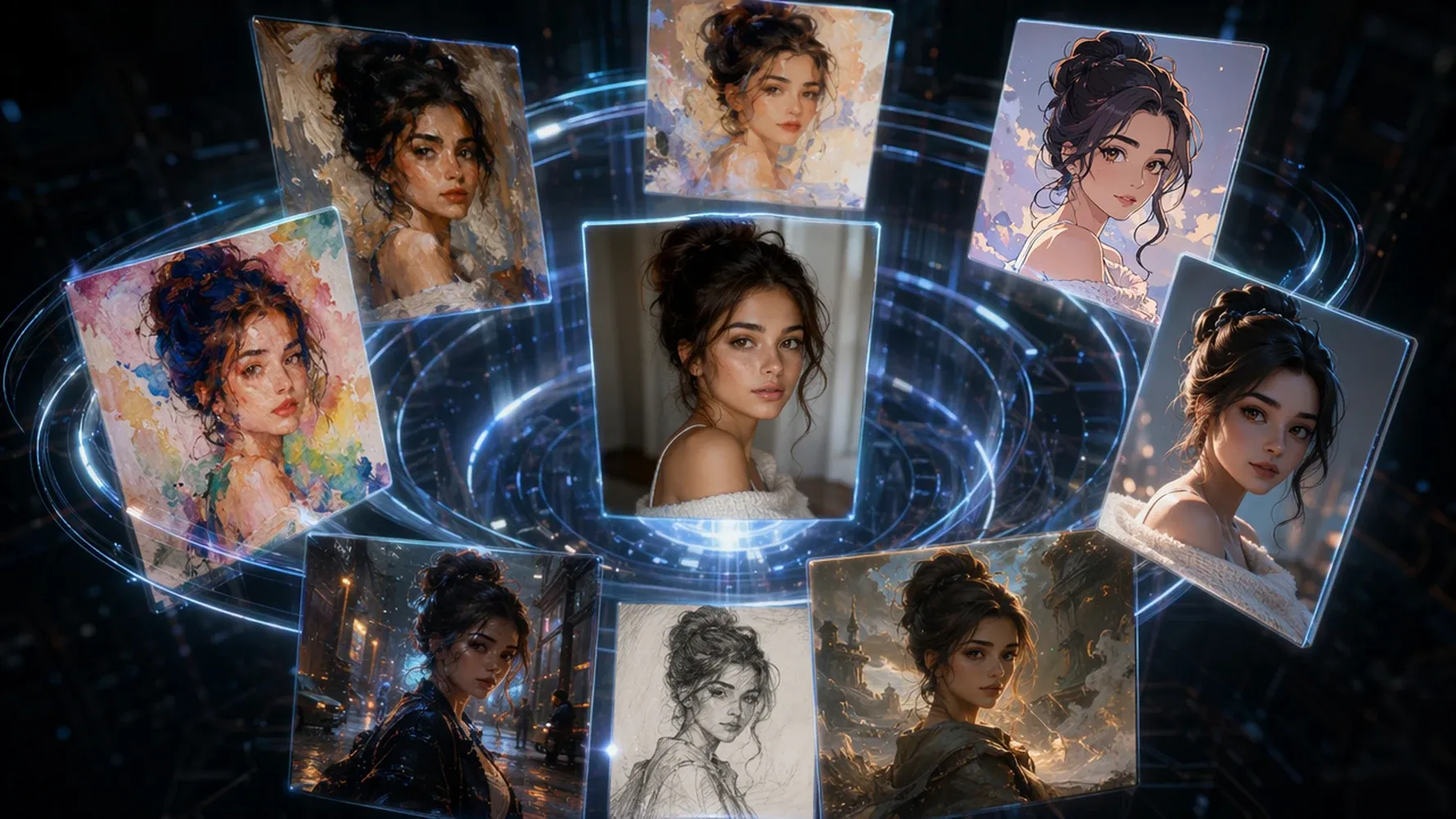
Transform Photos into AI Art
Turn ordinary photos into eye-catching AI creations in just seconds. Convert portraits, landscapes, products, or sketches into anime, paintings, cinematic scenes, and countless other artistic styles while preserving the original composition.
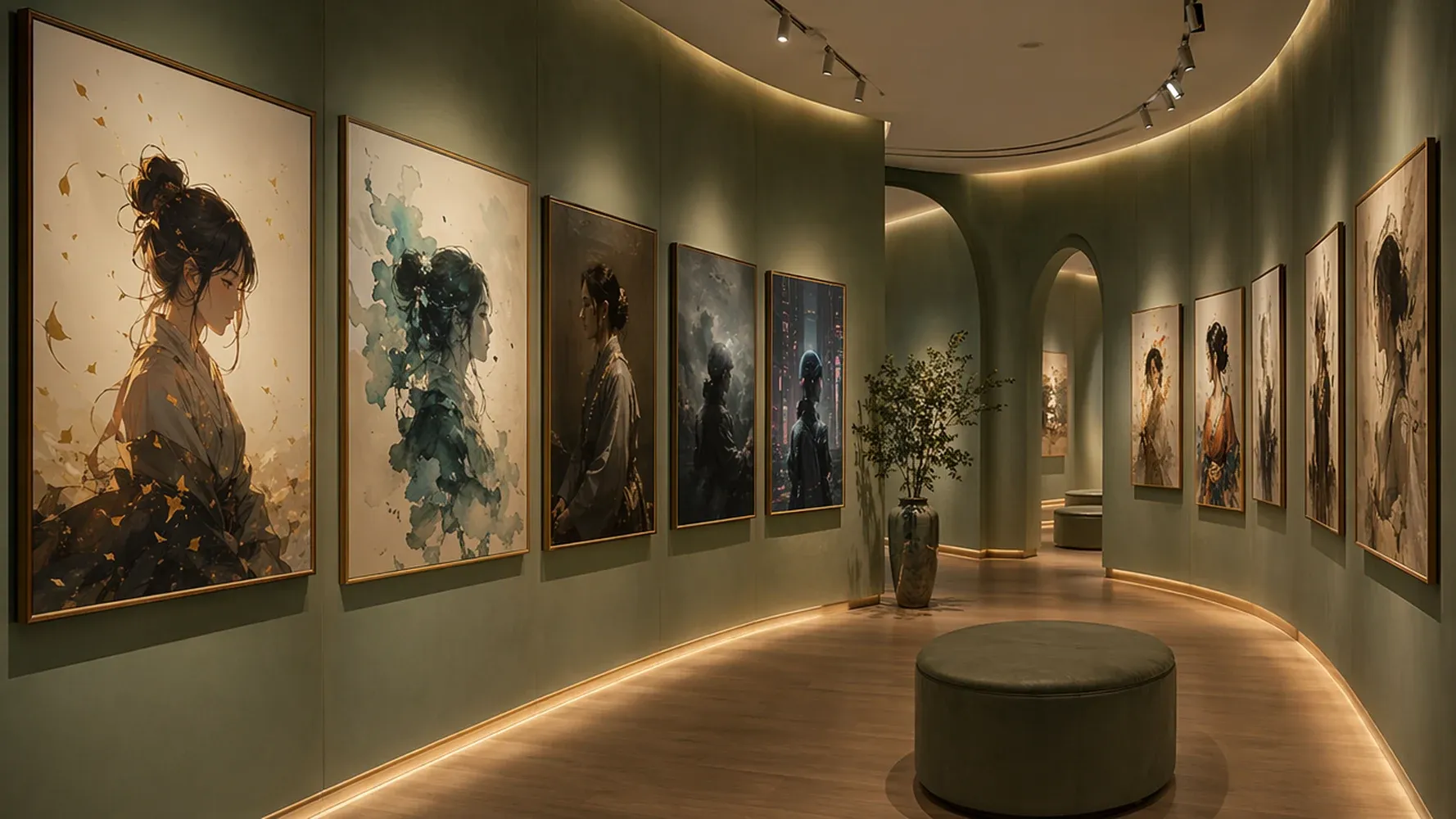
Generate Multiple Creative Variations
Explore endless possibilities from a single image. Generate multiple AI versions with different styles, colors, backgrounds, and details, making it easy to find the perfect look for your project.
Edit and Transform Images with AI Precision
Change Art Styles While Preserving Composition
Transform your images into anime, paintings, 3D renders, or cinematic artwork while keeping the original layout, subject, and overall composition intact.
| Input Image | Prompt | — |
|---|---|---|
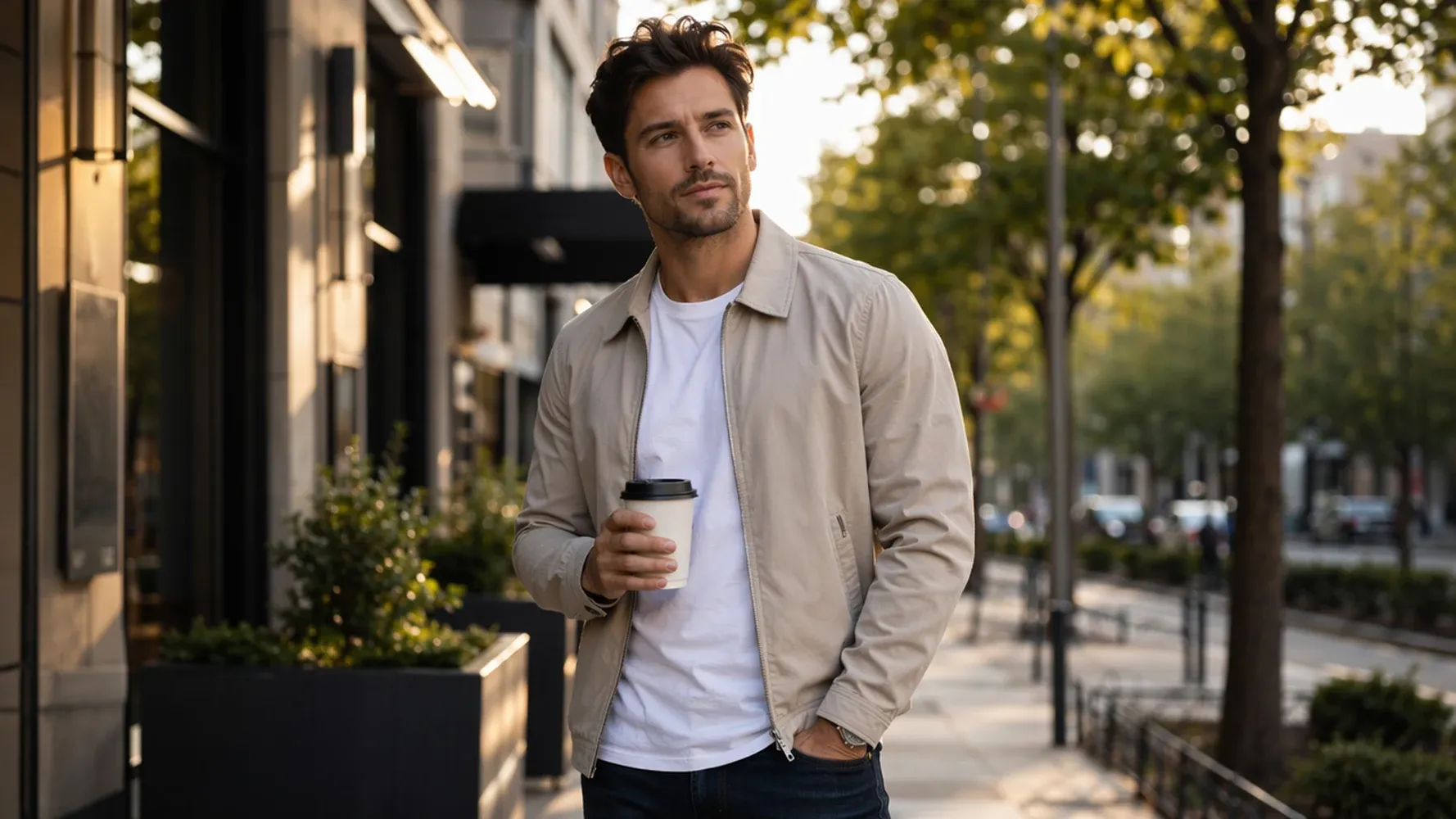 | Using the provided reference image, transform the entire scene into a beautiful French Impressionist oil painting inspired by Claude Monet. Keep the exact same person, facial features, pose, clothing, coffee cup, camera angle, and overall composition. The subject and scene should remain instantly recognizable. Replace the photographic look with expressive brush strokes, soft edges, luminous natural light, textured oil paint, and the dreamy atmosphere of a classic Impressionist masterpiece. The result should feel like the original photo painted by Monet, not a completely different scene. | 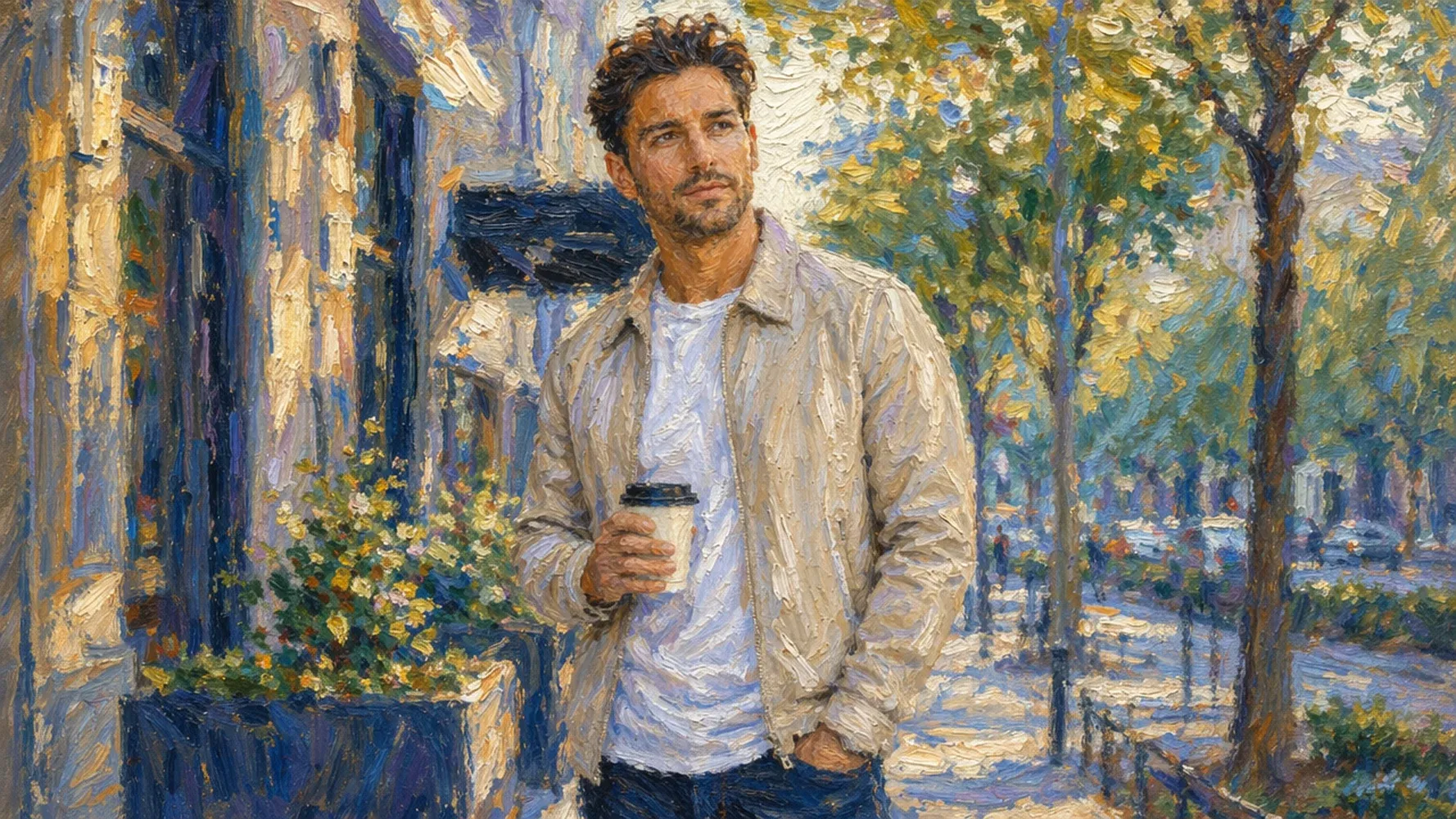 |
Replace Backgrounds or Objects Naturally
Easily swap backgrounds, remove unwanted elements, or replace objects with AI. Create clean, realistic edits that blend seamlessly with the rest of the image.
| Input Image | Prompt | — |
|---|---|---|
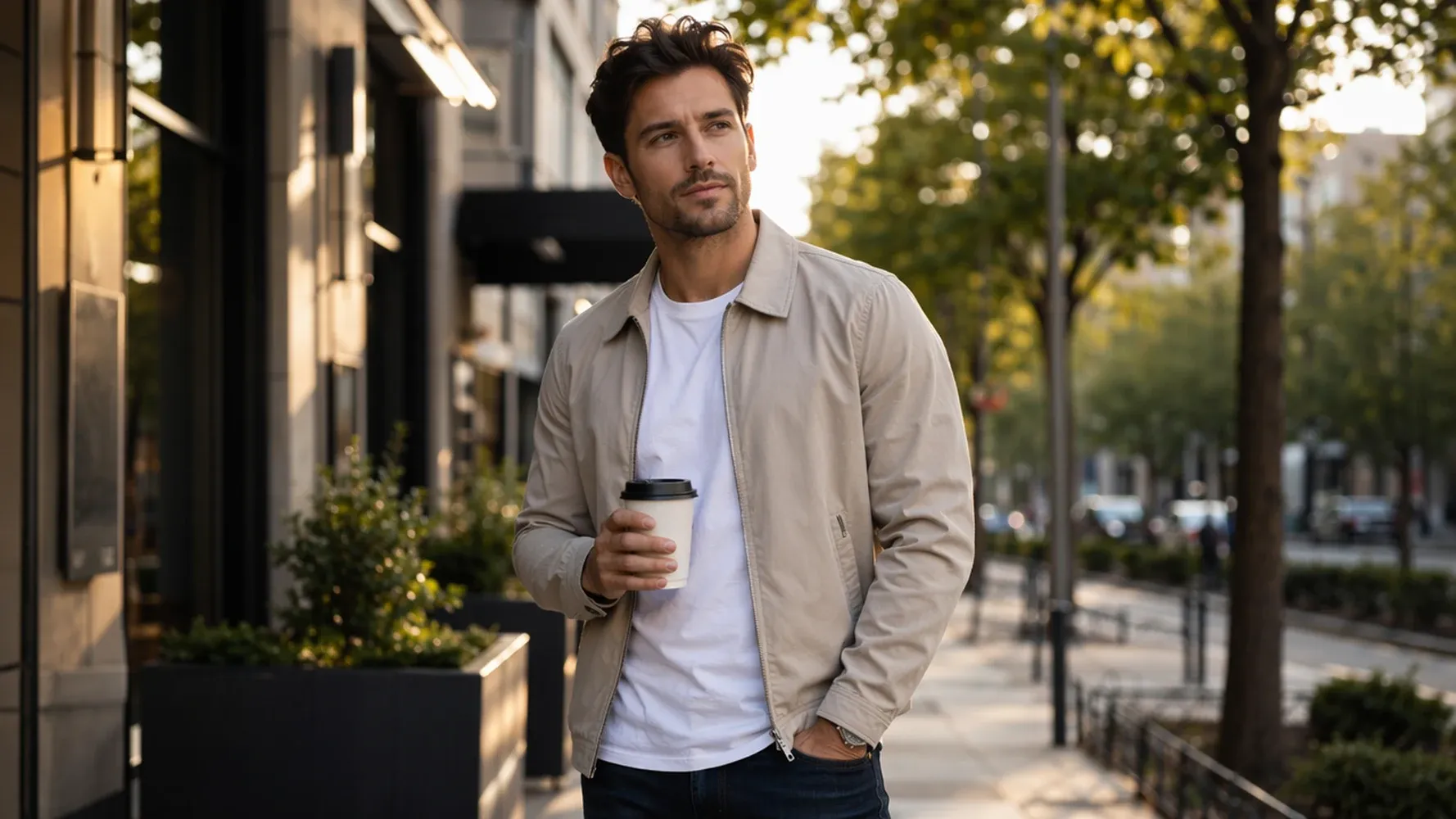 | Keep same subject, pose, face, hairstyle, clothing, framing as Image 1 with strict identity consistency. Replace background with a vibrant neon-lit night city with busy traffic and cinematic atmosphere, adjusting lighting naturally to night environment. Replace coffee cup with a smartphone held in same position and grip. Body posture and expression remain unchanged; only background and object are transformed. Ultra-realistic cinematic photography, shallow depth of field, high detail, no text, no watermark. | 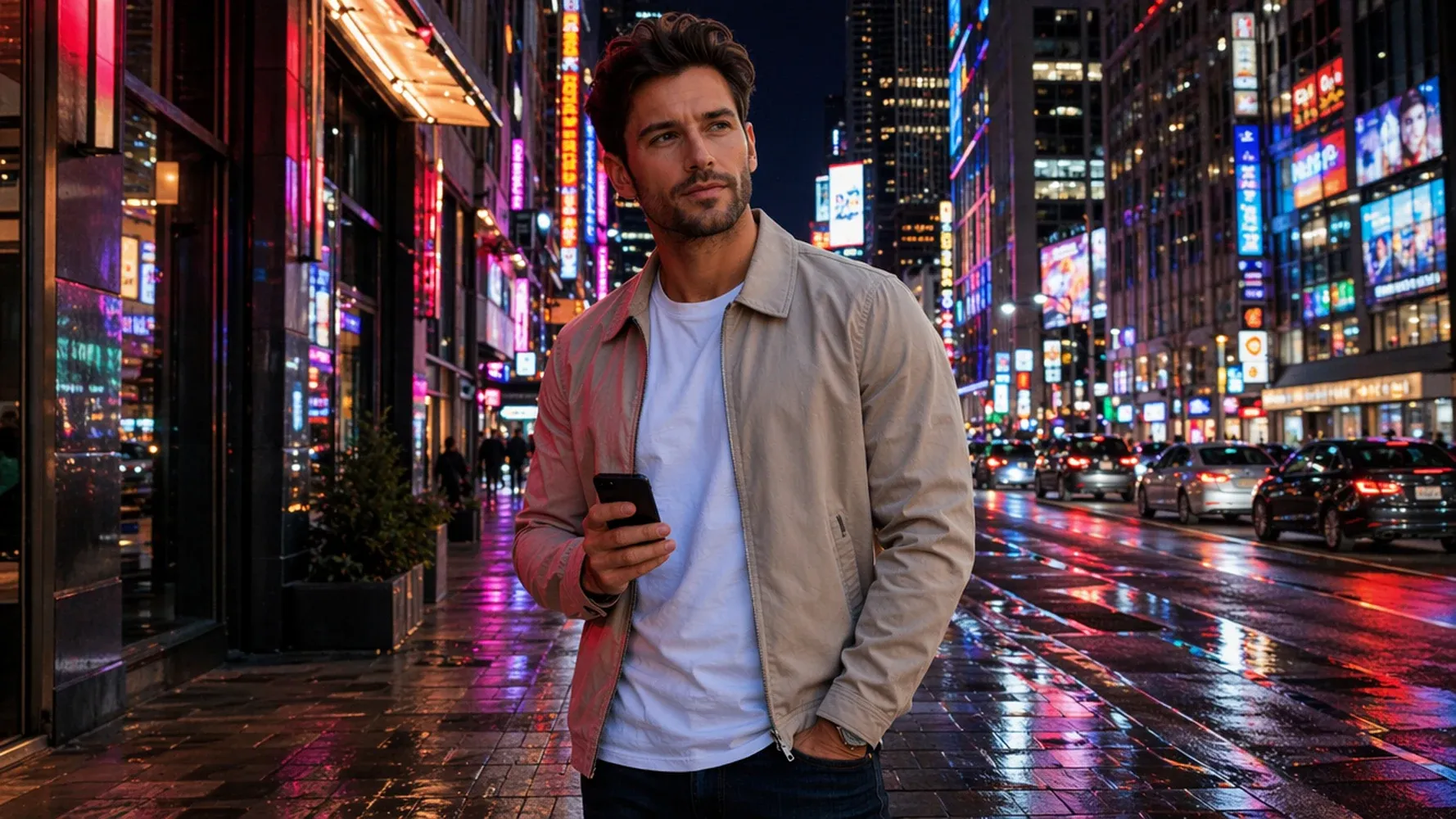 |
Expand and Outpaint Existing Images
Extend your images beyond their original borders to create wider scenes, add missing details, or generate new visual content that feels naturally connected.
| Input Image | Prompt | — |
|---|---|---|
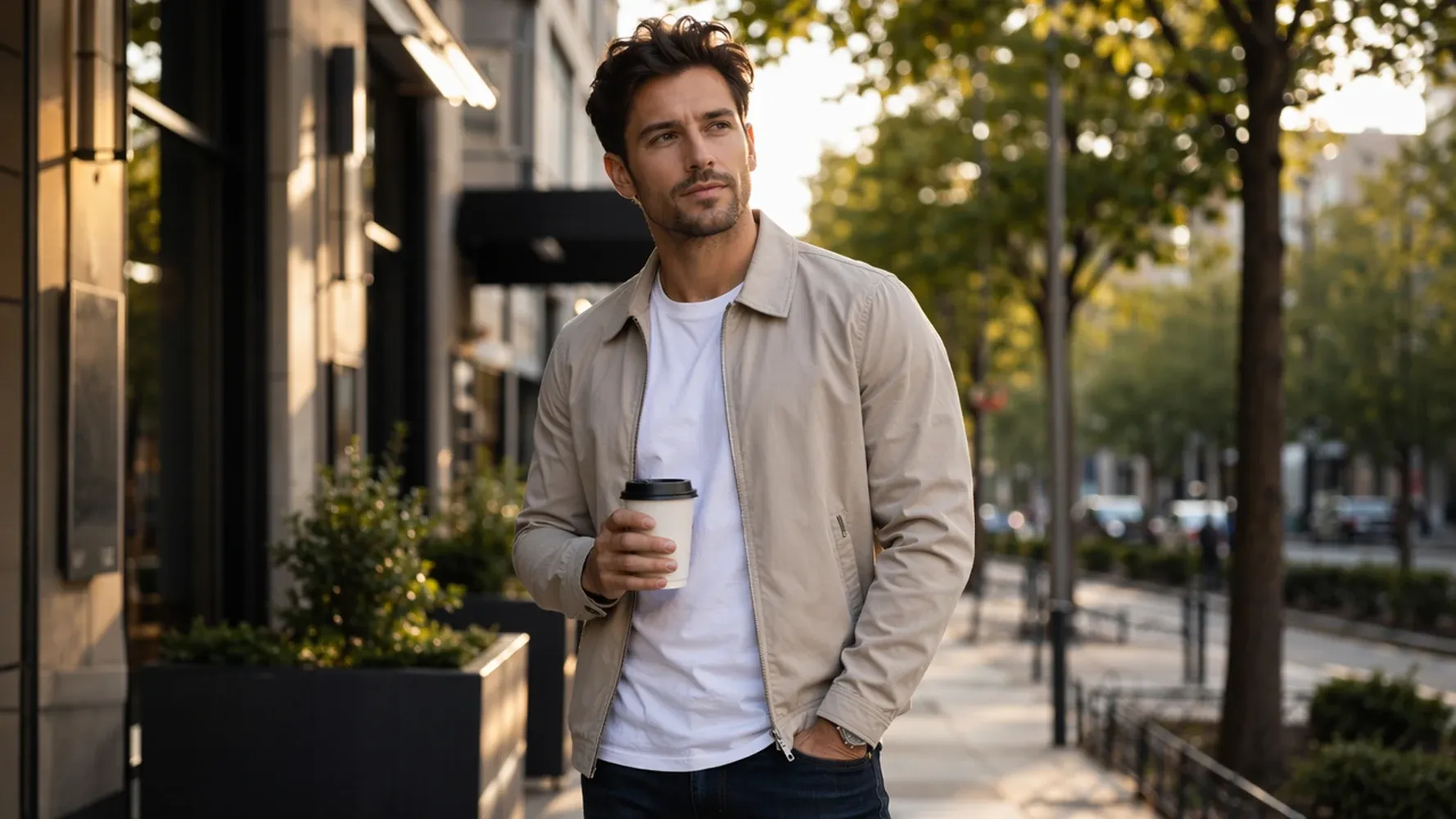 | Create the exact same scene and subject as Image 1, preserving the identical pose, body angle, facial features, hairstyle, clothing, coffee cup position, camera framing, background layout, and lighting direction. Transform the entire image into a premium cinematic digital illustration with elegant painterly textures, sophisticated brushwork, rich cinematic color grading, and subtle stylized details. The result should feel like the original photograph has been artistically reimagined rather than recreated, with the composition remaining perfectly consistent while only the visual style changes. Highly detailed, premium quality, no text, no watermark. | 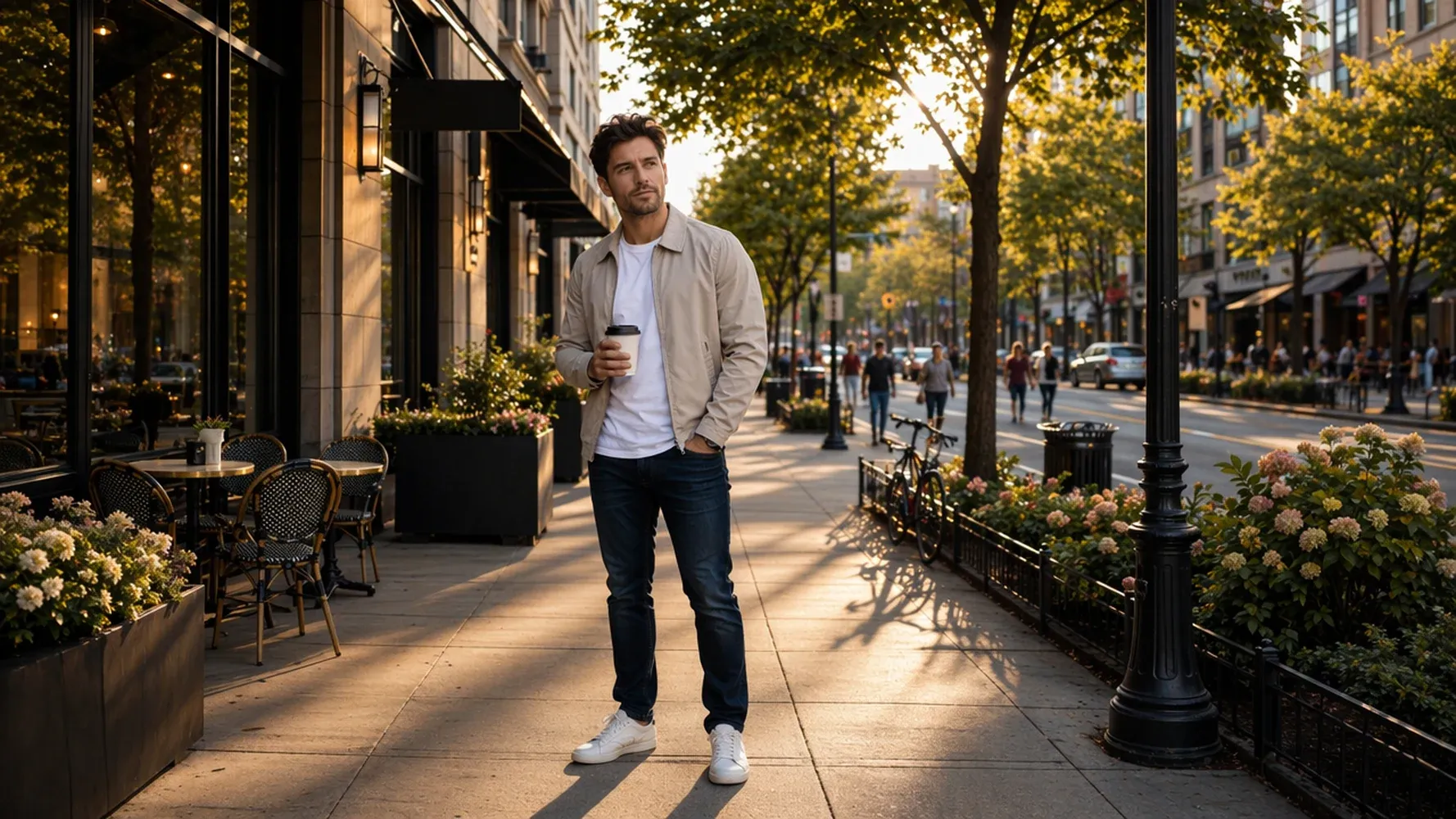 |
Keep Faces and Characters Consistent
Maintain the identity of people, pets, or AI characters across multiple generations. Create new styles and variations without losing the facial features and details that matter most.
| Input Image | Prompt | — |
|---|---|---|
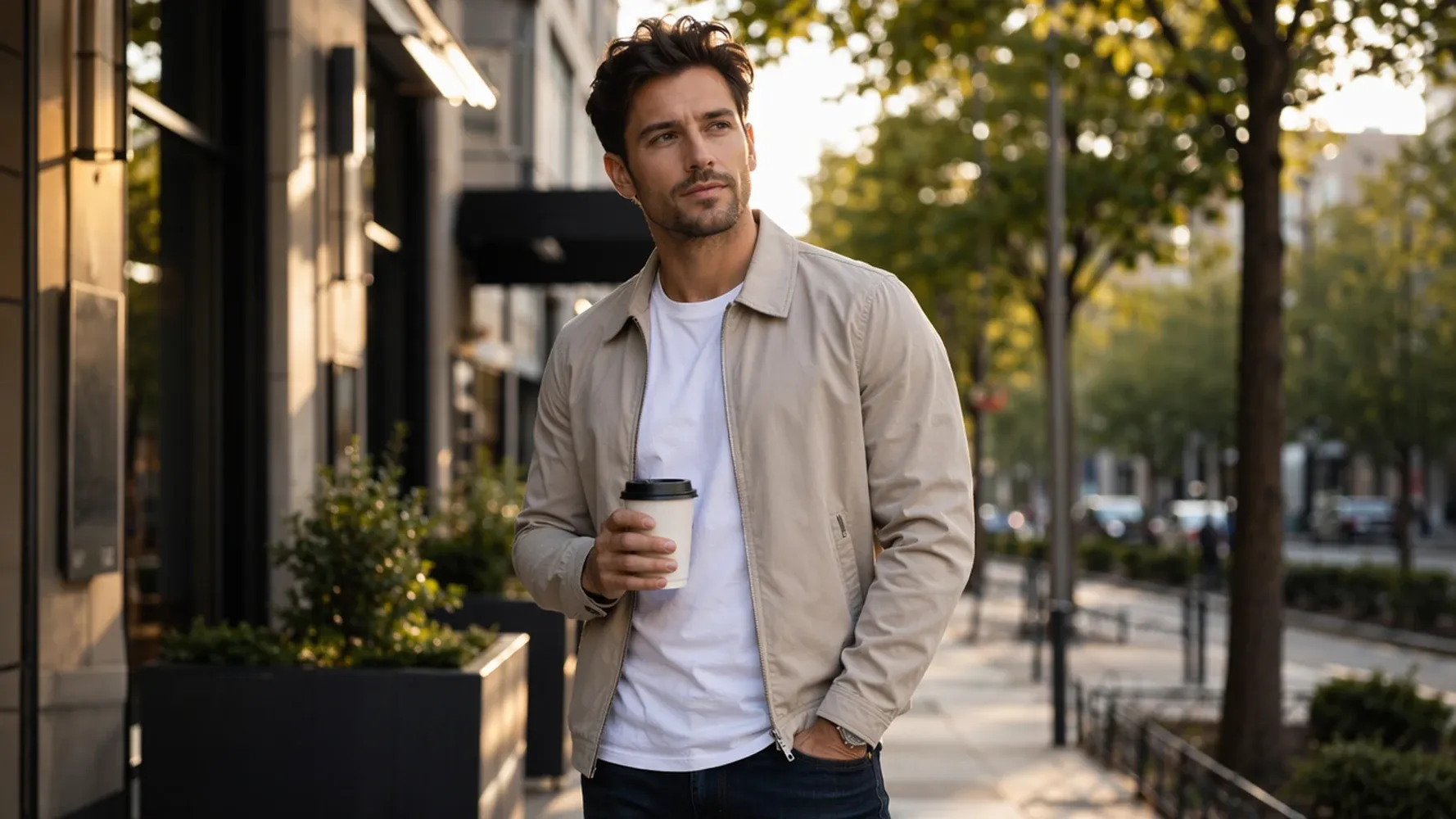 | Add a young woman in her 20s standing beside the man, engaging in a natural, happy conversation. Both appear relaxed and smiling, with subtle eye contact and candid body language. The man slightly turns toward her while holding a takeaway coffee cup, expression more animated but still natural. Maintain strict character consistency for the male subject: identical face, hairstyle, age, and identity to the reference image, even with pose and expression changes. Realistic editorial photography, shallow depth of field, urban street, golden hour lighting. | 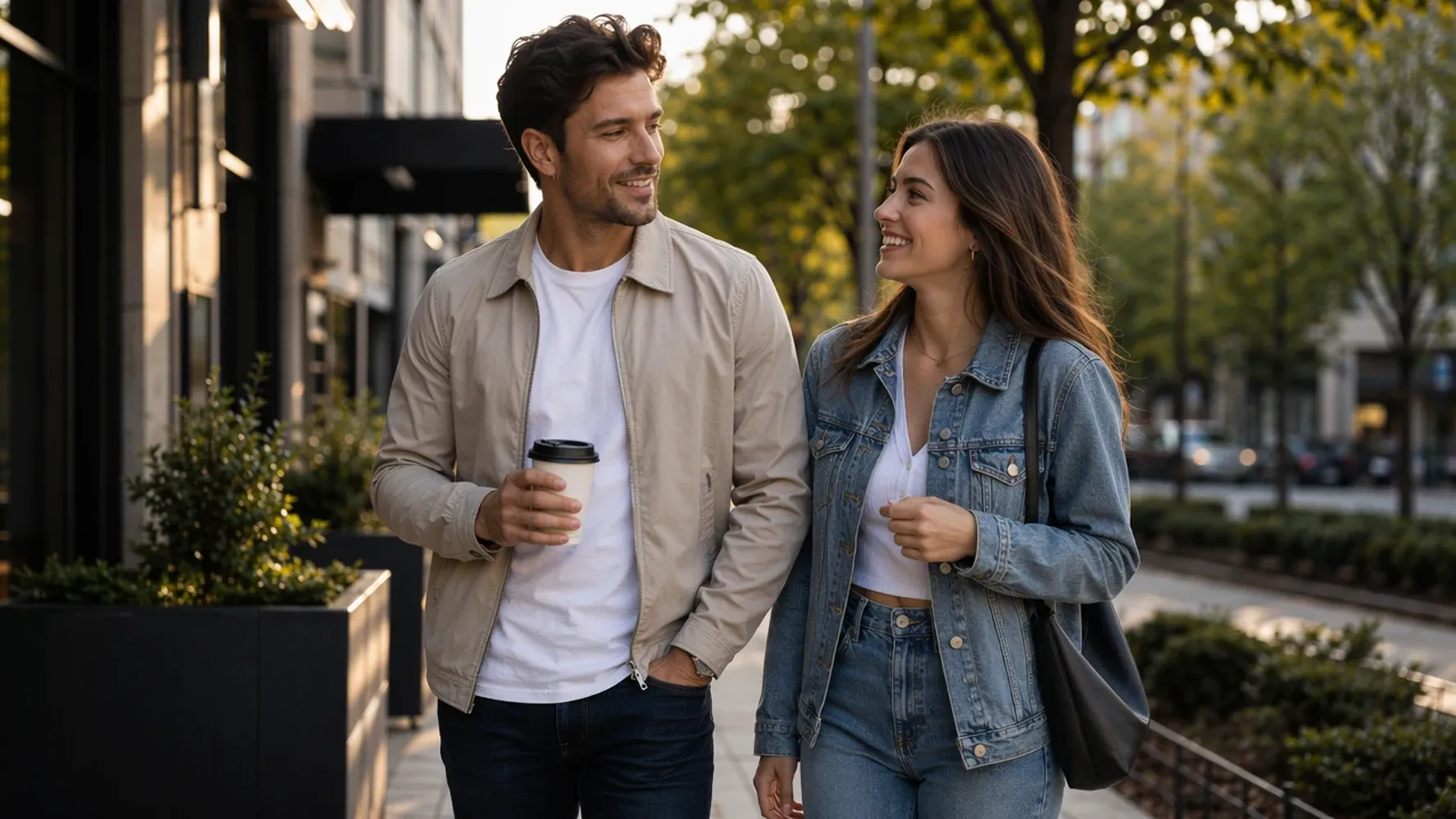 |
AI Image to Image for Every Creative Workflow
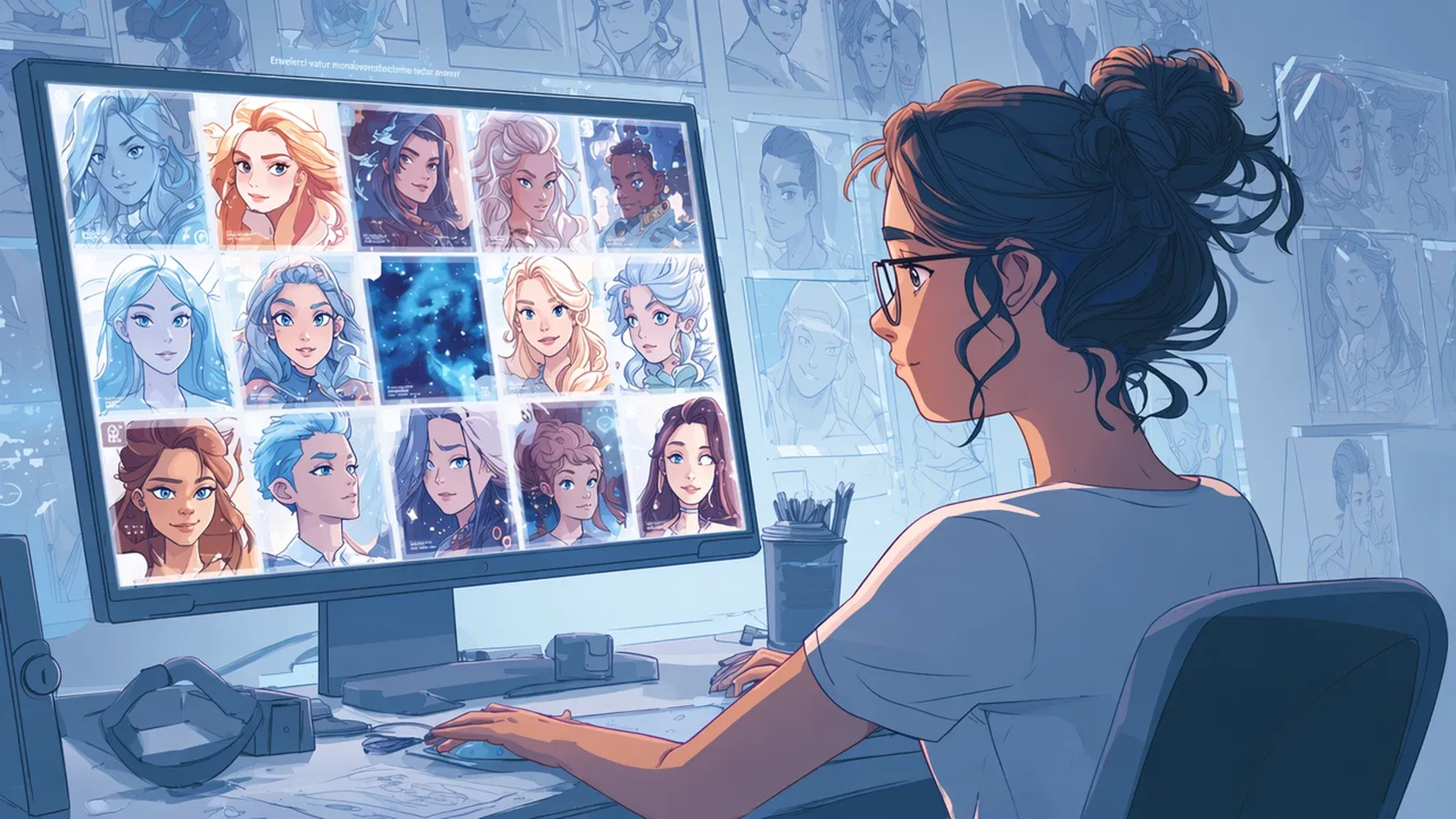
Transform Portraits into AI Avatars
Turn selfies and portraits into unique AI avatars with styles ranging from anime and fantasy to cinematic and digital art. Create personalized profile pictures while keeping your facial features recognizable.
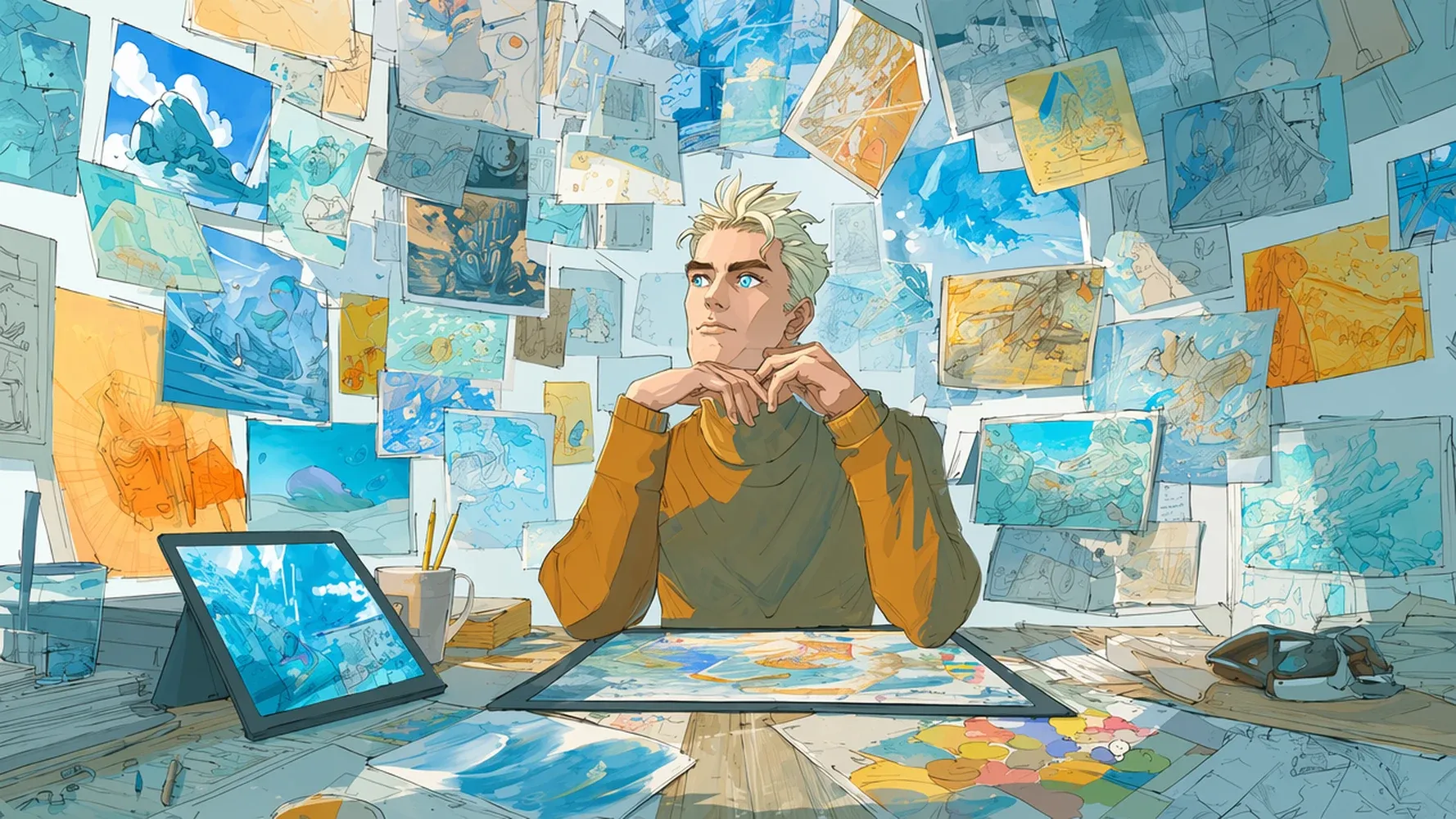
Explore New Artistic Styles
Experiment with endless creative possibilities by turning your images into sketches, oil paintings, watercolor art, 3D renders, or futuristic concepts—all from a single upload.
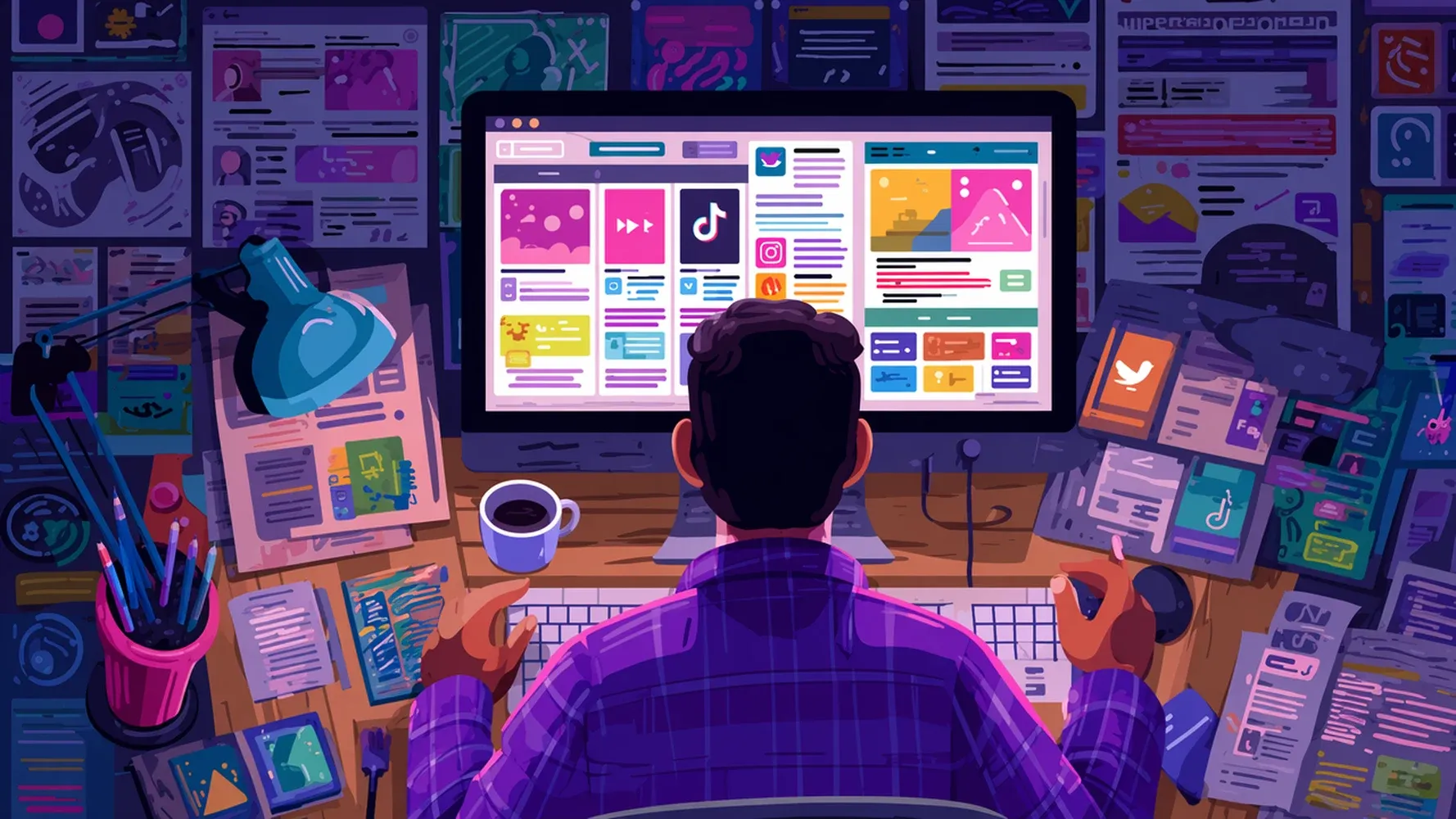
Generate Social Media Content
Create scroll-stopping visuals for Instagram, TikTok, X, and other platforms. Transform existing photos into fresh, engaging content that matches your personal brand or campaign style.
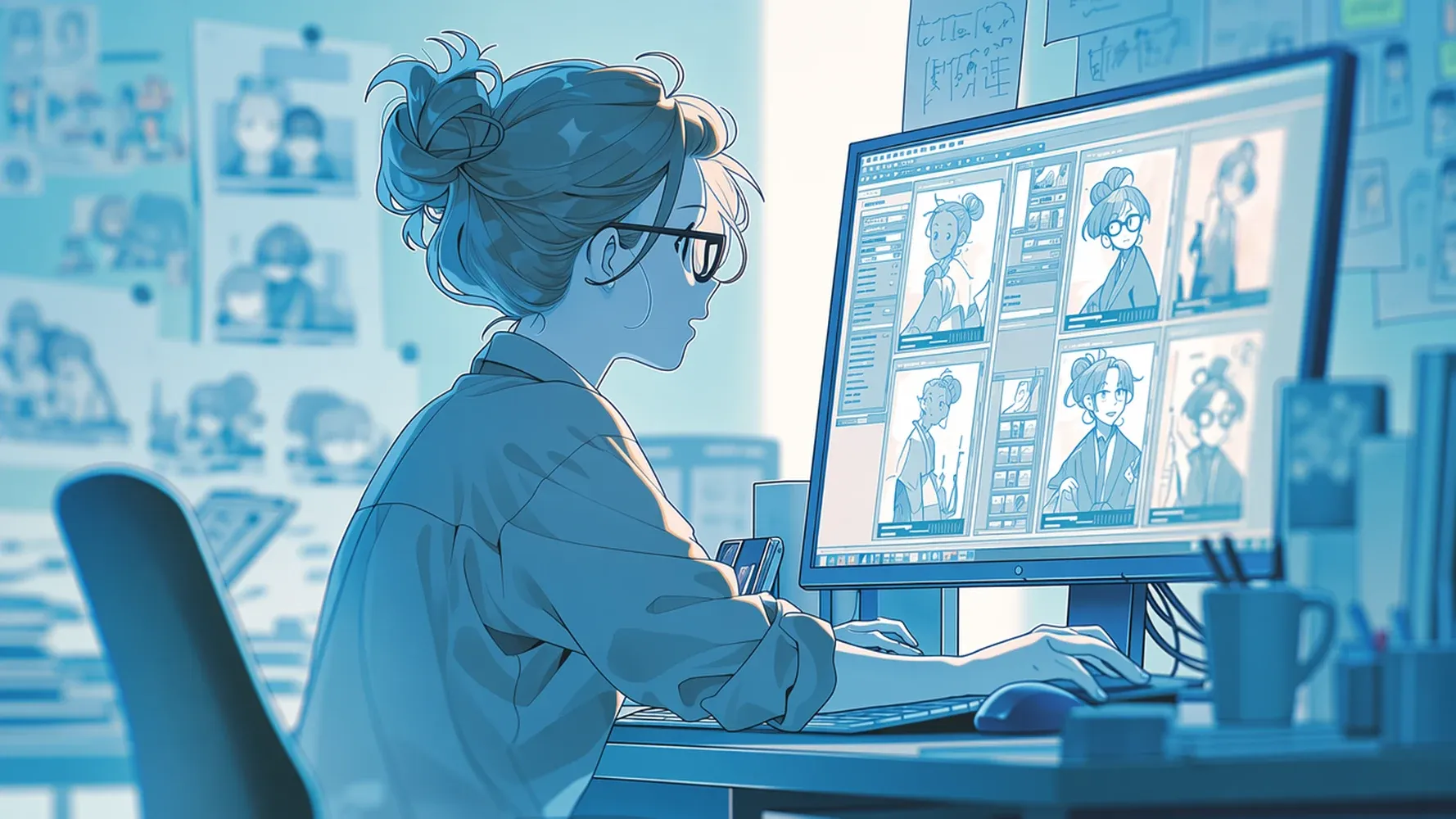
Restyle Product Photos
Give ordinary product images a professional makeover. Instantly change backgrounds, create lifestyle scenes, or generate eye-catching marketing visuals without the cost of a traditional photoshoot.
How to Use the AI Image Generator with Image Input
Step 1
Upload Your Existing Image
Upload any photo, artwork, sketch, or product image to use as the starting point for AI creation. No advanced editing skills or complex prompts required.
Step 2
Describe What You Want to Change
Tell Medeo how you'd like to transform your image. Change the style, replace backgrounds, edit objects, or create a completely new look with a simple prompt.
Step 3
Generate and Download Your AI Images
Medeo instantly creates multiple AI-generated variations based on your image and instructions. Preview the results, choose your favorite, and download it in seconds.
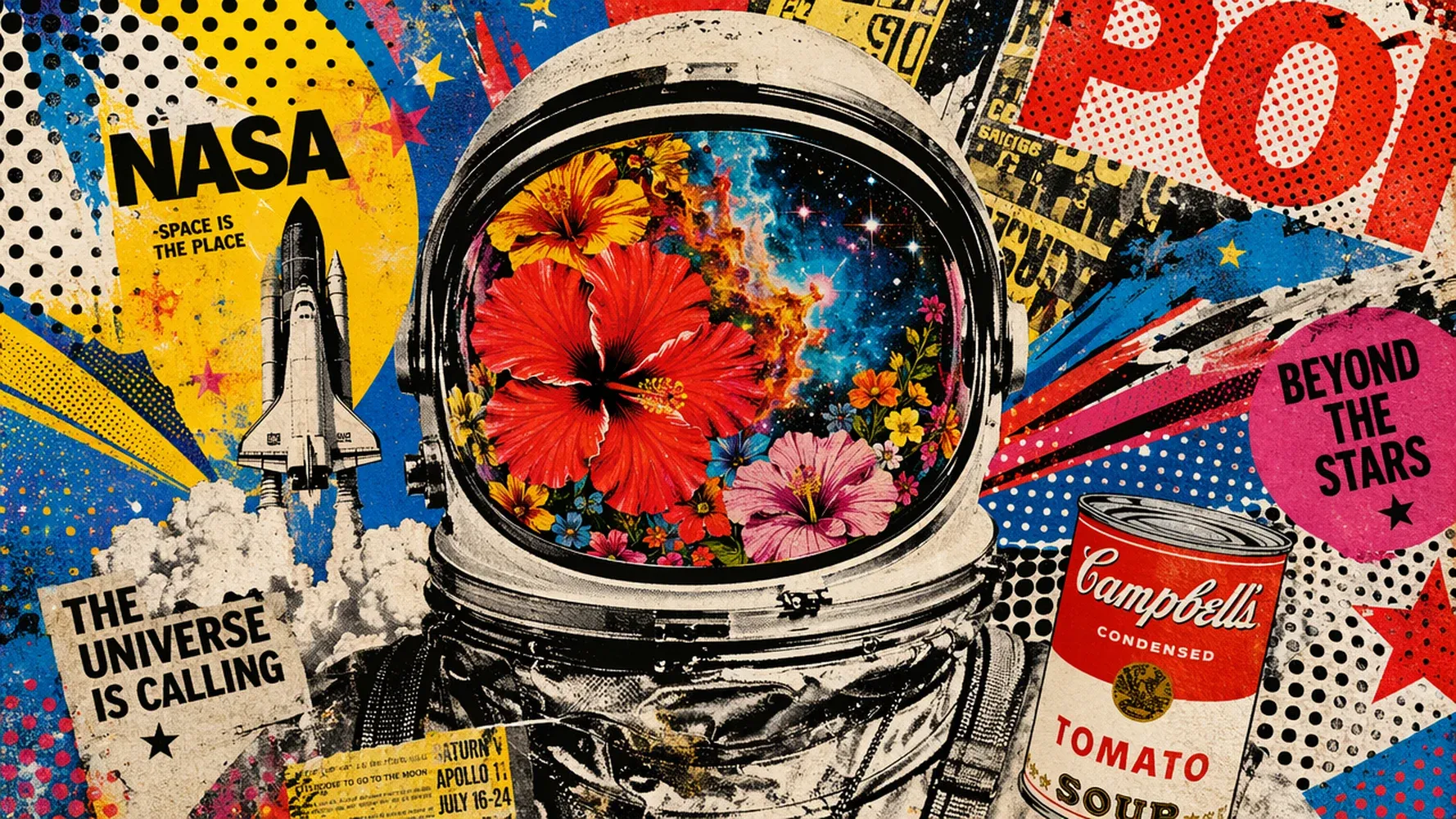
Popular AI Image Transformations
Why Use an Image-to-Image AI Generator Instead of Text Prompts?
When you already have a visual direction
If you already have an image reference, image-to-image AI helps you build directly on it instead of describing everything from scratch. This makes the creative process faster and more intuitive.
Better consistency for characters and subjects
Image-to-image AI preserves key elements like face, identity, pose, and composition, making it ideal for character design, branding visuals, or any scenario requiring continuity.
Ideal for editing and iteration workflows
Image-to-image is perfect when you want to refine an existing result—change styles, adjust backgrounds, or upgrade details without starting over.
Faster production for marketing and content teams
Upload once, iterate many times. This workflow is highly efficient for generating multiple ad variations or product scene concepts from a single image.
Complements text-to-image workflows
While text prompts are great for pure creation, image-to-image excels when you need direction, structure, and visual continuity—both approaches work best together in a creative pipeline.
FAQs about Image to Image AI
Explore More Leading AI Image Models and Tools in Medeo

See What Our Users are Saying about Medeo's AI Image Generator
"Medeo's image-to-image tool preserves the details that matter while giving me complete creative freedom. I can transform sketches into polished artwork in just a few clicks."
Sophia Turner
Illustrator
"I often need multiple visual variations of the same concept. Medeo keeps the composition and key elements intact while generating fresh, professional-looking designs."
Daniel Kim
Product Designer
"The style transfer quality is amazing. I can turn a single photo into different artistic styles without losing the original subject, which makes content creation much faster."
Rachel Morgan
Social Media Manager
"Medeo's image-to-image tool preserves the details that matter while giving me complete creative freedom. I can transform sketches into polished artwork in just a few clicks."
Sophia Turner
Illustrator
"I often need multiple visual variations of the same concept. Medeo keeps the composition and key elements intact while generating fresh, professional-looking designs."
Daniel Kim
Product Designer
"The style transfer quality is amazing. I can turn a single photo into different artistic styles without losing the original subject, which makes content creation much faster."
Rachel Morgan
Social Media Manager
"Instead of arranging expensive product photoshoots, I upload one image and generate countless marketing visuals. The results look surprisingly realistic."
Jason Reed
E-commerce Entrepreneur
"What I love most is the consistency. Medeo understands exactly which parts of the image should stay the same and which parts should change, making revisions effortless."
Olivia Carter
Creative Director
"I've used several image-to-image AI tools, but Medeo gives me the most control. Whether I want subtle edits or a complete visual transformation, it delivers exactly what I need."
Ethan Brooks
Freelance Photographer
"Instead of arranging expensive product photoshoots, I upload one image and generate countless marketing visuals. The results look surprisingly realistic."
Jason Reed
E-commerce Entrepreneur
"What I love most is the consistency. Medeo understands exactly which parts of the image should stay the same and which parts should change, making revisions effortless."
Olivia Carter
Creative Director
"I've used several image-to-image AI tools, but Medeo gives me the most control. Whether I want subtle edits or a complete visual transformation, it delivers exactly what I need."
Ethan Brooks
Freelance Photographer
Learn More About AI Image to Image Generator
7 Best AI Love Story Video Generators in 2026 (Tested & Compared)
Discover the 7 best AI love story video generators in 2026 — tested and compared. From cinematic narratives to anniversary films, find the right tool for every romantic occasion.
TIAN YUAN · Apr 29, 2026 · 13 min read
7 Best Idea to Video AI Tools in 2026 (Tested & Compared)
Compare the 7 best idea to video AI tools in 2026 — tested across output quality, format coverage, and ease of use. Find the right tool for your content workflow.
TIAN YUAN · Apr 29, 2026 · 13 min read
How to Make Educational Videos with AI: Step-by-Step Guide
Learn how to make educational videos with AI using lesson notes, slides, scripts, visuals, voiceovers, captions, and templates for courses, classrooms, training, and social learning content.
TIAN YUAN · May 9, 2026 · 19 min read