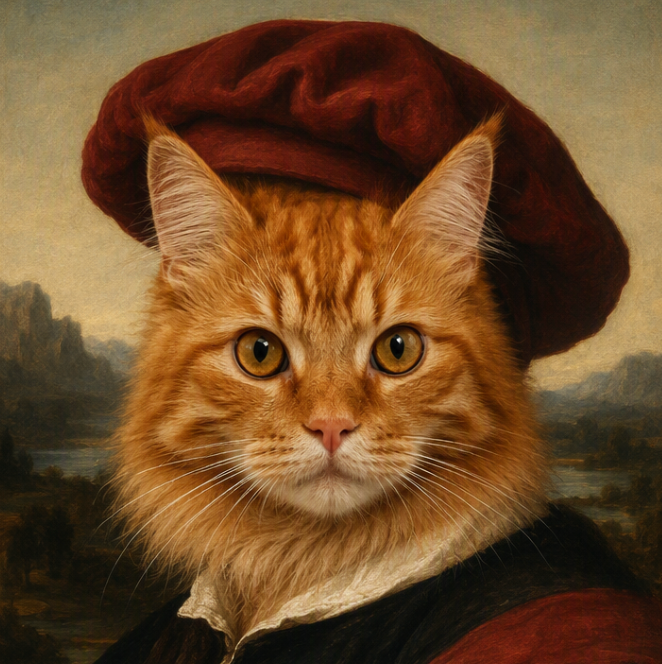
Seedream 5.0 AI Image Generator: Create Smarter Images Online
Use Seedream 5.0 in Medeo to generate polished images from prompts and reference images. Create posters, product visuals, social graphics, concept art, character designs, and design-ready image edits with stronger prompt following and intelligent visual reasoning.


What Is Seedream 5.0?
Seedream 5.0 Lite is ByteDance Seed's multimodal image generation model with upgraded understanding, reasoning, generation, and online search capabilities. It is built for creators who need images that follow complex prompts more accurately, not just images that look attractive.
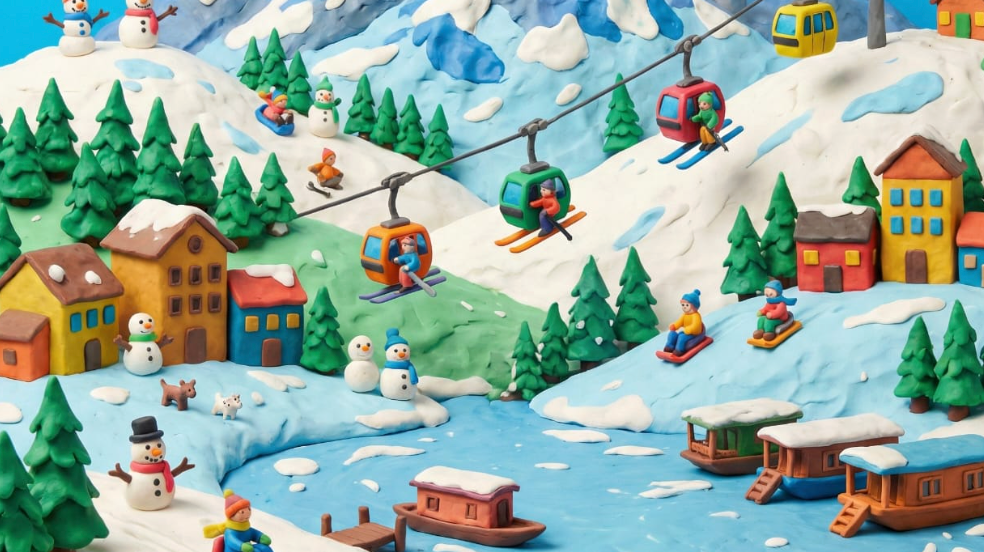
What the Seedream 5.0 Model Can Create
Use Seedream 5.0 for text-to-image generation, reference-guided images, poster concepts, product scenes, social media graphics, character visuals, campaign ideas, packaging drafts, and image edits. In Medeo, you can start from a written prompt or visual reference, then keep refining the result inside a broader creative workflow.
Create Images with Seedream 5.0 in Medeo
Most people searching for Seedream 5.0 want to generate images, not read a technical paper. Medeo gives you a direct workspace for prompts, reference images, visual comparison, and follow-up creation.
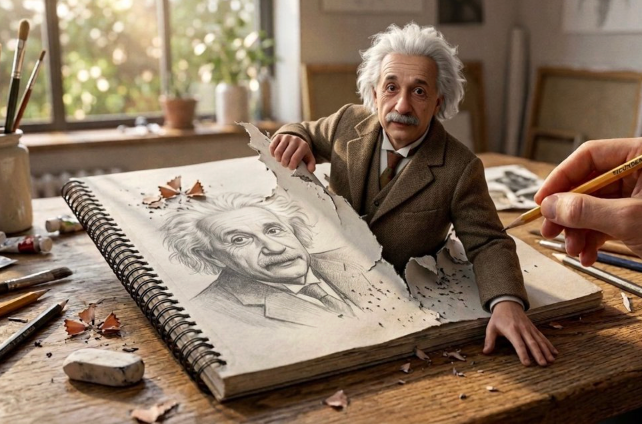
Generate Images from Text Prompts
Describe the image you want to create, including subject, setting, layout, style, lighting, color, text, and intended use. Seedream 5.0 is especially useful when your prompt contains multiple visual requirements that need to work together in one coherent composition.

Create from Reference Images
Upload a reference image when you need to guide the model with a product, character, pose, visual style, color palette, or composition. References help communicate details that are hard to describe with text alone, making Seedream 5.0 more useful for real design and marketing work.
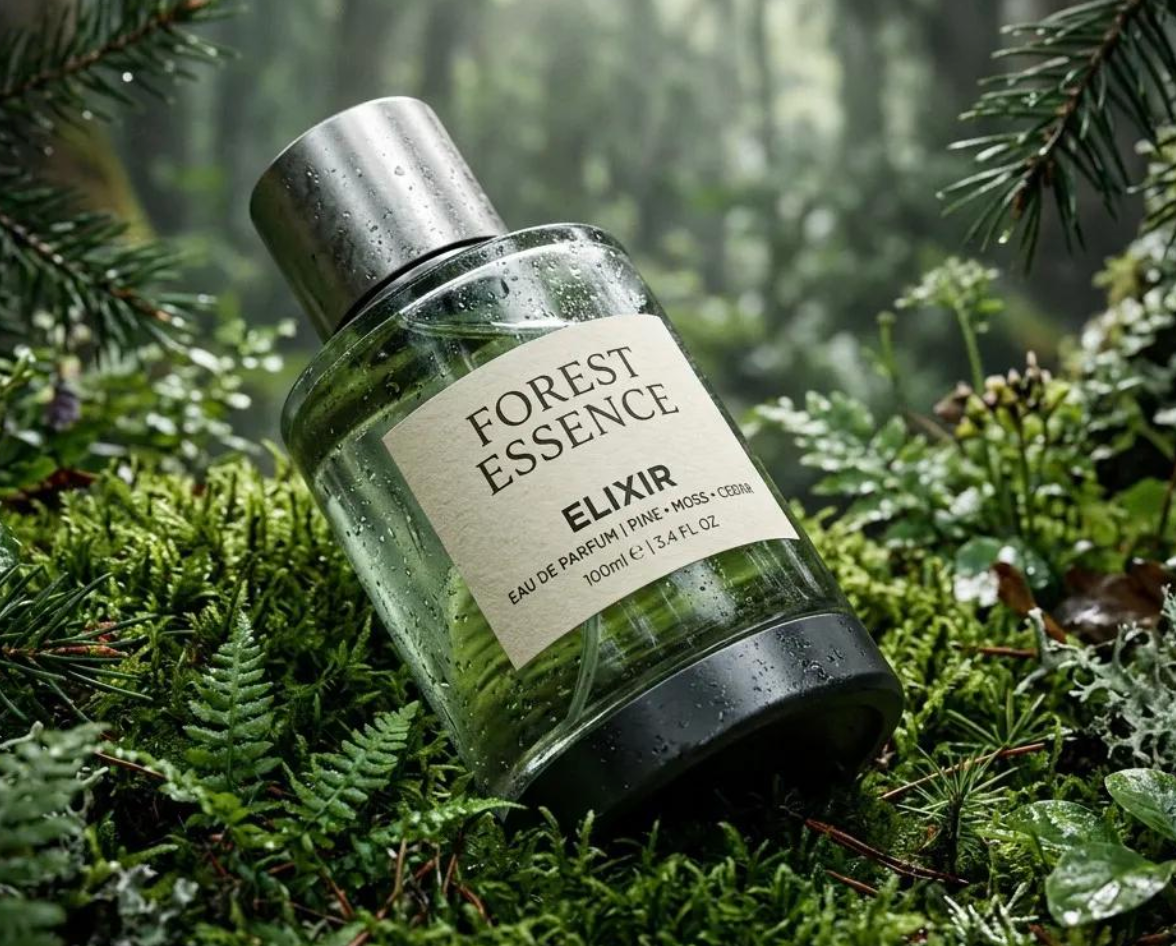
Edit Images with Simple Instructions
Use natural language to adjust existing visuals, test alternate backgrounds, change style direction, improve layouts, or refine specific elements. Instead of rebuilding an image from scratch, describe the edit you want and preserve the parts that already work.
Create Context-Aware Visuals
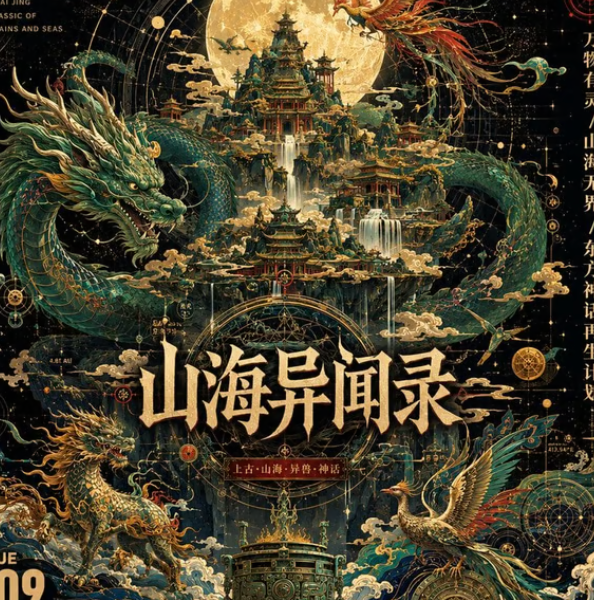
Seedream 5.0 Lite is described by ByteDance as having online search capabilities, which makes it suited for more context-aware image generation. Use this strength for modern design cues, current visual references, localized themes, and prompts where background knowledge matters.
Bring More Control to AI Image Creation
Seedream 5.0 is strongest when the prompt explains the job behind the image. Give it the layout, text needs, visual hierarchy, subject details, and brand mood that make an image usable.

Follow Detailed Creative Briefs
Write prompts that include the subject, composition, background, format, visual style, lighting, and required details. Seedream 5.0 helps translate layered instructions into images that feel intentional rather than loosely inspired by the prompt.

Design Text-Heavy Visuals
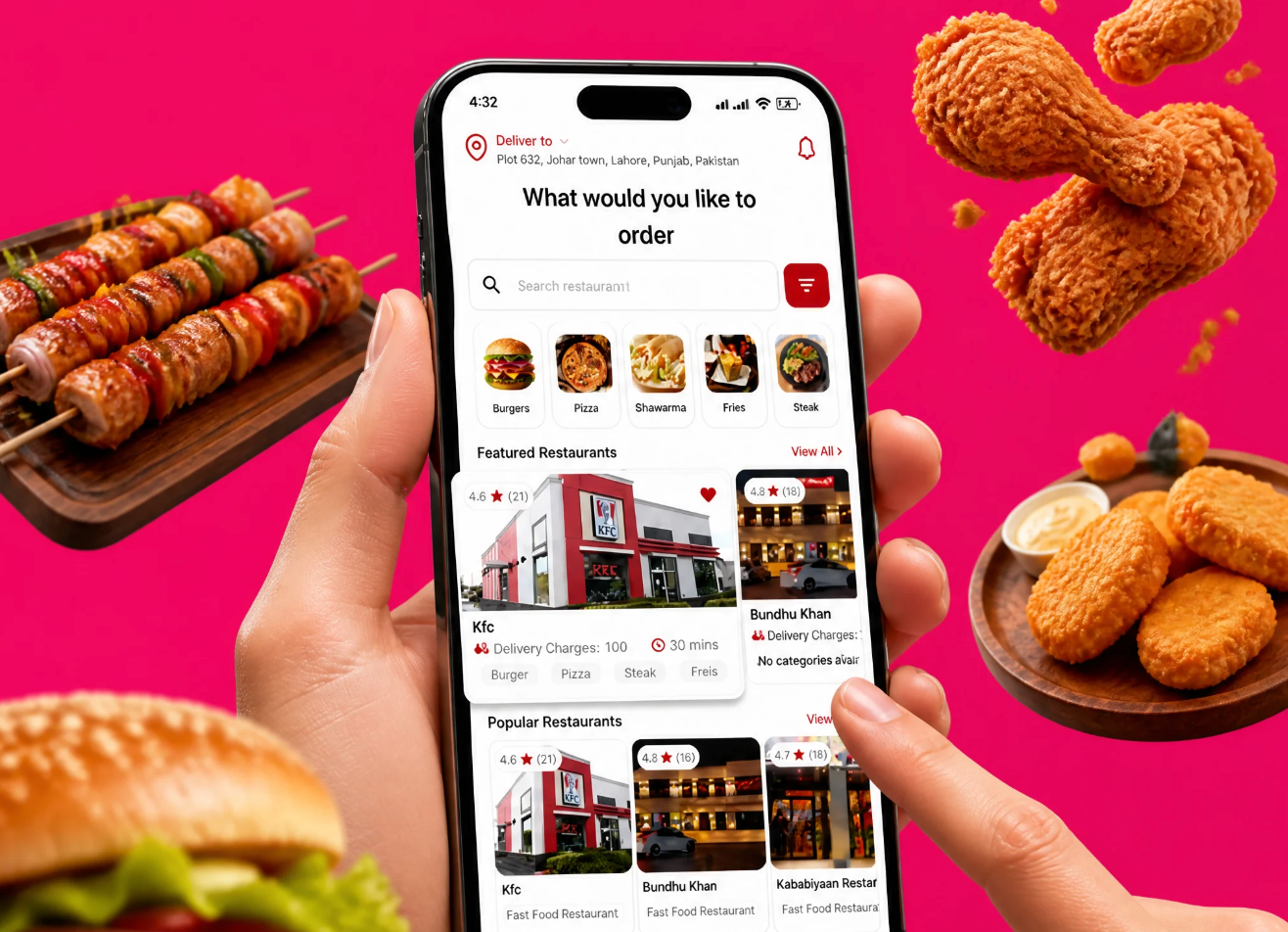
Use Seedream 5.0 for posters, labels, social graphics, flyers, covers, and layouts where readable text is part of the image. Put required wording in quotation marks and describe its placement, scale, and hierarchy for better results.
Build Logical Layouts and Scenes
When an image needs multiple objects, spatial relationships, or a specific design structure, explain the layout clearly. Seedream 5.0's reasoning-focused positioning makes it useful for compositions that need to make visual sense, not just look polished.
Keep References and Style Direction Consistent
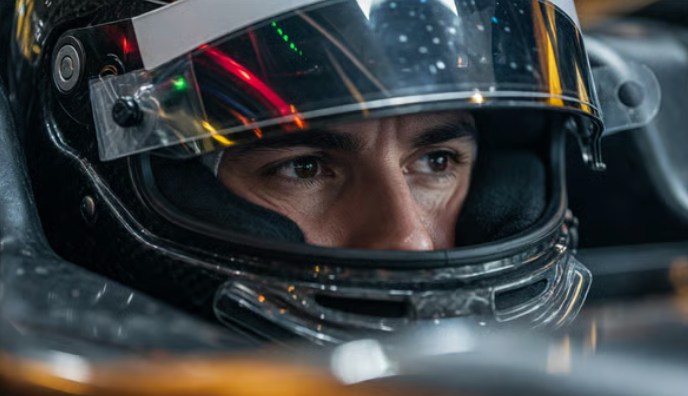
Use reference images and repeated creative instructions to preserve products, characters, color palettes, or brand mood across related visuals. This is useful when building a campaign set, product series, storyboard, or social content batch.
Use Seedream 5.0 Across Creative Workflows
Seedream 5.0 fits image-first workflows where teams need fast visual exploration, sharper layouts, better prompt accuracy, and assets that can move into design, marketing, or video production.
Posters, Banners, and Social Graphics
Create visual concepts for launch posts, event banners, paid social ads, thumbnails, stories, and channel graphics. Include the platform, aspect ratio, headline, focal subject, and brand tone so the output is closer to a usable design asset.
Product Visuals and Ecommerce Creatives
Generate product scenes, packaging drafts, lifestyle images, storefront visuals, and campaign mockups from prompts or references. Seedream 5.0 helps teams explore visual directions before arranging a full shoot or manual design pass.
Concept Art, Characters, and Storyboards
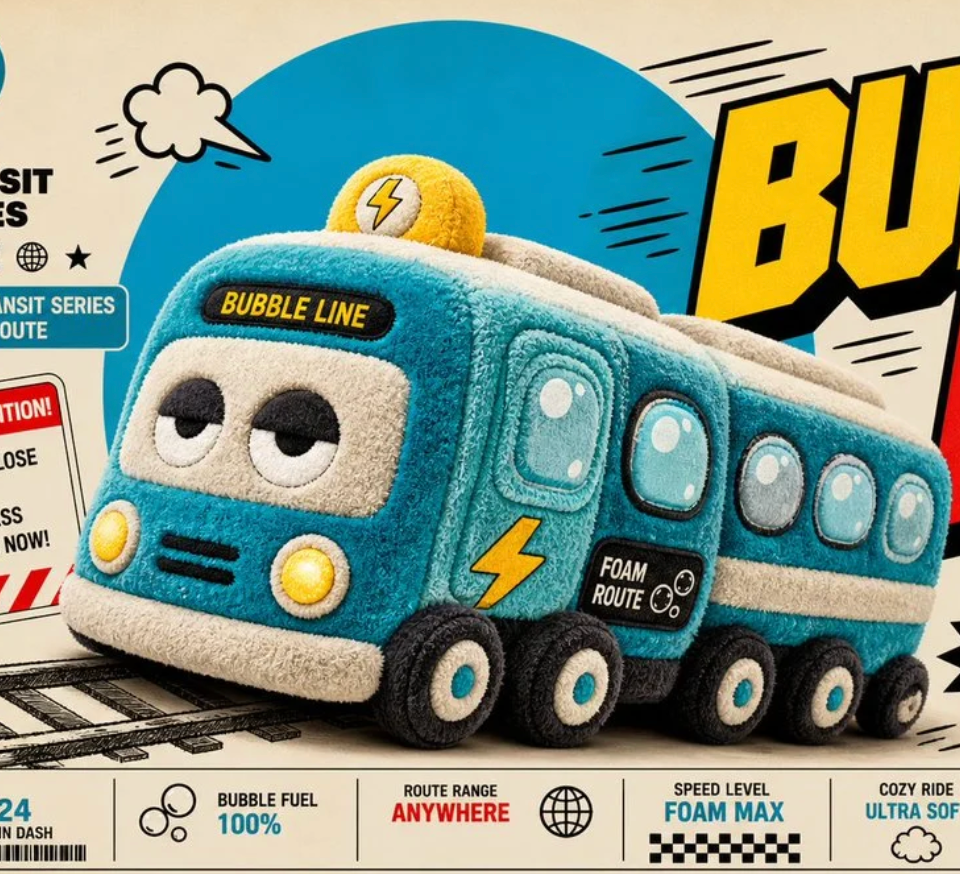
Turn creative briefs into character images, environment concepts, storyboard frames, and mood boards. Use reference images and clear art direction to keep the visual world consistent while exploring new scenes quickly.
Image Assets for AI Video Workflows
Use Seedream 5.0 to create strong starting frames for image-to-video generation. Once the image direction is approved, bring it into Medeo's video workflow to add motion, camera movement, sound, and scene continuity.
How to Use Seedream 5.0 on Medeo
Start with a prompt or reference image, generate a first result, then refine the composition, text, lighting, and style until the image fits your project.
Step 1
Enter a Prompt or Upload a Reference
Describe the image you want to create or upload a reference to guide the subject, product, character, style, layout, or composition.
Step 2
Define the Image Format
Choose the intended use, aspect ratio, visual style, and layout needs. Add exact text if the image needs a headline, label, poster title, or product copy.
Step 3
Generate and Compare Results
Create your first image, review prompt accuracy, text placement, subject consistency, detail quality, and composition, then compare variations if needed.
Step 4
Refine, Download, or Continue to Video
Use follow-up instructions to improve the image, download it as a standalone asset, or bring it into Medeo's video workflow for image-to-video creation.
How to Write Better Seedream 5.0 Prompts
A strong Seedream 5.0 prompt explains the purpose of the image, not just the style. Add structure, required text, subject details, and what should remain consistent.
Start with the Final Use Case
Tell the model whether you need a social post, product hero image, poster, thumbnail, packaging concept, portrait, concept art frame, or website banner. The intended use gives the model a clearer layout and design direction.
Specify Text and Layout
For text-heavy images, put exact wording in quotation marks and describe where it belongs. For example: headline at the top, product centered, small callout badge on the right, clean negative space around the subject.
Use References for Consistency
Upload a reference when a product, face, character, color palette, illustration style, or composition matters. In the prompt, explain which parts to preserve and which parts can change.
Refine One Thing at a Time
If the first result is close, avoid rewriting the whole prompt. Ask for one focused change, such as cleaner typography, warmer lighting, simpler background, stronger product reflection, or a more balanced composition.
Seedream 5.0 Compared with Other AI Image Models
No image model is best for every prompt. Compare Seedream 5.0 against the same brief, reference image, and target format to judge prompt following, layout, text rendering, style, and editability.
Seedream 5.0 vs Nano Banana Pro
Use Seedream 5.0 when you want intelligent prompt following, web-aware context, and expressive visuals. Compare Nano Banana Pro when you need strong structural consistency, reference fidelity, or image reasoning. The better model depends on whether your brief prioritizes design expression or exact control.
Seedream 5.0 vs GPT Image 2
GPT Image 2 can be strong for conversational creation and natural-language editing, while Seedream 5.0 is attractive for prompt-heavy image generation, text layouts, and reasoning-driven compositions. Test both when the project involves posters, campaign graphics, or product visuals.
Seedream 5.0 vs Midjourney
Midjourney is often chosen for highly stylized art direction and polished aesthetics. Seedream 5.0 may be a better fit when the prompt includes layout rules, text needs, current visual context, or specific reference-guided edits.
Seedream 5.0 vs FLUX
Compare Seedream 5.0 and FLUX models with the same prompt when you need photorealism, design quality, or prompt precision. Seedream's appeal is its combination of image generation, reasoning, and context-aware understanding in a creator-facing workflow.
Detailed Comparison Chart
Compare Seedream 5.0 with other AI image models using the same prompt, reference image, aspect ratio, and intended output. Specifications can vary by product surface and model availability.
| Model | Developer | Supported Inputs | Editing and References | Best For | Primary Access |
|---|---|---|---|---|---|
| Seedream 5.0 | ByteDance Seed | Text and image references | Image generation, reference-guided creation, image editing, and context-aware prompts | Posters, product visuals, social graphics, concept art, text-heavy layouts | ByteDance-supported surfaces and creative platforms such as Medeo, depending on availability |
| Nano Banana Pro | Google DeepMind | Text and multiple image references | Generation, editing, composition, and reference transformations | Detailed visual reasoning, reference fidelity, structured image creation | Gemini products, Google Cloud, and supported platforms such as Medeo |
| GPT Image 2 | OpenAI | Text and image inputs | Conversational generation, editing, and reference-guided creation | Marketing visuals, illustrations, social graphics, iterative editing | OpenAI-supported surfaces and supported platforms such as Medeo |
| Midjourney | Midjourney | Text and image prompts | Variations, style references, image prompts, and region edits | Stylized visuals, concept art, editorial images, high-impact creative direction | Midjourney web app and Discord; supported platforms may vary |
Frequently Asked Questions About Seedream 5.0
These answers cover common questions about Seedream 5.0 image generation, prompts, references, editing, text rendering, and use inside Medeo.
See Why Creators Choose Medeo
Creators use Medeo to compare image models, refine visual ideas, and connect still-image generation with broader content and video workflows.
"Seedream 5.0 on Medeo is useful when I need a visual that follows a detailed brief. It handles layout, product direction, and mood in a way that feels practical for marketing work."
Emily Parker
Marketing Designer
"I use Medeo to compare image models before building a campaign direction. Seedream 5.0 is especially helpful for poster concepts and text-heavy visual ideas."
Daniel Foster
Creative Director
"The reference image workflow makes early product concepts much faster. I can test lighting, background, and layout without asking the design team to rebuild every variation manually."
Sophia Kim
Ecommerce Manager
"Seedream 5.0 on Medeo is useful when I need a visual that follows a detailed brief. It handles layout, product direction, and mood in a way that feels practical for marketing work."
Emily Parker
Marketing Designer
"I use Medeo to compare image models before building a campaign direction. Seedream 5.0 is especially helpful for poster concepts and text-heavy visual ideas."
Daniel Foster
Creative Director
"The reference image workflow makes early product concepts much faster. I can test lighting, background, and layout without asking the design team to rebuild every variation manually."
Sophia Kim
Ecommerce Manager
"Seedream 5.0 helps us turn abstract art direction into images clients can react to. Medeo keeps the process simple enough to iterate during a planning session."
Ryan Mitchell
Brand Strategist
"I like using Medeo because the image does not have to stop as a still asset. Once a frame works, we can move it into video generation and keep building."
Olivia Bennett
Content Producer
"The prompt-first workflow makes AI image creation less random. I can specify the design goal, review the result, and refine the parts that need attention."
Michael Chen
Product Designer
"Seedream 5.0 helps us turn abstract art direction into images clients can react to. Medeo keeps the process simple enough to iterate during a planning session."
Ryan Mitchell
Brand Strategist
"I like using Medeo because the image does not have to stop as a still asset. Once a frame works, we can move it into video generation and keep building."
Olivia Bennett
Content Producer
"The prompt-first workflow makes AI image creation less random. I can specify the design goal, review the result, and refine the parts that need attention."
Michael Chen
Product Designer
Explore More AI Image Models and Creative Tools
Different briefs benefit from different models. Compare Seedream 5.0 with other image and video tools in Medeo, then choose the best route for your visual direction.

Learn More About AI Image Creation
Build a stronger image workflow with guides for prompting, model selection, reference images, editing, and turning still visuals into videos.