Animate Images into Videos with AI in Minutes
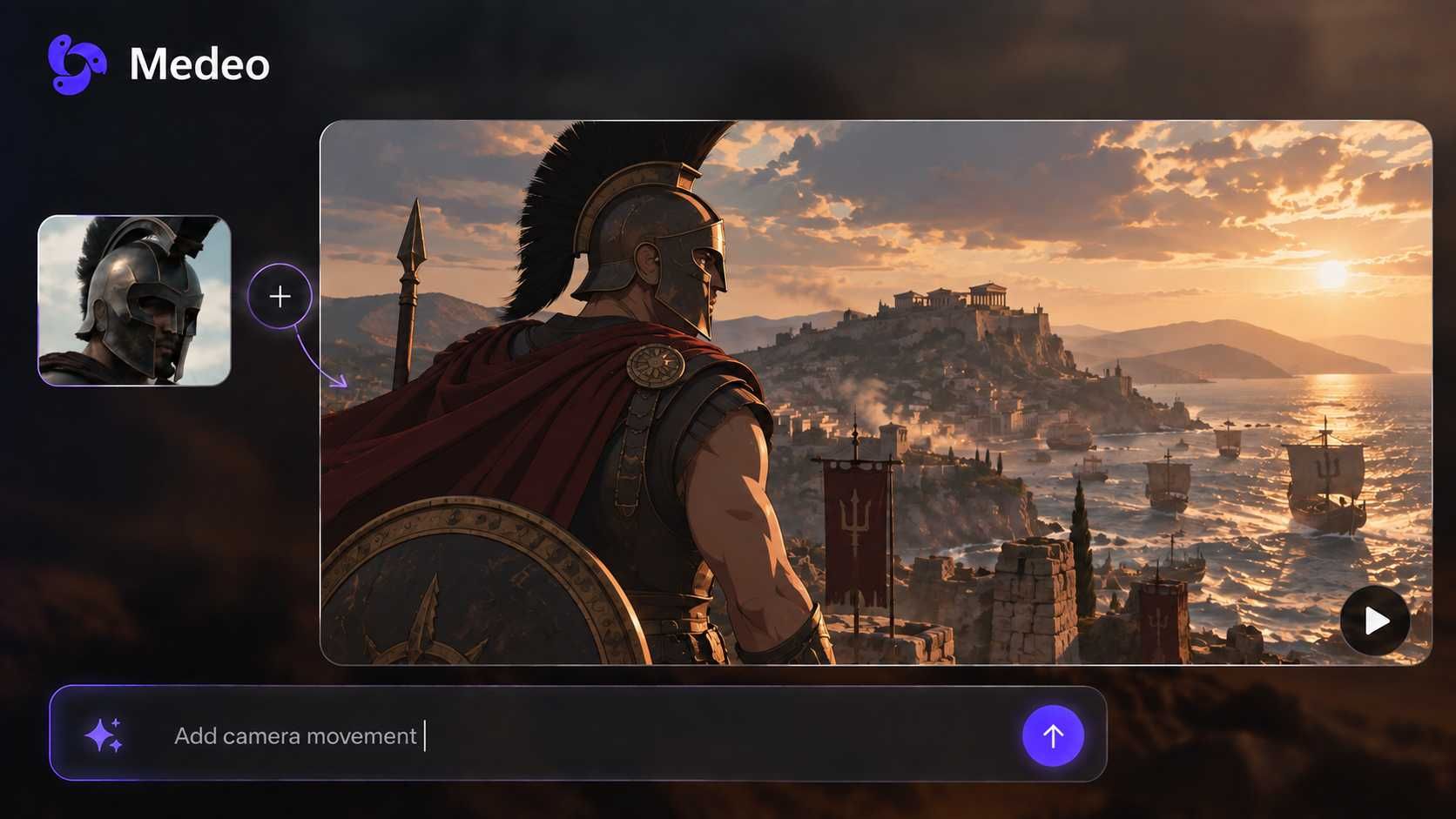
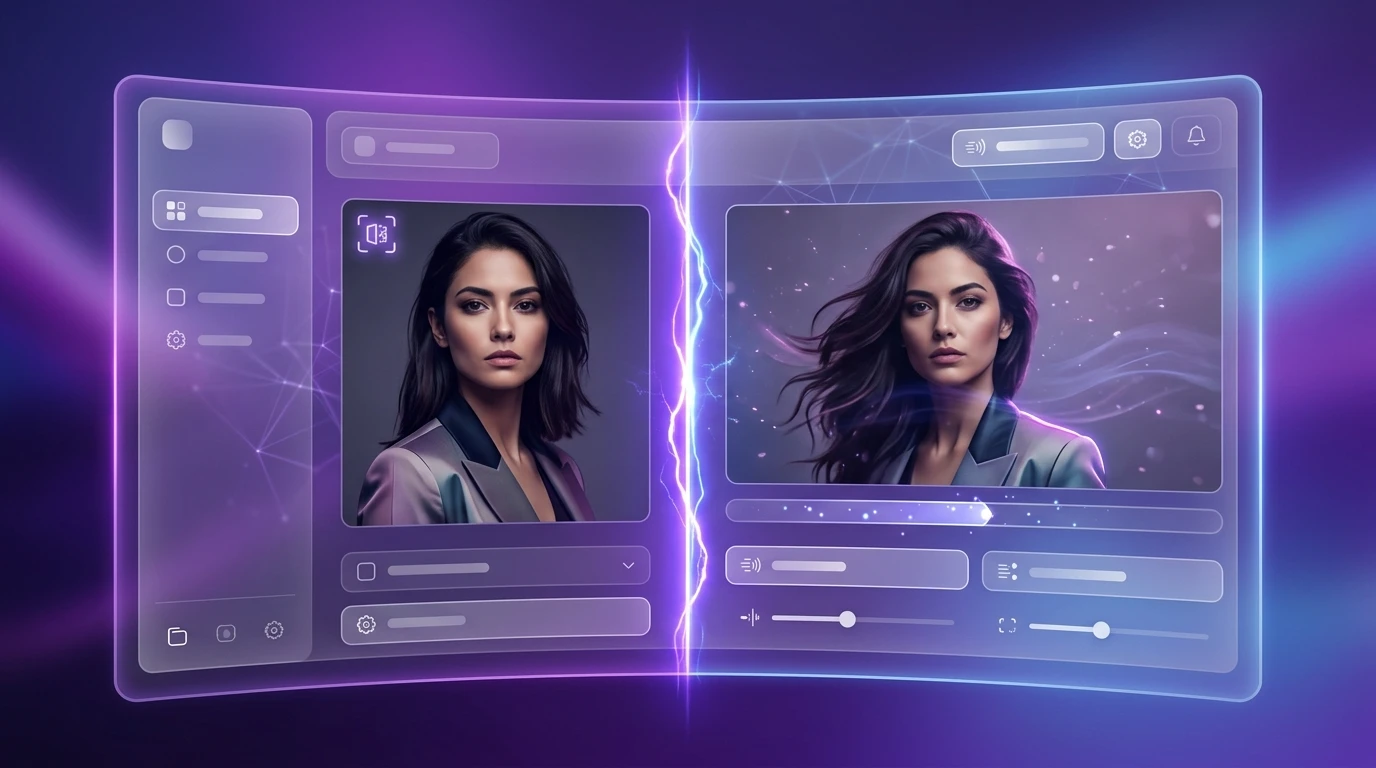
Medeo’s AI image animator lets you turn any photo into a dynamic video instantly. Upload a still image, describe the motion, and generate a social-ready animation with realistic movement, sound, and visuals. Whether you're creating content for TikTok, marketing, or storytelling, Medeo makes it simple to animate images online without editing skills.
Key Benefits
Why Medeo’s AI Image Animator Stands Out
Medeo combines image animation with a full AI video workflow, so you can go from a single photo to a polished video in minutes.
Instant Creation
Upload a photo and generate animation instantly
Medeo’s AI image animator turns a single image into motion within seconds. Simply upload a photo and describe the movement you want—Medeo handles the animation automatically and produces a ready-to-use video.
No Editing Needed
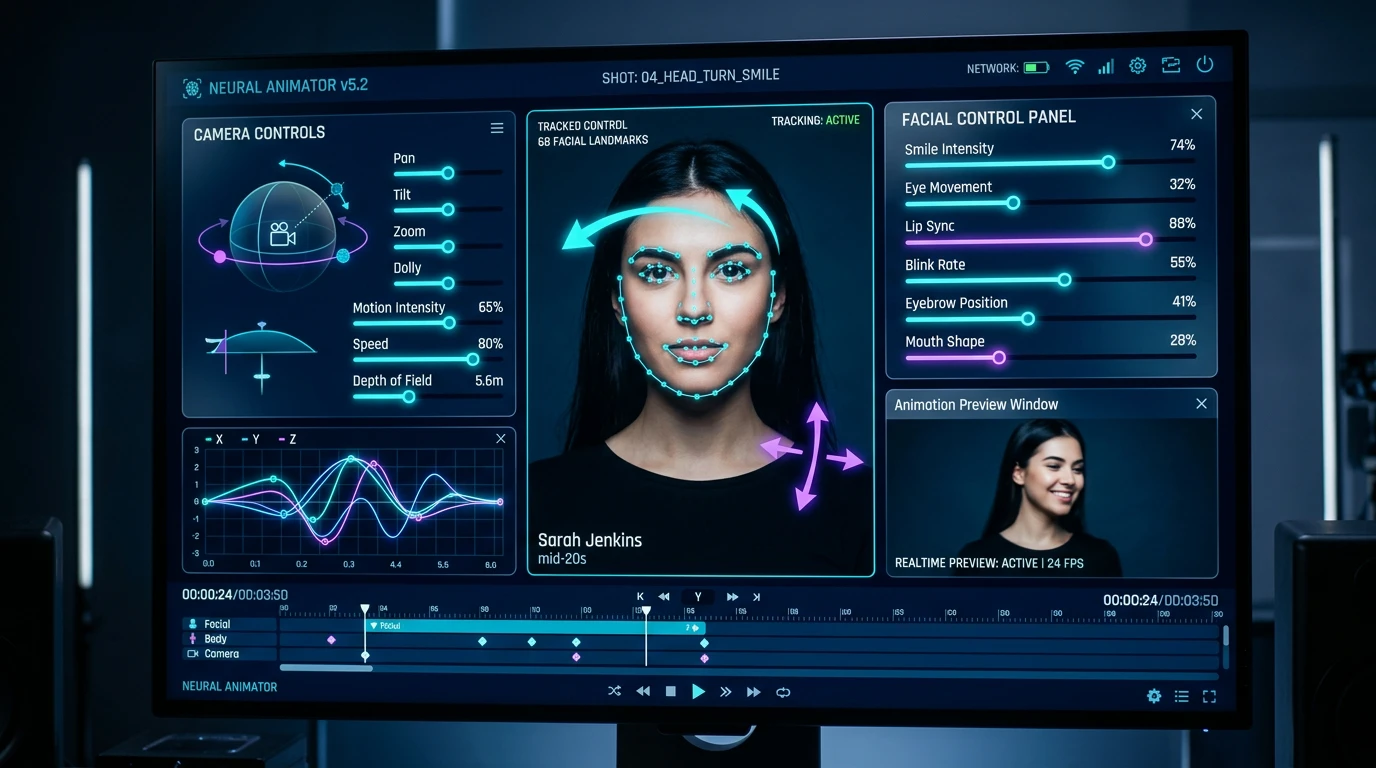
AI animation from one image with no editing required
With Medeo’s AI image animator, there’s no need for timelines or manual adjustments. The platform transforms still photos into animated videos using simple prompts, making it ideal for beginners and creators alike.
Smart Motion Control
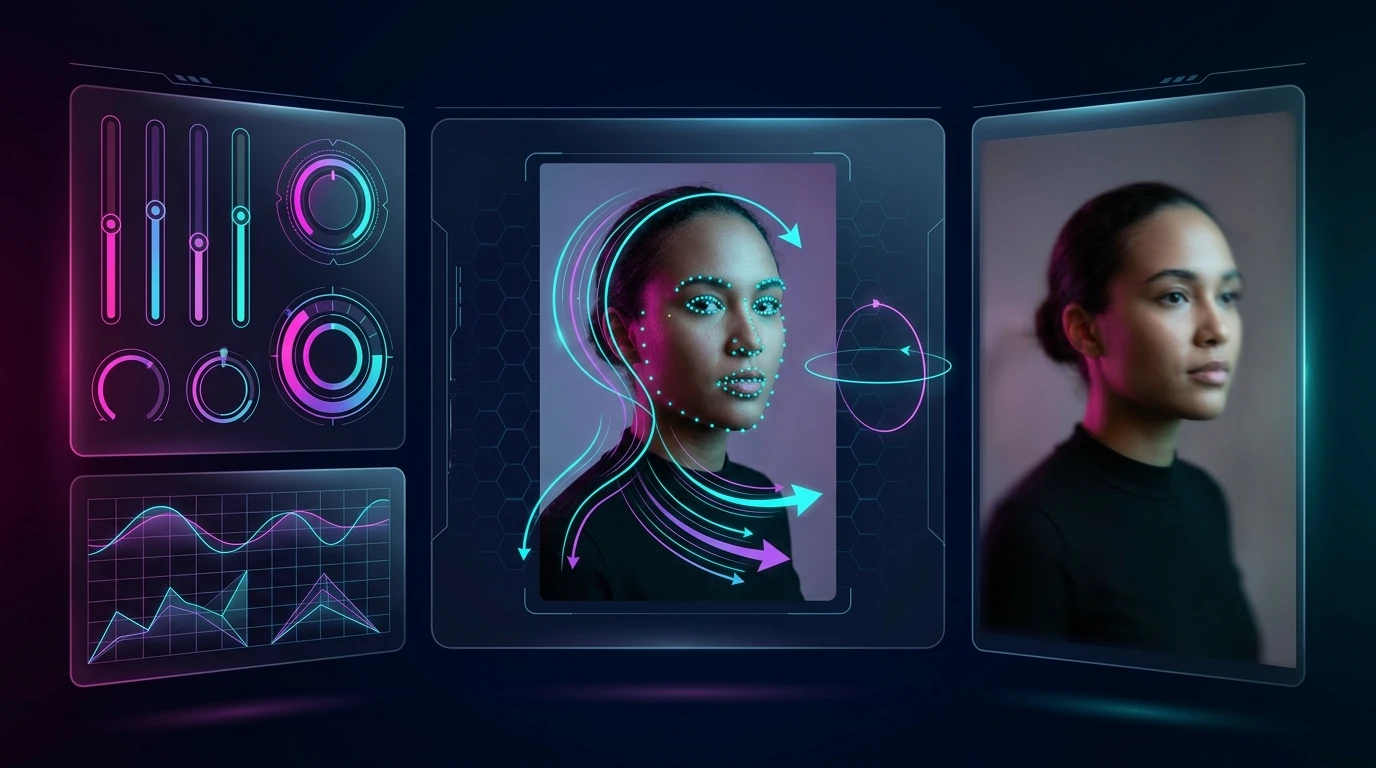
Animate any image with realistic movement
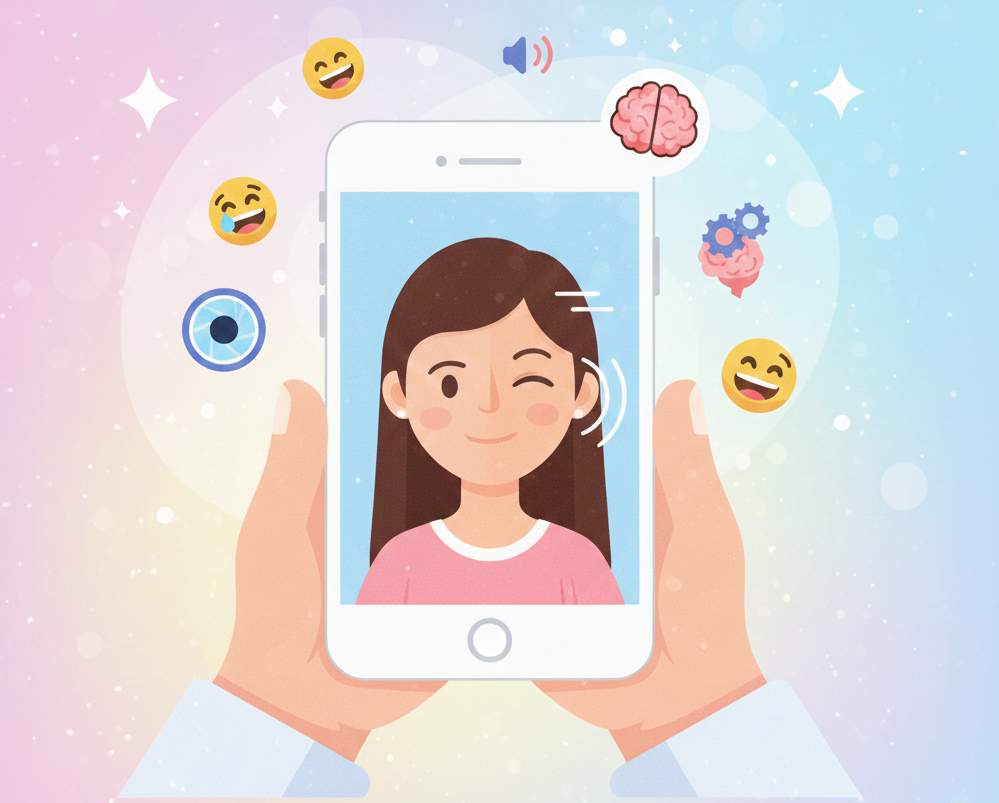
Medeo enhances the AI image animator with motion control, allowing you to define how subjects move. From subtle facial expressions to full scene motion, your animation feels smooth and natural.
Multi-Format Output
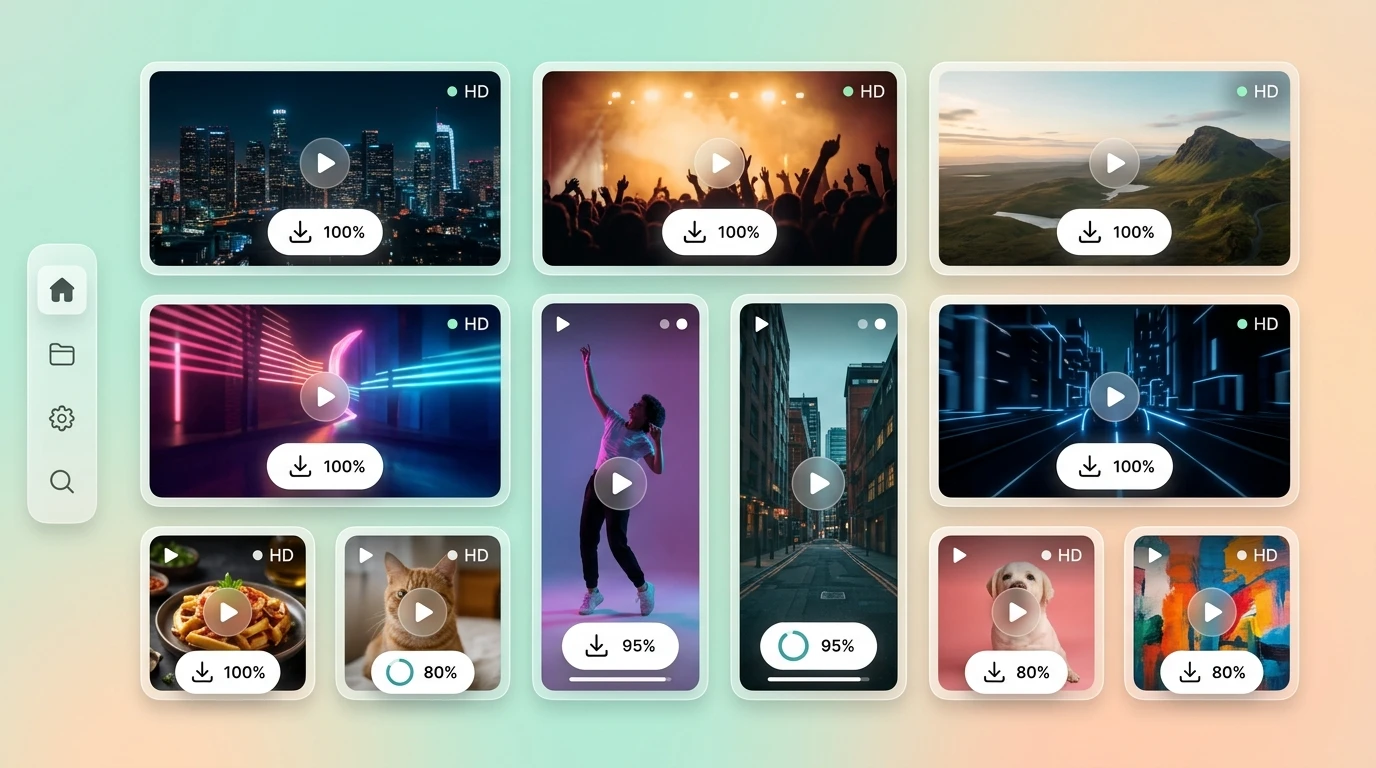
Download animation as MP4
The AI image animator on Medeo lets you export animations in video formats like MP4, making it easy to publish content for ads and social media.
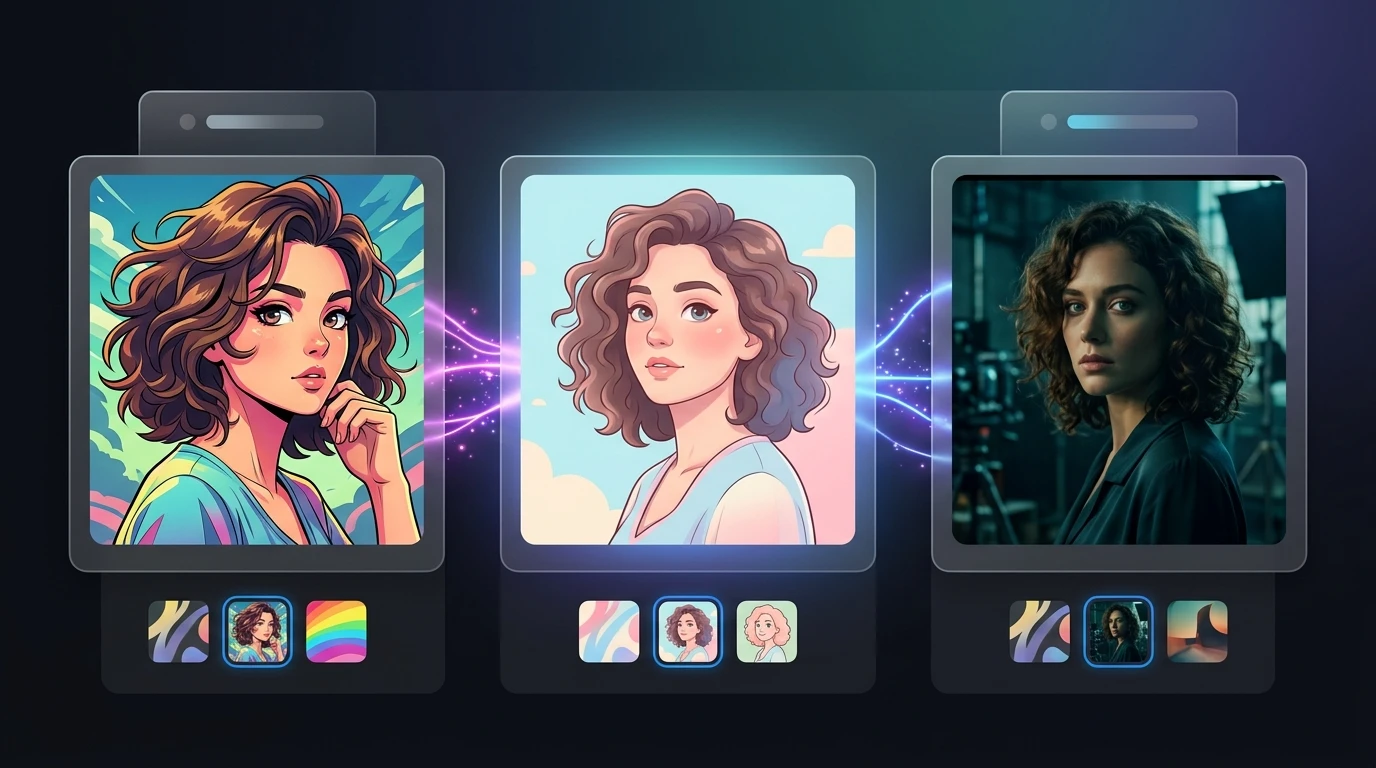
Style Flexibility
Turn photos into anime, cartoon, or cinematic videos
Medeo’s AI image animator supports multiple visual styles. You can turn a photo into anime animation, cartoon-style video, or cinematic visuals—all from a single image input.
How to Create Videos with the AI Image Animator
No editing experience needed—just upload, describe, and generate stunning AI photo animation videos in seconds.
Step 1
Upload your image
Add any photo you want to animate, such as a portrait, product image, or sketch. Medeo supports various formats, making it easy to start with your existing visuals.
Step 2
Generate your animation
Describe how you want the image to move—such as camera motion, facial animation, or scene effects. The AI image animator instantly converts your still image into a dynamic video.
Step 3
Refine with chat-based editing
Use Medeo’s chat-based interface to adjust motion, style, or pacing. You can iterate quickly without touching a timeline or complex tools.
Step 4
Export and share
Download your animated video in formats optimized for TikTok, Reels, or YouTube Shorts. Your content is ready to publish immediately.
Who Should Use an AI Image Animator
AI Image Animator is designed for anyone who wants to create AI Photo Animation videos easily. Whether you’re a creator, marketer, or casual user, you can turn images into animations in just a few minutes with no editing skills required.
Content creators who need fast video production
Creators can use the AI image animator to quickly turn photos into engaging videos for TikTok or Shorts. It removes the need for manual editing and speeds up content creation significantly.
Marketers creating social media ads
Marketing teams benefit from converting product images into animated videos. The AI image animator helps create eye-catching visuals that perform better on social platforms.
Designers working with visual storytelling
Designers can animate sketches or concept art into motion. Medeo ensures visual consistency across scenes, making it ideal for storytelling workflows.
Influencers animating profile or portrait images
The AI image animator allows influencers to animate headshots or selfies for profile content. This creates more engaging and interactive personal branding assets.
Businesses adding voice and captions to visuals
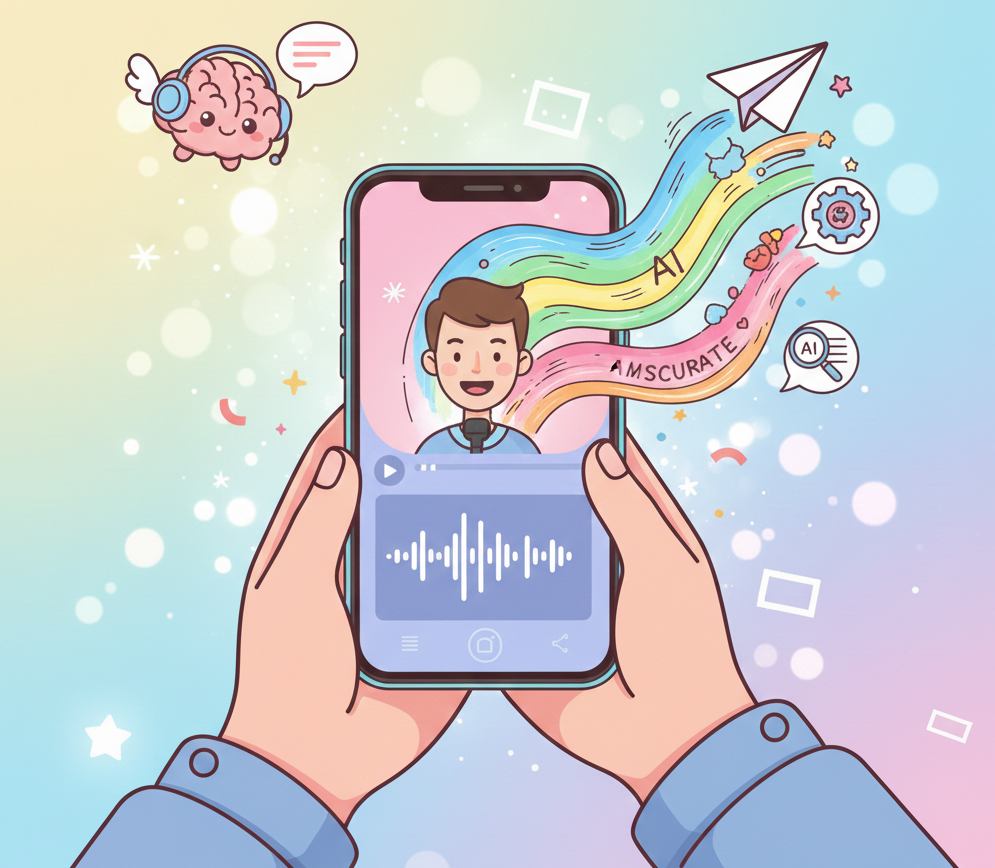
With built-in voice and subtitle support, users can turn animated images into full videos with narration. This is useful for explainers, ads, and presentations.
Social media managers publishing across platforms
Medeo’s export formats make it easy to create animations tailored for different platforms. The AI image animator ensures content is optimized for every channel.
AI Image Animator FAQs: Common Questions Answered
Explore common questions about AI Image Animator and how AI Photo Animation works. Learn how to turn your photos into animated videos quickly and easily with no editing required.